Back to Catalog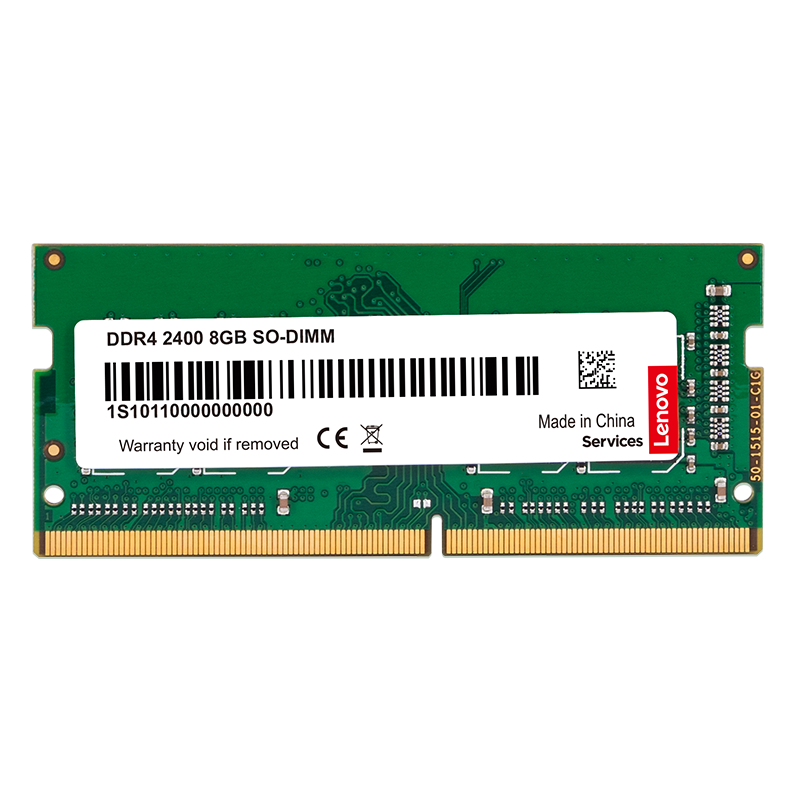

 View
View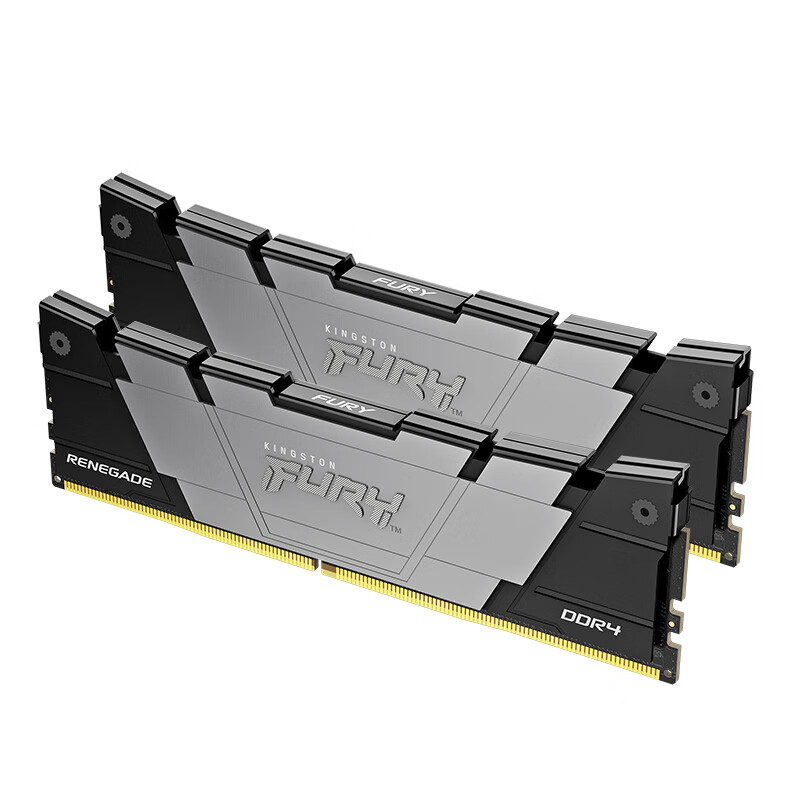 View
View
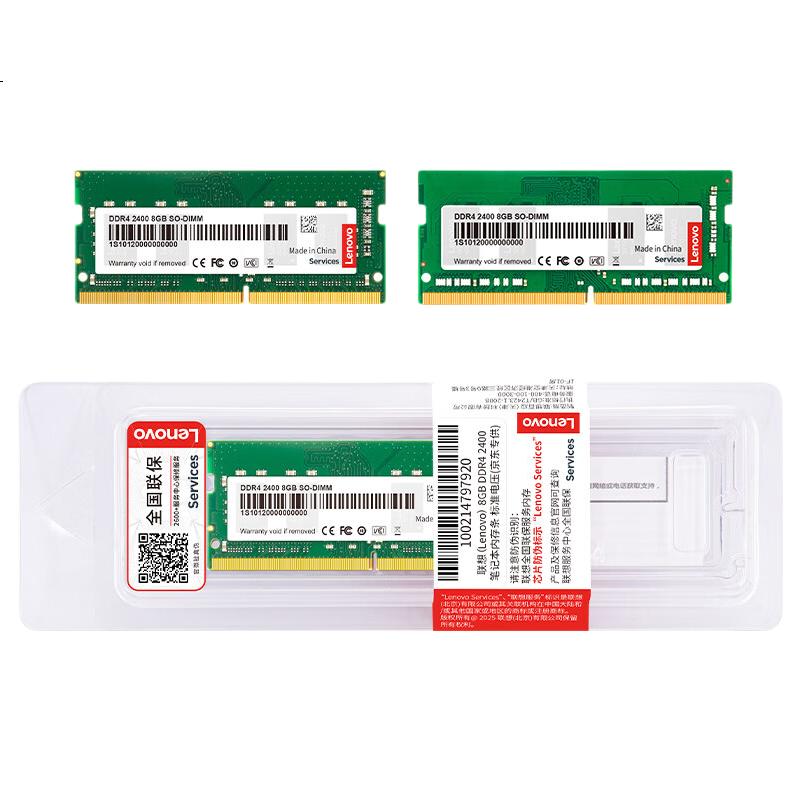
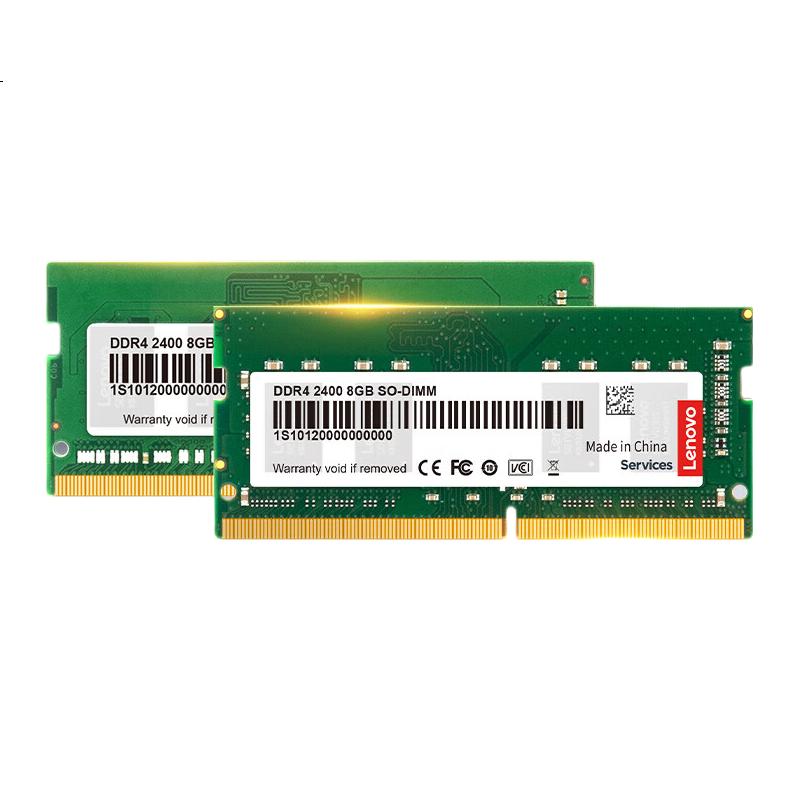
Lenovo 8GB DDR4 2400 Laptop Memory Module
CN¥519.00
SKU: 100003233696
Status:Out of Stock
ID: 100003233704
Weight: 25.00 g
Dims:173x53x12 mm
Specifications
- Total capacity
- 8GB
- Memory frequency
- 2400/2666MHz
- Appearance characteristics
- "PuTiao"
- Amount of memory
- 1 piece
- Platform
- laptop memory
- DDR algebra
- DDR4
Variants / Sale Attributes
Memory frequency: Notebook [DDR4 2400]
Number of memory sticks and total capacity: 8GB 1 piece
Package Contents
product
Product Description
Overview
- Brand
- Lenovo
- Memory Support
- DDR3 and DDR4
- Motherboard Identification
- Check the motherboard to determine supported memory types. For laptops, the process is similar.
- Memory Generation
- The motherboard will indicate the generation of memory supported. DDR4 slots are typically positioned in the middle of the anti-insertion slot, while DDR3 slots are closer to the edge.
- Task Manager Identification
- In the desktop, right-click on the taskbar, select "Task Manager," go to Performance, then Memory to view frequency speed.
1. Open the back cover and locate the memory slots (clean any dust inside the slots).
2. Remove the existing memory (skip if adding memory).
Similar Products
In Stock
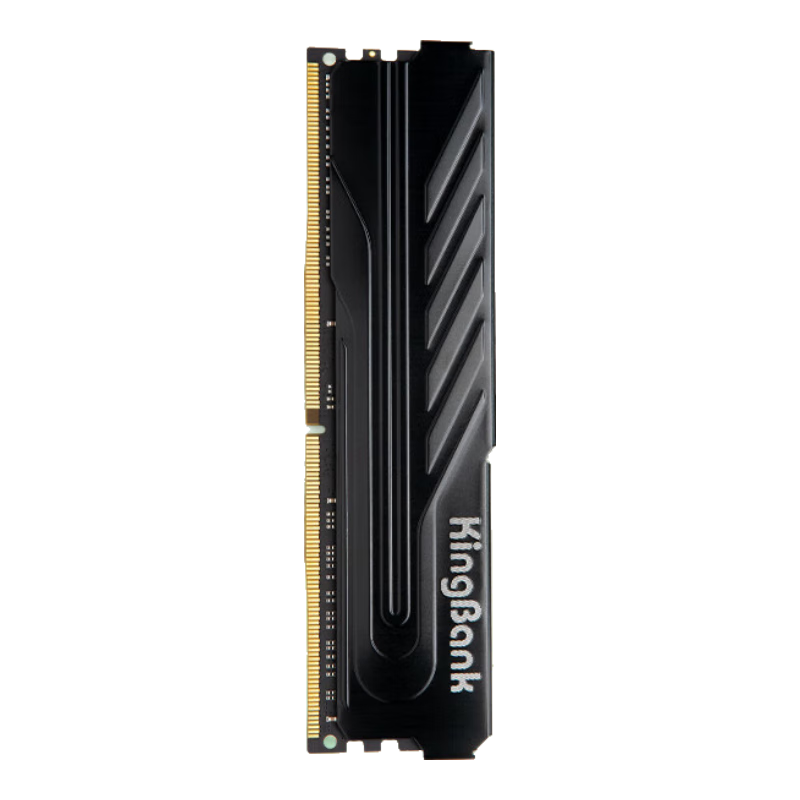
KINGBANKmemory
KINGBANK 16GB DDR4 3200 Desktop Memory Module, Intel-Specific RAM, Black Knight
[DDR4 3200] Black Knight Intel Dedicated
CN¥749.00
In Stock
Kingstonmemory
Kingston FURY 32GB (16GBx2) DDR4 4000 Desktop Memory Kit Renegade Series
D4 4000 Rebel Gamer Edition
CN¥3,365.00