Back to Catalog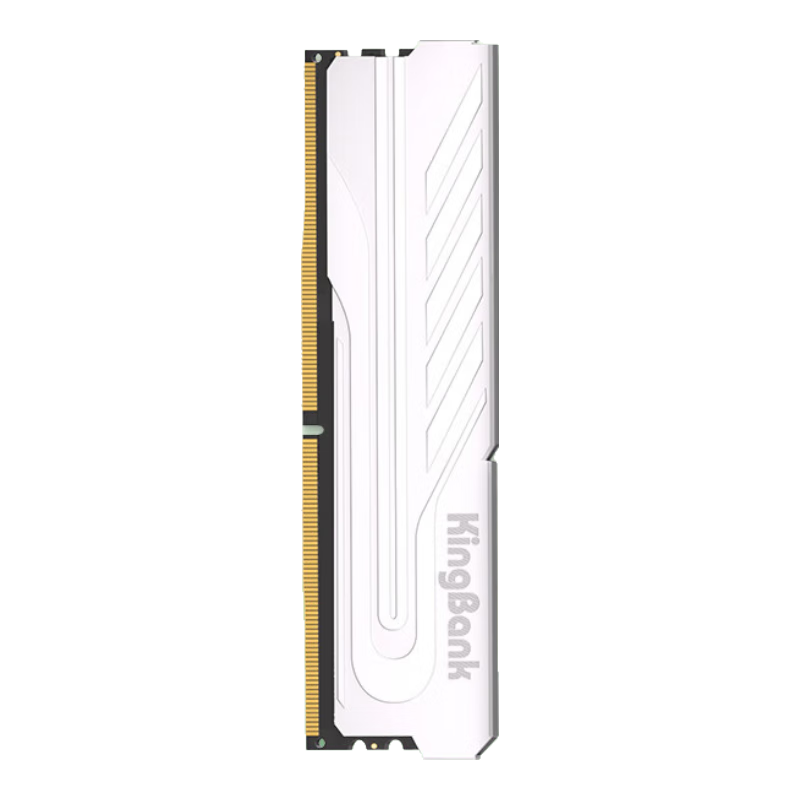
 View
View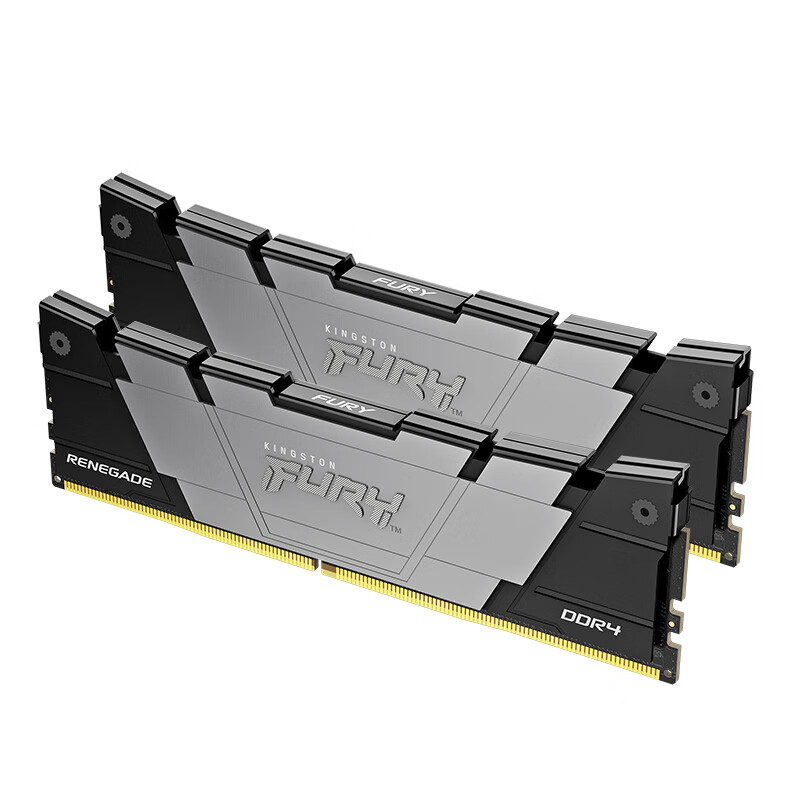 View
View
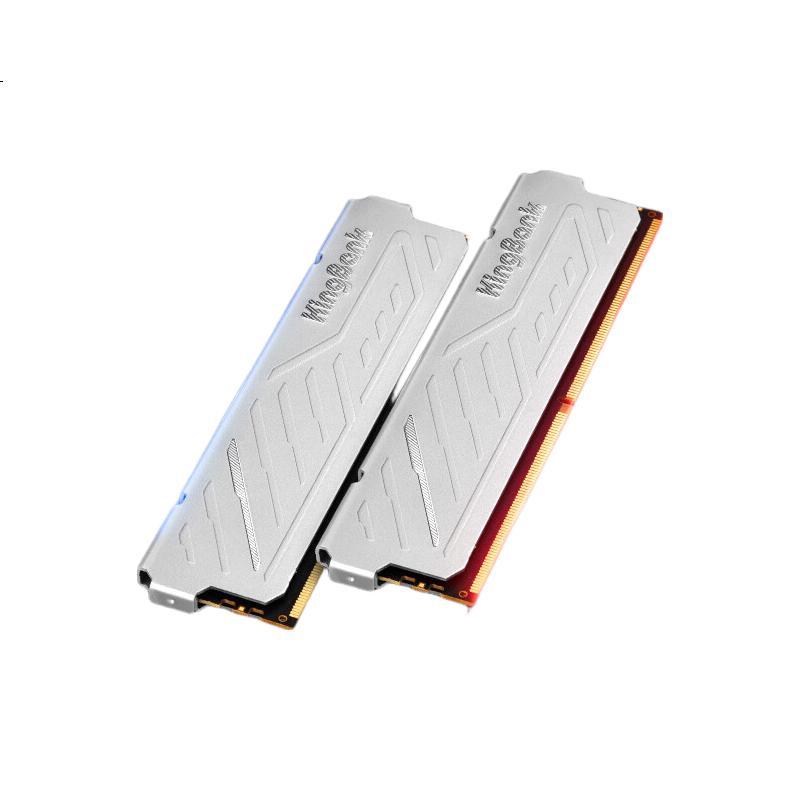
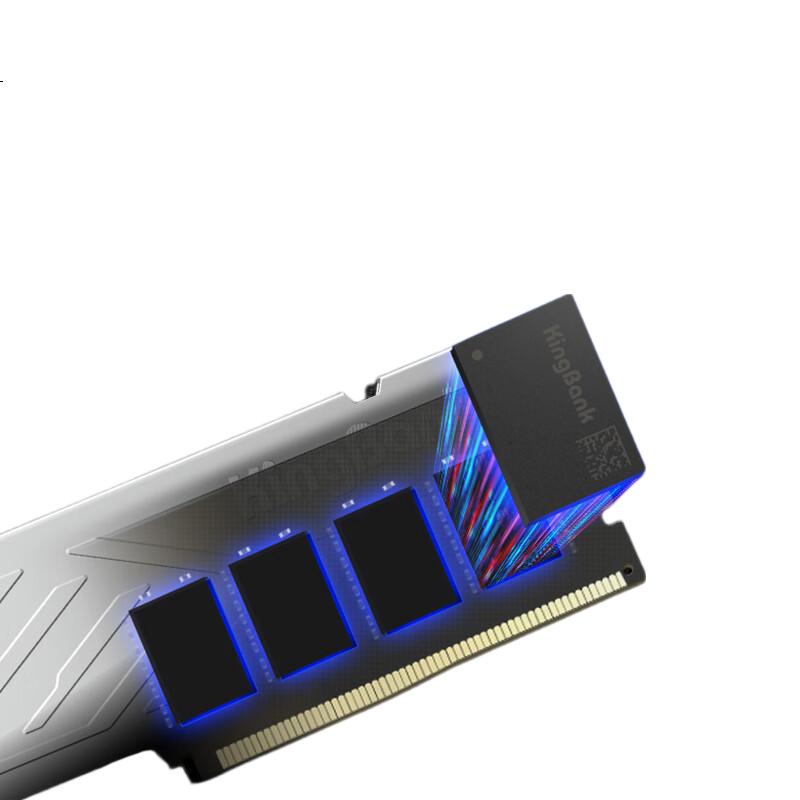
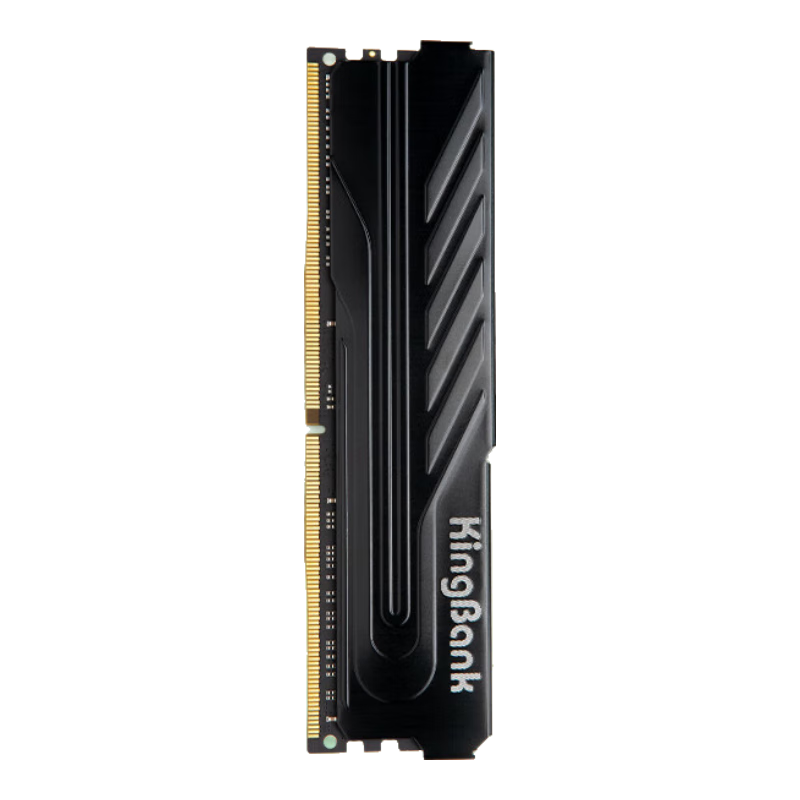
KINGBANK 16GB DDR4 3200 Desktop Memory Module, Yinjue C16, Compatible with Black Myth: Wukong
CN¥709.00
SKU: 100007177597
Status:In Stock (111)
ID: 7296747
Weight: 62.00 g
Dims:152x64x15 mm
Specifications
- Memory frequency
- 3200/3333MHz
- Total capacity
- 16GB
- Amount of memory
- 1 piece
- Platform
- desktop computer memory
- Appearance characteristics
- vest strap
- DDR algebra
- DDR4
Variants / Sale Attributes
Memory frequency: [DDR4 3200] Yinjue Gaming Cooling Edition
Number of memory sticks and total capacity: 16GB 1 piece
Package Contents
product
Product Description
Overview
- Brand
- KINGBANK
- Series
- Silver Armor
- Speed
- 3200MHz
XMP for fast overclocking
Additional details
- Type
- DDR4
- Compatibility
- Intel
- Material
- Metal
High performance at 3200 frequency
XMP 2.0 for easy overclocking
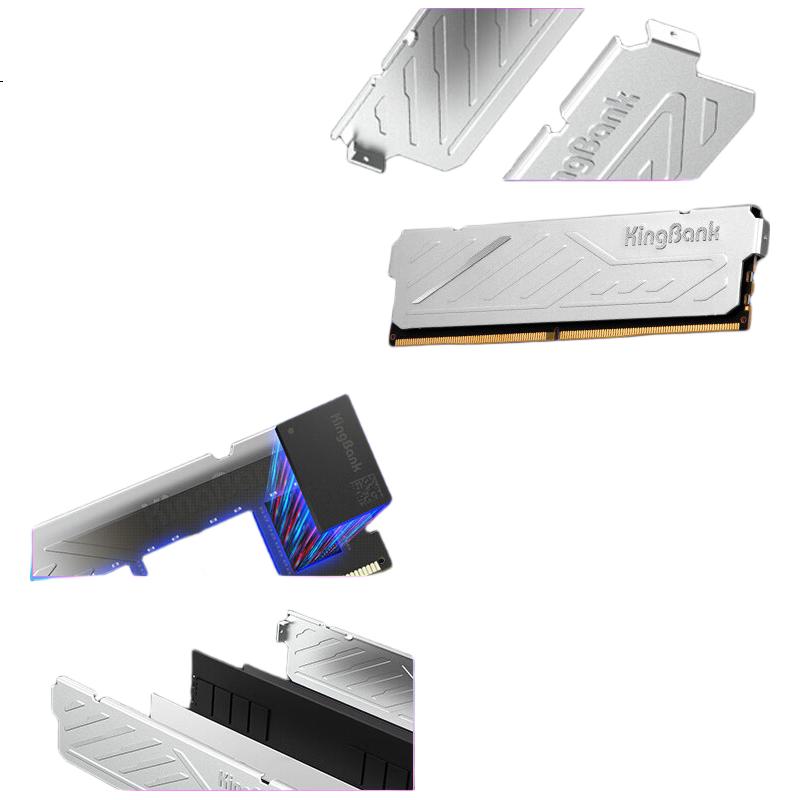
High-frequency heat dissipation
Rigorous testing for stability
Similar Products
In Stock
KINGBANKmemory
KINGBANK 16GB DDR4 3200 Desktop Memory Module, Intel-Specific RAM, Black Knight
[DDR4 3200] Black Knight Intel Dedicated
CN¥749.00
In Stock
Kingstonmemory
Kingston FURY 32GB (16GBx2) DDR4 4000 Desktop Memory Kit Renegade Series
D4 4000 Rebel Gamer Edition
CN¥3,365.00