MEPL JD
CatalogCategoriesBrandsAnalyticsNew

MEPL JD

JD catalog demo by MEPL

Navigation

  • All Products
  • Categories
  • Brands
  • Category Analytics 📊

Tools

  • Advanced Search
  • My Favorites

Admin

  • Dashboard

© 2026 MEPL JD. All rights reserved.

Back to Catalog
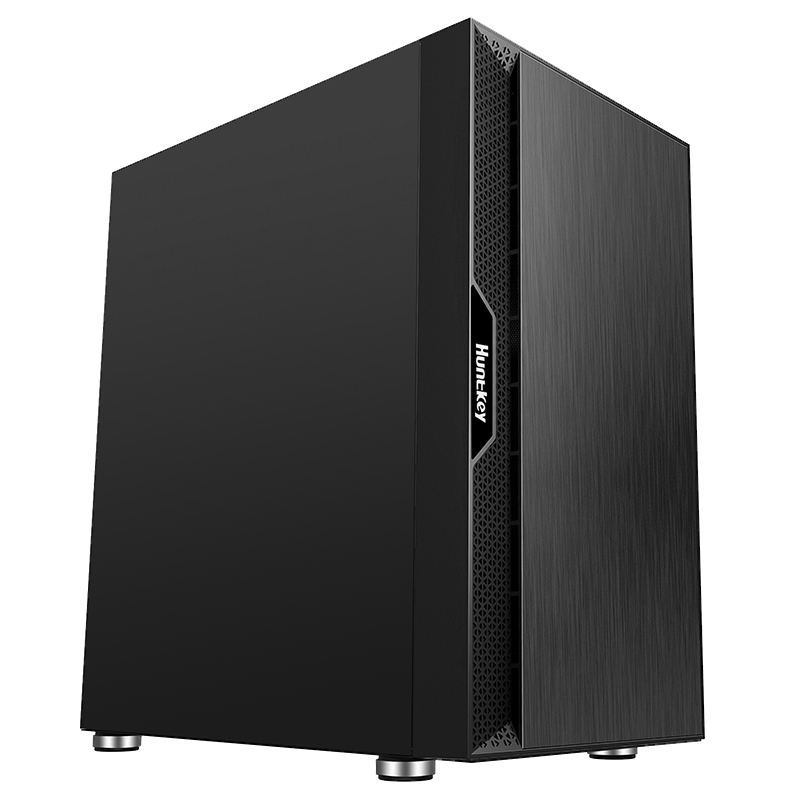
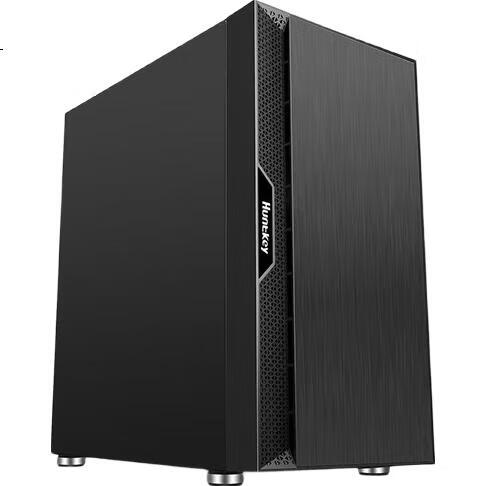
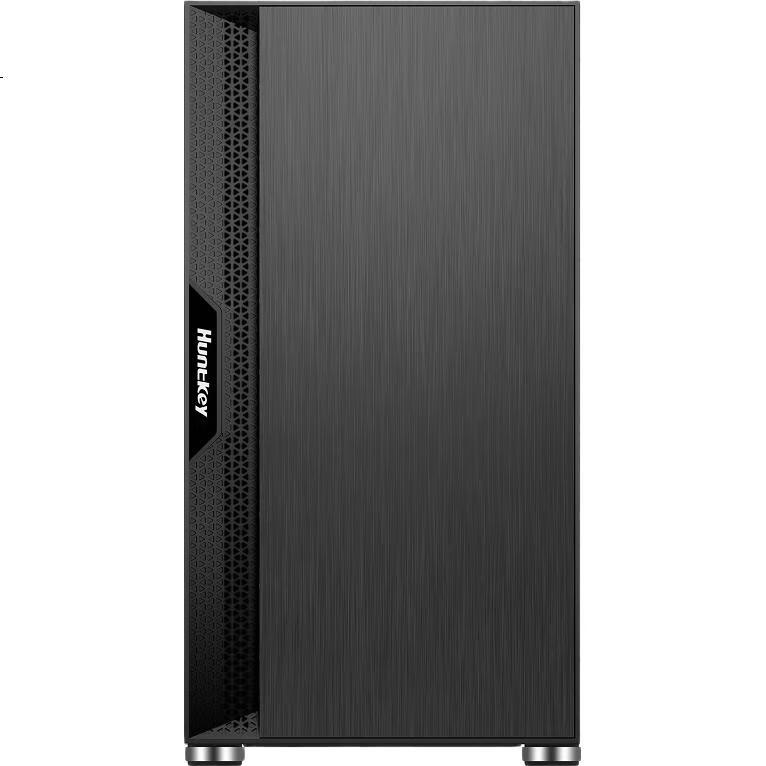
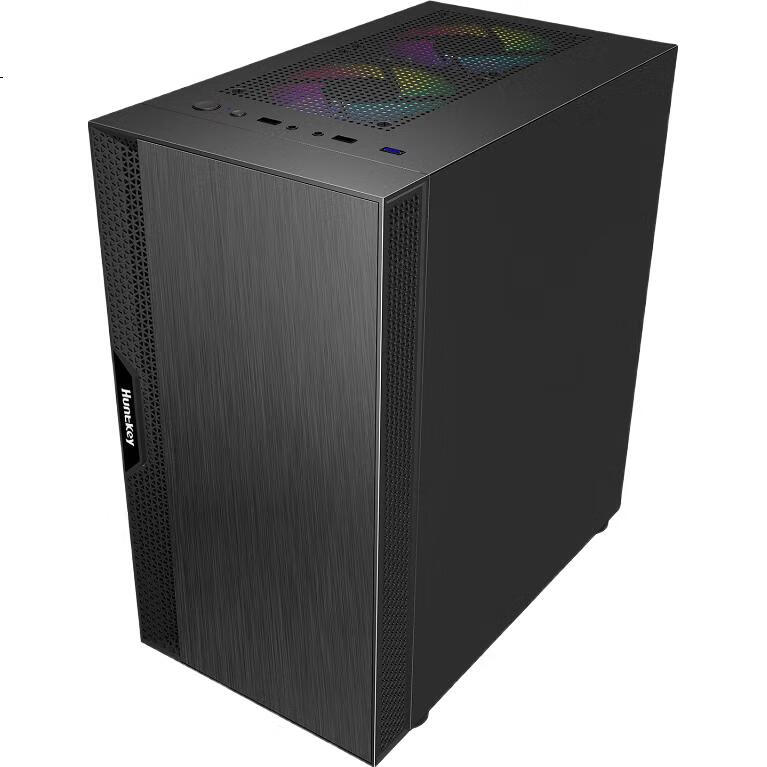
Huntkey Ultra Black Case (Wide Micro Desktop Case/Exceeding Performance/Powerful Office Work/Laser-Finished Panel/Supports M-ATX)
Thumbnail 1
Thumbnail 2
Thumbnail 3
Thumbnail 4
Huntkey•computer case

Huntkey Ultra Black Case (Wide Micro Desktop Case/Exceeding Performance/Powerful Office Work/Laser-Finished Panel/Supports M-ATX)

CNÂ¥99.00
SKU: 100012169531
Status:Out of Stock
ID: 100008177989
Weight: 3580.00 g
Dims:638x628x466 mm

Specifications

Somatotype
Small form factor chassis
Water cooling type
Not supported
Chassis weight
<5kg
Color
Black
Supported motherboards
Mini-ITX, M-ATX (Compact)

Variants / Sale Attributes

Color: Beyond Black
Version: Micro Desktop Series

Package Contents

1 computer case, 1 packaging

Product Description

Overview

Brand
Huntkey

1. How to remove the side panel of the case?

Additional details

Answer
The side panel of Huntkey cases is usually secured with latches. Apply force at the bottom handle of the panel and pull it towards the front to remove.

2. How to remove the front panel of the case?

Additional details

Answer
Similar to the side panel, the front panel of Huntkey cases is also secured with latches. Apply force at the bottom handle and pull it towards the front to remove.

3. How many fans are included in the case by default?

Additional details

Similar Products

In Stock
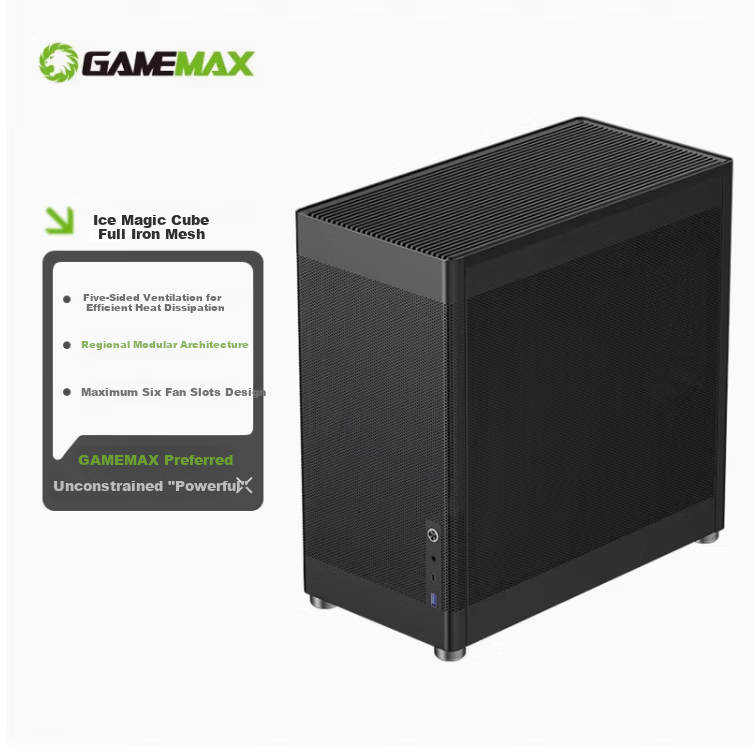
GAMEMAX Ice Cube Computer Case Mesh Iron Mesh Cooling Stand DIY Assembly Case (ATX/Type-C/Clear Ventilation/4090/240mm Water Cooling Support)
GAMEMAXcomputer case

GAMEMAX Ice Cube Computer Case Mesh Iron Mesh Cooling Stand DIY Assembly Case (ATX/Type-C/Clear Ventilation/4090/240mm Water Cooling Support)

Ice Cube Upgraded Version | Hollow Design

CNÂ¥287.10

View
In Stock
Great Wall Jieji S1 PLUS Black Seaside View Computer Case (MATX Motherboard/270° No A-Pillar/360mm Water Cooling Support/9 Fan Positions/Dust Filter/Long Graphics Card Support)
Great Wallcomputer case

Great Wall Jieji S1 PLUS Black Seaside View Computer Case (MATX Motherboard/270° No A-Pillar/360mm Water Cooling Support/9 Fan Positions/Dust Filter/Long Graphics Card Support)

Jieli S1 PLUS [360 Water Cooling, 5090]

CNÂ¥159.00

View
Answer
Huntkey cases generally do not come with pre-installed fans unless specified otherwise.

4. Which motherboards are compatible with the case?

Additional details

Answer
ATX cases are compatible with ATX/M-ATX/Mini-ITX motherboards, while M-ATX cases are compatible with M-ATX/Mini-ITX motherboards.

5. Which power supplies are compatible with the case?

Additional details

Answer
Most Huntkey cases support ATX power supplies, but the compatibility also depends on the length supported by the case specifications.

6. How to install hard drives in the case?

Additional details

Answer
Depending on the specific model of the Huntkey case, hard drives are typically secured with screws on one side and connected to the power and SATA cables.

7. How to install and wire case fans?

Additional details

Answer
Case fans are usually 12025 MM in size. Secure them with screws in the designated locations and connect them to the 4-pin connector on the power supply, ensuring proper airflow direction.

8. How to connect case jumpers?

Additional details

Answer
Case jumpers like PowerSW, RetSW, PowerLED, and HDDLED should be connected according to their polarity without reversing.

9. How to secure the motherboard in the case?

Additional details

Answer
Install the I/O shield, place the motherboard in the designated screw holes, and secure it with the appropriate screws.

10. How to use case screws?

Additional details

Answer
Separate power supply, motherboard, and hard drive screws before installation for ease of assembly.

11. How to manage cable routing in the case?

Additional details

Answer
Patience is required for cable management. Start with routing the CPU cable from the front to the back of the motherboard and connect it to the CPU interface.

12. How to install the power supply in the case?

Additional details

Answer
Depending on the case design, place the power supply in the designated location and secure it with screws.
Product Name
Huntkey Computer Case
Model
Micro-ATX Office Mini Tower Case
Dimensions
350 × 200 × 390 mm
Material
SPCC 0.5 mm
Drive Bays
2x HDD, 1x SSD
Expansion Slots
4x PCI
Motherboard Support
Micro-ATX, Mini-ITX

Cooling System

ItemDetail
Front120/140 mm x2
Top120 mm x2
Rear120 mm x1

Additional details

Front I/O Ports
USB 2.0 x2, USB 3.0 x1, Headphone Jack x1, Microphone Jack x1
CPU Cooler Support
Up to 160 mm
GPU Support
Up to 290 mm

Additional Features

  • Cable management holes
  • Magnetic side panel
  • Tool-less HDD installation

Additional details

Compatibility
ATX Power Supply
Product Display
[Images of the product]

For further inquiries or assistance, please contact our customer service.

In Stock
Great Wall Archimedes 2 Black Computer Case (Type-C 3.2/20CM Fan Positions/MATX Small Motherboard/240mm Water Cooling Position/Wide Body/5080 Graphics Card)
Great Wallcomputer case

Great Wall Archimedes 2 Black Computer Case (Type-C 3.2/20CM Fan Positions/MATX Small Motherboard/240mm Water Cooling Position/Wide Body/5080 Graphics Card)

Archimedes 2 Black [Magnetic Flip Door 5080]

CNÂ¥160.00

View
In Stock
DEEPCOOL CH270 Vertical Digital Display Case Supports Back-Mounted Motherboard, 360mm Water Cooling, Digital Display Base, Mesh Ventilation Panel
DEEPCOOLcomputer case

DEEPCOOL CH270 Vertical Digital Display Case Supports Back-Mounted Motherboard, 360mm Water Cooling, Digital Display Base, Mesh Ventilation Panel

CH270 Digital Display (Upright/Supports 360 Water Cooling)

CNÂ¥499.00

View