Back to Catalog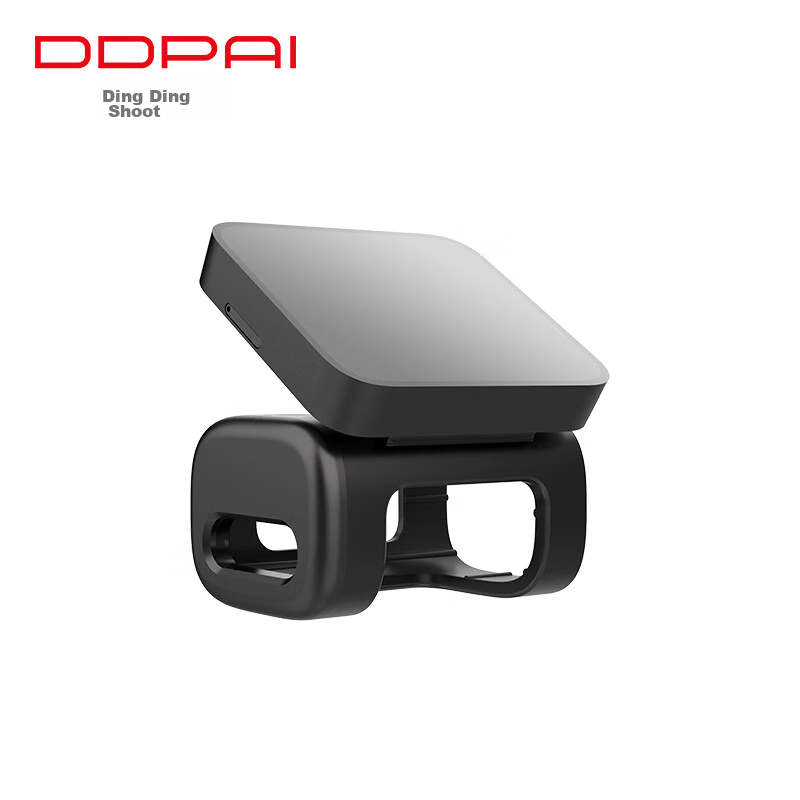
 View
View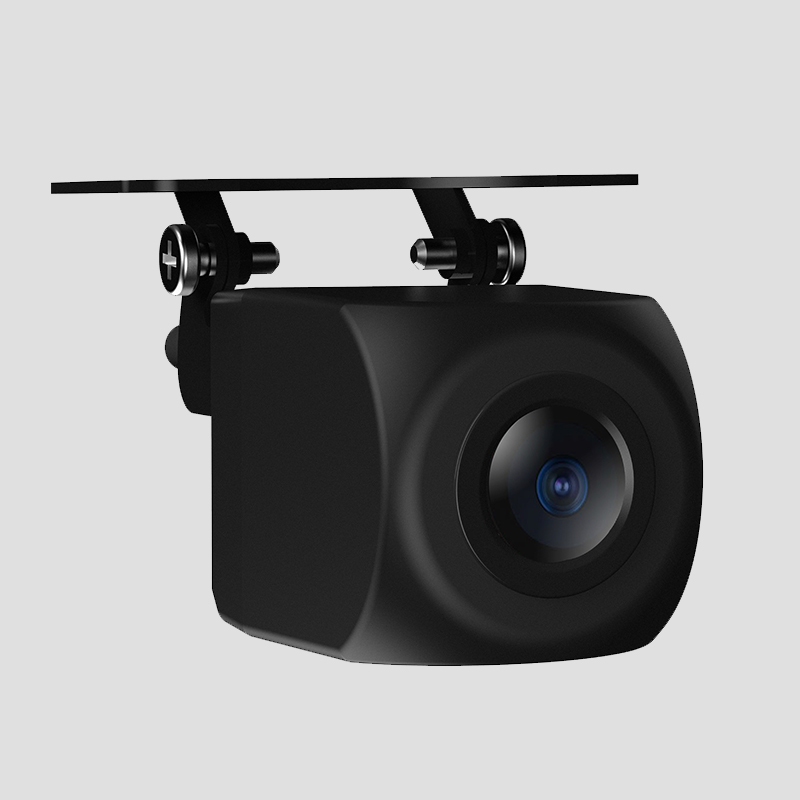 View
View
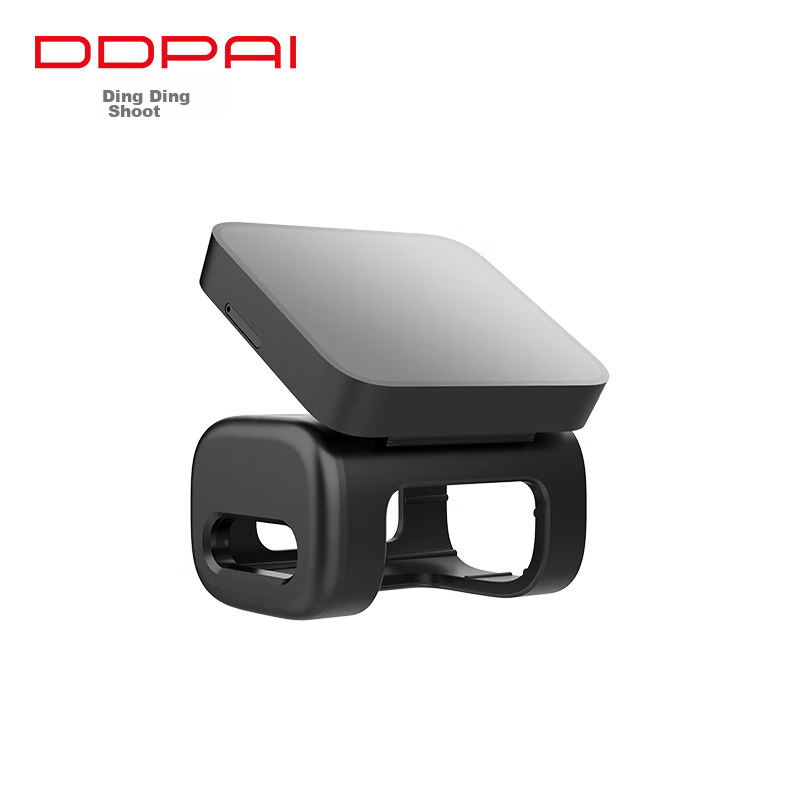
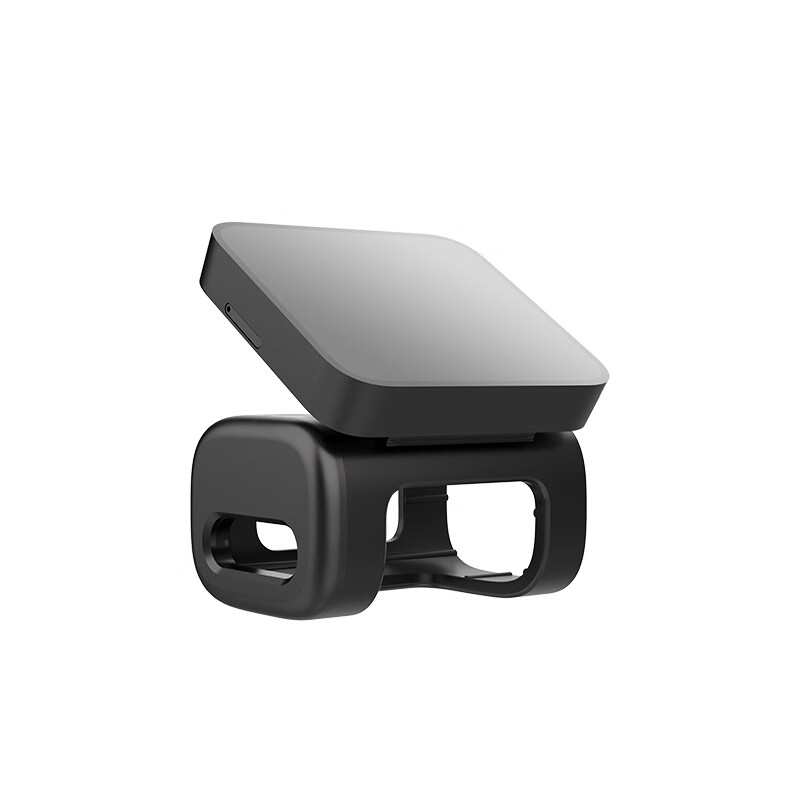
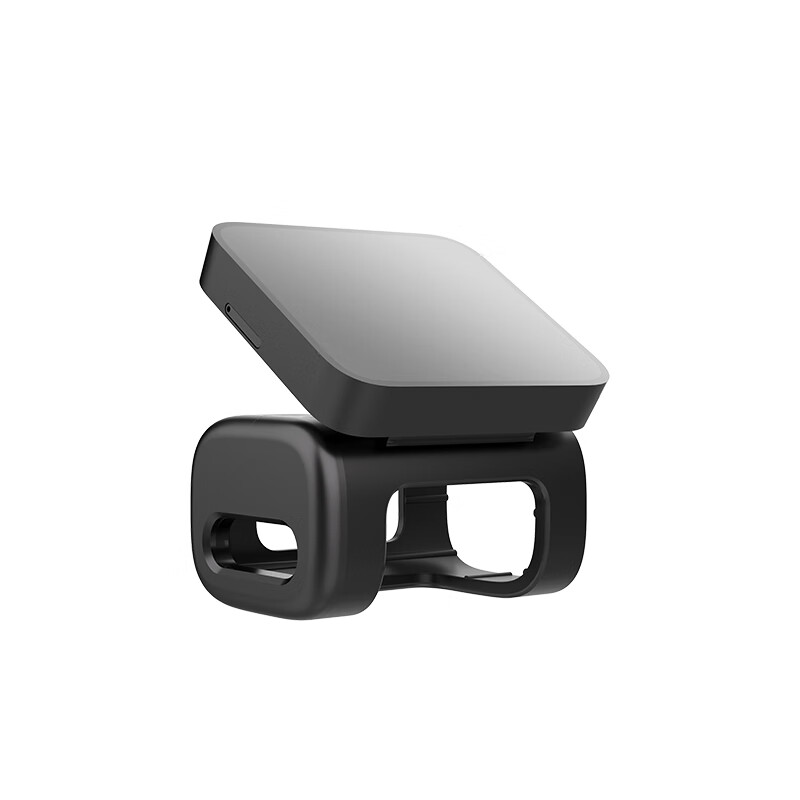
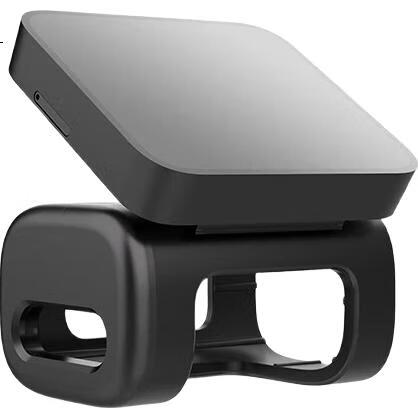
Dingdingpai Dash Cam MINI5/MINI7X Dedicated 4G Bracket (With Free 12GB Data Plan for SIM Card)
CN¥284.00
SKU: 100013303526
Status:In Stock (17)
ID: 100013303526
Weight: 90.00 g
Dims:68x64x60 mm
Specifications
- Category
- Dash cam accessories
Variants / Sale Attributes
Color: 4G Stand
Package Contents
1 x 4G bracket;
Product Description
Overview
- Brand
- DingTalk
- Model
- MINI5 Smart Dash Cam
Features
- Remote preview for real-time monitoring
- Specialized 4G bracket for remote viewing, electronic fence, collision notification, and cloud album
- Exclusive compatibility with DingTalk MINI5 Smart Dash Cam
Similar Products
In Stock
Car electrical accessories
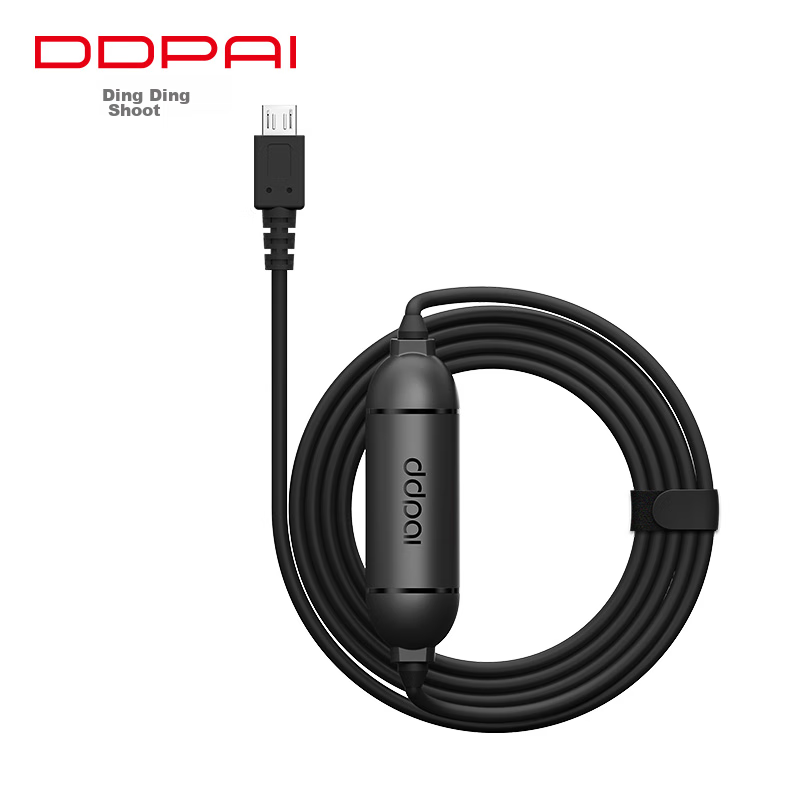
Dingdingpai Dash Cam Parking Monitoring Cable with MicroUSB Interface, Compatible with MINIPro/MINIPro 2K/3K
Mini/mini2S/mola N3 Universal Low-Voltage Cable
CN¥46.50
![70Mai 70MAI Memory Card 256GB [Universal Type]](https://img30.360buyimg.com/sku/jfs/t1/85235/2/32933/19062/64461d58Ff50b748e/5cb5b971bd194510.jpg)
![70MAI 64GB Memory Card [New]](https://img30.360buyimg.com/sku/jfs/t1/389439/7/193/15673/6969ce29F0b8ea160/0083438438d0c369.jpg)
Out of Stock
Car electrical accessories
70Mai 70MAI A810/A500s/A400 Dedicated Rear Exterior Camera
External Rear Camera
CN¥94.00