
MEPL JD
CatalogCategoriesBrandsAnalyticsNew

MEPL JD

JD catalog demo by MEPL

Navigation

  • All Products
  • Categories
  • Brands
  • Category Analytics 📊

Tools

  • Advanced Search
  • My Favorites

Admin

  • Dashboard

© 2026 MEPL JD. All rights reserved.

Back to Catalog
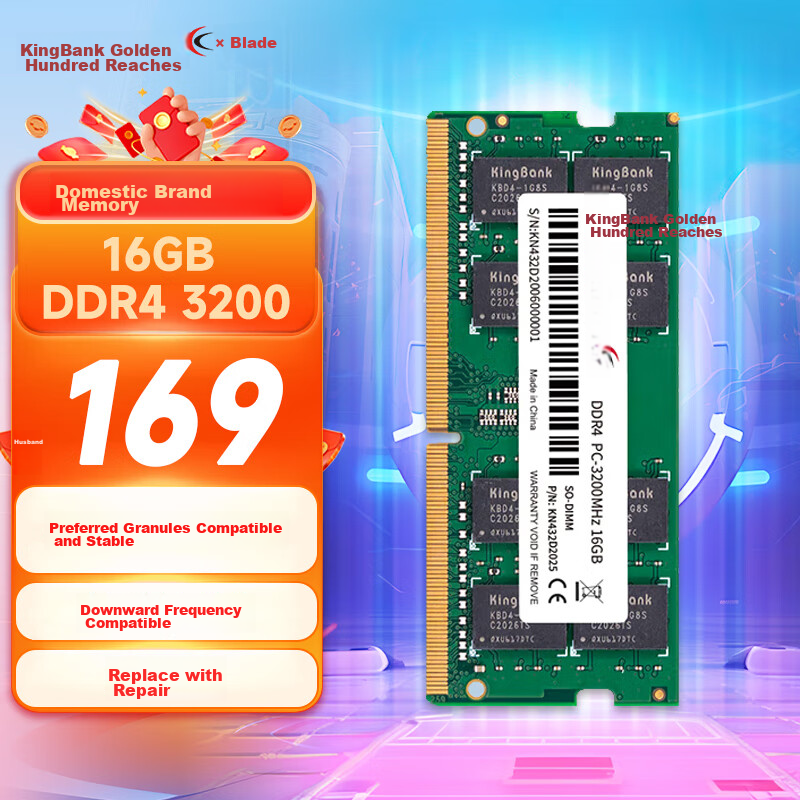
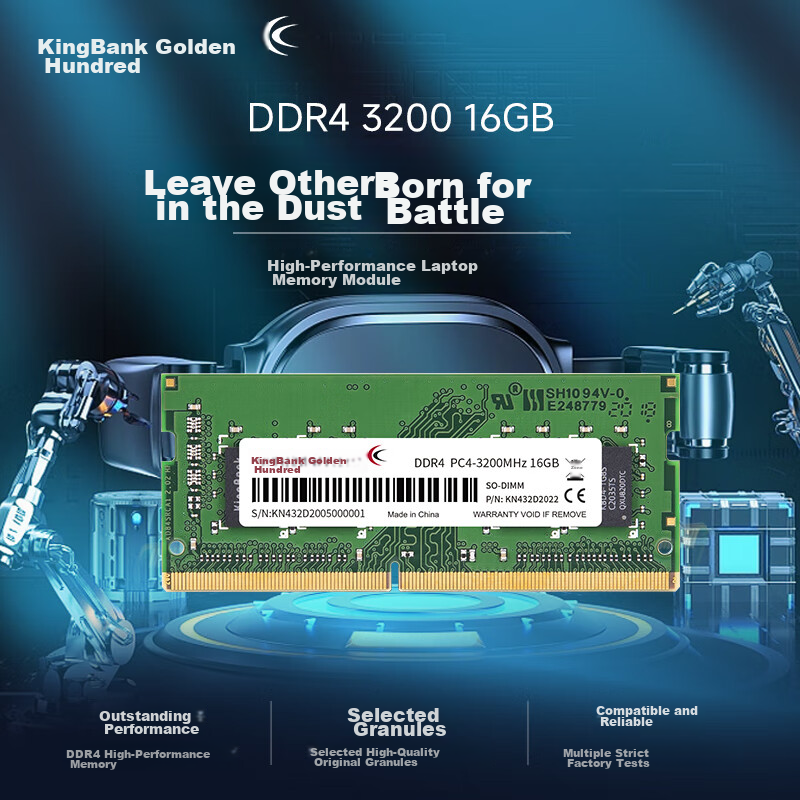
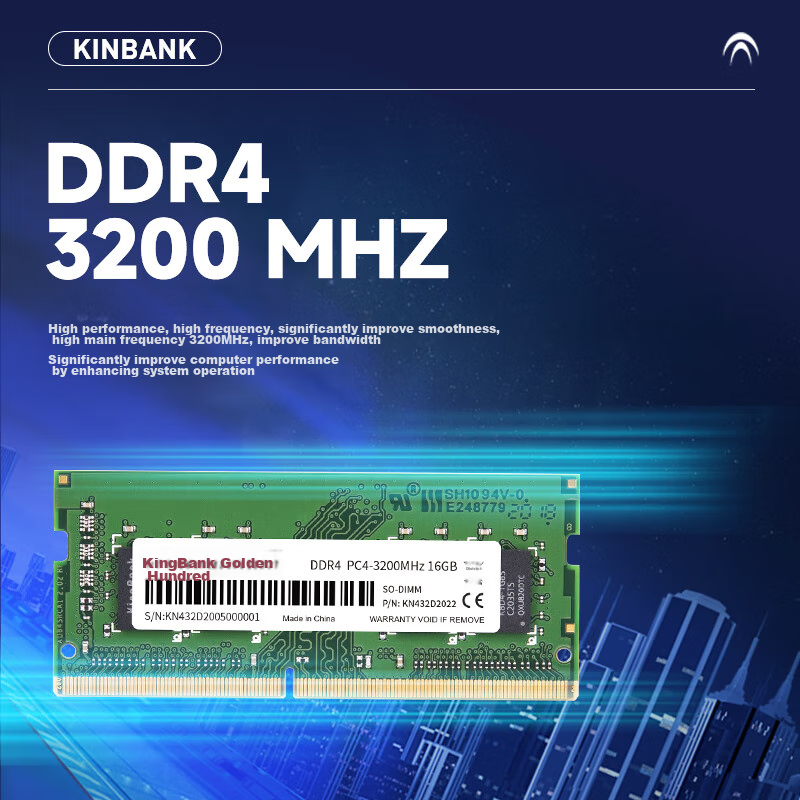
KINGBANK 16GB DDR4 3200 Laptop Memory Module
Thumbnail 1
Thumbnail 2
Thumbnail 3
Thumbnail 4
Thumbnail 5
KINGBANK•memory

KINGBANK 16GB DDR4 3200 Laptop Memory Module

CNÂ¥779.00
SKU: 100013859150
Status:Out of Stock
ID: 100000023390
Weight: 25.00 g
Dims:169x58x20 mm

Specifications

Platform
laptop memory
Total capacity
16GB
DDR algebra
DDR4
Amount of memory
1 piece
Appearance characteristics
"PuTiao"
Memory frequency
3200/3333MHz

Variants / Sale Attributes

Memory frequency: Notebook [DDR4 3200]
Number of memory sticks and total capacity: 16GB 1 piece

Package Contents

Product: DDR4 3200 16GB×1

Product Description

Overview

Brand
KINGBANK
Model
SH1094V-0, P/N: KN432D2022
Type
DDR4
Capacity
16GB
Speed
3200MHz
Form Factor
SO-DIMM
Compatibility
Compatible with various platforms and games
Performance
High performance, high frequency, significant improvement in smoothness

Similar Products

In Stock
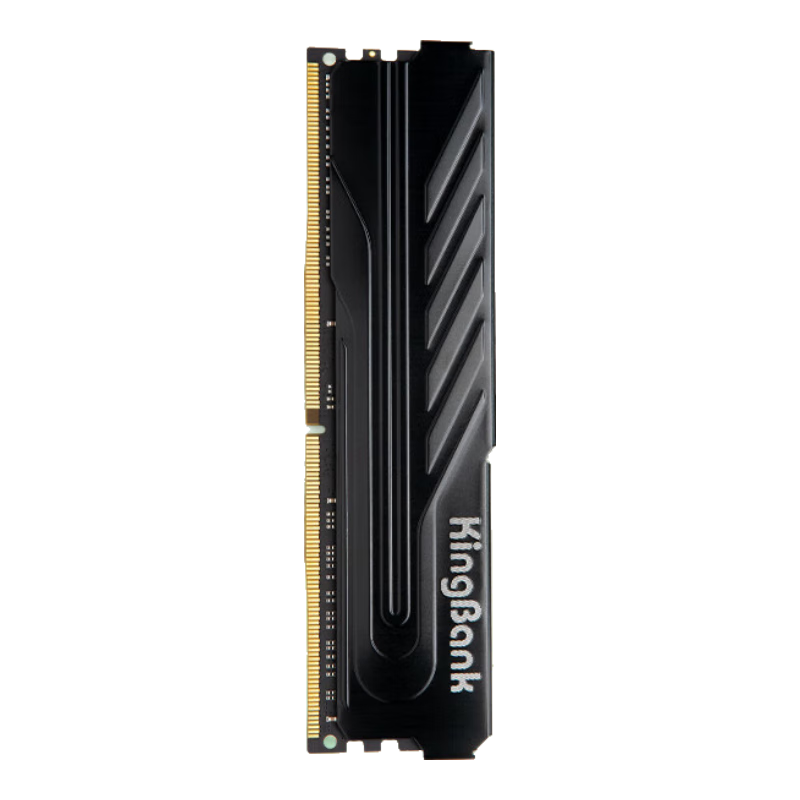
KINGBANK 16GB DDR4 3200 Desktop Memory Module, Intel-Specific RAM, Black Knight
KINGBANKmemory

KINGBANK 16GB DDR4 3200 Desktop Memory Module, Intel-Specific RAM, Black Knight

[DDR4 3200] Black Knight Intel Dedicated

CNÂ¥749.00

View
In Stock
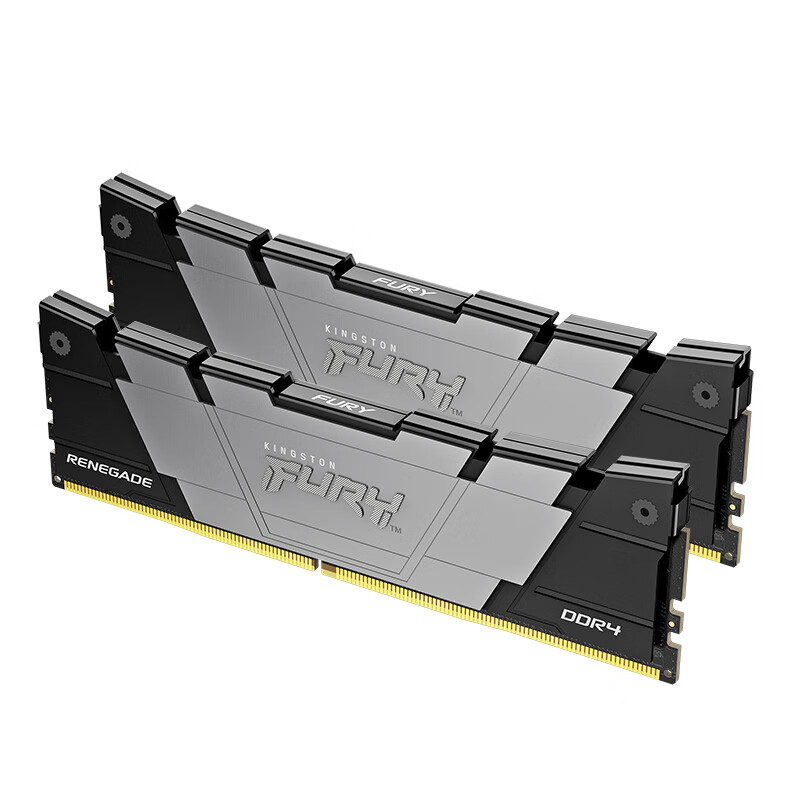
Kingston FURY 32GB (16GBx2) DDR4 4000 Desktop Memory Kit Renegade Series
Kingstonmemory

Kingston FURY 32GB (16GBx2) DDR4 4000 Desktop Memory Kit Renegade Series

D4 4000 Rebel Gamer Edition

CNÂ¥3,365.00

View

Features

  • Selected premium chips, factory-tested for reliability

Additional details

Compatibility
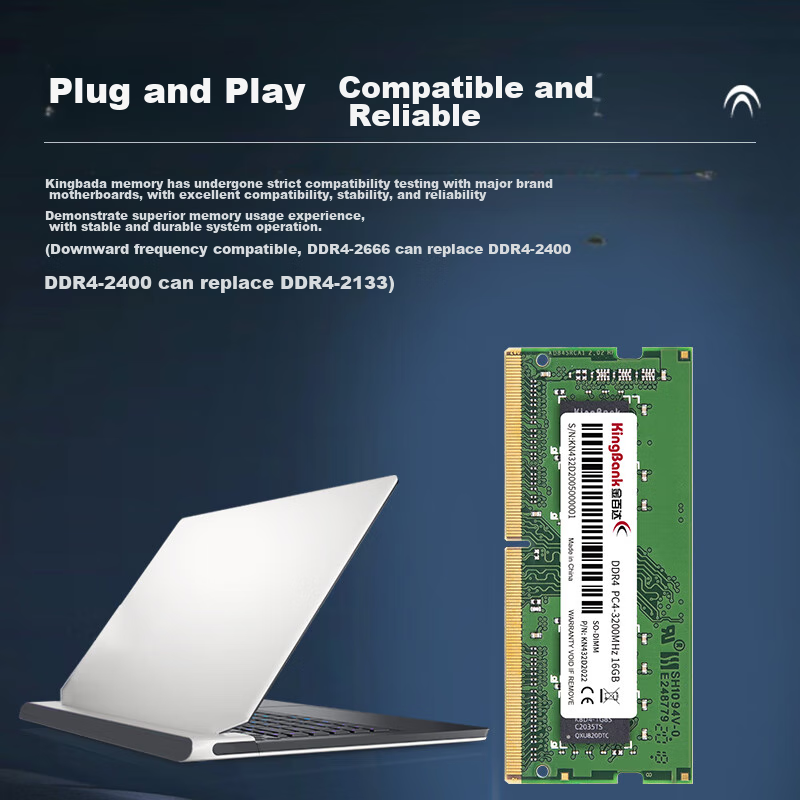
Rigorously tested for compatibility with major motherboard brands
Warranty
4-year warranty with replacement and repair services
Installation
Easy plug-and-play installation
Additional Information
Supports down-frequency compatibility (e.g., DDR4-2666 can replace DDR4-2400)
Services
4 major service guarantees for enhanced customer experience

1. Open the computer case and locate the memory slots

2. Remove any static electricity and clean the memory slot

3. Unlock the memory slot clips

4. Align the memory module with the slot, ensuring the notch matches

5. Press down firmly until you hear a click sound, indicating the module is securely in place

6. Check for exposed gold fingers to ensure proper installation

1. Check motherboard specifications for memory type compatibility

2. Use software tools like CPU-Z to verify memory information and compatibility

3. Verify memory slot details in Task Manager for frequency and speed

For detailed hardware detection and installation assistance, please contact customer service.

In Stock
Runner 16GB DDR4 3200 Desktop RAM Intel Compatible Blue Heat Sink
Runnermemory

Runner 16GB DDR4 3200 Desktop RAM Intel Compatible Blue Heat Sink

Lanqiang Intel Dedicated Memory Module [D4 3200]

CNÂ¥689.00

View
Out of Stock
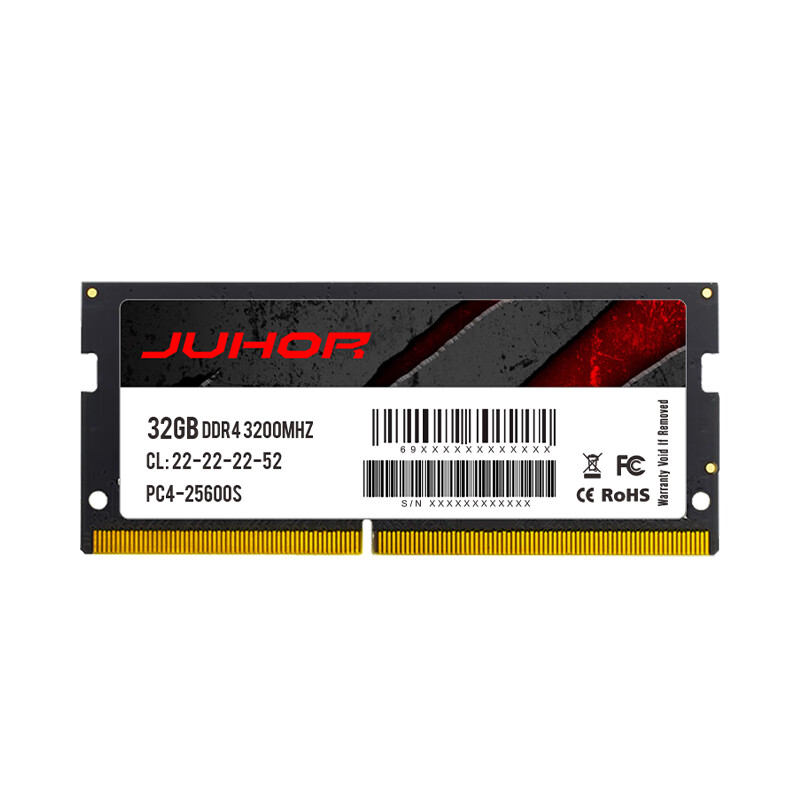
JUHOR 32GB DDR4 3200 Laptop Memory Module
JUHORmemory

JUHOR 32GB DDR4 3200 Laptop Memory Module

DDR4 3200

CNÂ¥1,499.00

View