Back to Catalog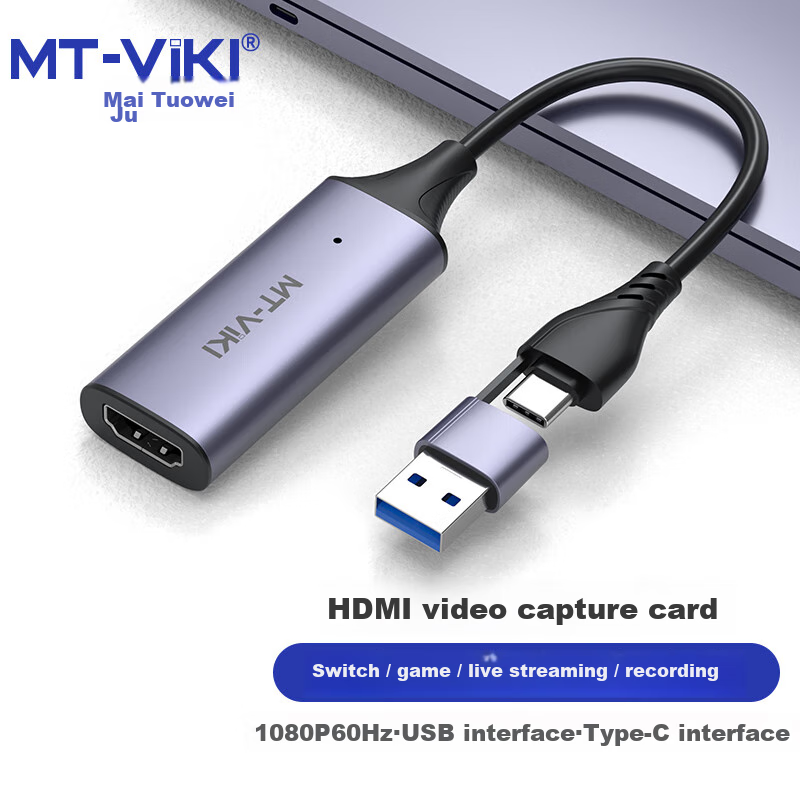
 View
View
MT-Viki HDMI Video Capture Card HDMI to USB HD Switch Game Recorder Live Streaming Recording Box MT-UHV20
CN¥59.00
SKU: 100015021338
Status:Out of Stock
ID: 100015021338
Weight: 40.00 g
Dims:120x80x15 mm
Specifications
- Category
- Converter
- Shielding type
- Other
- Converter
- USB to HDMI
- Cord Length
- Other
- Connecting wire
- USB Cable
Variants / Sale Attributes
Color: USB2.0 Data Acquisition Card (USB Type-C Interface)
Package Contents
1 USB to HDMI capture card
Product Description
Overview
- Brand
- MT-viki
- Name
- Video Capture Card
- Model
- MT-UHV20
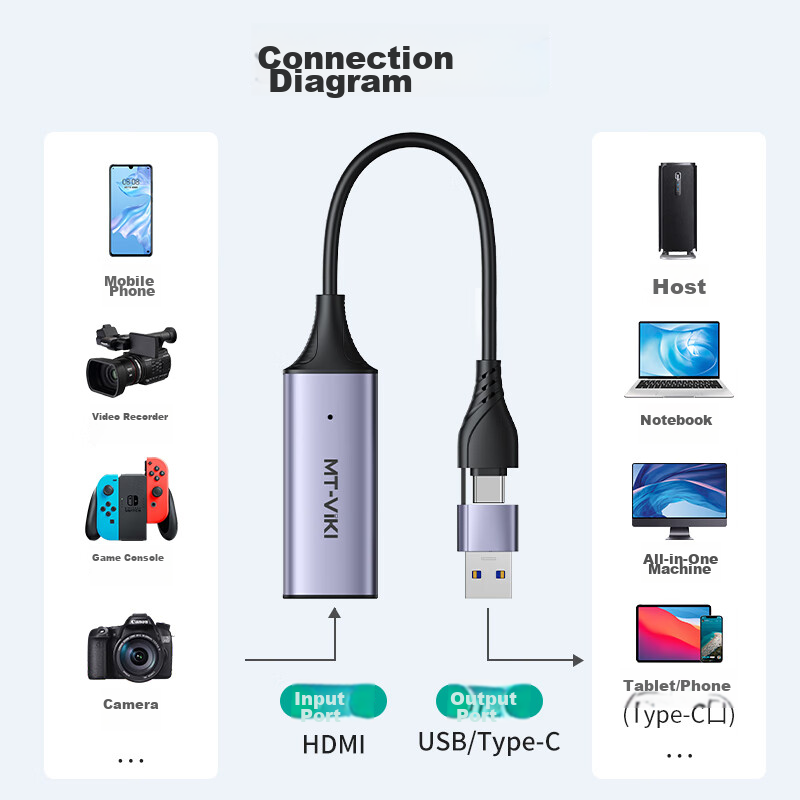
- Input Interface
- HDMI (4K@60Hz)
- Output Interface
- USB2.0/Type-C (1080P@60Hz)
- Material
- Aluminum alloy
- Audio
- Synchronous audio and video
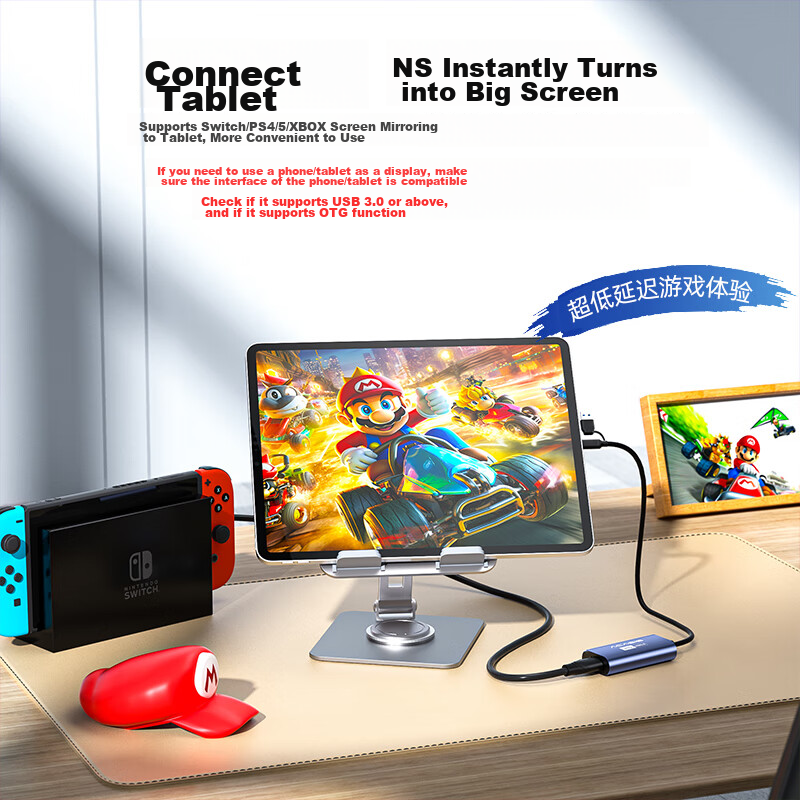
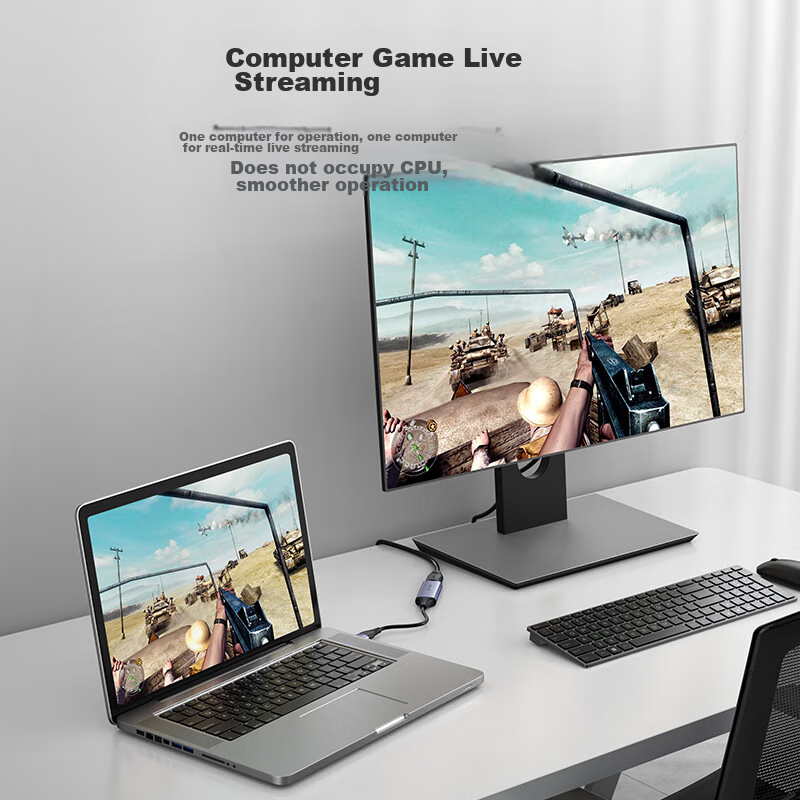
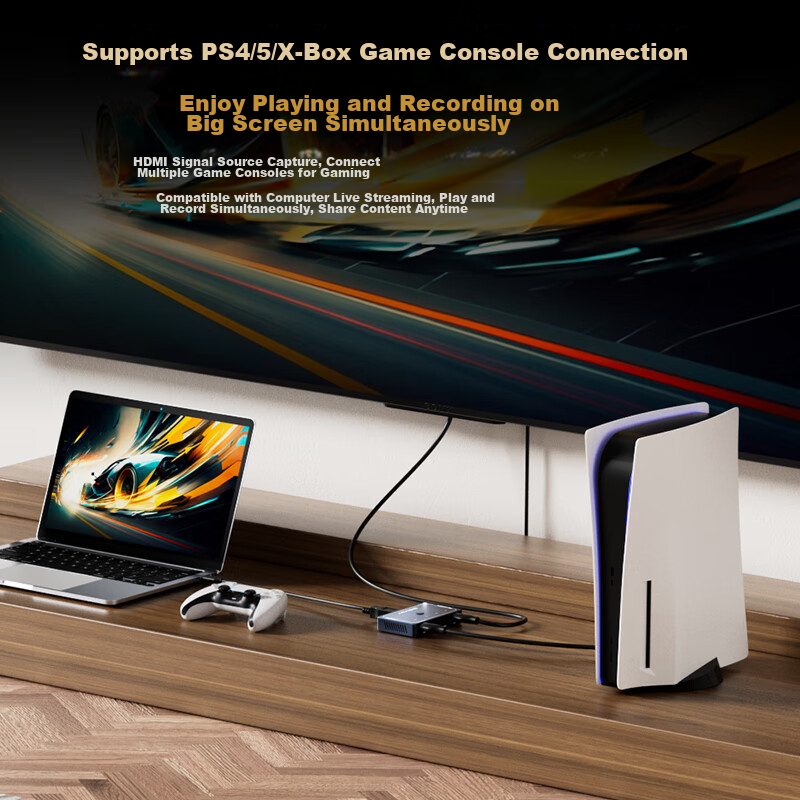
Easy recording for gaming, live streaming, and conferences
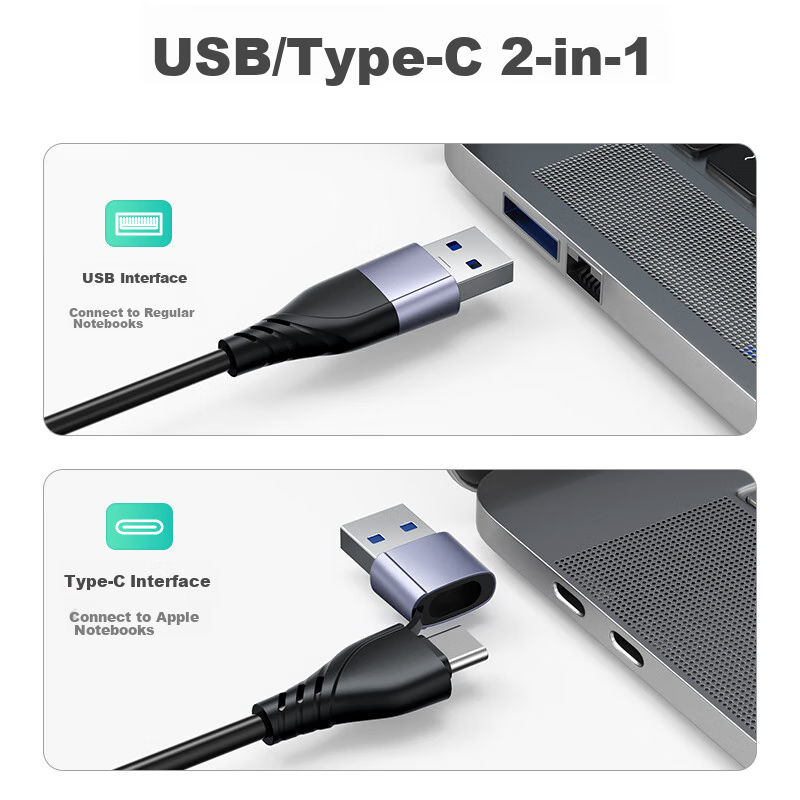
Supports Type-C/USB connectivity
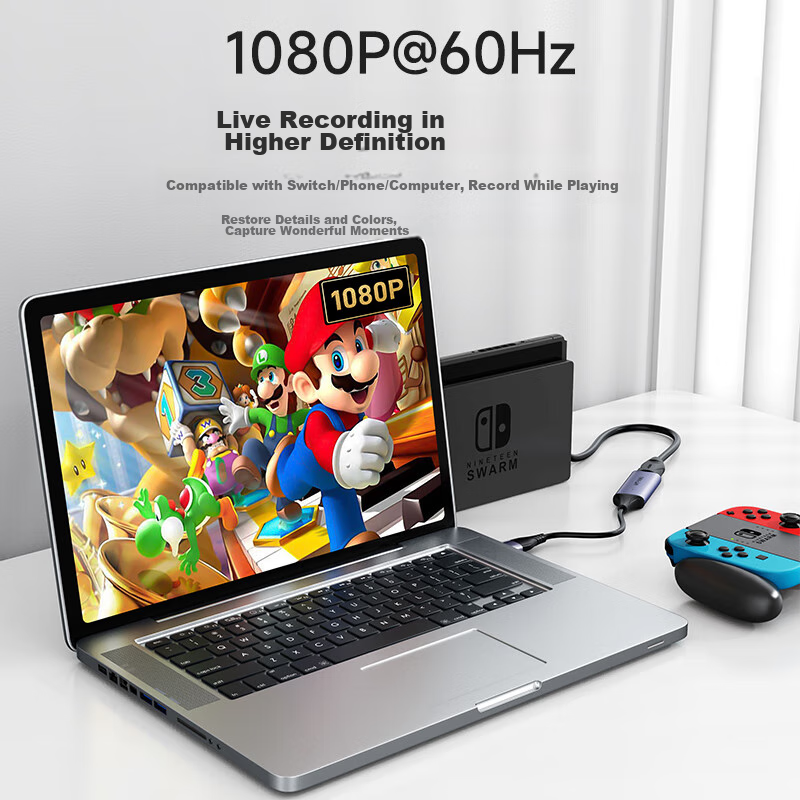
1080P high-definition recording
Similar Products
In Stock
acasisCapture card
Acasis Video Capture Card, 4K 60Hz HD Video DP Capture Card, Multi-Channel Live Streaming Dedicated Switcher for Studio, HDMI/DP/Type-C Compatible, Phone Camera Recording, VC-008
4K60Hz Capture | Single-Channel Compatible with HDMI/DP/C Ports
CN¥569.00