Back to Catalog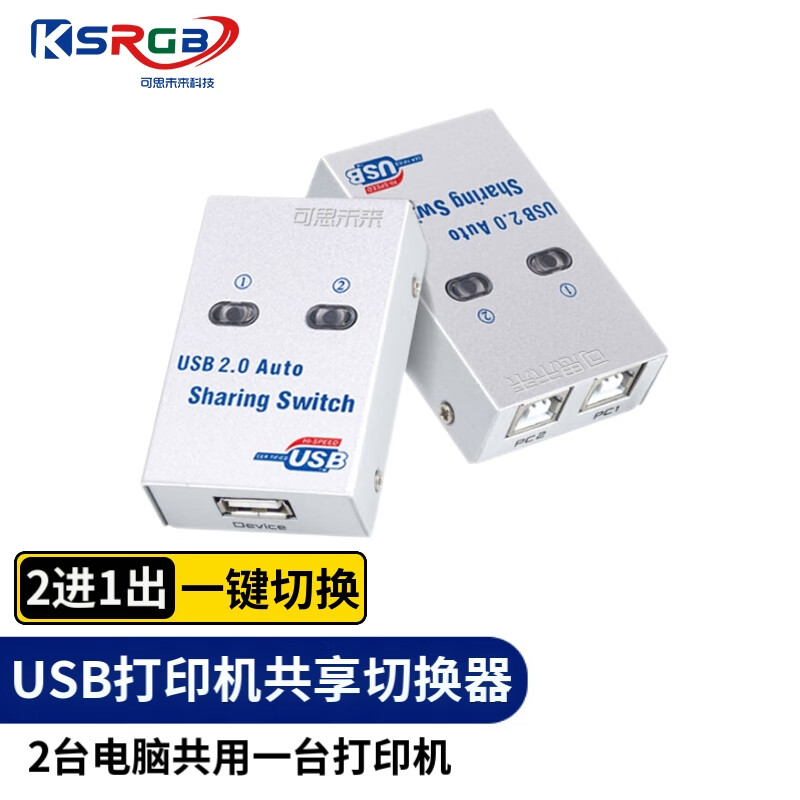
 View
View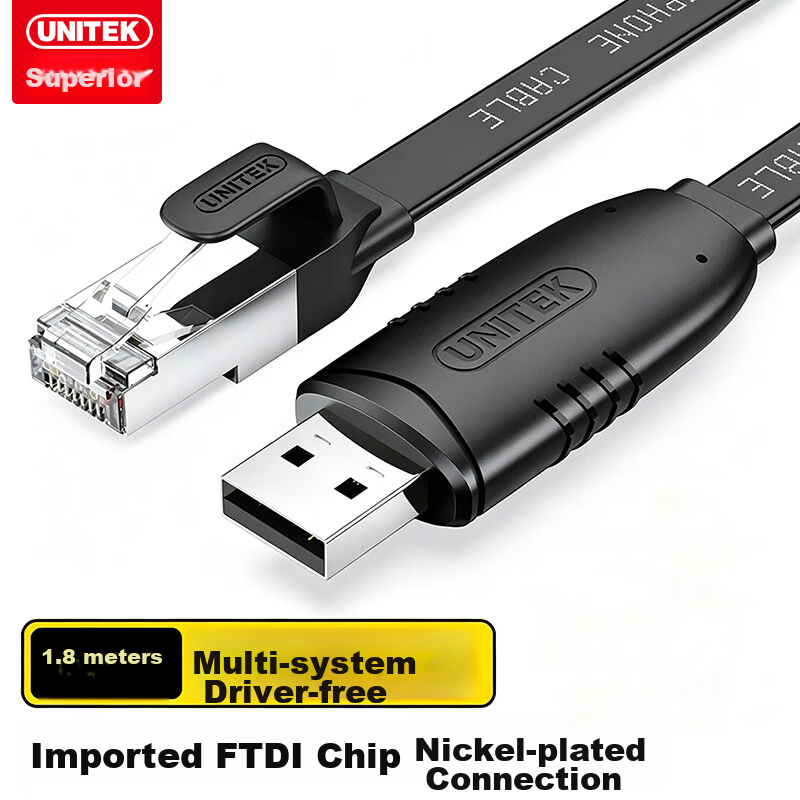 View
View
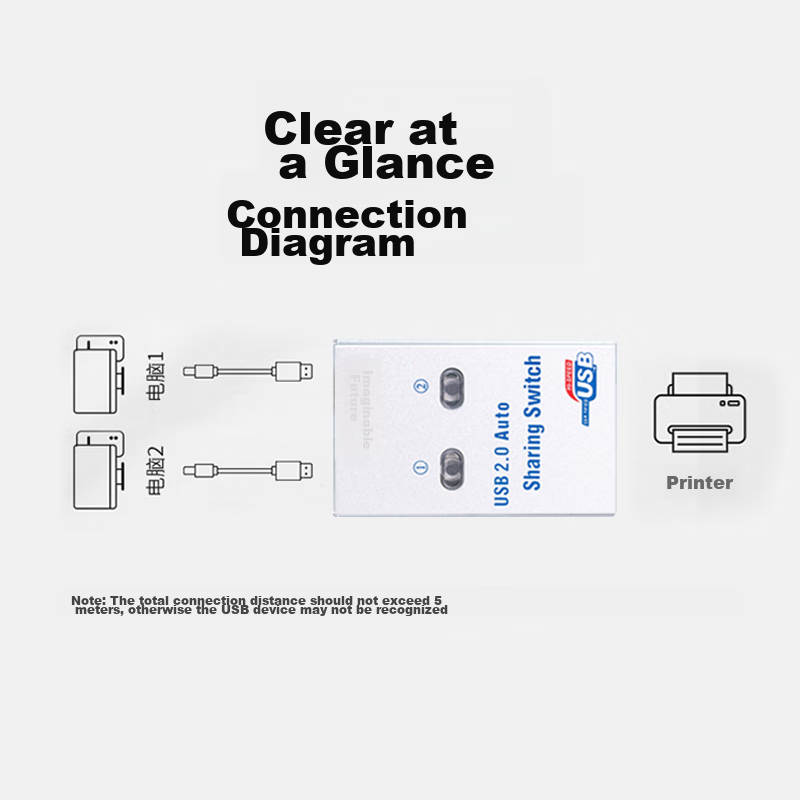
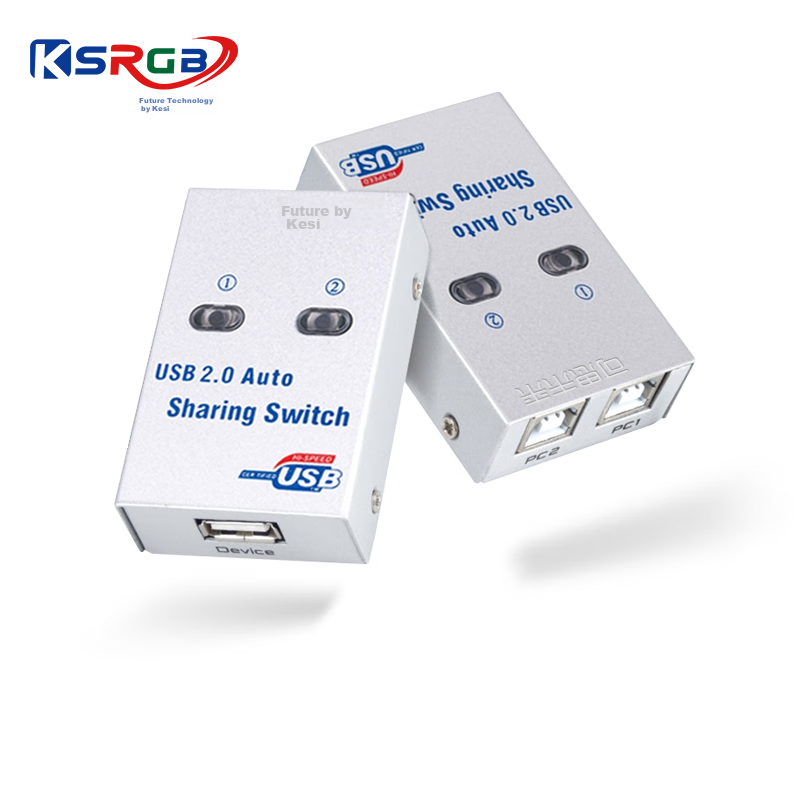
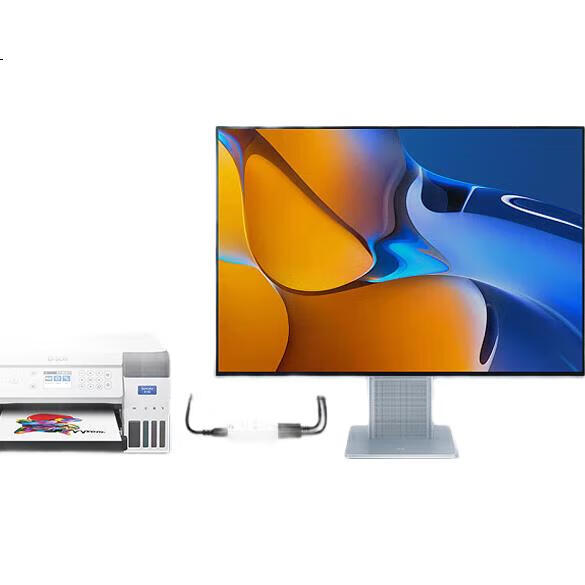
KSRGB USB Printer Sharing Device, 2-Port USB Switch, Multi-Computer Printer Sharing 2.0, Conversion without Cable (Hot Key + Software + Button Switch KS-D
CN¥36.90
SKU: 100016373811
Status:Out of Stock
ID: 100022231718
Weight: 140.00 g
Dims:143x102x35 mm
Specifications
- Category
- Other
- Converter
- USB hub
- Shielding type
- Other
- Cord Length
- Other
- Connecting wire
- Printer Cable
Variants / Sale Attributes
Model: USB Hub with 2 Ports (3 Switchable Modes, No Cable Required)
Package Contents
1 switch
Product Description
Overview
- Brand
- KSRGB
- Product Name
- USB Printer Sharing Switch
- Product Size
- 67.6 mm*43 mm*19.6 mm
- Applicable Devices
- Scanner, USB flash drive, card reader, printer, etc.
- Product Interface
- 1 × USB 2.0 interface, 2 × square port interfaces
- Switching Methods
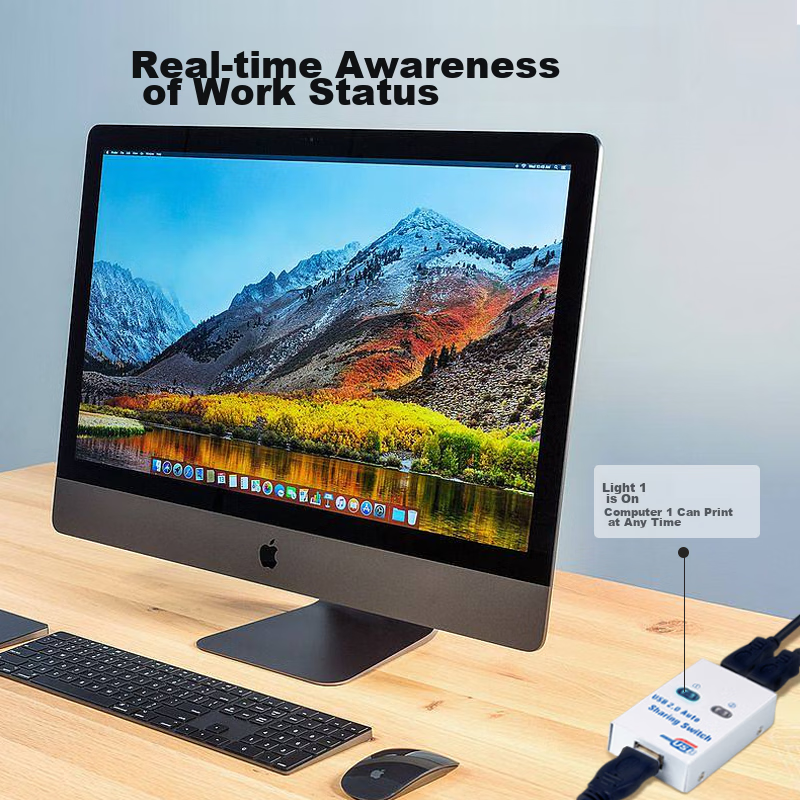
- Panel button switching / keyboard hotkey switching (Ctrl+F11) / computer software switching
- Packaging
- Paper box packaging
Similar Products
Out of Stock
JIBCable
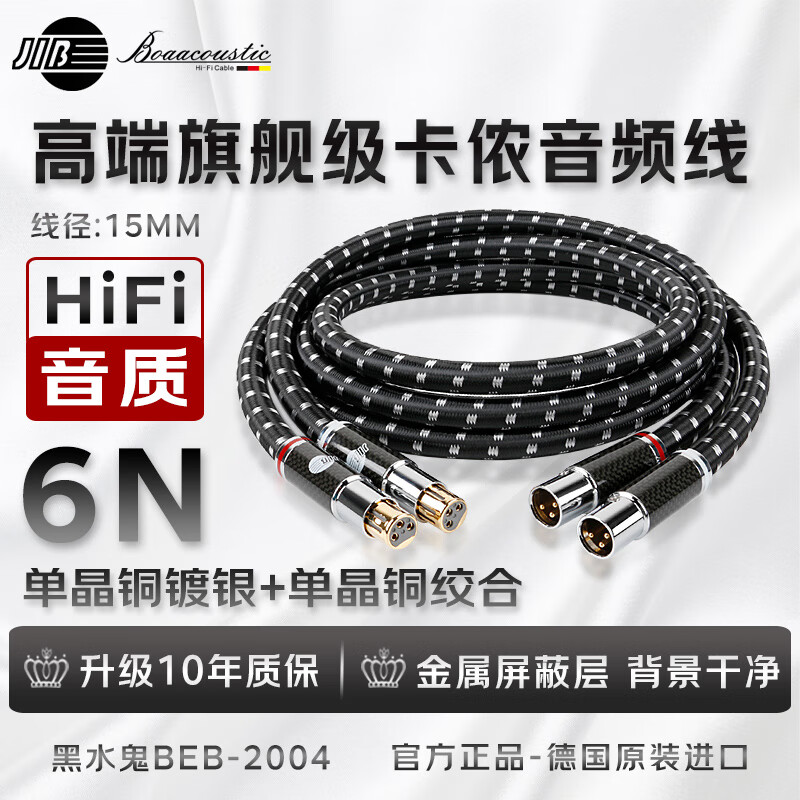
JIB High-End Flagship, XLR Male to Female Audio Cable, Balanced XLR Cable for CD/Amplifier/preamp/speaker Connection BEB-2004 1 Meter Pair
[Flagship Audiophile] Bold · Kano Line One Pair
CN¥3,600.00
In Stock
UNITEKCable
Youyuezhe Console Debugging Cable 1.8m USB to RJ45 Control Cable Switch Configuration Cable for Cisco Huawei Tenda TP-LINK Router Adapter Y-SP02001E
USB to RJ45 Debug Console Cable 1.8 meters
CN¥80.90