Back to Catalog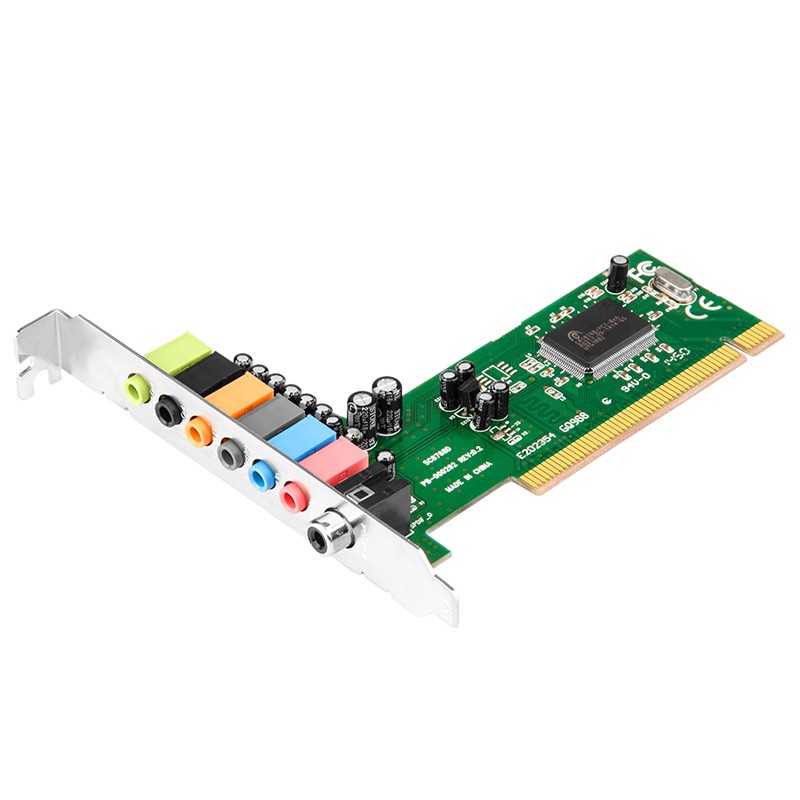
 View
View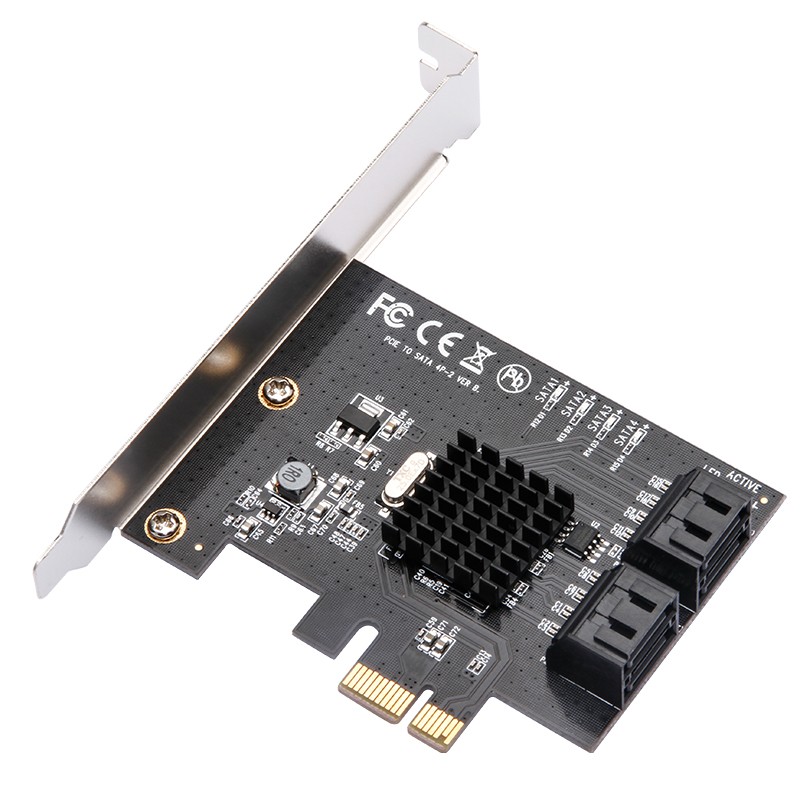 View
View
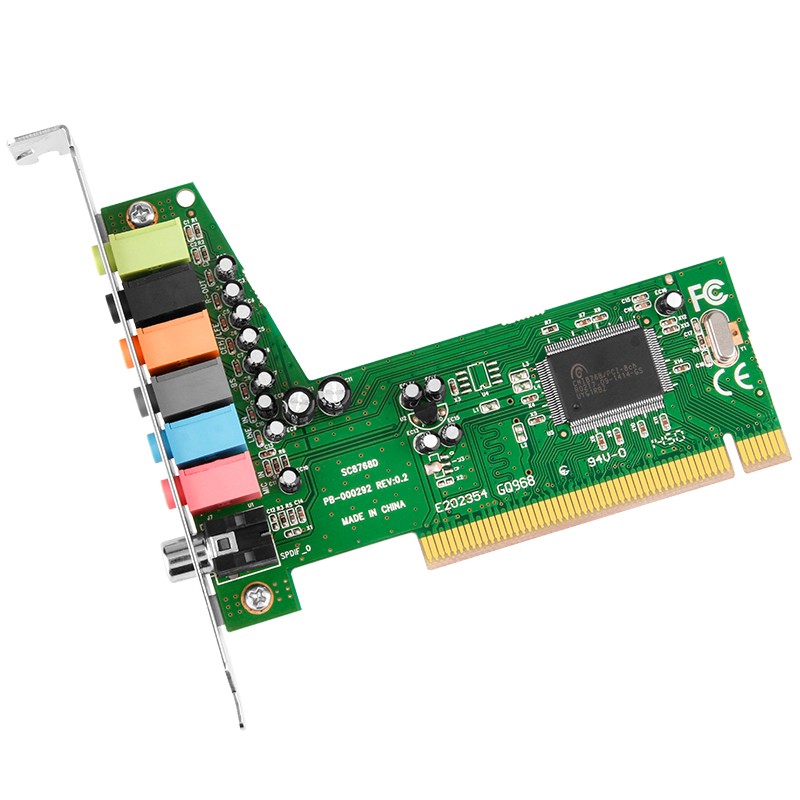
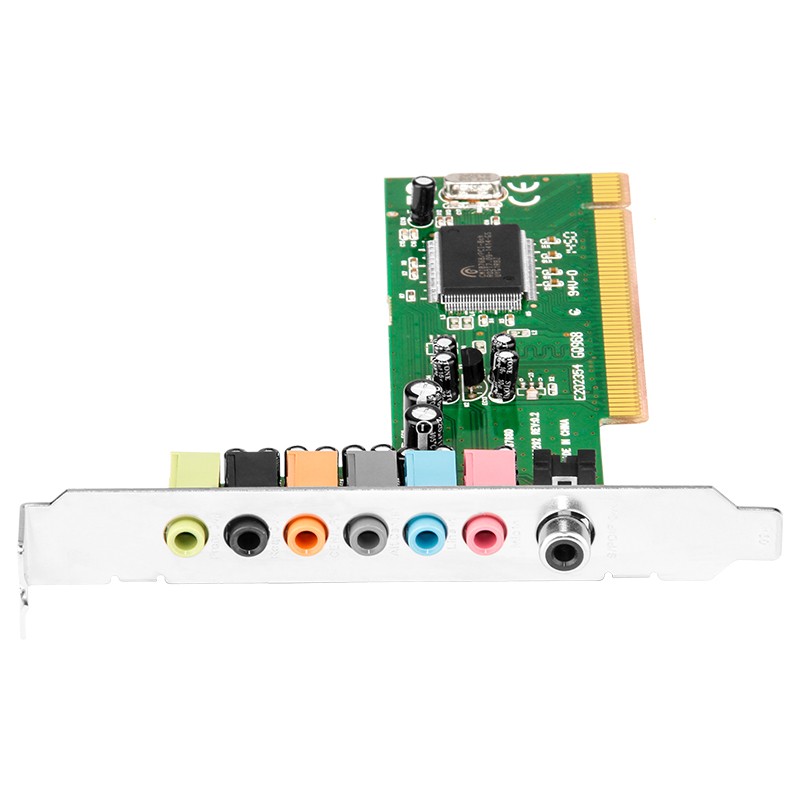
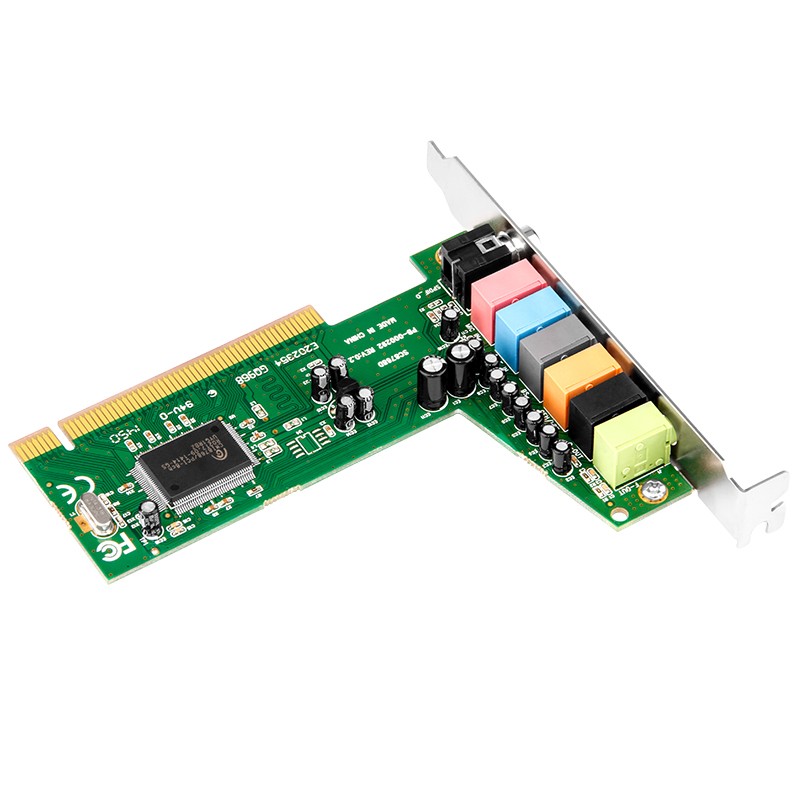
MOGE Desktop PCI 7.1 Channel Surround Sound Card, MIC Output High-Definition Audio-Video Gaming Sound Card, Not for Live Streaming, MC1207
CN¥89.00
SKU: 100021414270
Status:In Stock (8)
ID: 100021803190
Weight: 120.00 g
Dims:175x140x40 mm
Specifications
- Category
- Sound card
- Interface
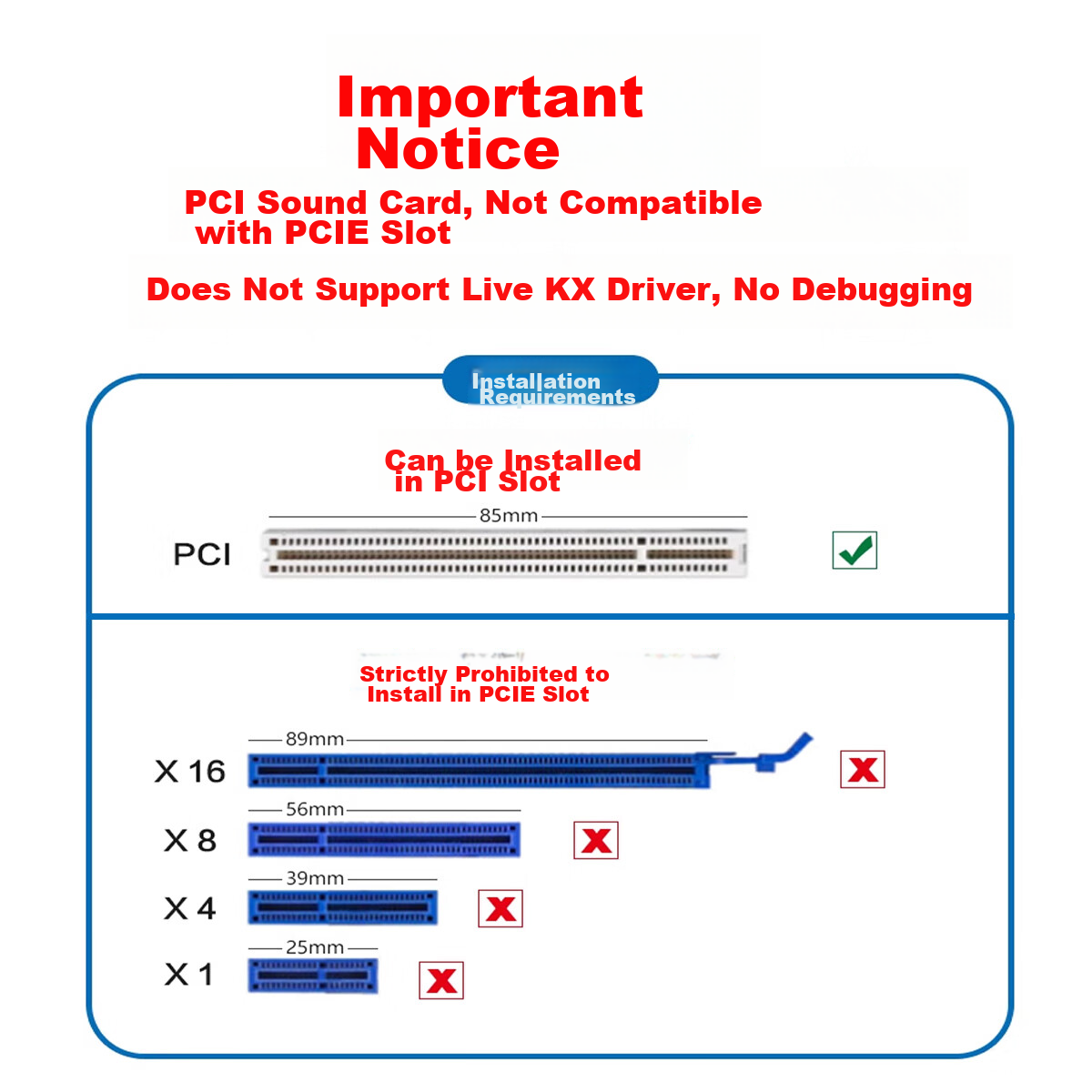
- PCI
- Special effect
- Native ASIO
- Type
- Built-in
Variants / Sale Attributes
Type: PCI 7.1 Sound Card Manufacturer's Warehouse
Package Contents
PCI sound card
Product Description
Overview
- Brand
- MOGE
- Model
- MC1207
- Chipset
- CMI8768
- Bus Interface
- PCI
- Audio Channels
- 7.1 Surround Sound
- Compatibility
- Compatible with 2.1/5.1 stereo surround sound system devices
- Application
- Ideal for home theaters, large 3D games, audio playback, etc.
- Control Interface
Similar Products
In Stock
MOGESound card / expansion card
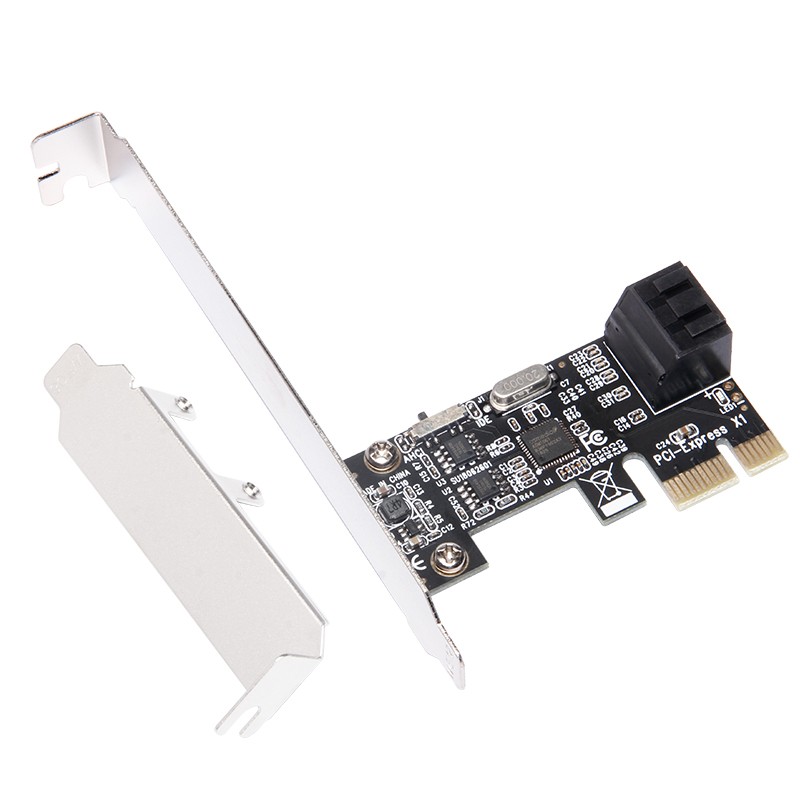
MOGE Desktop PCIE to 4-Port SATA 3.0 Hard Drive Expansion Card NAS Synology Hard Drive Card Windows/Linux Plug-And System Boot MC2662
2-Kou ASM Plan
CN¥89.00
In Stock
MOGESound card / expansion card
MOGE Desktop PCIE to 4-Port SATA 3.0 Hard Drive Expansion Card, Marvell 9215 Chip, Supports System Boot MC2692
4-Port SATA 3.0 Optimized Version
CN¥139.00