Back to Catalog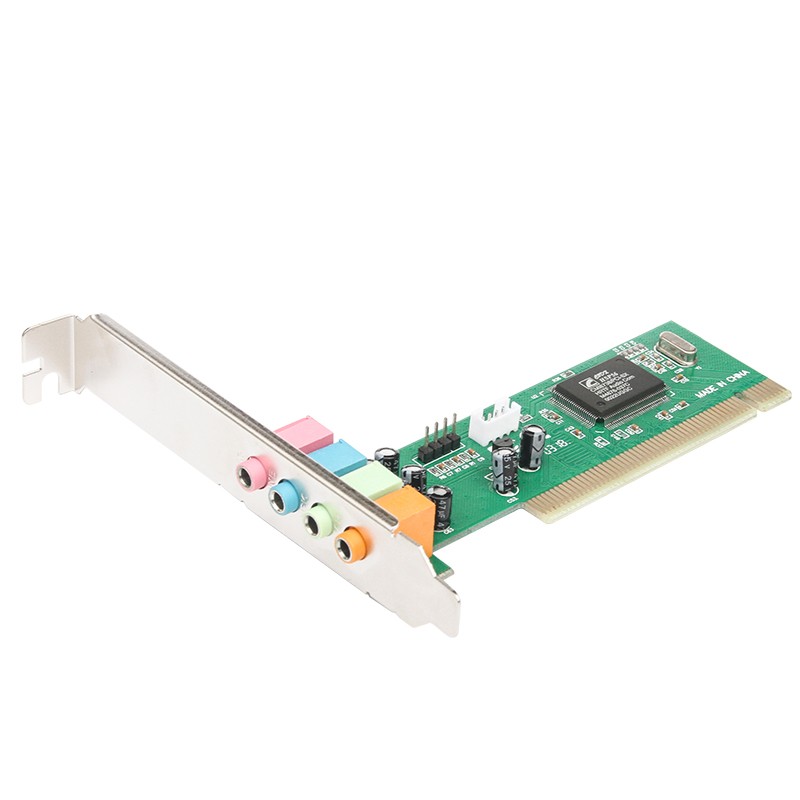
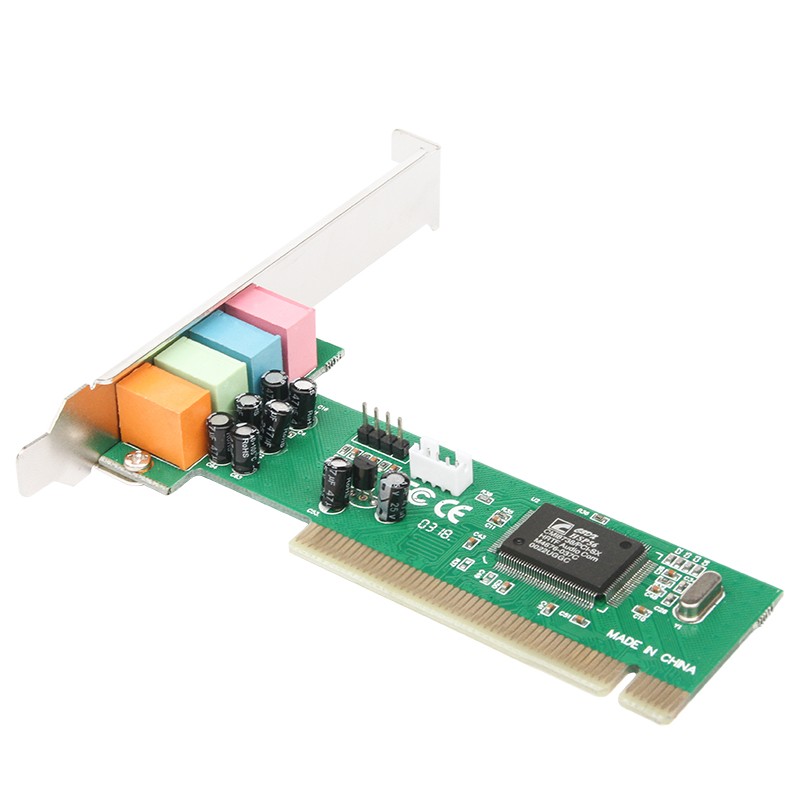
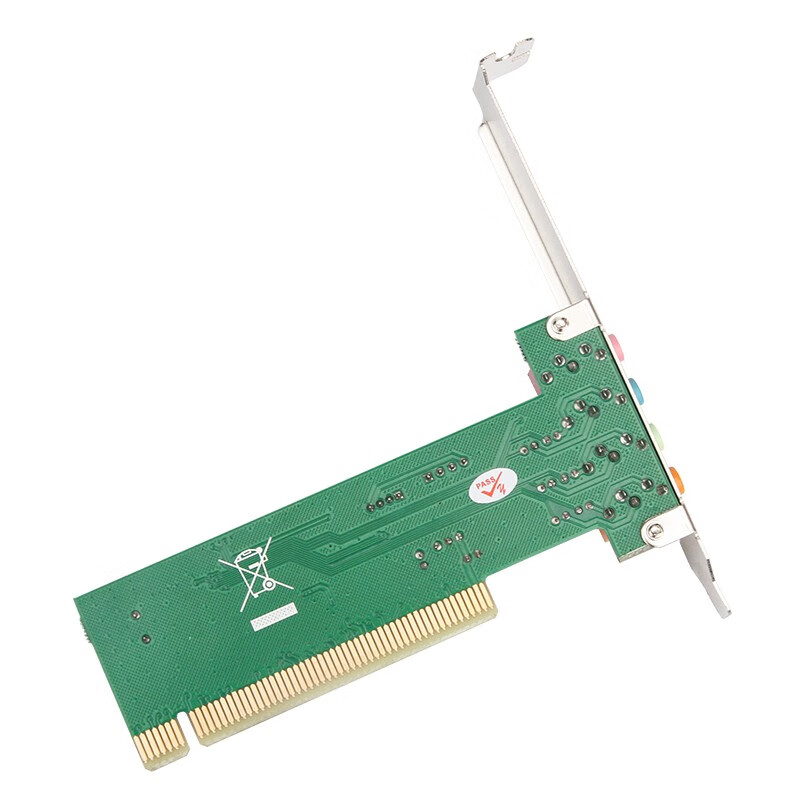
 View
View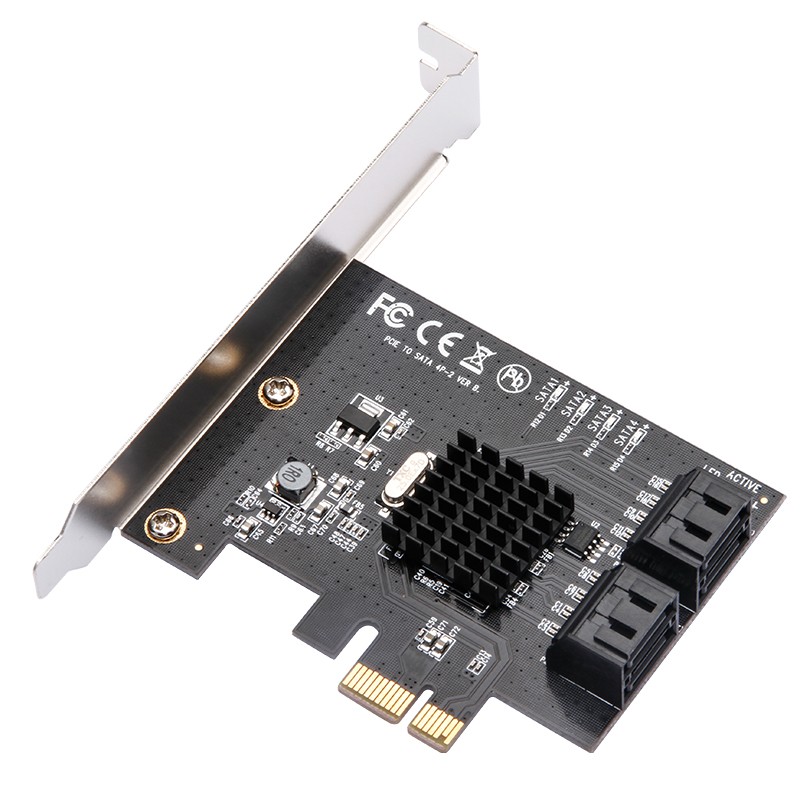 View
View
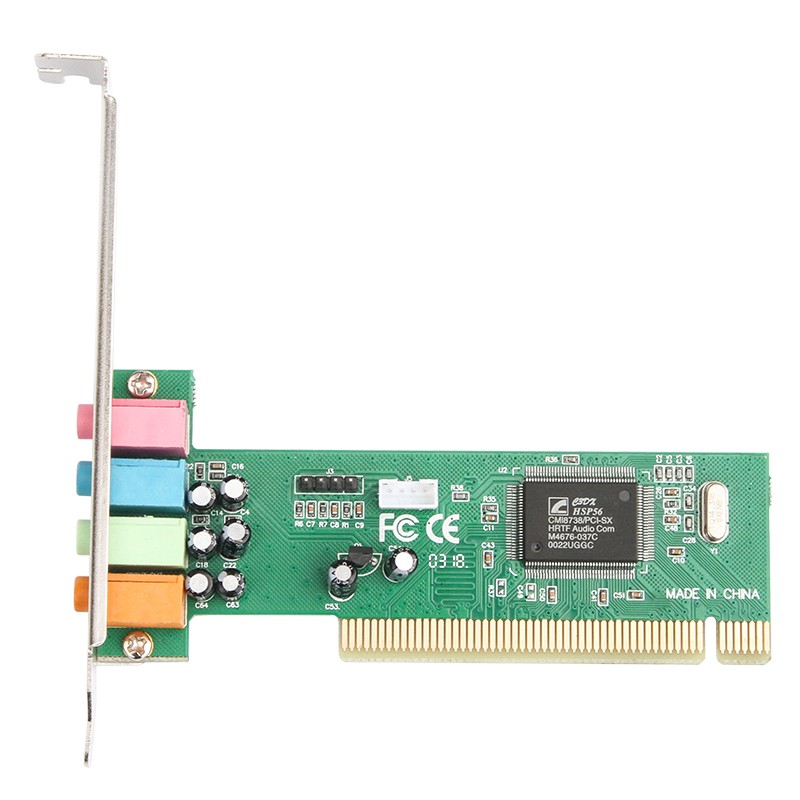
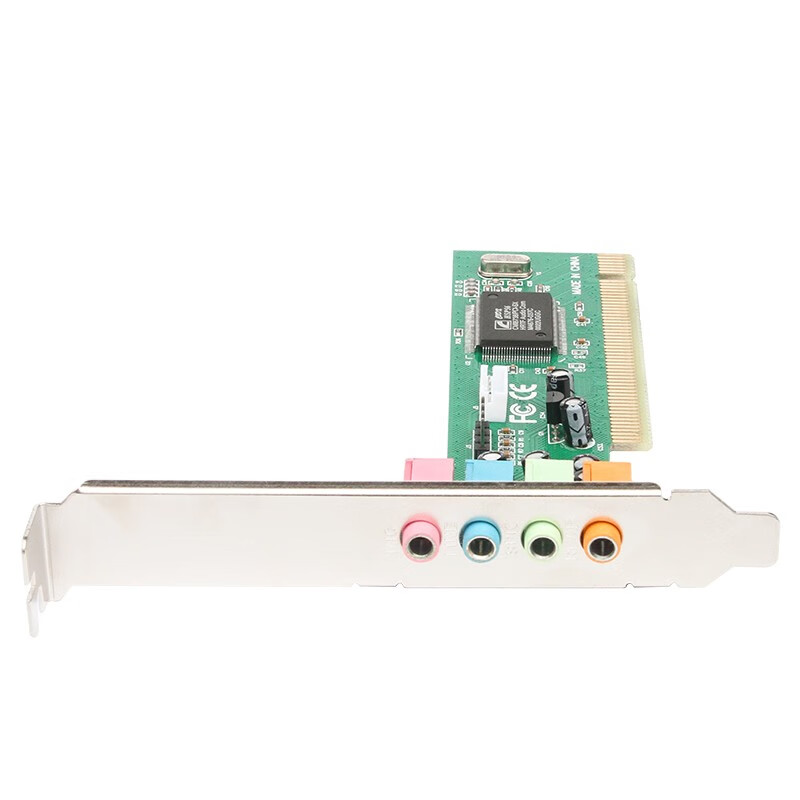
MOGE Desktop PCI 4.1 Channel Surround Sound Card with MIC Output MC1205
CN¥49.00
SKU: 100021803190
Status:In Stock (3)
ID: 100021803190
Weight: 120.00 g
Dims:177x144x39 mm
Specifications
- Interface
- PCI
- Type
- Built-in
- Category
- Sound card
Variants / Sale Attributes
Type: PCI 4.1 Sound Card Jingdong Warehouse
Package Contents
PCI sound card
Product Description
Product Specifications
Overview
- Brand
- MOGE
- Product Description
- The product features a CMI8738 original chip, 32-bit PCI bus control, MPU-401 interface support, 32/64-bit sound processing, full-duplex recording and playback, support for Directsound, A3D, and EAX, support for wavetable music synthesizer, support for two/four speakers and DLS, built-in independent plug-and-play sound card.
Product Features
- Supports three-dimensional sound effects and spatial sound enhancement in a dual-speaker environment.
- Full-duplex operation allows for synchronous audio recording and playback.
Similar Products
In Stock
MOGESound card / expansion card
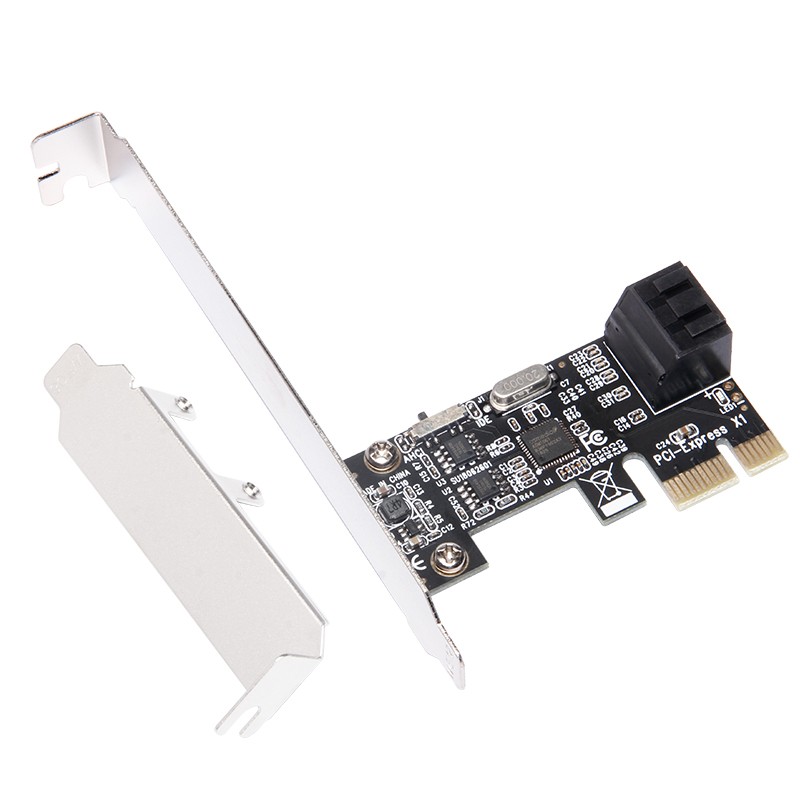
MOGE Desktop PCIE to 4-Port SATA 3.0 Hard Drive Expansion Card NAS Synology Hard Drive Card Windows/Linux Plug-And System Boot MC2662
2-Kou ASM Plan
CN¥89.00
In Stock
MOGESound card / expansion card
MOGE Desktop PCIE to 4-Port SATA 3.0 Hard Drive Expansion Card, Marvell 9215 Chip, Supports System Boot MC2692
4-Port SATA 3.0 Optimized Version
CN¥139.00