Back to Catalog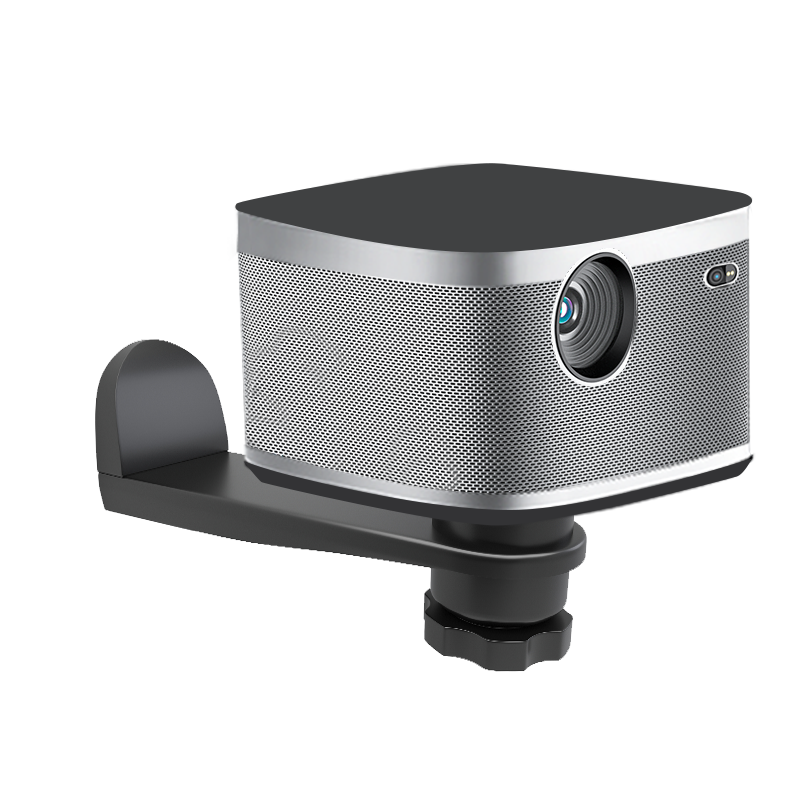
 View
View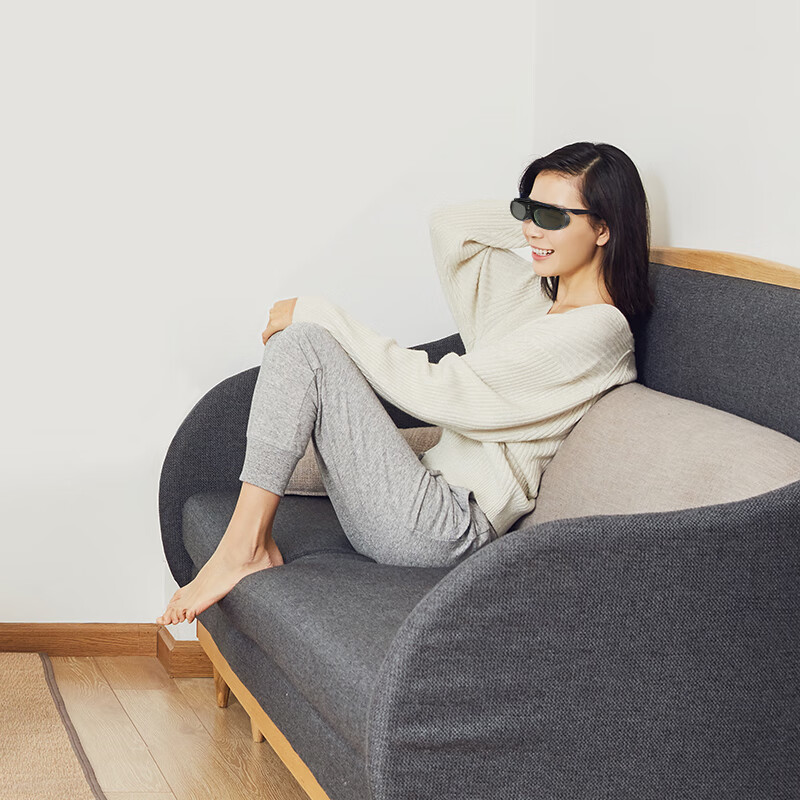 View
View![Kuaiduo House 60-Inch 16:9 Photon Wall-Mounted Screen Anti-Light Projection Screen 8K HD Compatible with Three-Color Laser Projectors [No Drilling] for Office and Home Use Compatible with XGIMI, JmGO,](https://img30.360buyimg.com/sku/jfs/t1/419781/36/20769/17578/69ea9531F107ae196/0833320320ef8d08.png) View
View
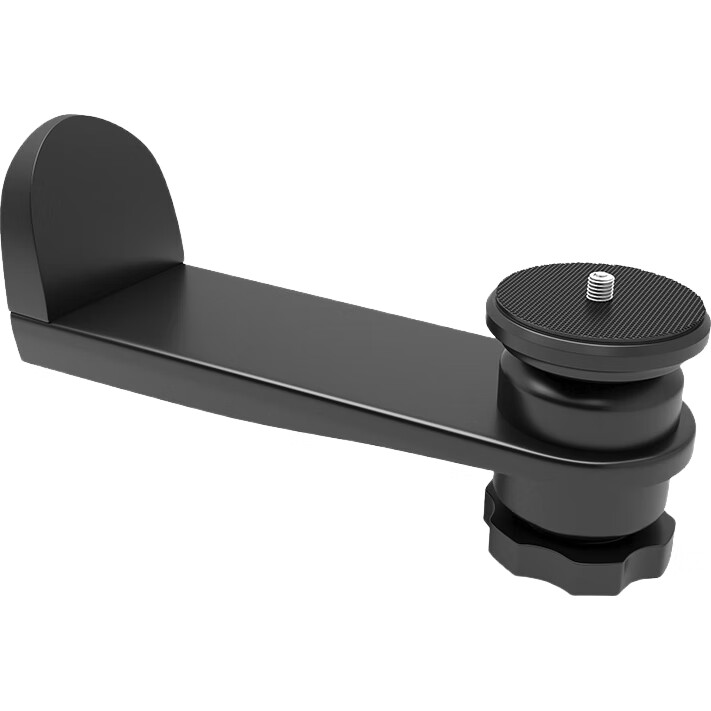
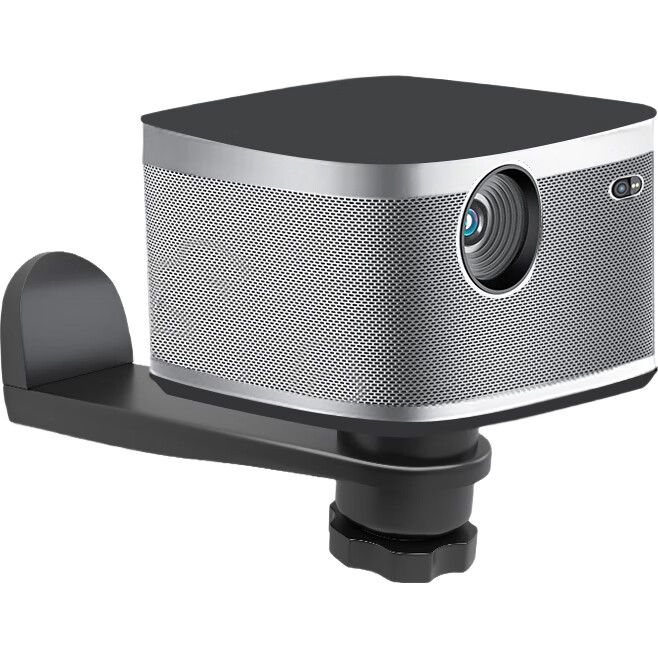
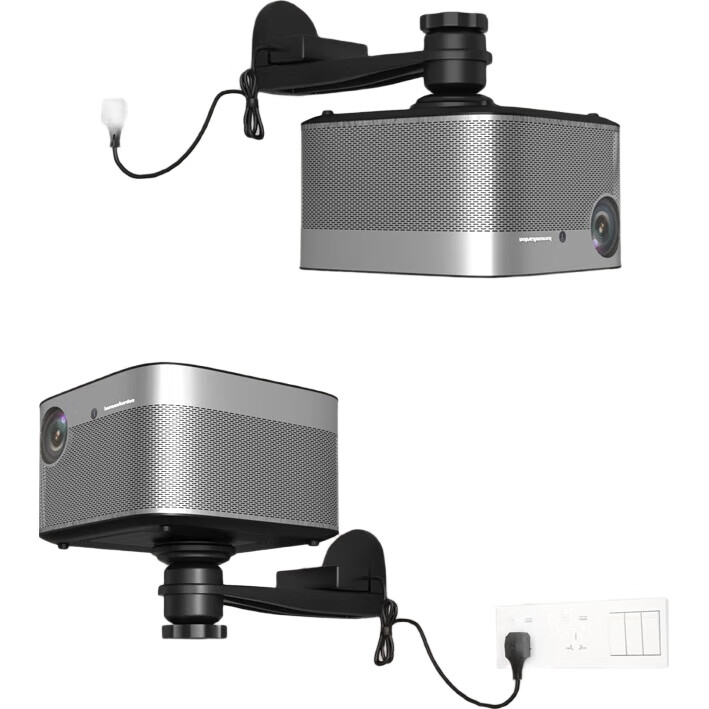
CINE Projector Wall Mount Bracket for Home Use, Suitable for XGIMI Z6X H6 Dangbei X7pro Jmgo N3, Dayan Orange C3 Hisense Projector Bedside Storage Shelf PB18
CN¥89.10
SKU: 100023635495
Status:In Stock (4)
ID: 100054378644
Weight: 750.00 g
Dims:270x145x80 mm
Specifications
- Category
- Projector mount
- Suitable Scenarios
- wall-mounted
- Curtain material
- NonMubu
Variants / Sale Attributes
Color: High Load Capacity Cloud Platform Wall-Mounted Bracket
Package Contents
1 wall mount bracket, 1 tripod, 1 tripod fixing screw, 1 screw package
Product Description
Overview
- Brand
- CINE
- Product Name
- CINE Support
- Product Type
- Wall Mount Bracket
- Model
- PB18
- Load Capacity
- 5 kg
- Material
- Aluminum Alloy
- Compatible Models
- XGIMI, JMGO, Coolux, Magic Screen, Danby, and other single-hole micro projector models
1. Determine the installation location and test the projector to ensure the image can be projected at the desired position with adjustable size and trapezoid correction.
2. Place the bracket at the installation location and mark the drilling positions on the wall through the 3 screw holes of the bracket using a pencil.
Similar Products
Out of Stock
MEISHUOProjection accessories
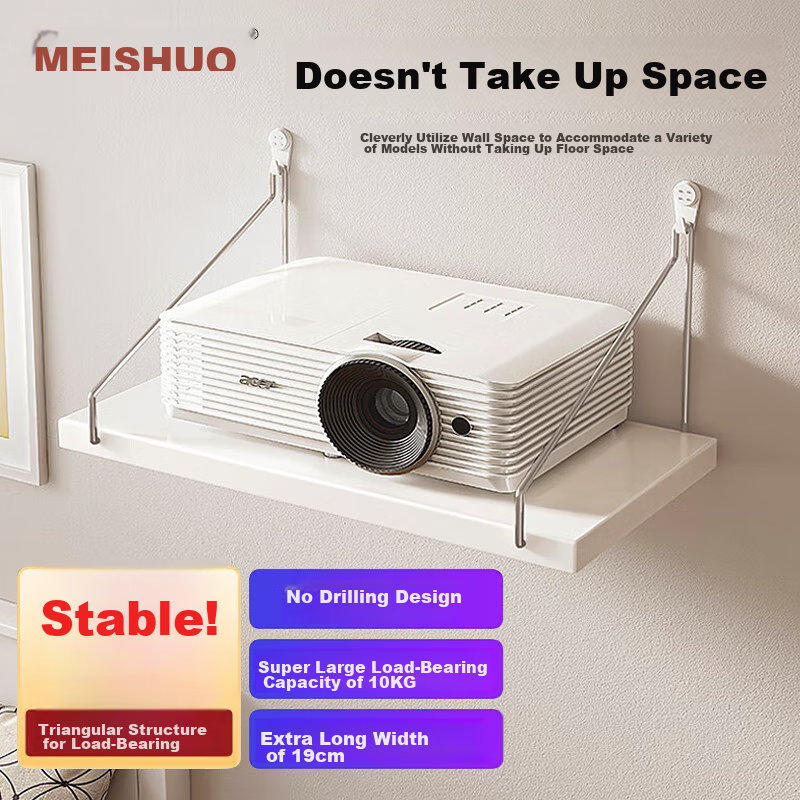
MEISHUO Projector Wall Mount Bracket Tray Storage Shelf 30*19 Wall-Mounted No Drilling Router Placement Rack Wall-Mounted Set-Top Box Bracket Universal for XGIMI, Xiaomi, Jmgo, Mijia And Other Brands
[30*19 Storage Rack] No Drilling Required
CN¥18.81
In Stock
XGIMIProjection accessories
XGIMI DLP-Link Active Shutter 3D Glasses (Long Battery Life, Smart Chip, High Light Transmittance)
active shutter 3D glasses
CN¥198.00
In Stock
KUAIDUOXIAOWUProjection accessories
Kuaiduo House 60-Inch 16:9 Photon Wall-Mounted Screen Anti-Light Projection Screen 8K HD Compatible with Three-Color Laser Projectors [No Drilling] for Office and Home Use Compatible with XGIMI, JmGO,
Hanging screen (3.5 gain photon screen)
CN¥137.22