Back to Catalog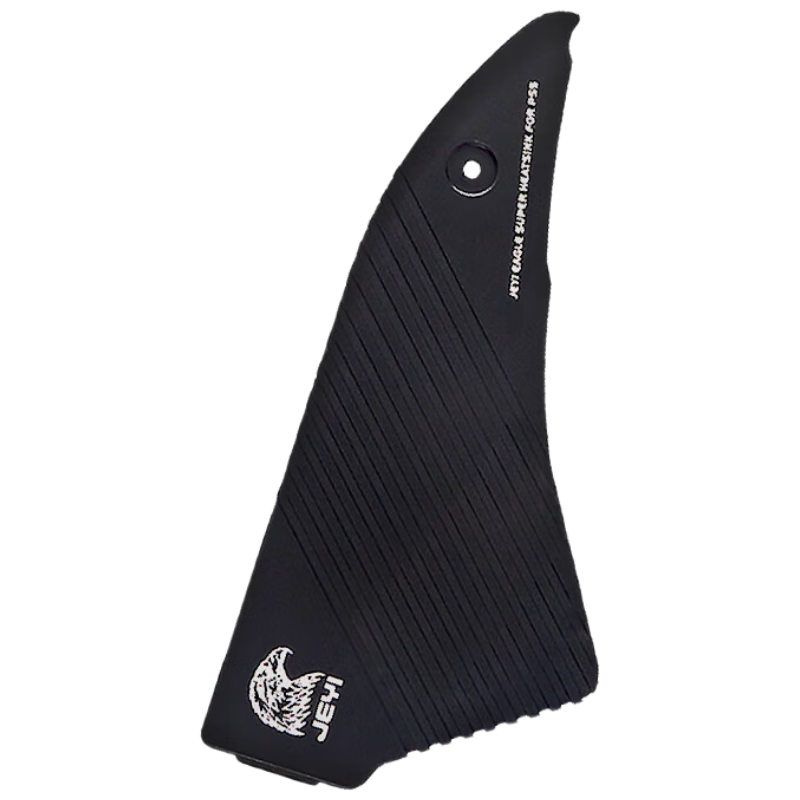
 View
View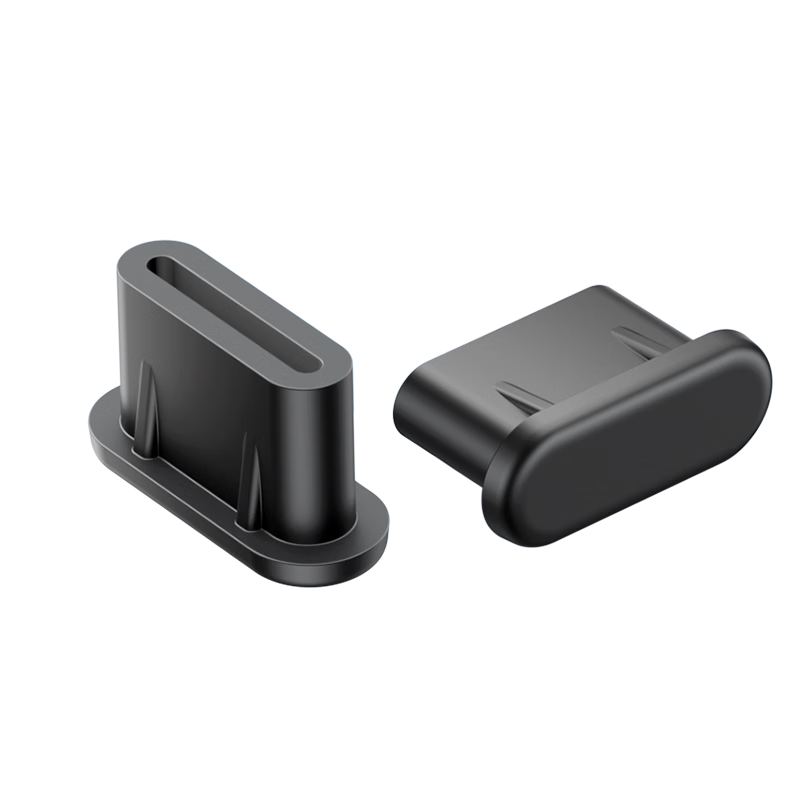 View
View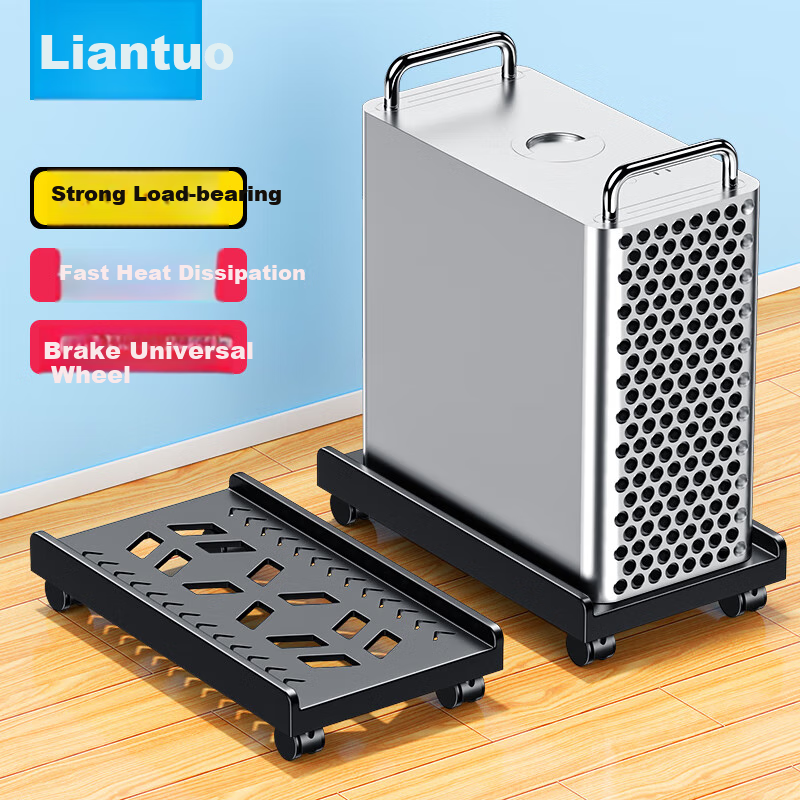 View
View
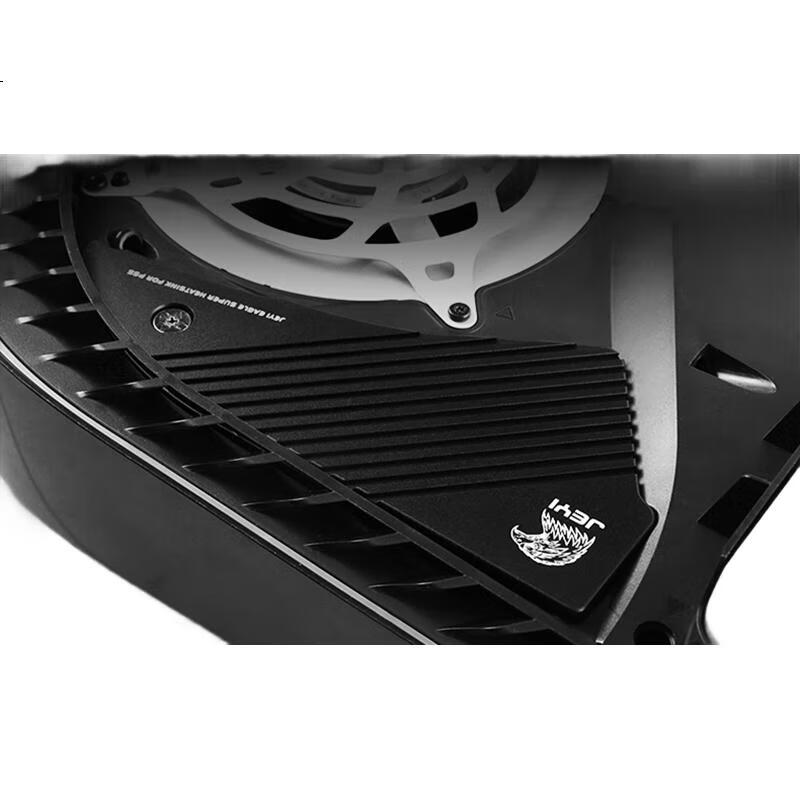
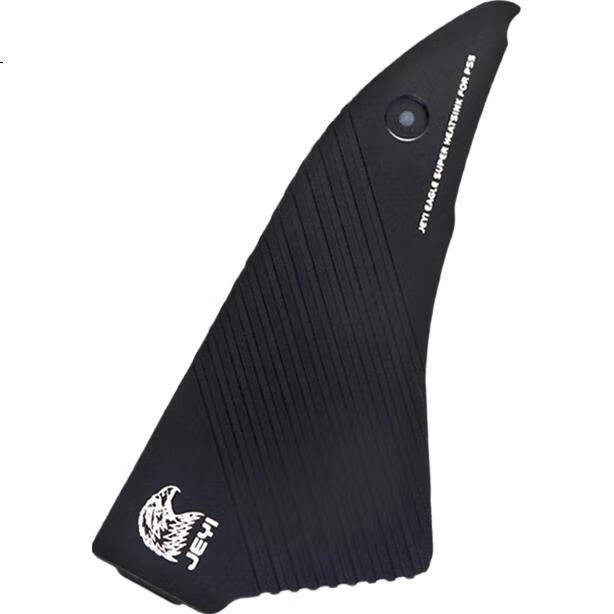
JEYI PS5 SSD Heatsink, M.2 NVME Cooling Pad, Magnesium-Aluminum Alloy Design, Efficient Heat Conduction without Blocking Airflow, Compatible with 2280 Size
CN¥69.00
SKU: 100030063800
Status:In Stock (2)
ID: 100028641277
Weight: 140.00 g
Dims:170x87x16 mm
Specifications
- Assembly tools
- PC hardware bundle
- Category
- Other accessories
- For Use With
- hard drive/SSD
Variants / Sale Attributes
Color: PS5/gaming console dedicated heat sink
version: Hard Drive Cooling Series
Package Contents
1 solid state drive heatsink, 1 installation tool kit, 1 thermal conductive silicone pad
Product Description
Product Specifications
Overview
- Brand
- JEYI
- Material
- Alloy
- Design
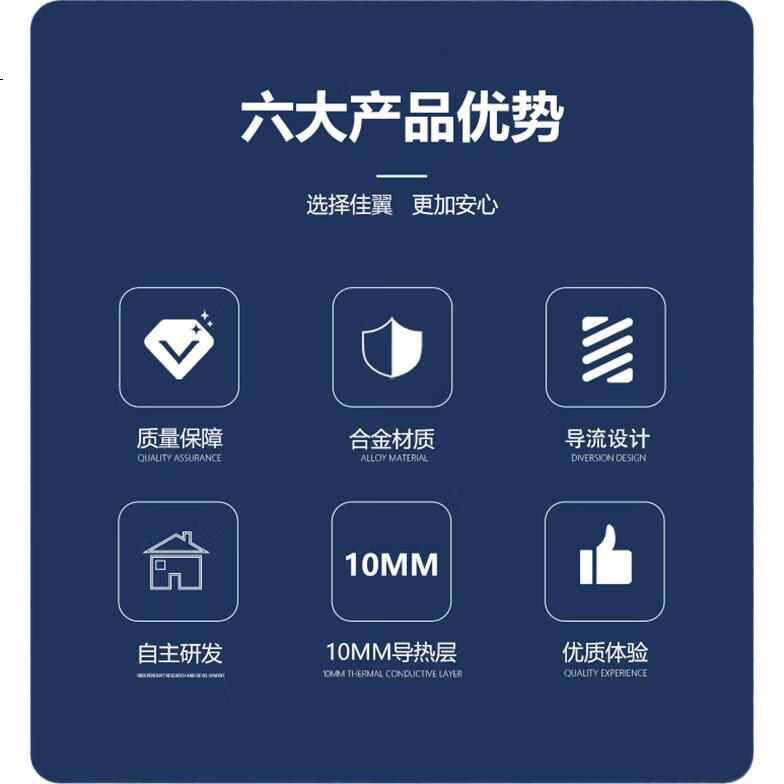
- Diversion design
- Thickness
- 10 mm
Features
- Integrated heat conduction of aluminum magnesium alloy
1. Open the side panel of PS5
2. Unscrew the M.2 hard drive bay cover with a screwdriver
3. Attach a silicon pad to the SSD
4. Secure the M.2 screw and place it in the M.2 slot
5. Align the end of the heatsink
6. Tighten the fixing screws and place the slot back into the body panel
Similar Products
In Stock
JEYIcomputer hardware components
JEYI SATA 15Pin to Case Fan Adapter, 4Pin to 3-Port S-FAN3
One-To | SATA to Small 4-Pin Connector, 2 Pins 2 Wires
CN¥14.90
In Stock
SAMZHEcomputer hardware components
Sanze Type-C Dust Plug Dustproof and Moistureproof Silicone Protective Cap for Apple/Android Phone Charging Port Tablet Earphone Dust Cover 50pcs SZ-TC50
[TypeC Dust Plugs] 50 pieces
CN¥18.90
In Stock
LinkStonecomputer hardware components
LinkStone Computer Tower Stand, Movable Desktop Computer Case Bracket Base Tray Case Stand, Computer Storage Rack with Universal Casters And Brake Lock Wheels
No installation required [High load-bearing capacity] for rapid heat dissipation
CN¥39.90