Back to Catalog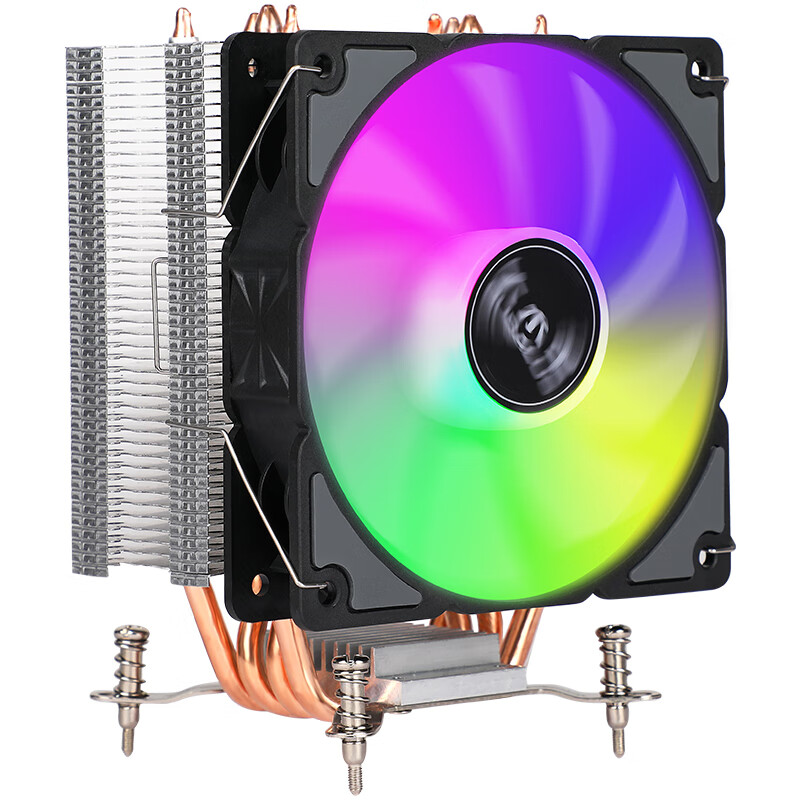
 View
View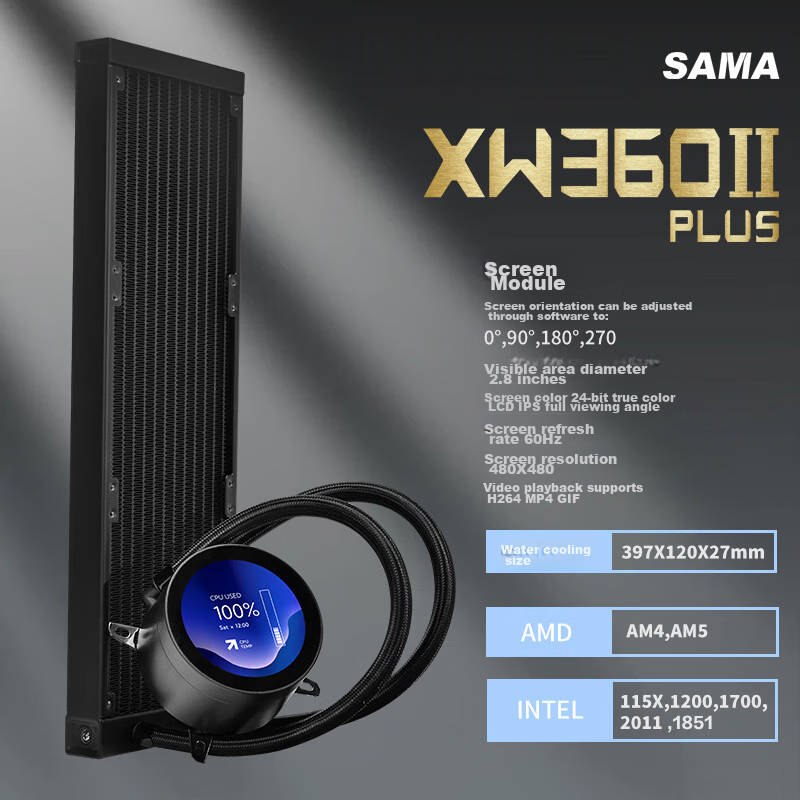 View
View
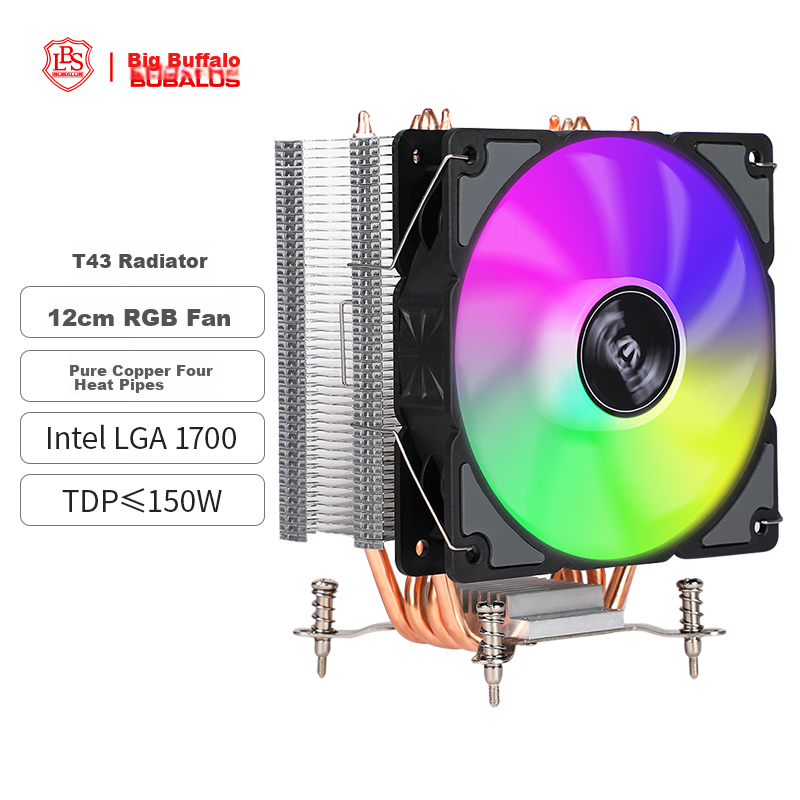
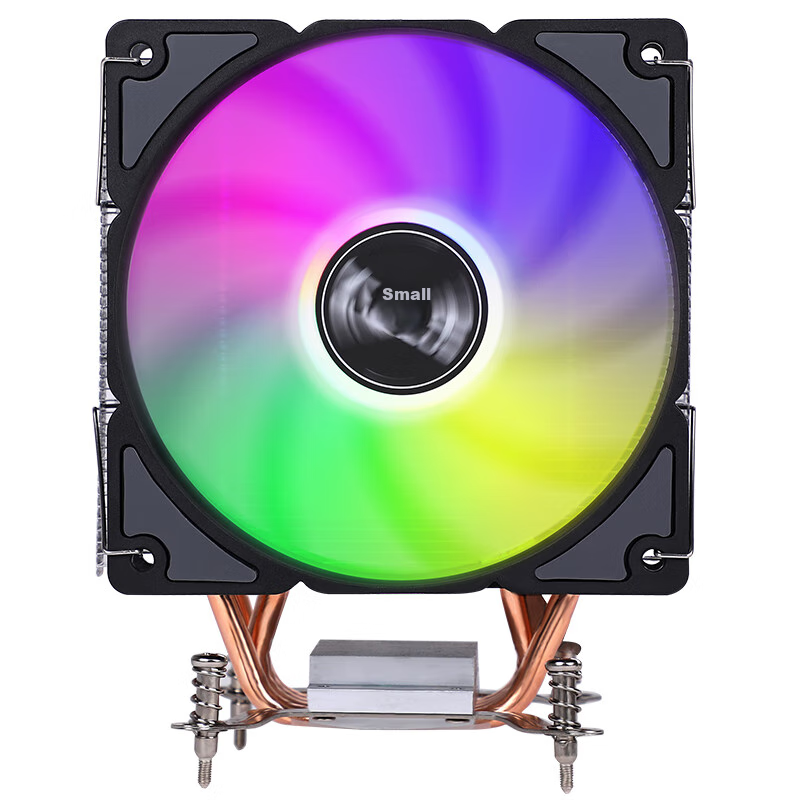
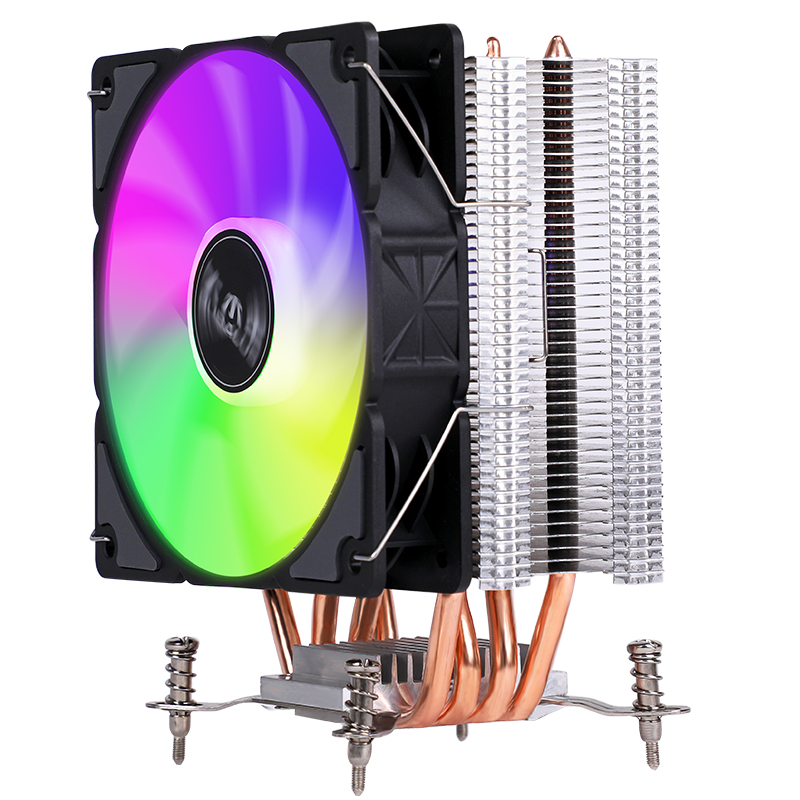
BUBALUS T43 4 Heat Pipe CPU Air Cooler (Supports Multi-Platform/i Series/PWM Temperature Control/12CM Fan/Thermal Paste/Clamp-On Design/Supports 1700)
CN¥49.90
SKU: 100034437500
Status:Out of Stock
ID: 100048145129
Weight: 650.00 g
Dims:172x136x104 mm
Specifications
- Lighting Effects
- Single light
- Type
- air-cooled radiator
- Air-cooled base
- Wearing piece process
- Compatible interface
- INTEL1151 (9th generation), INTEL LGA1700, INTEL LGA1200, INTEL1151 (8th generation)
- Fan connection method
- Wired connection
- Number of heat pipes
- 4 heat pipes
- Air-cooled base
- heat pipe direct touch
Variants / Sale Attributes
Color: T43(4 Heat Pipe/intel1700/12CM)
Package Contents
1 x heatsink; 1 x accessory pack (including Intel bracket, thermal paste, etc.)
Product Description
Overview
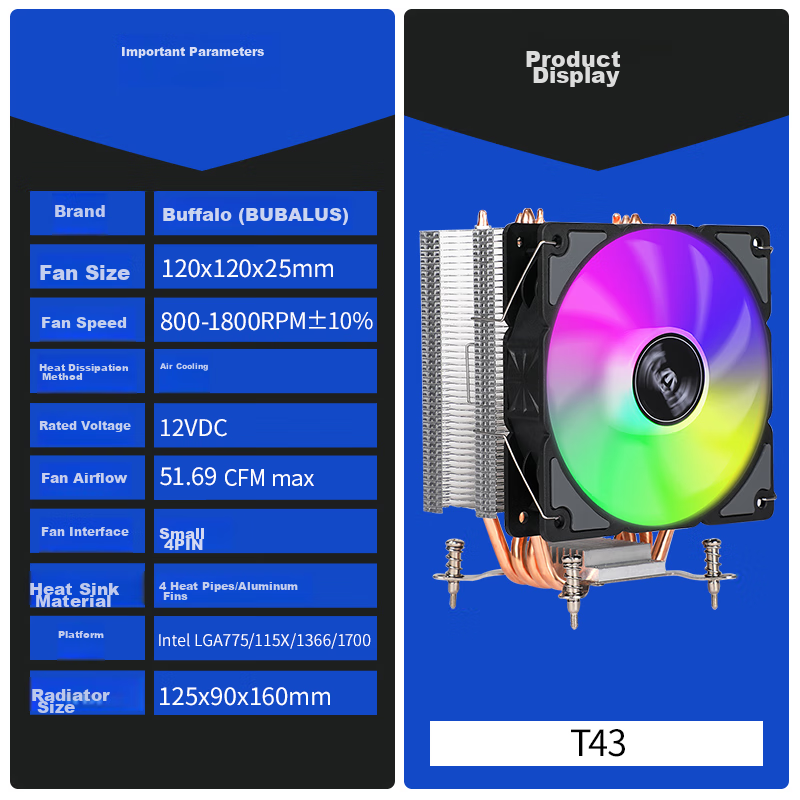
- Brand
- BUBALUS
- Product Name
- T43 CPU Cooler
- Compatibility
- Intel LGA775/115X/1700/1366 platforms
- Heat Pipes
- 4 copper heat pipes
- Cooler Type
- Tower-style CPU cooler
- Fan
- 12 cm RGB fan with PWM intelligent temperature control
- Heat Sink Material
- Pure aluminum fins with 4 copper heat pipes
Similar Products
Out of Stock
thermalrightradiator
Thermalright Assassin Spirit 120 VISION ARGB BLACK CPU Air Cooler AS120 VISION ARGB BLACK
AS120 VISION ARGB Black
CN¥129.90
In Stock
SAMAradiator
SAMA Second Generation XW360-PLUS Fanless Black All-In 360 Water Cooling CPU Cooler (2.8-Inch Large Round LCD Display)
2.8-Inch Screen, Second-Generation XW360-P Fanless, Black
CN¥529.00