Back to Catalog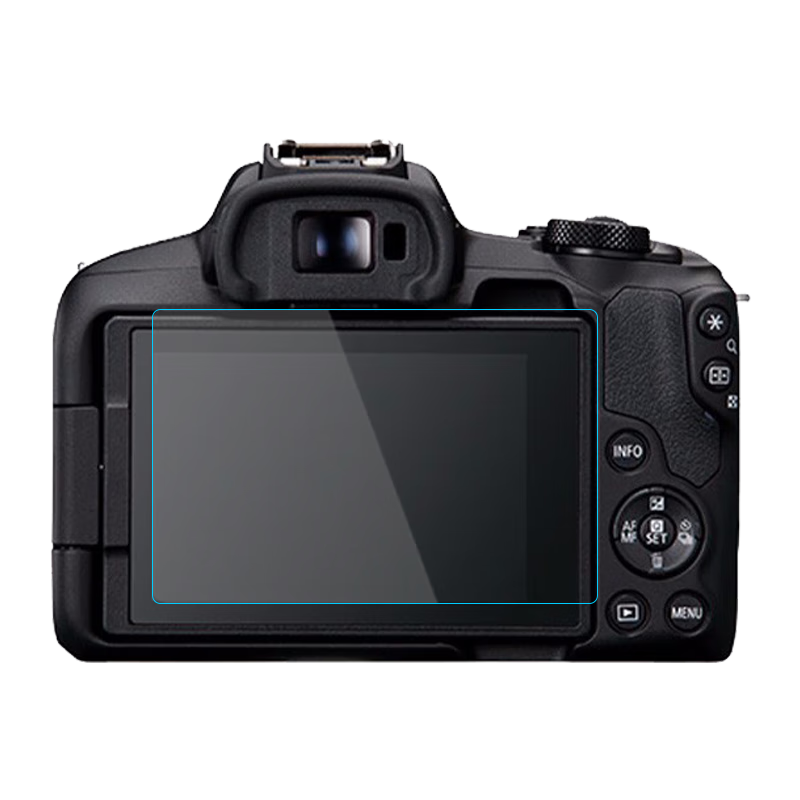
![Shili Fan Fuji Camera AR Film Fuji Camera Screen Protector Fuji X-S20 Camera HD Anti-Reflective Screen Protective Film [2-Pack AR Film]](https://img30.360buyimg.com/sku/jfs/t1/428595/28/17982/157290/69fe130eFf0c18580/083332032056e28f.png) View
View![JJC [Imported 3M Material] Protective Film Skin Sticker Accessory for Fujifilm X-M5 Camera](https://img30.360buyimg.com/sku/jfs/t1/422033/28/9636/534002/69e64150Fc1e375f1/0833320320f04dd1.png) View
View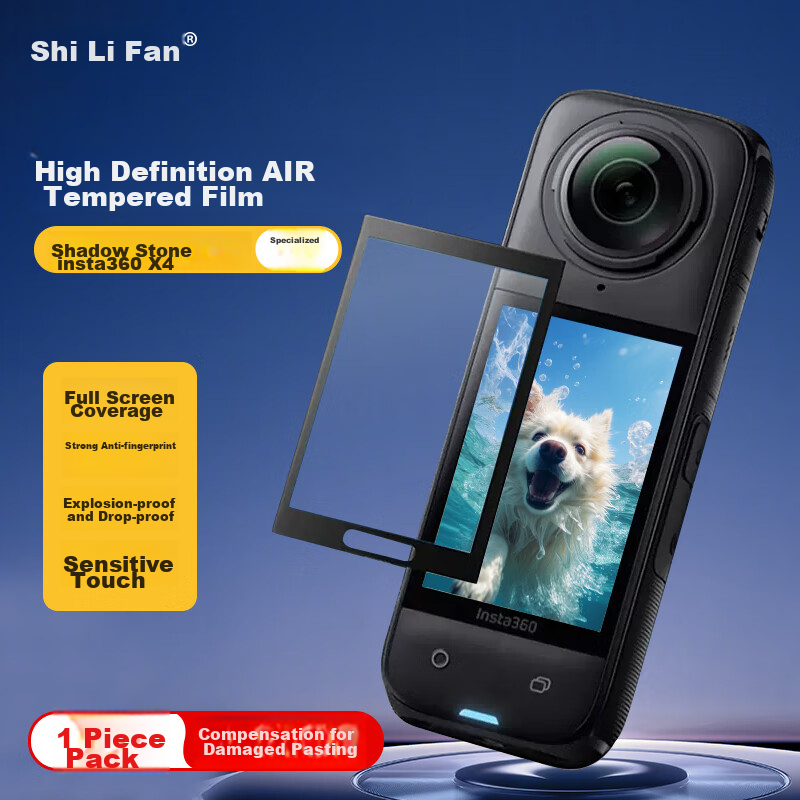 View
View
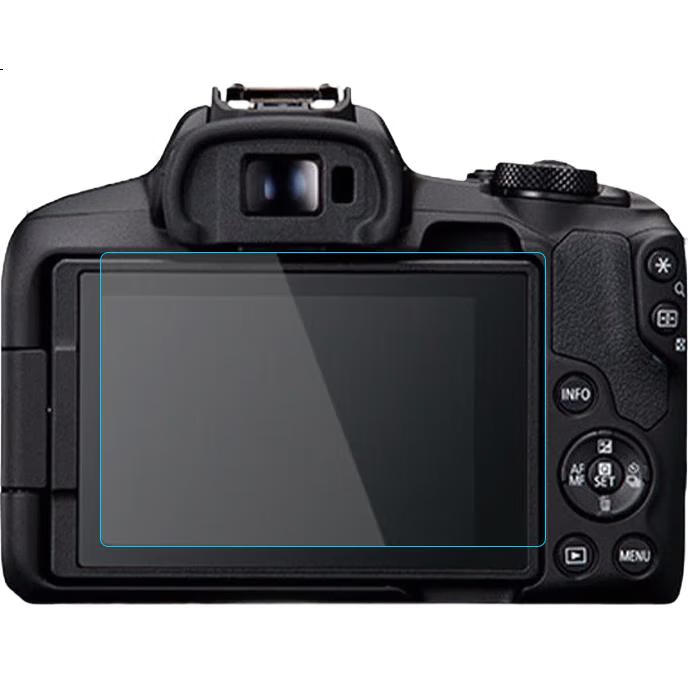
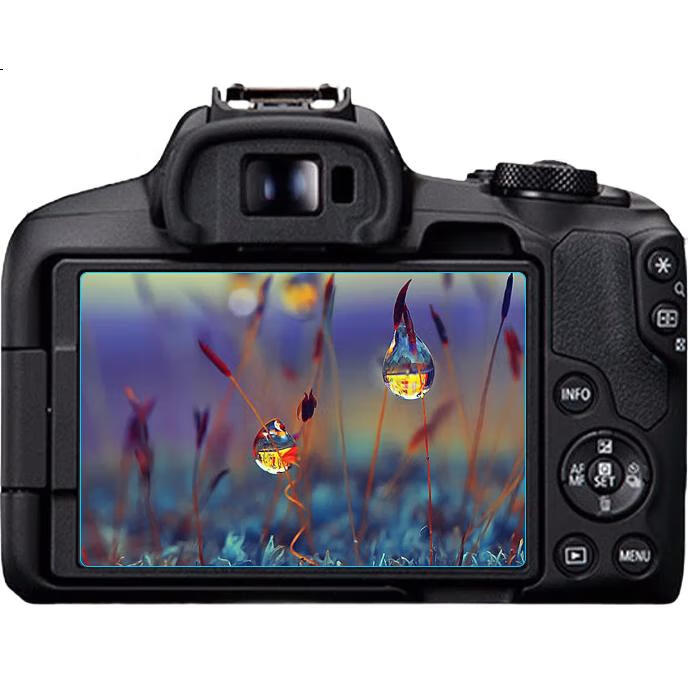
Earlymen Dual-Pack Tempered Glass Screen Protector for Canon R50, R8, G7X3, M200 Camera Screen Protection Film, Adhesive Film, Mirrorless And DSLR Accessory
CN¥16.83
SKU: 100046710486
Status:In Stock (5)
ID: 100011300883
Weight: 60.00 g
Dims:175x100x10 mm
Specifications
- Type
- Screen protector
- Material
- Tempered glass
- Characteristics and Traits
- Anti-scratch
Variants / Sale Attributes
Color: Screen protector
Size: Canon R50 R8 Two-Pack
Package Contents
Canon R50 R8 tempered glass film *2
Product Description
Overview
- Brand
- earlymen
- Product Name
- Toughened Glass Film Camera Protector
- Material
- Tempered Glass
- Thickness
- Approx. 0.3 mm
- Hardness
- 9H
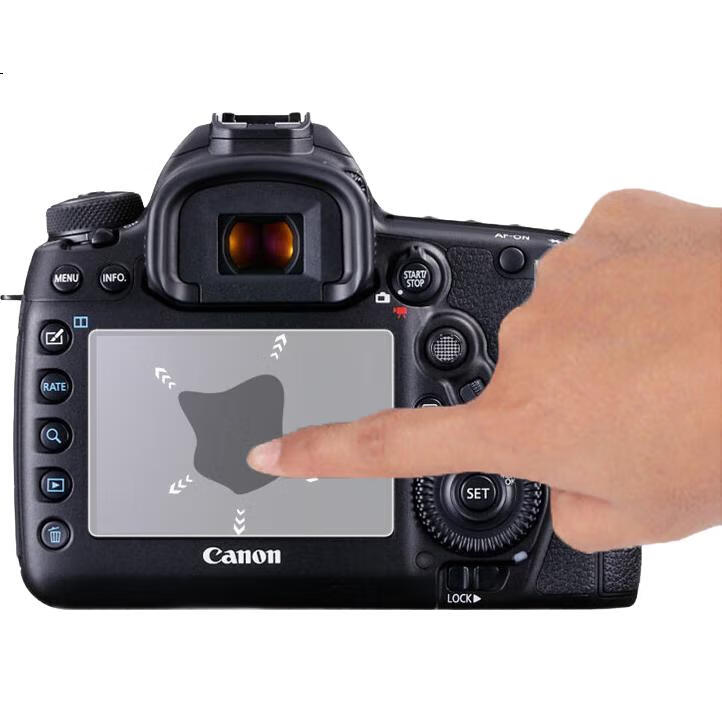
High hardness with abrasion and scratch resistance
High light transmittance for clear visibility
Slim design with 0.3mm thickness combined with 2.5D arc edge design for comfortable touch and enhanced screen aesthetics without affecting visual experience
1. Use the provided wet cleaning wipe to thoroughly clean the screen.
2. Use the cleaning cloth or dry alcohol wipe to clean the LCD screen surface until dry. Avoid using alcohol or other solvents directly on the screen.
3. Peel off the tempered glass film label marked "①".
4. Gently align the tempered glass protector with the camera lens, pressing lightly in the center to allow automatic adhesion.
Similar Products
Out of Stock
Camera cleaning/screen protector
Shili Fan Fuji Camera AR Film Fuji Camera Screen Protector Fuji X-S20 Camera HD Anti-Reflective Screen Protective Film [2-Pack AR Film]
[AntiReflective AR Film] Fujifilm XS20
CN¥6.06
Out of Stock
JJCCamera cleaning/screen protector
JJC [Imported 3M Material] Protective Film Skin Sticker Accessory for Fujifilm X-M5 Camera
Transparent top/bottom (excluding others)
CN¥39.00
In Stock
Camera cleaning/screen protector
Shilifan X4 Screen Protector for Insta360 X4 AR Camera, Insta360 X4 Camera Film, Panoramic Action Screen Protector, High-Definition Anti-Glare, Single Pack
Insta360 X4 Curved Air Film
CN¥12.80