Back to Catalog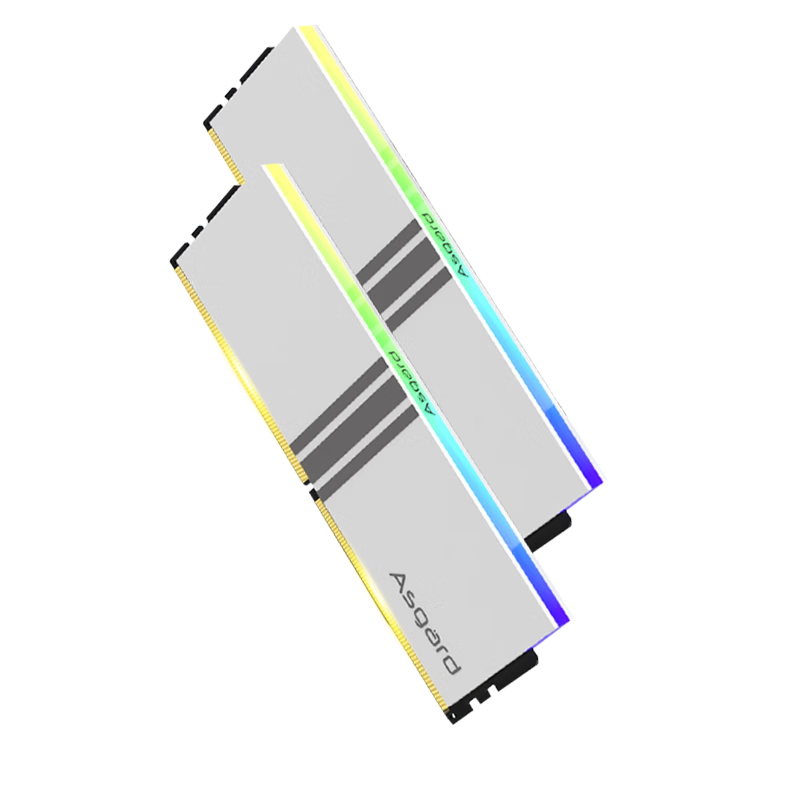
 View
View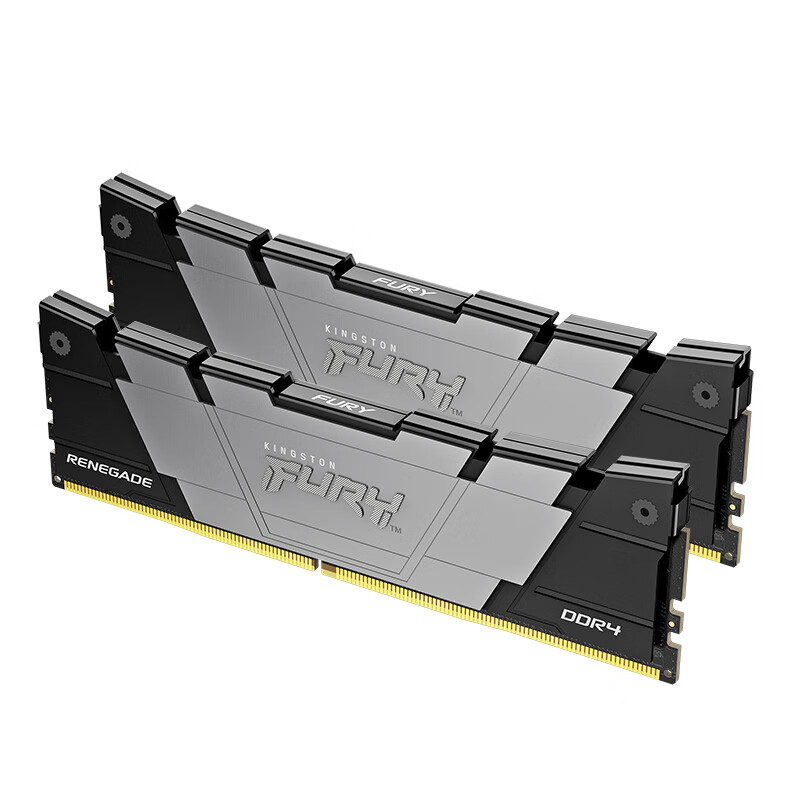 View
View
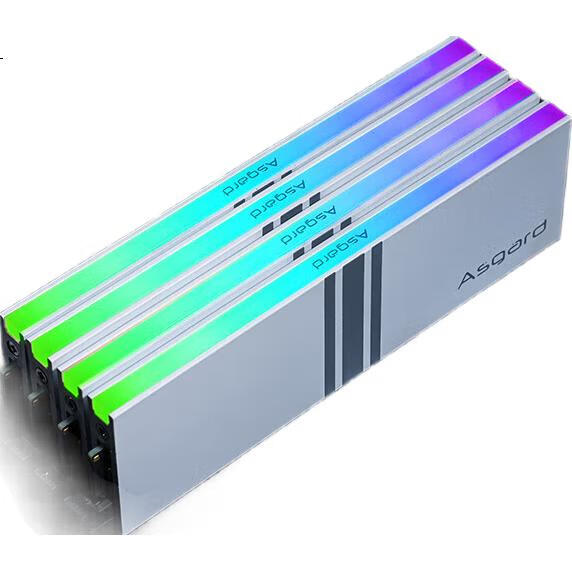
Asgard 16GB (8GB X 2) DDR4 3200 Desktop Memory Module, Valkyrie RGB Light Bar, Premium Chips, CL18 Polar White AI Computer
CN¥959.00
SKU: 100048896081
Status:In Stock (3)
ID: 100013337920
Weight: 300.00 g
Dims:179x141x25 mm
Specifications
- DDR algebra
- DDR4
- Memory frequency
- 3200/3333MHz
- Amount of memory
- 2-piece suit
- Platform
- desktop computer memory
- Appearance characteristics
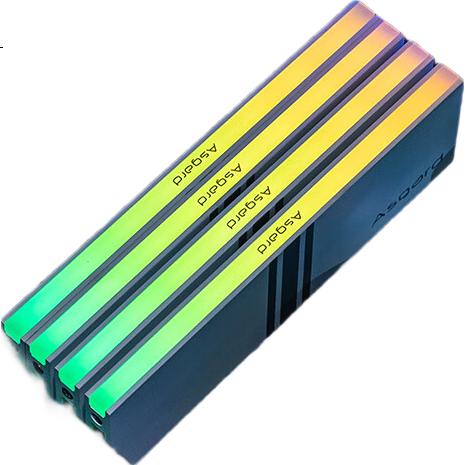
- RGB light strip
- Total capacity
- 16GB
Variants / Sale Attributes
Memory frequency: 3200 C18 Women's Warrior - White, Selected Particles
Number of memory sticks and total capacity: 16GB 2 sticks (8GBx2)
Package Contents
Memory *2
Product Description
Overview
- Brand
- Asgard
- Model
- VALKYRIE
- Design
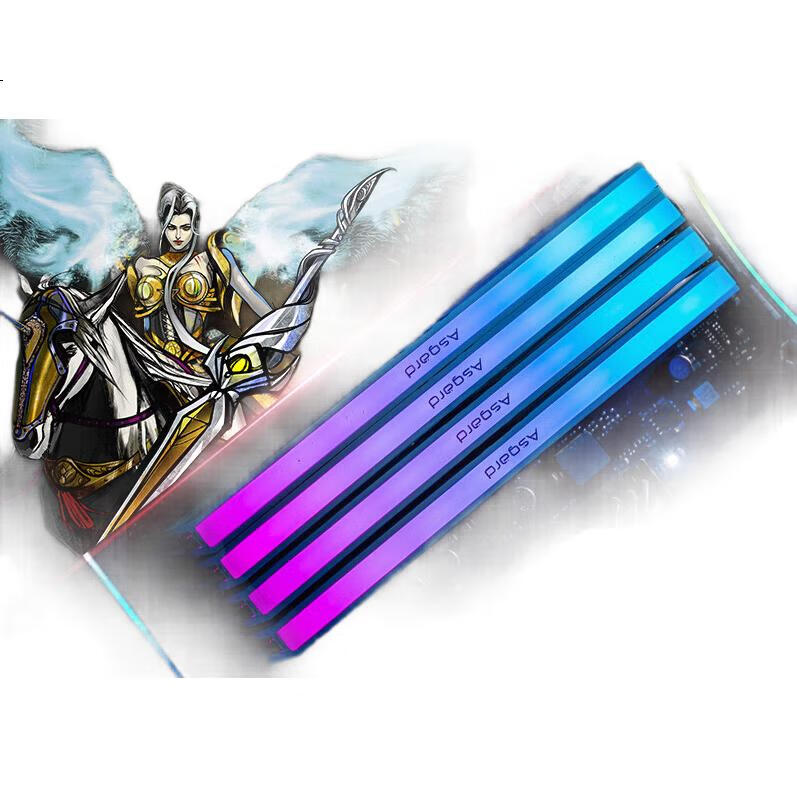
- The design of the VALKYRIE memory module is inspired by the Norse mythology of the Valkyries, featuring a white color scheme and intricate paintwork. The design is meant to evoke the image of the Valkyries riding their white horses under the Northern Lights, symbolizing courage and determination.
- Performance
- The VALKYRIE memory modules are optimized for overclocking, with the ability to run at frequencies higher than 3200MHz. They support XMP2.0 for easy overclocking and stable performance, making them suitable for high-intensity gaming and demanding applications.
Similar Products
In Stock
KINGBANKmemory
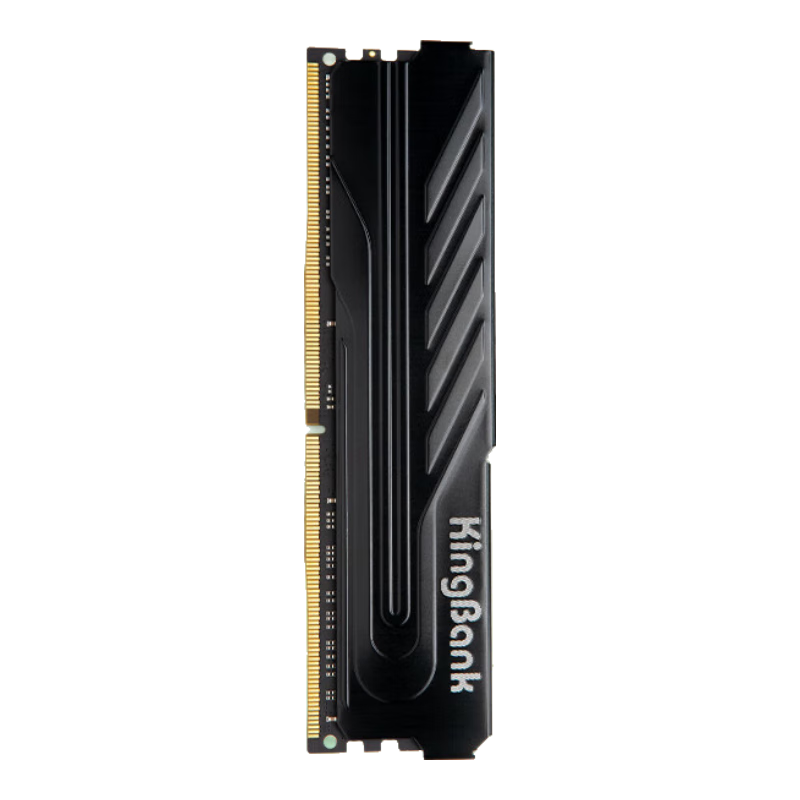
KINGBANK 16GB DDR4 3200 Desktop Memory Module, Intel-Specific RAM, Black Knight
[DDR4 3200] Black Knight Intel Dedicated
CN¥749.00
In Stock
Kingstonmemory
Kingston FURY 32GB (16GBx2) DDR4 4000 Desktop Memory Kit Renegade Series
D4 4000 Rebel Gamer Edition
CN¥3,365.00