Back to Catalog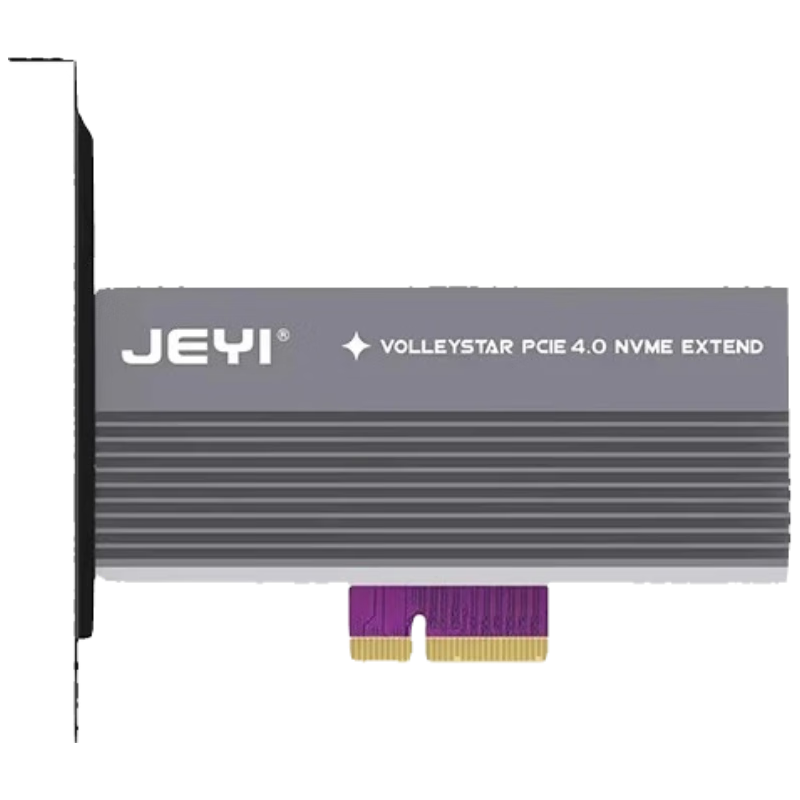
 View
View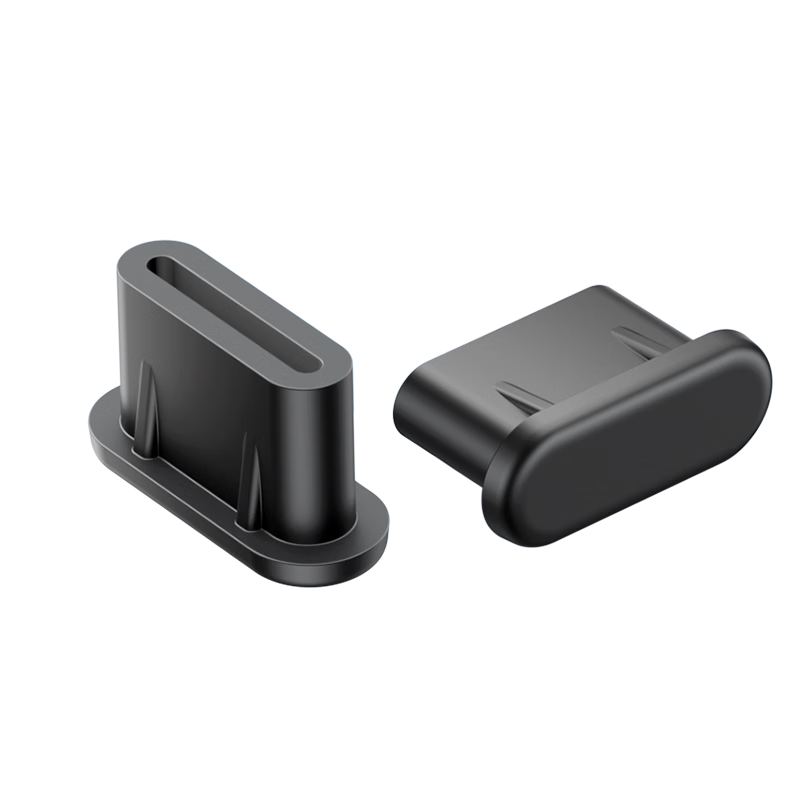 View
View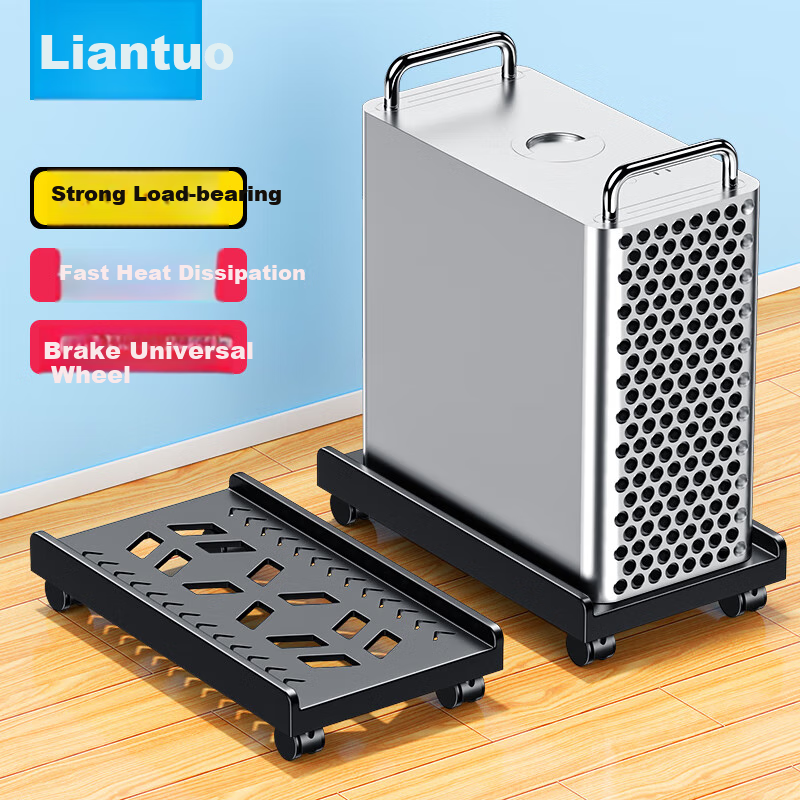 View
View
JEYI M.2 to PCIe 4.0 Expansion Card Compatible with PCIe 5.0/4.0/3.0 NVMe SSD Adapter Type-C External Fast Charging
CN¥69.00
SKU: 100058906284
Status:Out of Stock
ID: 100023635668
Weight: 220.00 g
Dims:153x118x27 mm
Specifications
- For Use With
- hard drive/SSD
- Place of Origin
- Guangzhou Guangdong
- Category
- Other accessories
Variants / Sale Attributes
Color: Single Drive PCIe 4.0 x4 [Cooling Case Fast Charging Edition]
version: single disk
Package Contents
SK1 expansion card *1, tool-free bracket *1, screwdriver *1, hard drive screws *1, mounting screws *1, hand-tightened screws *1
Product Description
Product Specifications
Overview
- Brand
- JEYI
- Product Name
- PCIe 4.0 to M.2 NVMe Expansion Card
- Model
- VOLLEYSTAR PCIe 4.0 NVMe EXTENG (Fast Charge Version)
- Material
- Magnesium-Aluminum Alloy
- Product Dimensions
- 120 mm (L) x 66.5 mm (W) x 17 mm (H)
Dimensions are manually measured and may have slight deviations
Additional details
Similar Products
In Stock
JEYIcomputer hardware components
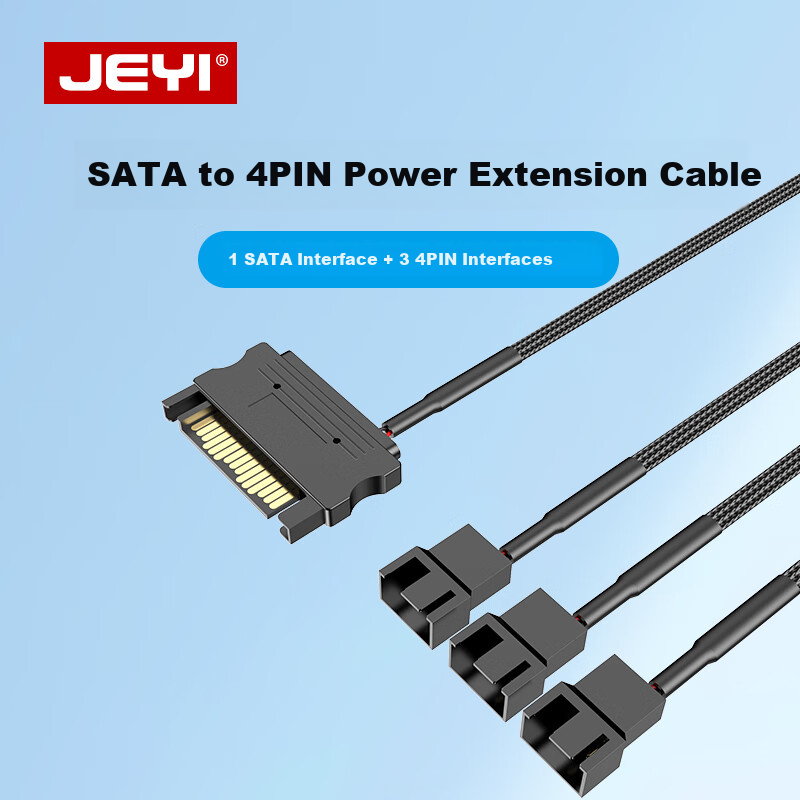
JEYI SATA 15Pin to Case Fan Adapter, 4Pin to 3-Port S-FAN3
One-To | SATA to Small 4-Pin Connector, 2 Pins 2 Wires
CN¥14.90
In Stock
SAMZHEcomputer hardware components
Sanze Type-C Dust Plug Dustproof and Moistureproof Silicone Protective Cap for Apple/Android Phone Charging Port Tablet Earphone Dust Cover 50pcs SZ-TC50
[TypeC Dust Plugs] 50 pieces
CN¥18.90
In Stock
LinkStonecomputer hardware components
LinkStone Computer Tower Stand, Movable Desktop Computer Case Bracket Base Tray Case Stand, Computer Storage Rack with Universal Casters And Brake Lock Wheels
No installation required [High load-bearing capacity] for rapid heat dissipation
CN¥39.90