Back to Catalog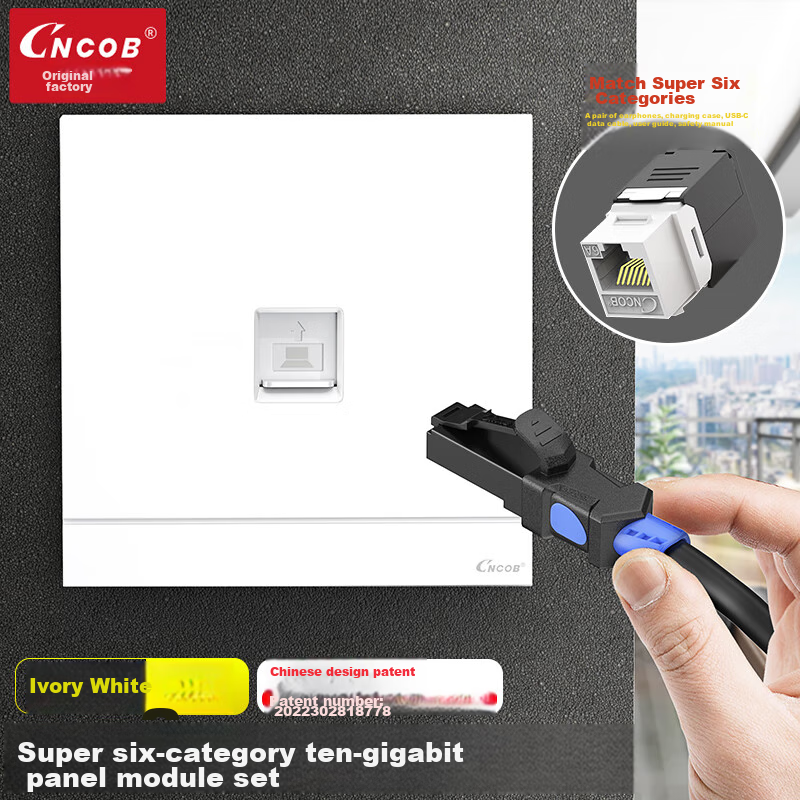
 View
View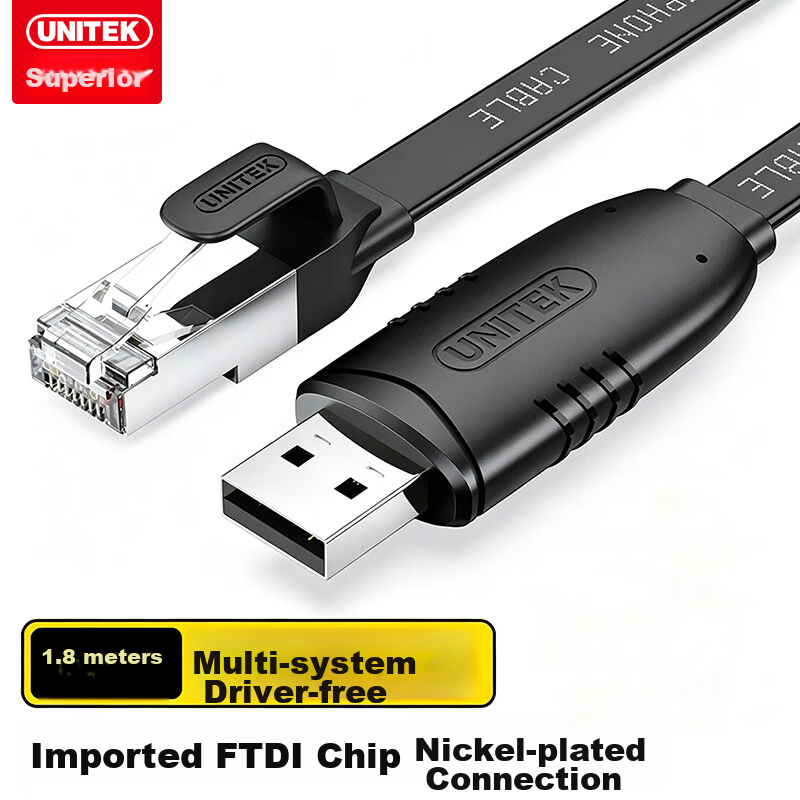 View
View
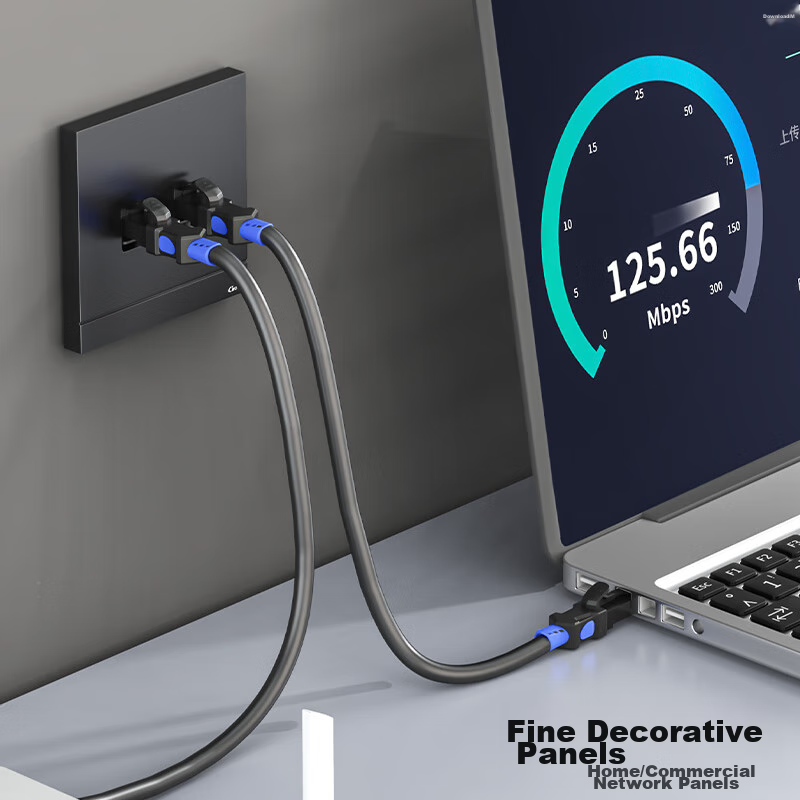
CNCOB Cat6a Unshielded Network Panel, Gigabit Ethernet Socket, Single Port 86-Type Panel for Computer Network Information Wall Outlet, Ivory White
CN¥26.80
SKU: 100061110961
Status:In Stock (4)
ID: 100055952382
Weight: 70.00 g
Dims:164x128x22 mm
Specifications
- Converter
- Other
- Connecting wire
- Cable
- Category
- Cable
- Cord Length
- Other
- Shielding type
- Unshielded
Variants / Sale Attributes
Model: [Non-Blocking] Ultra Category 6 10 Gigabit Pre-terminated Plug-And
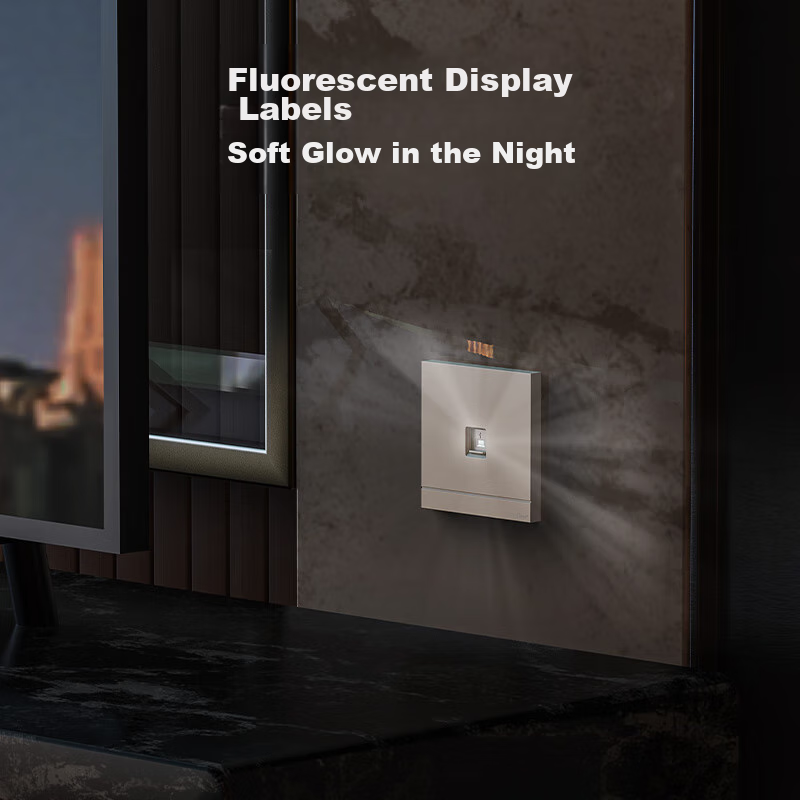
Version: Fluorescent [Single-Channel - Ivory White]
Package Contents
Super six-category module + ivory white fluorescent single-port panel set *1
Product Description
Overview
- Brand
- CNCOB
- Product Name
- 86 Type Network Panel
- Model Number
- CN-1202
- Material
- Environmentally friendly PC material
- Color Options
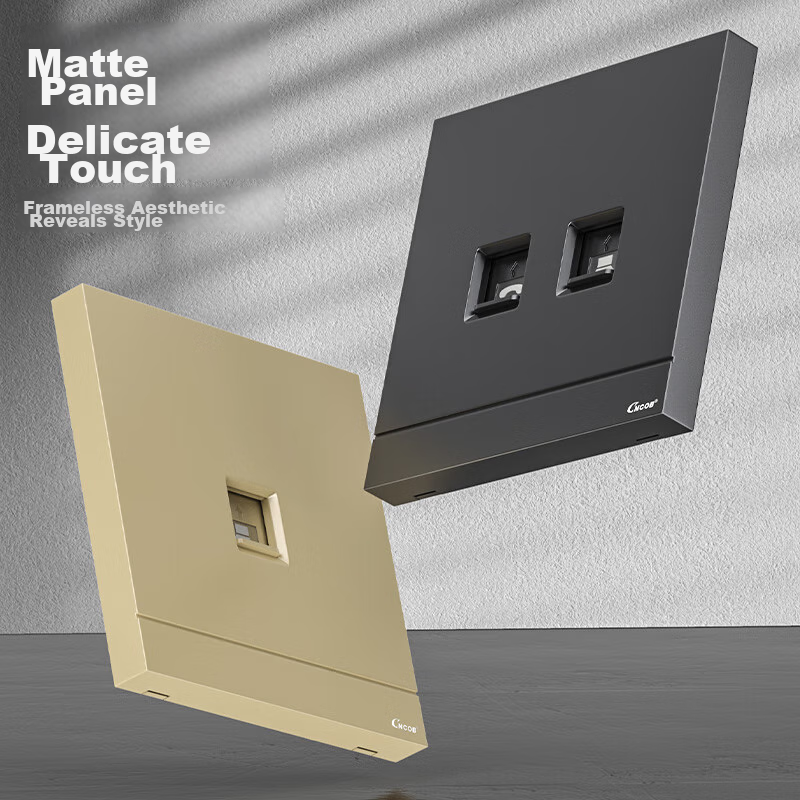
- Ivory White / Advanced Gray / Champagne Gold
- Product Dimensions
- 86 mm*86 mm
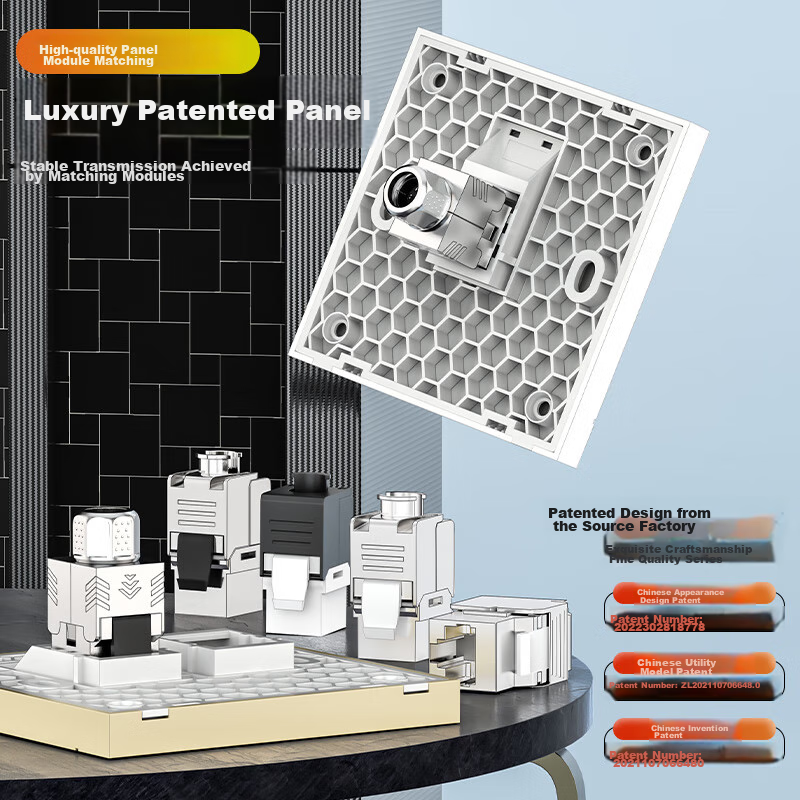
Luxury patented panel design
Stable transmission with module pairing
Source factory patented design
Exquisite craftsmanship in the premium series
Chinese appearance design patent
Similar Products
Out of Stock
JIBCable
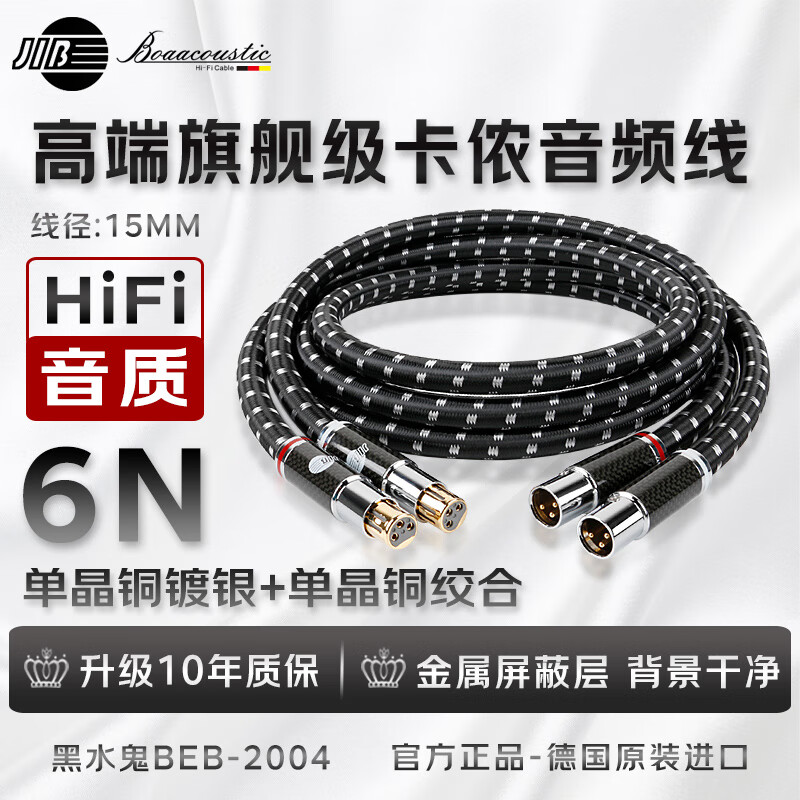
JIB High-End Flagship, XLR Male to Female Audio Cable, Balanced XLR Cable for CD/Amplifier/preamp/speaker Connection BEB-2004 1 Meter Pair
[Flagship Audiophile] Bold · Kano Line One Pair
CN¥3,600.00
In Stock
UNITEKCable
Youyuezhe Console Debugging Cable 1.8m USB to RJ45 Control Cable Switch Configuration Cable for Cisco Huawei Tenda TP-LINK Router Adapter Y-SP02001E
USB to RJ45 Debug Console Cable 1.8 meters
CN¥80.90