Back to Catalog![Feilipu [Travel Exclusive], Selfie Stick Telescopic Tripod, Live Streaming Phone Bluetooth Handheld Anti-Shake Stand, Portable Selfie Gadget, Photography-Specific Floor Stand, Travel Tripod 5100](https://img30.360buyimg.com/sku/jfs/t1/237787/19/17719/21992/66525e88Fa40bfe8f/38e4d47306342021.png)
![Shuotu [Professional Shooting - 1.9 Meters] Selfie Stick Tripod, Phone Floor Stand, Handheld Anti-Shake Selfie Device, Portable Travel 360-Degree Rotation Fully Automatic Live Streaming Stand](https://img30.360buyimg.com/sku/jfs/t1/666/26/22939/92021/66b2ef4cF389405b2/98d9fb97376222e5.png) View
View
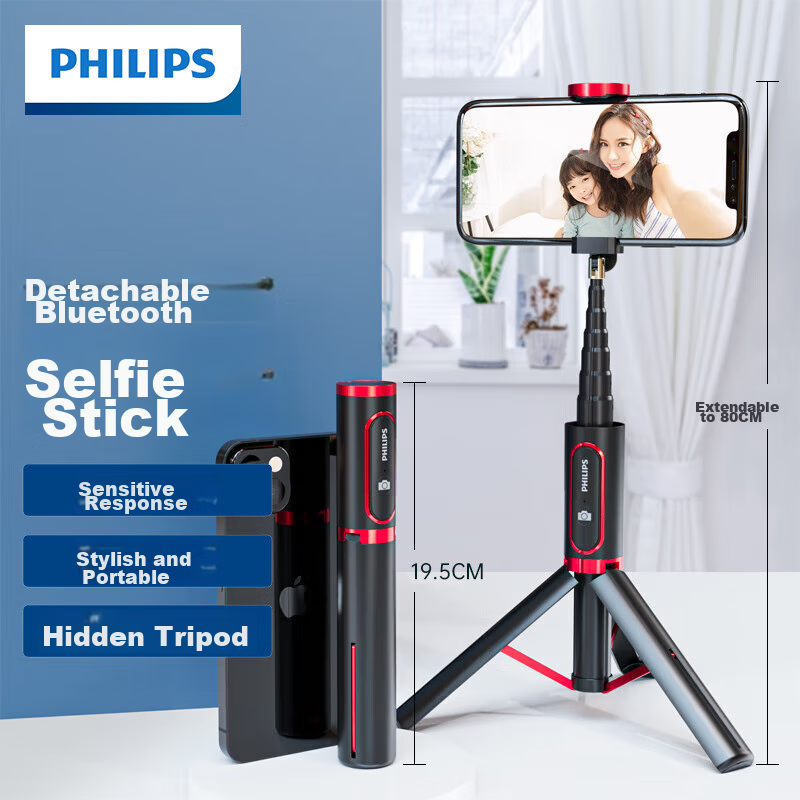
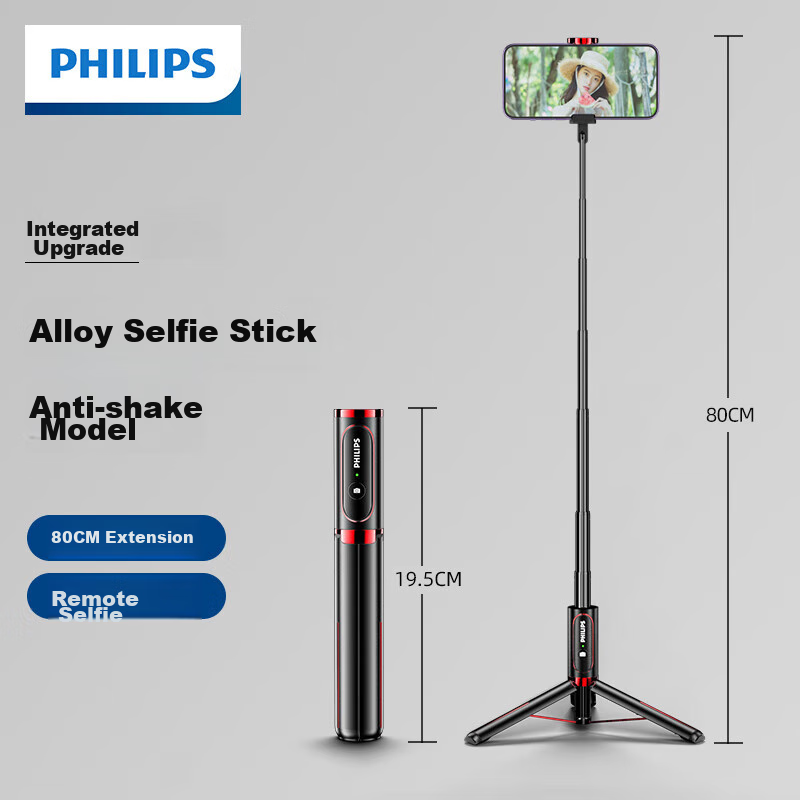
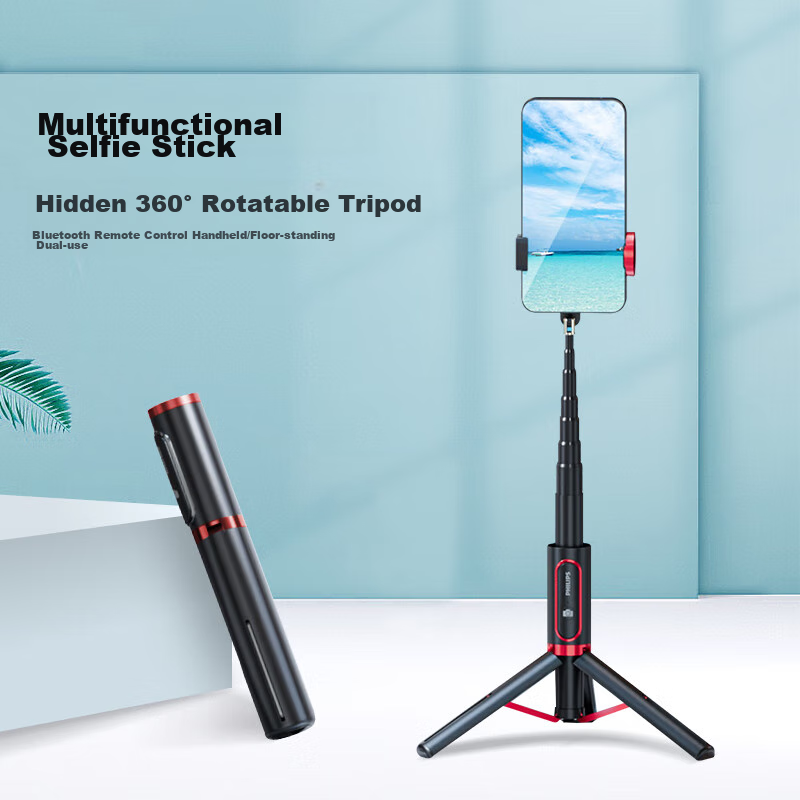
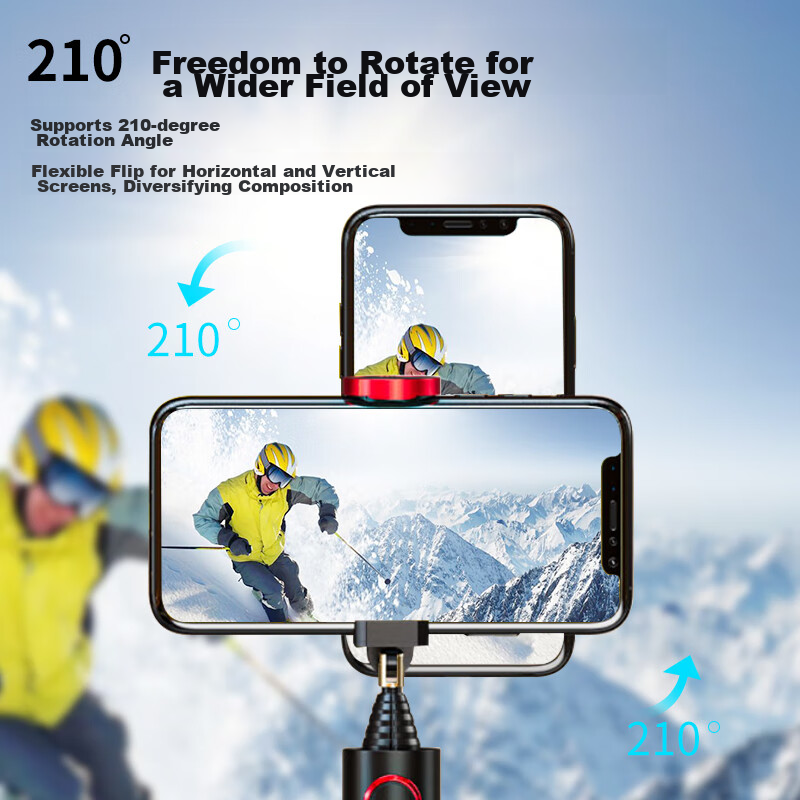
Feilipu [Travel Exclusive], Selfie Stick Telescopic Tripod, Live Streaming Phone Bluetooth Handheld Anti-Shake Stand, Portable Selfie Gadget, Photography-Specific Floor Stand, Travel Tripod 5100
CN¥145.00
SKU: 100066261645
Status:In Stock (10)
ID: 100066261645
Weight: 210.00 g
Dims:240x58x40 mm
Specifications
- Material
- Aluminum alloy
- zoom ratio
- No
- Fill light information
- No
- minimum focusing distance
- No
- Lens material
- No
- Suitable Scenarios
- selfmedia, Vlog, Outdoor livestream, desktop live streaming, short video creation, professional photography, travel photography, concert filming
- Applicable brands
- Universal
- Blade type
Variants / Sale Attributes
Color: [0.8 Meters] Integrated Storage + Bluetooth Smart Control
Package Contents
DLK5100 selfie stick x1 Charging cable x1 User manual x1
Product Description
Overview
- Brand
- Philips
- Model
- DLK5100B/93
- Color
- Black and red
- Product Weight
- 169 g
- Battery Material
- Lithium-ion polymer
- Battery Capacity
- 3.7V/50mAh
- Bluetooth Version
- V4.2
- Material
- Aluminum alloy rod
Similar Products
In Stock
Photography accessories
Shuotu [Professional Shooting - 1.9 Meters] Selfie Stick Tripod, Phone Floor Stand, Handheld Anti-Shake Selfie Device, Portable Travel 360-Degree Rotation Fully Automatic Live Streaming Stand
[Steady Shooting] Bluetooth Remote Control | Anti-Shake | No Light
CN¥59.00