


MEPL JD
CatalogCategoriesBrandsAnalyticsNew

MEPL JD

JD catalog demo by MEPL

Navigation

  • All Products
  • Categories
  • Brands
  • Category Analytics 📊

Tools

  • Advanced Search
  • My Favorites

Admin

  • Dashboard

© 2026 MEPL JD. All rights reserved.

Back to Catalog
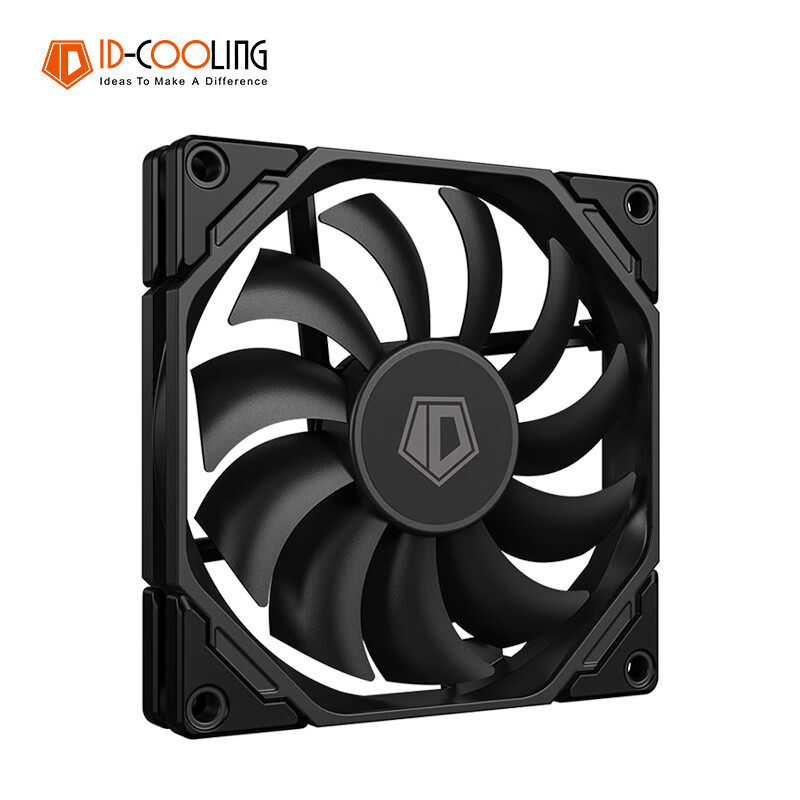
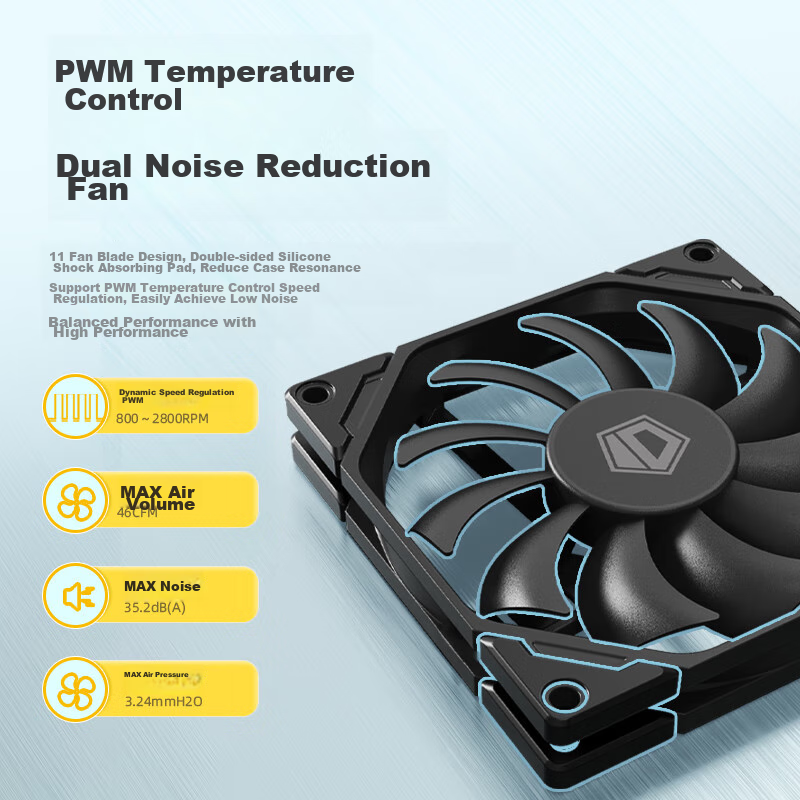
ID-COOLING 9CM Thin Fan, Non-Luminous Case Fan, PWM Temperature Control, Suitable for ITX Bottom-Mounted Computer Cooling Fan, 9015 Specification, TF-9215
Thumbnail 1
Thumbnail 2
Thumbnail 3
Thumbnail 4
Thumbnail 5
ID-COOLING•radiator

ID-COOLING 9CM Thin Fan, Non-Luminous Case Fan, PWM Temperature Control, Suitable for ITX Bottom-Mounted Computer Cooling Fan, 9015 Specification, TF-9215

CNÂ¥29.90
SKU: 100067157763
Status:In Stock (12)
ID: 100067157763
Weight: 100.00 g
Dims:128x96x19 mm

Specifications

Lighting Effects
No light
Type
chassis fan
Number of heat pipes
No

Variants / Sale Attributes

Color: TF-9215-K(9cm)

Package Contents

1 fan, 4 screws

Product Description

Overview

Brand
ID-COOLING
Product Name
9 CM Case Fan
Model
TF-9215-K
Product Dimensions
92×92×15 mm
Noise Level
≤35.2dB(A)
Speed
800~2800RPM±10%
Airflow
46CFM
Air Pressure
3.24mmH20

Similar Products

Out of Stock
Thermalright Assassin Spirit 120 VISION ARGB BLACK CPU Air Cooler AS120 VISION ARGB BLACK
thermalrightradiator

Thermalright Assassin Spirit 120 VISION ARGB BLACK CPU Air Cooler AS120 VISION ARGB BLACK

AS120 VISION ARGB Black

CNÂ¥129.90

View
In Stock
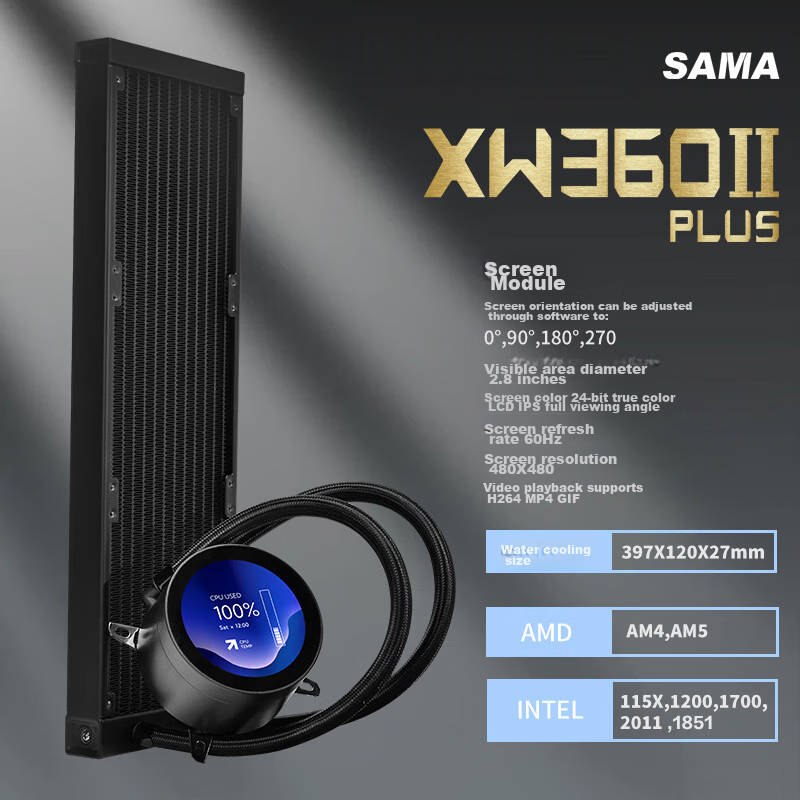
SAMA Second Generation XW360-PLUS Fanless Black All-In 360 Water Cooling CPU Cooler (2.8-Inch Large Round LCD Display)
SAMAradiator

SAMA Second Generation XW360-PLUS Fanless Black All-In 360 Water Cooling CPU Cooler (2.8-Inch Large Round LCD Display)

2.8-Inch Screen, Second-Generation XW360-P Fanless, Black

CNÂ¥529.00

View
Fan Interface
4PIN PWM Speed Control + Male and Female Connectors
Operating Voltage
12Vdc
Rated Current
0.2A
Input Power
2.4W
Bearing Type
Hydraulic Bearing
Warranty
1 year
Packaging
Exquisite Box Packaging

Dimensions and weights are manually measured and may have slight errors due to product updates.

1. *How to adjust fan speed?

  • You can adjust the fan speed in the motherboard BIOS or related software.

2. *How to distinguish between the intake and exhaust sides of the fan?

  • For fans with logo on the blades, the side with the logo is the intake side, and the side with model parameters is the exhaust side.

3. *How to set up the airflow direction in the case?

  • It is recommended to have front panel intake and rear panel exhaust, with bottom intake and top exhaust.

4. *How to install the fan?

  • Tighten the screws in a diagonal pattern, gradually and evenly until fully tightened. Do not overtighten to avoid damaging the rubber pads.

5. *How many fans can be connected in series?

  • The number of fans that can be connected in series depends on the power supply from the motherboard. Typically, 4-5 fans can be connected to a single SYSFAN output. If more power is needed, consider using a hub connected to the case power supply.
In Stock
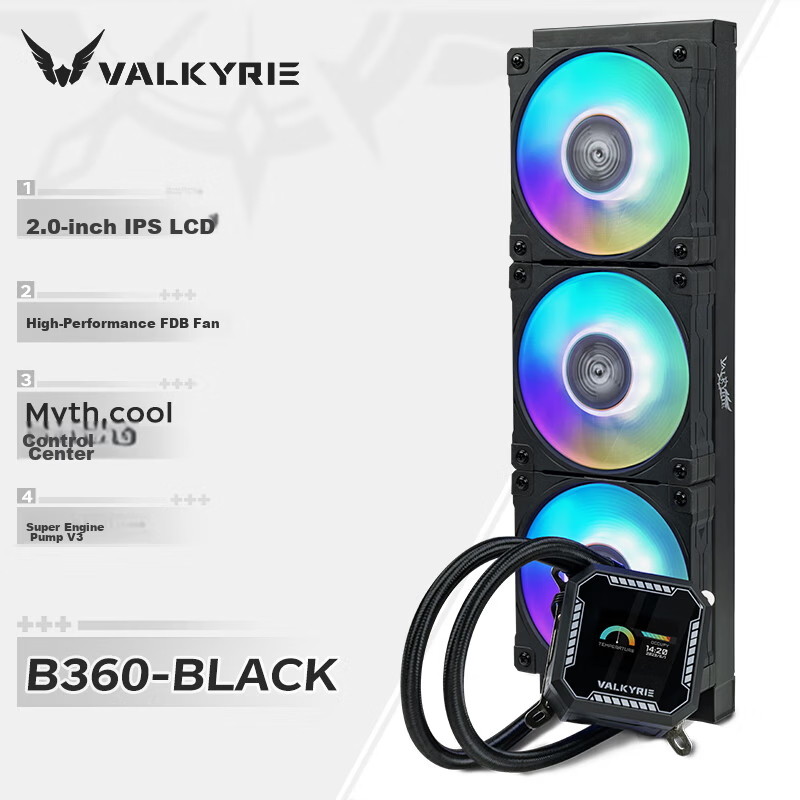
VALKYRIE B360W VK All-in-One CPU Liquid Cooler 2-Inch IPS LCD Screen Multi-Platform Support ARGB Lighting One-Cable Connection
VALKYRIEradiator

VALKYRIE B360W VK All-in-One CPU Liquid Cooler 2-Inch IPS LCD Screen Multi-Platform Support ARGB Lighting One-Cable Connection

B360

CNÂ¥469.00

View
In Stock
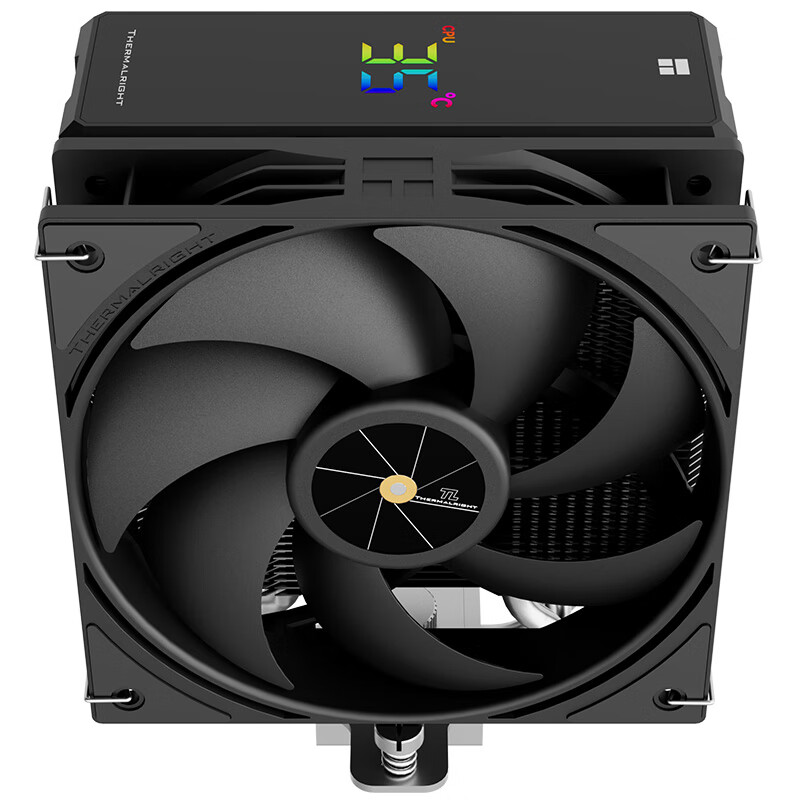
Thermalright Assassin X 120 R DIGITAL BLACK Four Heat Pipe CPU Air Cooler with Digital Display AX120 R DIGITAL BLACK
thermalrightradiator

Thermalright Assassin X 120 R DIGITAL BLACK Four Heat Pipe CPU Air Cooler with Digital Display AX120 R DIGITAL BLACK

AX120 R DIGITAL BLACK

CNÂ¥104.90

View