MEPL JD
CatalogCategoriesBrandsAnalyticsNew

MEPL JD

JD catalog demo by MEPL

Navigation

  • All Products
  • Categories
  • Brands
  • Category Analytics 📊

Tools

  • Advanced Search
  • My Favorites

Admin

  • Dashboard

© 2026 MEPL JD. All rights reserved.

Back to Catalog
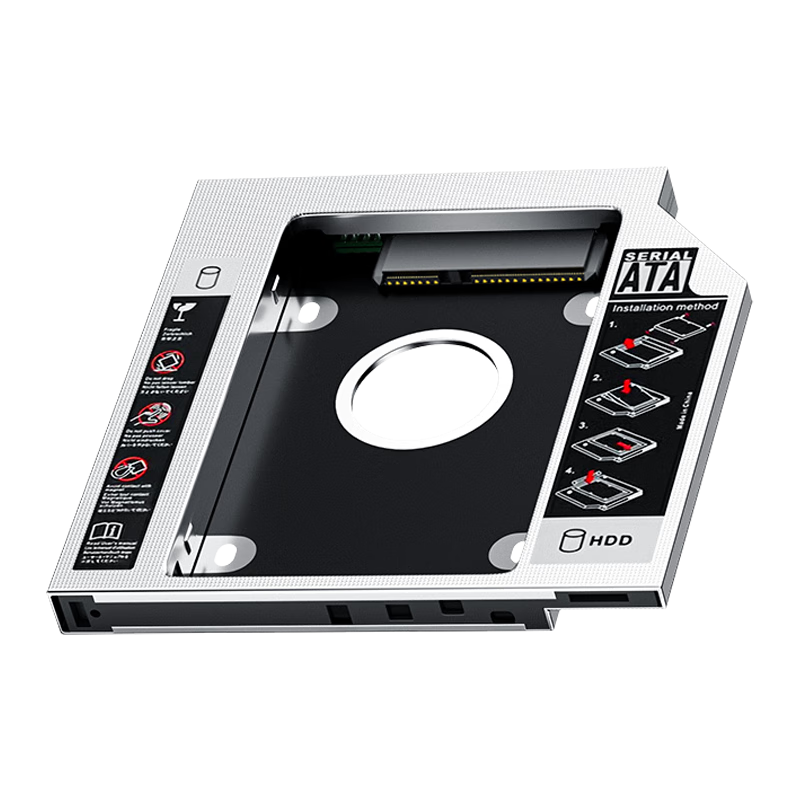
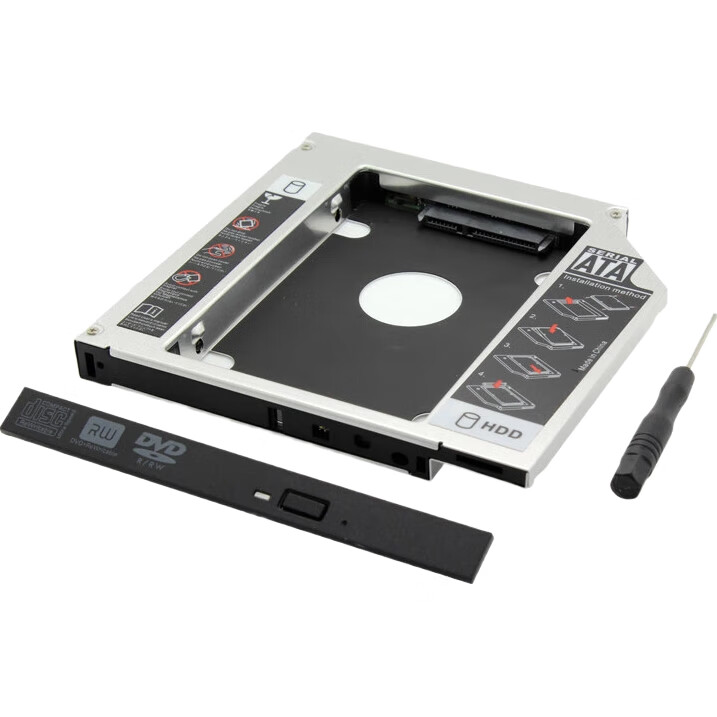
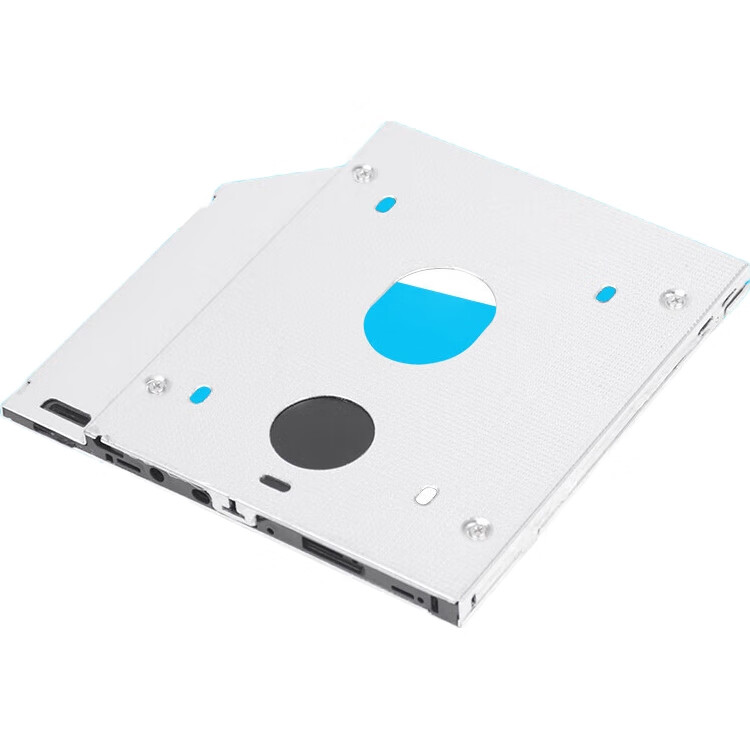
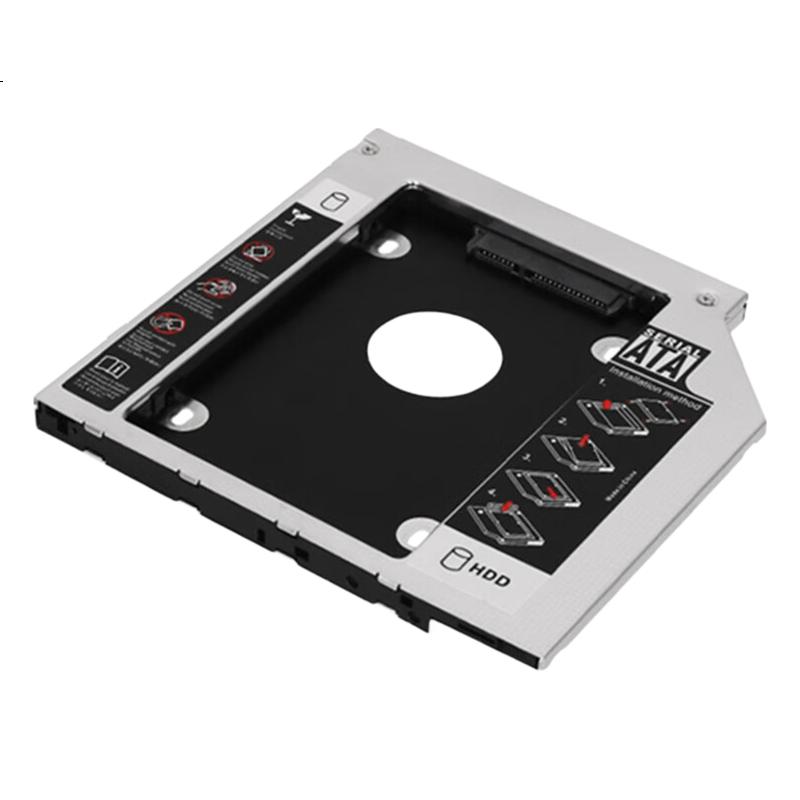
LinkStone Laptop Optical Drive SATA Hard Drive Bracket, Silver Color, Suitable for SSD/HDD, Supports Hot-Swappable, 9.5mm Hard Drive Tray
Thumbnail 1
Thumbnail 2
Thumbnail 3
Thumbnail 4
LinkStone•computer hardware components

LinkStone Laptop Optical Drive SATA Hard Drive Bracket, Silver Color, Suitable for SSD/HDD, Supports Hot-Swappable, 9.5mm Hard Drive Tray

CNÂ¥14.15
SKU: 100073786652
Status:In Stock (23)
ID: 100017628562
Weight: 90.00 g
Dims:156x152x23 mm

Specifications

Assembly tools
PC hardware bundle
Optical drive bay expansion
9.5mm universal
Category
Assembly tools
Hard drive enclosure
Hard Drive Dock
For Use With
hard drive/SSD
Cable
SATA cable

Variants / Sale Attributes

Color: 9.5mm Laptop Optical Drive Bracket [Hard Drive Mount]

Package Contents

1 bracket, 8 screws, 1 SATA data cable

Product Description

Overview

Brand
LinkStone
Product Name
Hard Drive Bracket for 9.5 mm Laptop Optical Drive Bay
Compatibility
SERIAL, Installation method for SAMSUNG Solid State Drive and HDD
Thickness Options
9.5 mm, 12.7 mm
Description
The hard drive bracket allows for the replacement of a laptop optical drive with a hard drive, increasing storage capacity. It features a 6Gbps high-speed transfer rate with a new SATA3 interface. The bracket is compatible with various hard drives including WD, SAMSUNG, and SSDs with a thickness less than 9.5 mm. Constructed with aluminum alloy and ABS material for durability, the bracket includes a dual-layer reinforcement design to prevent deformation. It is equipped with four screws for secure installation and comes with a cross screwdriver. The integrated back cover ensures sturdiness, while the spring clip design facilitates easy and safe hard drive installation and removal. The bottom is designed with hollow openings for enhanced heat dissipation.

Similar Products

In Stock
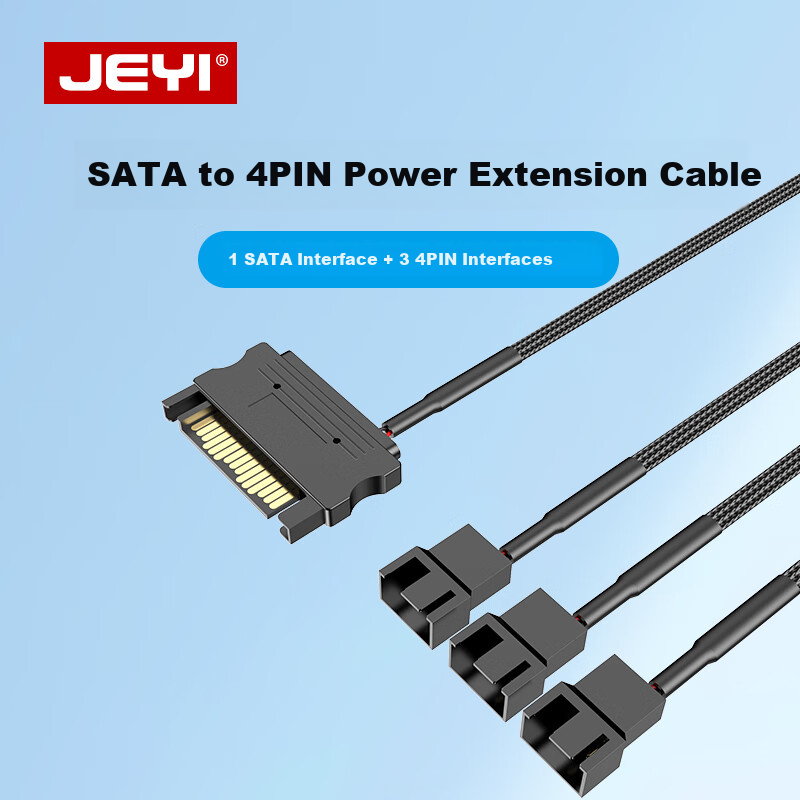
JEYI SATA 15Pin to Case Fan Adapter, 4Pin to 3-Port S-FAN3
JEYIcomputer hardware components

JEYI SATA 15Pin to Case Fan Adapter, 4Pin to 3-Port S-FAN3

One-To | SATA to Small 4-Pin Connector, 2 Pins 2 Wires

CNÂ¥14.90

View
In Stock
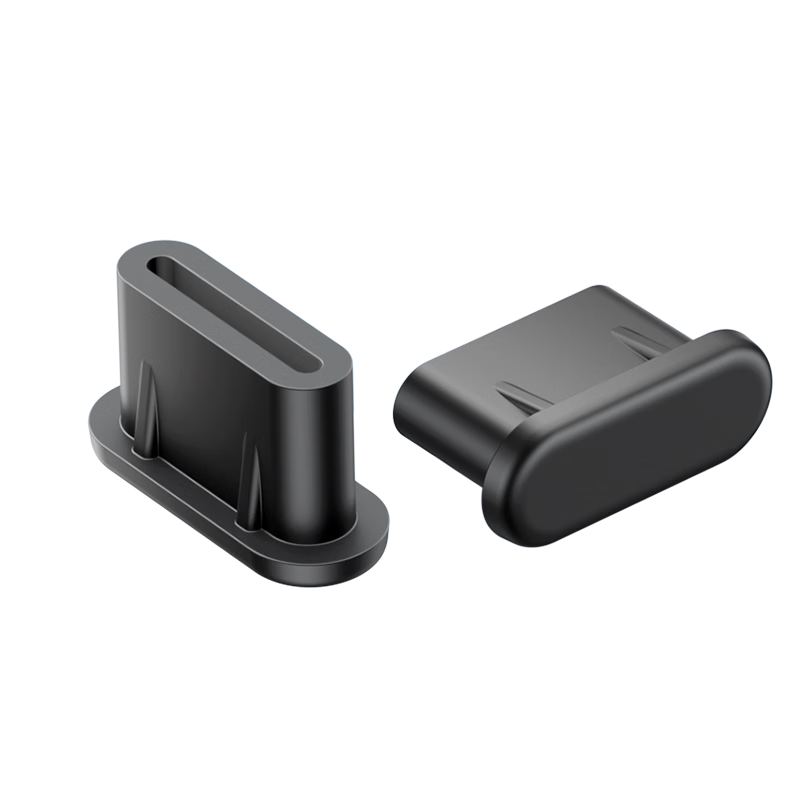
Sanze Type-C Dust Plug Dustproof and Moistureproof Silicone Protective Cap for Apple/Android Phone Charging Port Tablet Earphone Dust Cover 50pcs SZ-TC50
SAMZHEcomputer hardware components

Sanze Type-C Dust Plug Dustproof and Moistureproof Silicone Protective Cap for Apple/Android Phone Charging Port Tablet Earphone Dust Cover 50pcs SZ-TC50

[TypeC Dust Plugs] 50 pieces

CNÂ¥18.90

View
In Stock
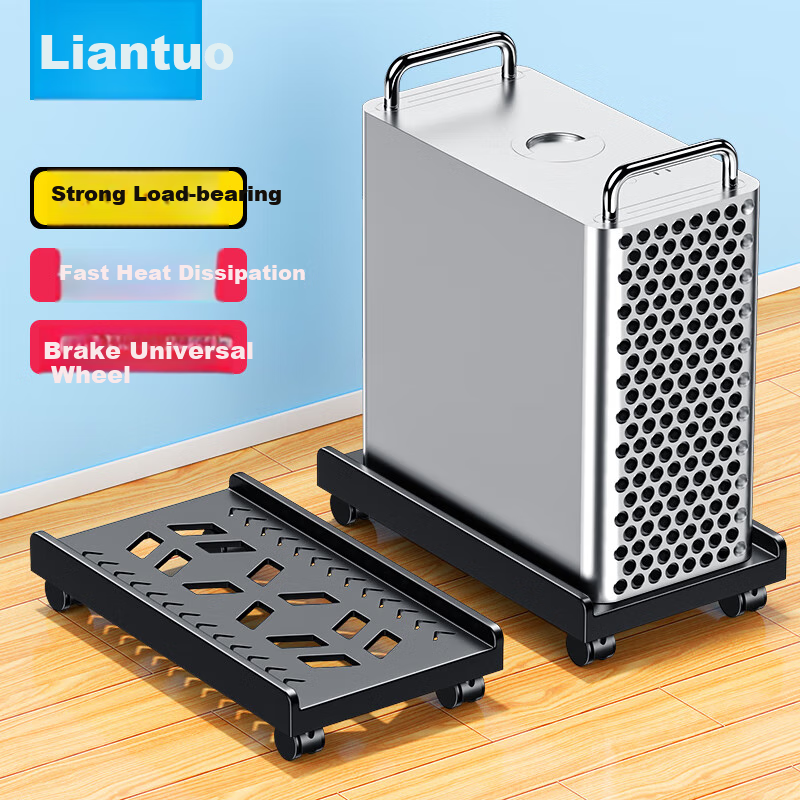
LinkStone Computer Tower Stand, Movable Desktop Computer Case Bracket Base Tray Case Stand, Computer Storage Rack with Universal Casters And Brake Lock Wheels
LinkStonecomputer hardware components

LinkStone Computer Tower Stand, Movable Desktop Computer Case Bracket Base Tray Case Stand, Computer Storage Rack with Universal Casters And Brake Lock Wheels

No installation required [High load-bearing capacity] for rapid heat dissipation

CNÂ¥39.90

View

Additional Features

  • Compatible with various laptop models such as Lenovo, Acer, HP, Sony, ASUS, Dell, Toshiba, Samsung, Hasee, Tsinghua Tongfang, and other brands (for reference only).
  • Includes old optical drive fixing bracket and bracket plate for secure installation.
  • Supports BIOS upgrade for system recognition of the hard drive.
  • Allows for switching between main hard drive and optical drive hard drive.
  • Provides solutions for fixing issues related to bracket installation and panel compatibility.

Due to the wide range of laptop models, compatibility may vary. Please ensure the optical drive is 9.5mm thick and has a SATA interface for proper usage.

1. Why is the system not detecting the hard drive after installing the bracket?

  • Possible reasons include BIOS upgrade, hard drive formatting, or password protection.

2. Why can't the system boot from the optical drive hard drive after BIOS upgrade?

  • Some laptops may not support booting from the optical drive hard drive due to design limitations.

3. How to secure the bracket in the laptop?

  • Use the fixing iron piece from the original optical drive to secure the bracket.

4. What to do if the panel does not match the laptop?

  • Replace the bracket with the original optical drive panel and install the provided panel on the optical drive.

Please refer to the provided instructions and compatibility list for further details.

In Stock
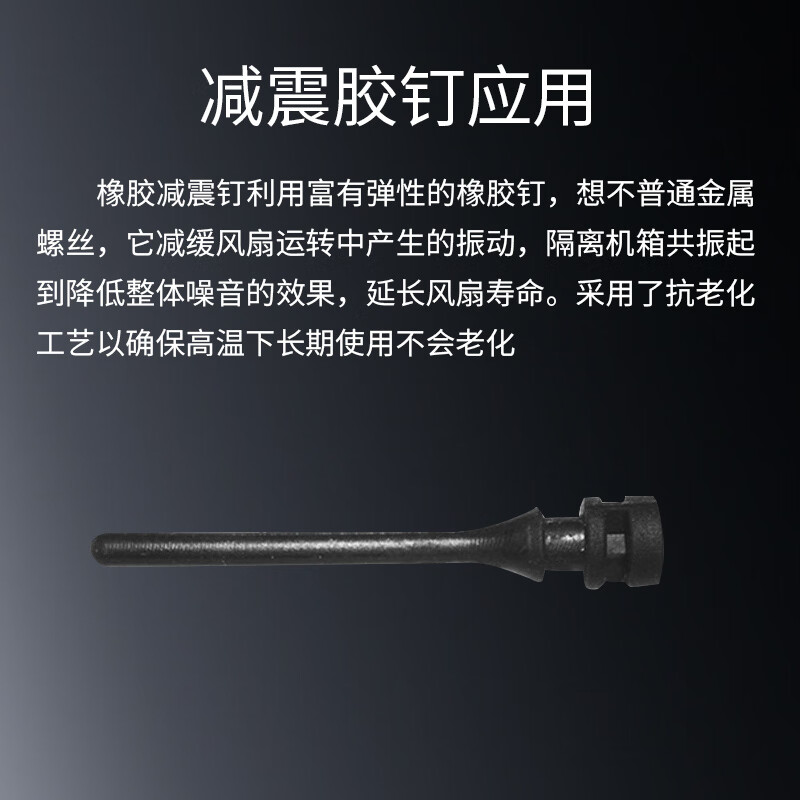
Suoli Computer Case Cooling Fan Rubber Rivets Wear-Resistant High-Temperature Plastic Pull Rivets Hand-Pull Shockproof Rubber Pins 10-Pack 20627
Suolicomputer hardware components

Suoli Computer Case Cooling Fan Rubber Rivets Wear-Resistant High-Temperature Plastic Pull Rivets Hand-Pull Shockproof Rubber Pins 10-Pack 20627

Other

CNÂ¥9.40

View