MEPL JD
CatalogCategoriesBrandsAnalyticsNew

MEPL JD

JD catalog demo by MEPL

Navigation

  • All Products
  • Categories
  • Brands
  • Category Analytics 📊

Tools

  • Advanced Search
  • My Favorites

Admin

  • Dashboard

© 2026 MEPL JD. All rights reserved.

Back to Catalog
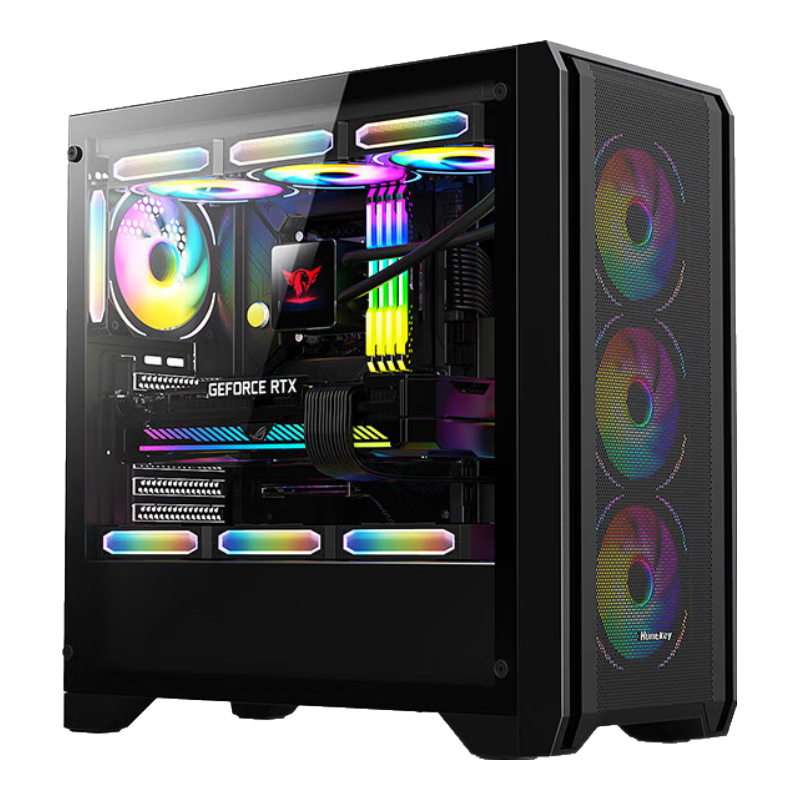
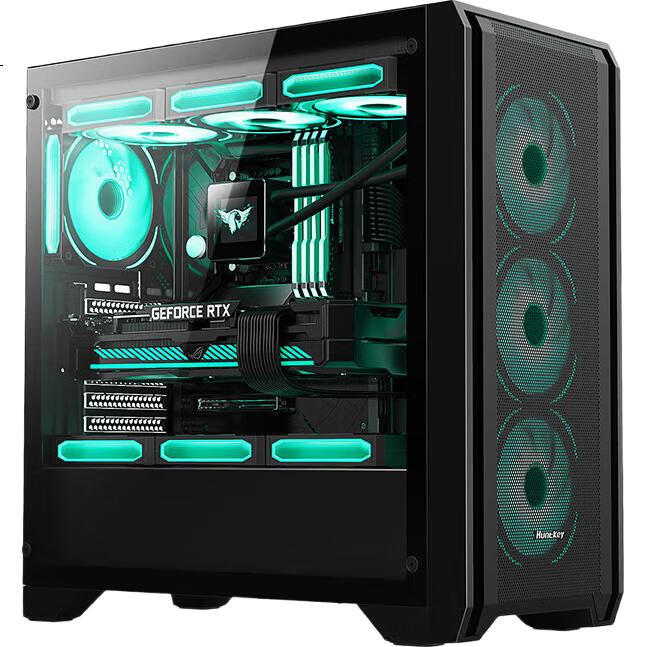
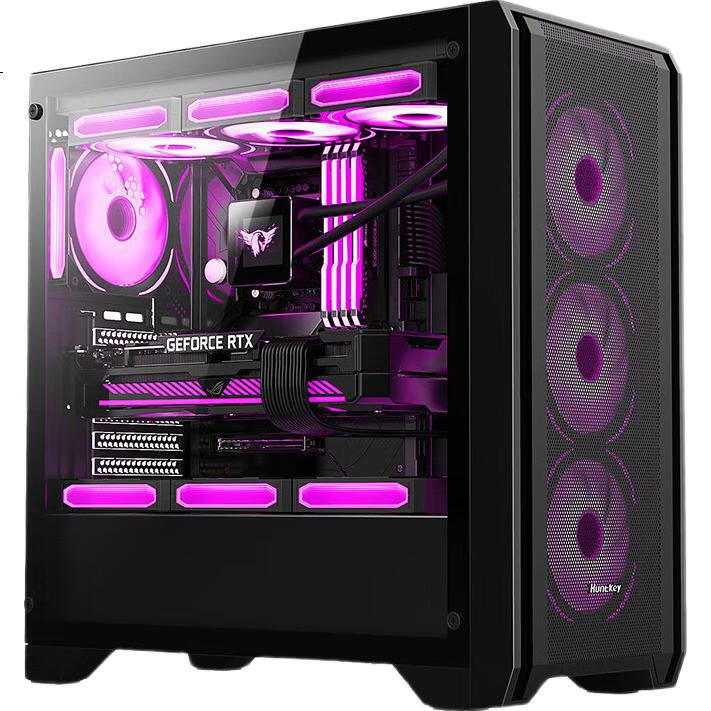
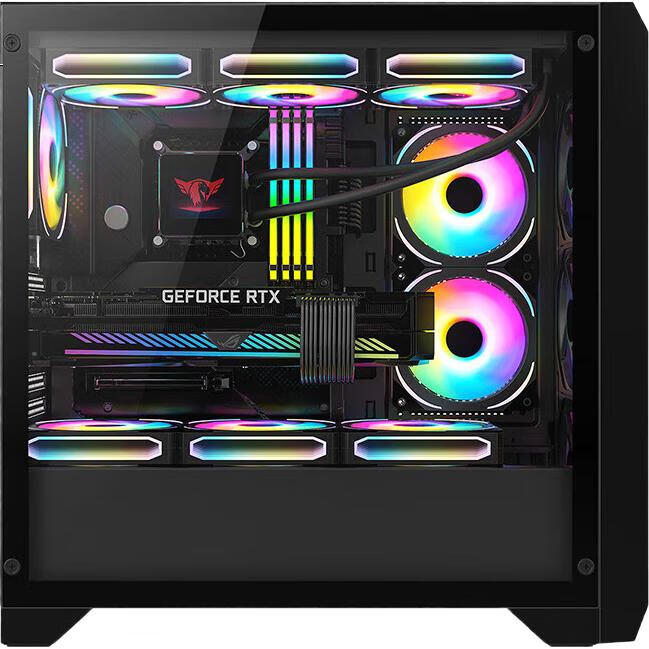
Huntkey GX750A Black Gaming Case (Delicate Iron Mesh/Steel Glass Side Panel/360mm Water Cooling/12 Fan Positions/ATX Motherboard/40 Series Graphics Card)
Thumbnail 1
Thumbnail 2
Thumbnail 3
Thumbnail 4
Huntkey•computer case

Huntkey GX750A Black Gaming Case (Delicate Iron Mesh/Steel Glass Side Panel/360mm Water Cooling/12 Fan Positions/ATX Motherboard/40 Series Graphics Card)

CNÂ¥189.00
SKU: 100074929247
Status:In Stock (5)
ID: 100007605381
Weight: 6885.00 g
Dims:568x550x283 mm

Specifications

Water cooling type
240 radiator, 360 radiator, 120 radiator
Somatotype
Medium chassis (mid-tower chassis)
Supported motherboards
M-ATX (Compact), Mini-ITX, ATX (Standard)
Color
Black
Chassis weight
5-8kg

Variants / Sale Attributes

Color: GX750A Predator Black
Version: GX Wide Game Series

Package Contents

1 computer case, 1 packaging

Product Description

Overview

Brand
Huntkey
Model
GX750A Predator

Features

  • Low carbon power advocate and practitioner
  • Stylish iron mesh design for efficient heat dissipation
  • Tempered glass side panel for hardware display
  • Top-mounted 360mm water cooling support

Similar Products

In Stock
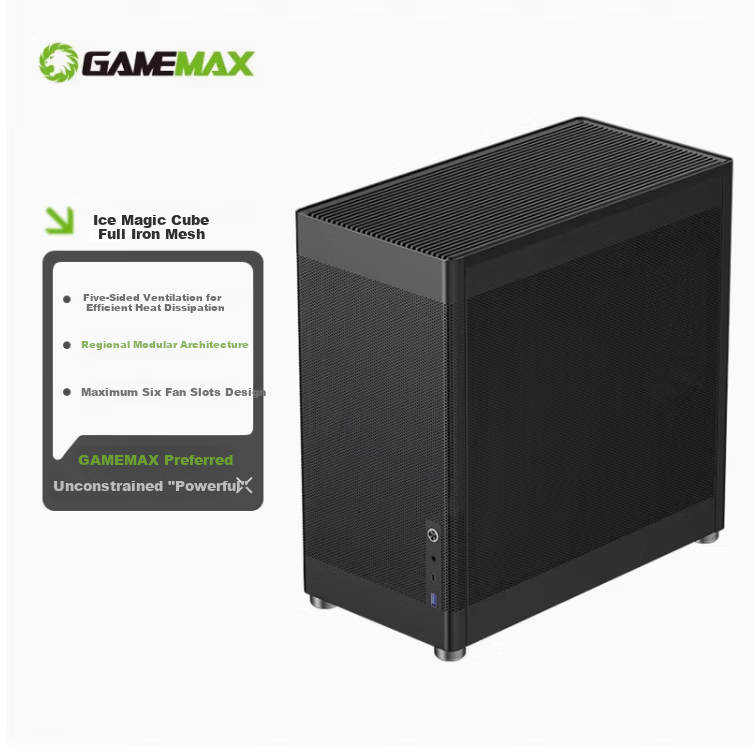
GAMEMAX Ice Cube Computer Case Mesh Iron Mesh Cooling Stand DIY Assembly Case (ATX/Type-C/Clear Ventilation/4090/240mm Water Cooling Support)
GAMEMAXcomputer case

GAMEMAX Ice Cube Computer Case Mesh Iron Mesh Cooling Stand DIY Assembly Case (ATX/Type-C/Clear Ventilation/4090/240mm Water Cooling Support)

Ice Cube Upgraded Version | Hollow Design

CNÂ¥287.10

View
In Stock
Great Wall Jieji S1 PLUS Black Seaside View Computer Case (MATX Motherboard/270° No A-Pillar/360mm Water Cooling Support/9 Fan Positions/Dust Filter/Long Graphics Card Support)
Great Wallcomputer case

Great Wall Jieji S1 PLUS Black Seaside View Computer Case (MATX Motherboard/270° No A-Pillar/360mm Water Cooling Support/9 Fan Positions/Dust Filter/Long Graphics Card Support)

Jieli S1 PLUS [360 Water Cooling, 5090]

CNÂ¥159.00

View
  • CPU cooler height limit of 165mm
  • Supports up to 12 fans for superior cooling
  • Compatible with ATX, E-ATX, M-ATX, Mini-ITX motherboards
  • Supports graphics cards up to 415mm in length
  • Multiple HDD and SSD combinations
  • Additional details

    Dimensions
    465×218×461 mm
    Expansion Slots
    7x PCI slots
    Drive Bays
    2x 3.5" HDD, 1x 2.5" SSD
    Front I/O Ports
    1x USB 3.0, 2x USB 2.0, HDAudio

    Fan/Water Cooling Support

    ItemDetail
    Front3x 120 mm fans
    Top3x 120 mm fans (supports 360 mm water cooling)
    Rear1x 120 mm fan
    Side panel2x 120 mm fans
    Above drive bays3x 120 mm fans

    Additional details

    Maximum PSU Length
    200 mm
    Maximum GPU Length
    415 mm
    Maximum CPU Cooler Height
    165 mm

    1. How to remove the front panel of the case?

    • The front panel is usually secured with clips. Apply force at the bottom handles to detach it.

    2. How to remove the front panel?

    • Similar to the above method, use force to detach the front panel.

    3. How many fans come with the case?

    • The case usually does not come with fans unless specified.

    4. Which motherboards are compatible with the case?

    • ATX cases are generally compatible with ATX/M-ATX/Mini-ITX motherboards.

    5. Which power supplies are compatible with the case?

    • ATX power supplies are usually compatible, but check the PSU length supported by the case.

    6. How to install HDD in the case?

    • Install the HDD securely with screws and connect power and SATA cables.

    7. How to install and connect case fans?

    • Secure the fans with screws and connect them to the PSU.

    8. How to connect case jumpers?

    • Follow the polarity markings for PowerSW, RetSW, PowerLED, HDDLED.

    9. How to secure the motherboard in the case?

    • Install the I/O shield, place the motherboard, and secure it with screws.

    10. How to use case screws?

    • Separate and organize the screws before installation.

    11. How to manage cable routing in the case?

    • Patience is key. Start with CPU cables, then motherboard cables.

    12. How to install the power supply in the case?

    • Place the PSU correctly and secure it with screws.
    In Stock
    Great Wall Archimedes 2 Black Computer Case (Type-C 3.2/20CM Fan Positions/MATX Small Motherboard/240mm Water Cooling Position/Wide Body/5080 Graphics Card)
    Great Wallcomputer case

    Great Wall Archimedes 2 Black Computer Case (Type-C 3.2/20CM Fan Positions/MATX Small Motherboard/240mm Water Cooling Position/Wide Body/5080 Graphics Card)

    Archimedes 2 Black [Magnetic Flip Door 5080]

    CNÂ¥160.00

    View
    In Stock
    DEEPCOOL CH270 Vertical Digital Display Case Supports Back-Mounted Motherboard, 360mm Water Cooling, Digital Display Base, Mesh Ventilation Panel
    DEEPCOOLcomputer case

    DEEPCOOL CH270 Vertical Digital Display Case Supports Back-Mounted Motherboard, 360mm Water Cooling, Digital Display Base, Mesh Ventilation Panel

    CH270 Digital Display (Upright/Supports 360 Water Cooling)

    CNÂ¥499.00

    View