Back to Catalog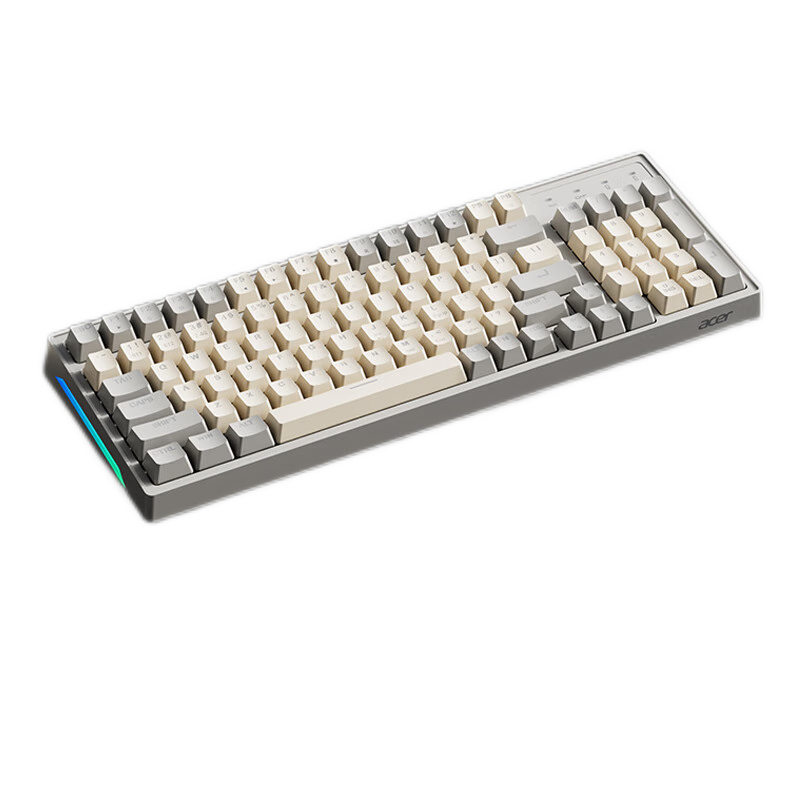

 View
View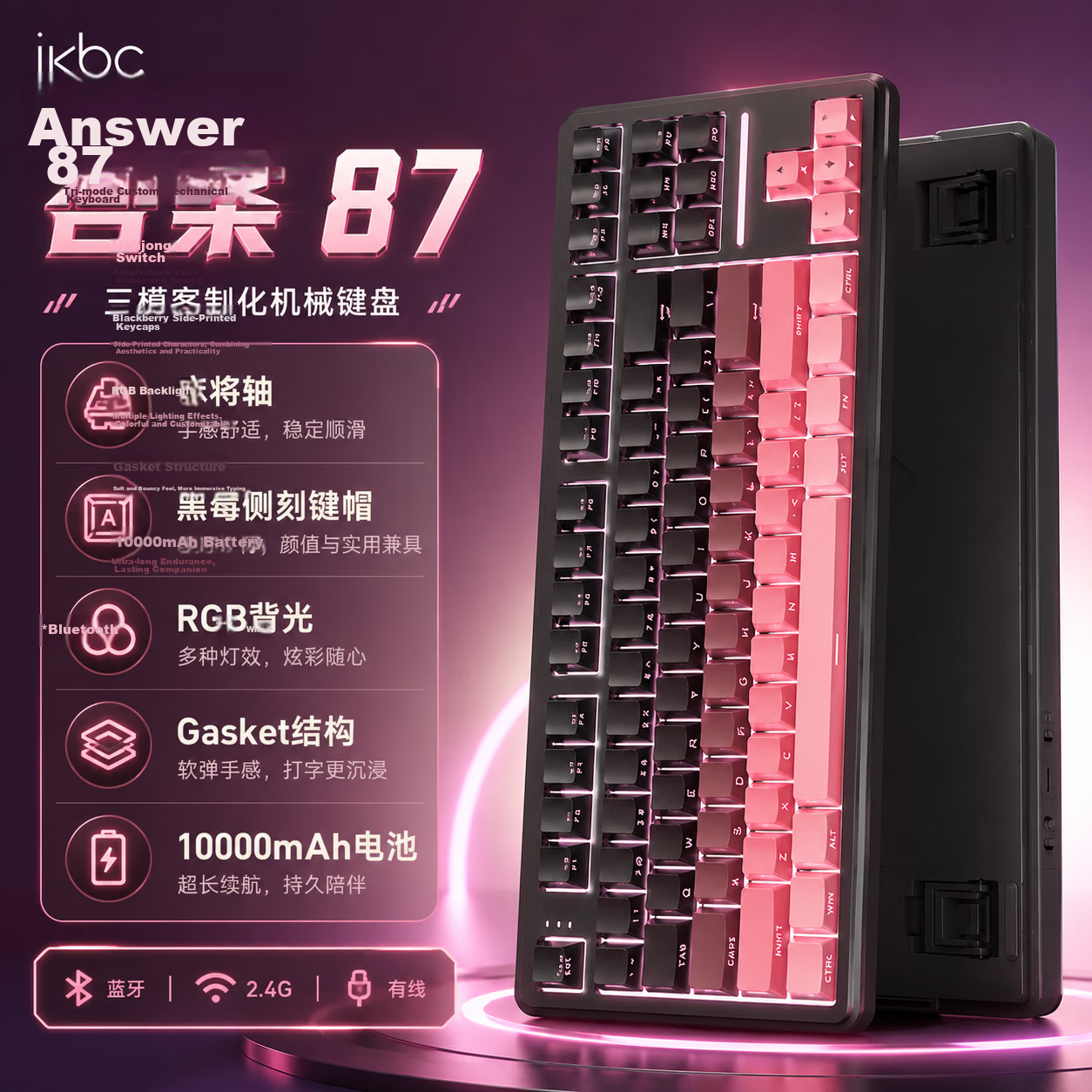 View
View
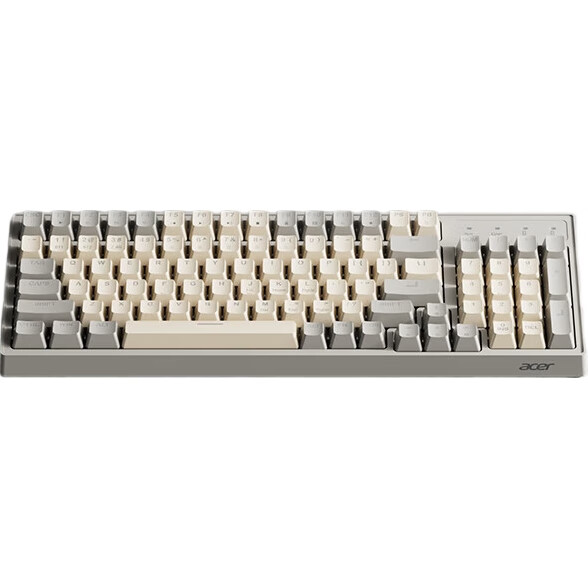
Acer Wireless Bluetooth Keyboard, Type-C Charging, True Mechanical Feel, Universal Keyboard for Laptops, Tablets, IPad And Computers, Yellow-Gray Color Combination, OKW219
CN¥89.90
SKU: 100082984657
Status:Out of Stock
ID: 100082984675
Weight: 779.00 g
Dims:411x156x43 mm
Specifications
- Simultaneous connection of devices
- 2 units
- Outdoor backpack
- 91-100 keys
- Connection method
- Wireless, Bluetooth
- Compatible system
- Multi-system compatible
- Backlight effect
- Mixed light
- Type
- Keyboard and mouse combo
Variants / Sale Attributes
Color & Backlight Effects: Dual-mode | Single keyboard | Rechargeable | Yellow and gray color scheme
Package Contents
keyboard, instruction manual, charging cable
Product Description
Overview
- Brand
- acer
- Model
- OKW219
- Connectivity
- Wireless/Bluetooth
- Keyboard Layout
- 96 keys
- Wireless Connection
- Bluetooth/2.4 G
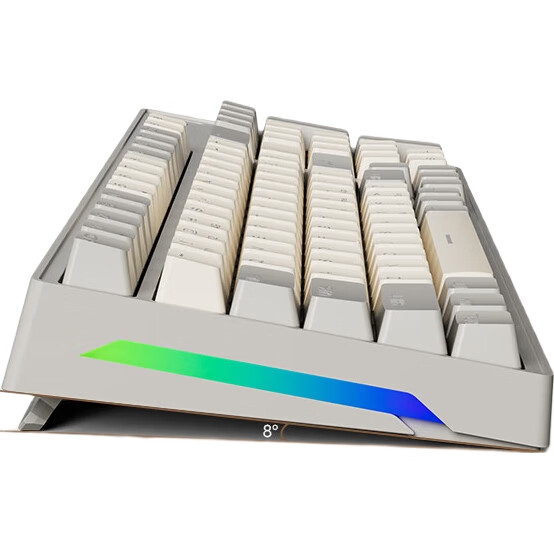
RGB Lighting Effects
Ergonomic Design
Type-C Charging
Multimedia Function Keys
Additional details
- Compact Layout
- 389 mm x 138 mm x 40 mm
Similar Products
In Stock
ikbcKeyboard
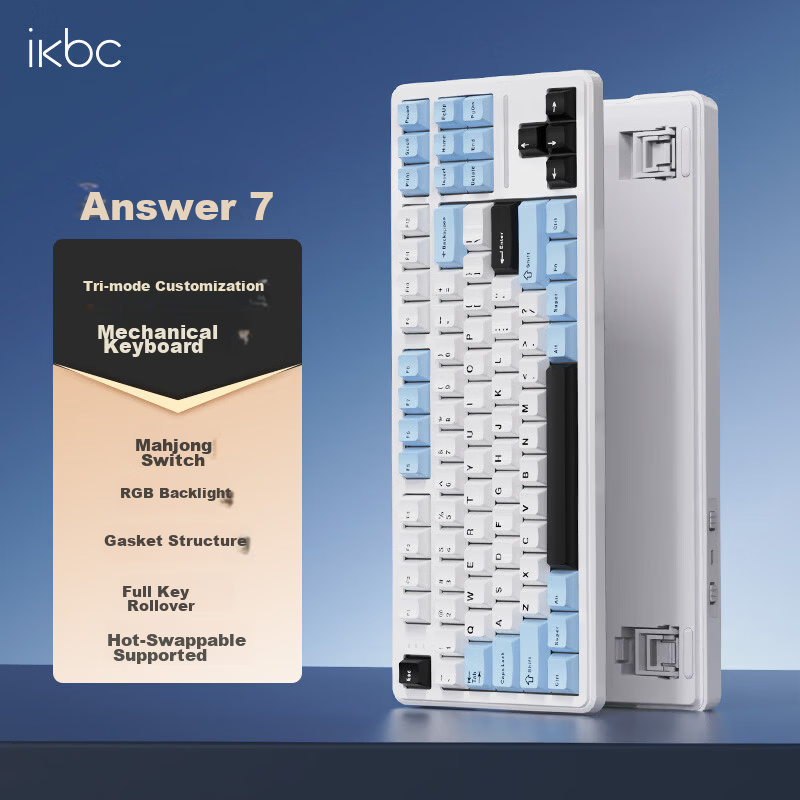
Ikbc Answer 87 Mechanical Keyboard 87 Keys Gaming Office Typing Comfortable Three-mode RGB Ice Blue Mahjong Switch 45g
Answer 87 Threemode Ice Sea Blue Mahjong Switch
CN¥194.75
In Stock
ikbcKeyboard
Ikbc Answer 87 Three-Mode Mechanical Keyboard 87 Keys Gaming Office Typing BlackBerry Pink Mahjong Switch 42g
Answer 87 Threemode Blackberry Powder Mahjong Shaft
CN¥238.45