Back to Catalog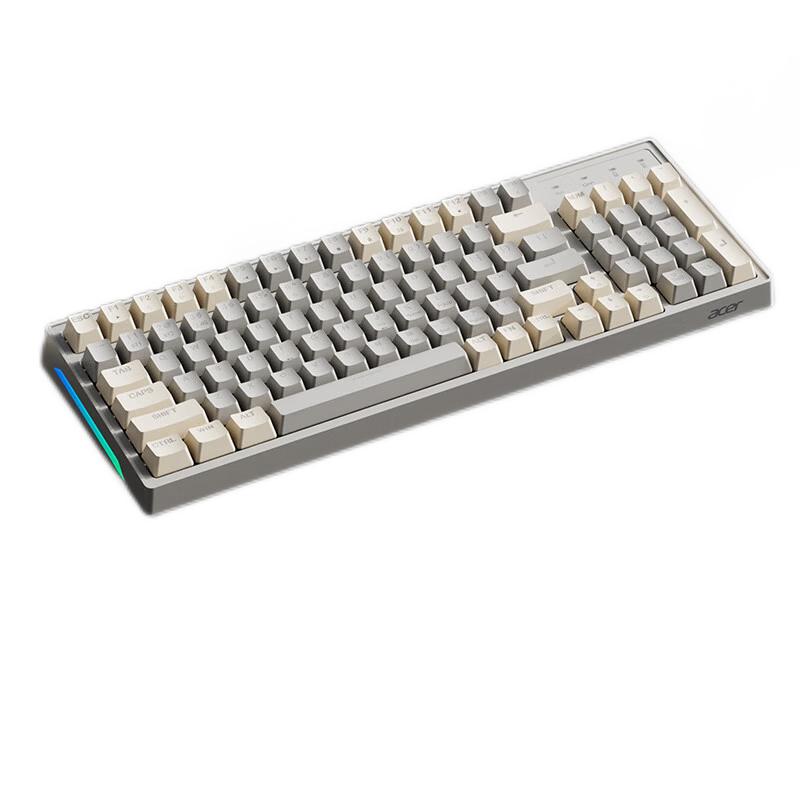
 View
View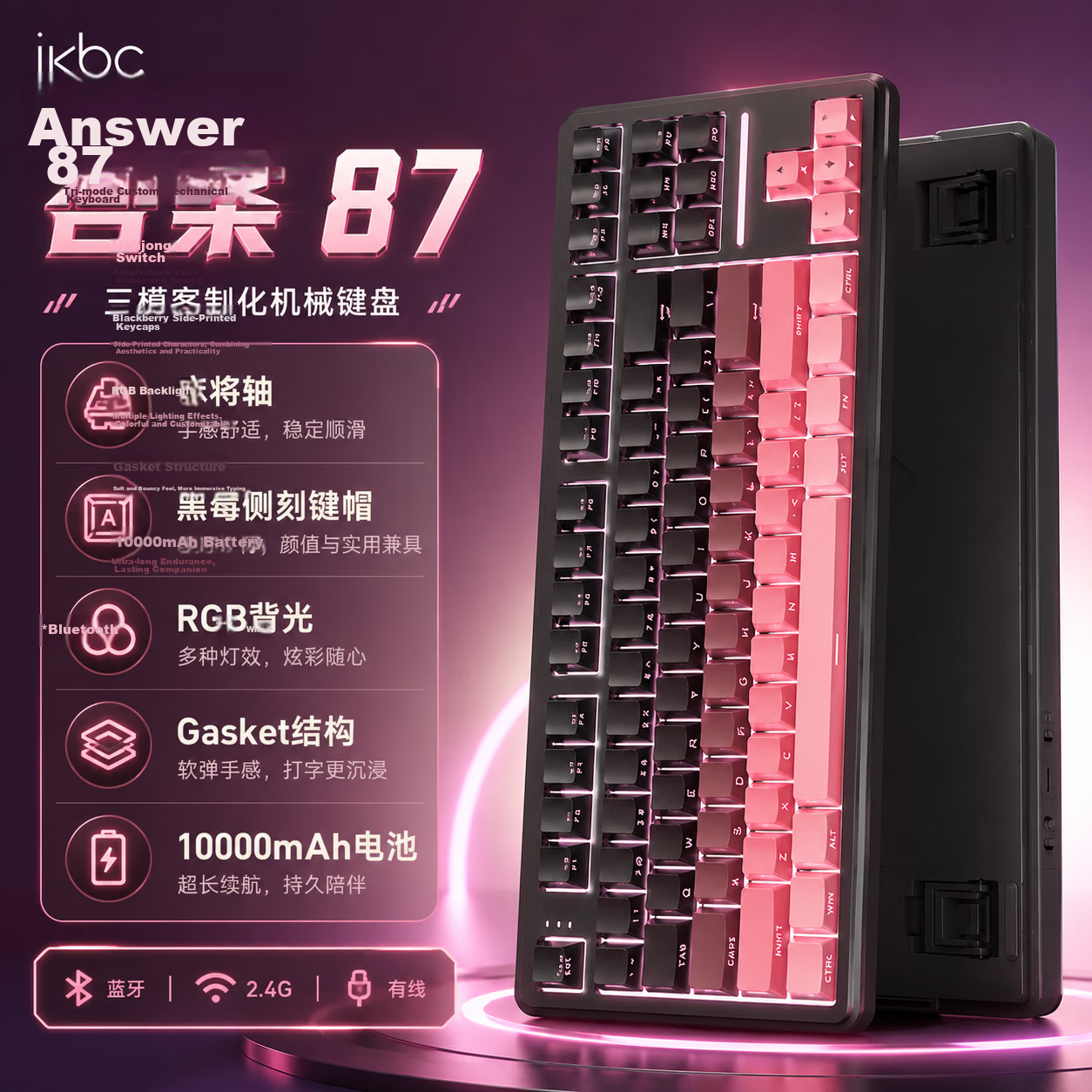 View
View
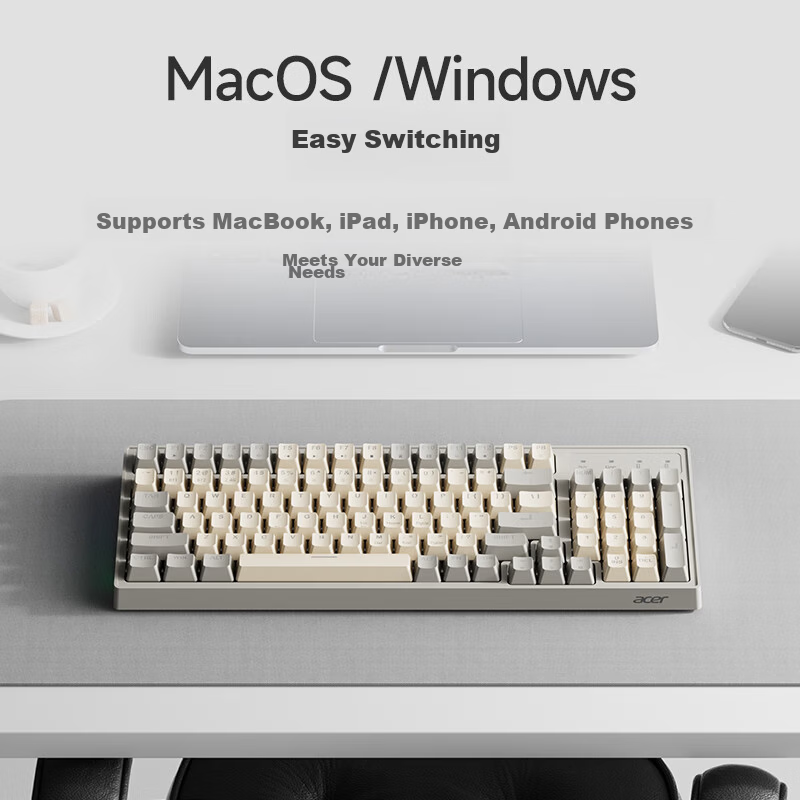
Acer Wireless Bluetooth Keyboard Type-C Charging True Mechanical Feel Universal Keyboard for Laptop Tablet iPad Gray Yellow OKW219
CN¥89.90
SKU: 100082984675
Status:In Stock (18)
ID: 100082984675
Weight: 760.00 g
Dims:410x160x44 mm
Specifications
- Simultaneous connection of devices
- 2 units
- Outdoor backpack
- 91-100 keys
- Connection method
- Wireless, Bluetooth
- Compatible system
- Multi-system compatible, Windows, MacOS, iOS, Android
- Backlight effect
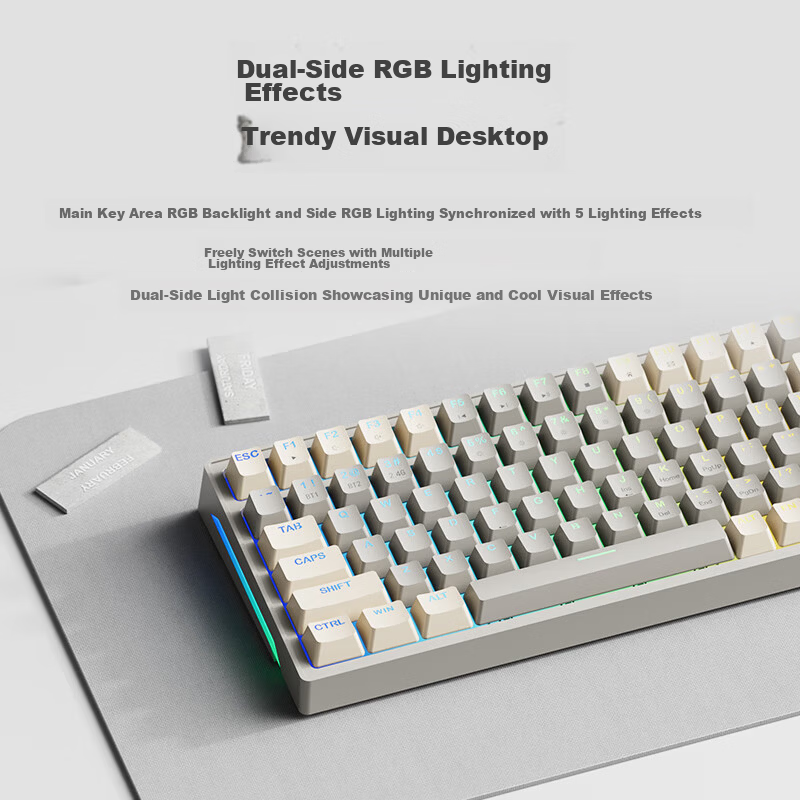
- Mixed light
- Type
- Keyboard and mouse combo
Variants / Sale Attributes
Color & Backlight Effects: Dualmode | Single keyboard | Charging | Gray and yellow color blocking
Package Contents
keyboard, instruction manual, charging cable
Product Description
Overview
- Brand
- acer
- Model
- OKW219
- Keyboard Layout
- 96 keys, compact layout with arrow keys and numeric keypad
- Dual-mode wireless
- Bluetooth 5.0/3.0 and 2.4 G wireless
Supports connection to up to three devices via Bluetooth with quick switching
2.4G wireless connection offers ultra-fast response and low latency
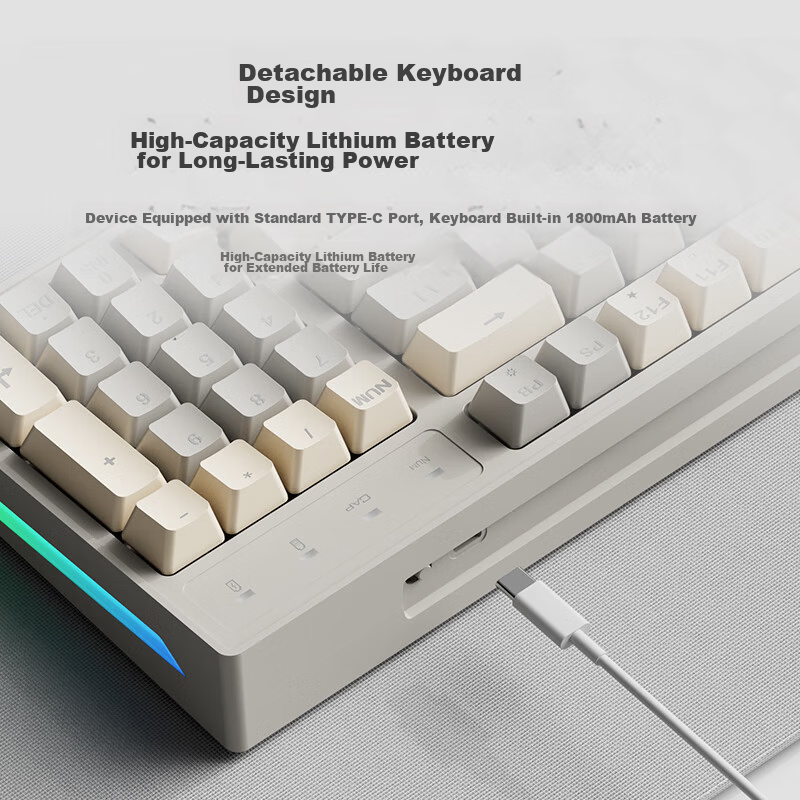
Wired connection via detachable Type-C cable
Supports Windows 7 and above, macOS, iOS, Android
Compatible with MacBook, iPad, iPhone, Android smartphones
Additional details
- Size
Similar Products
In Stock
ikbcKeyboard
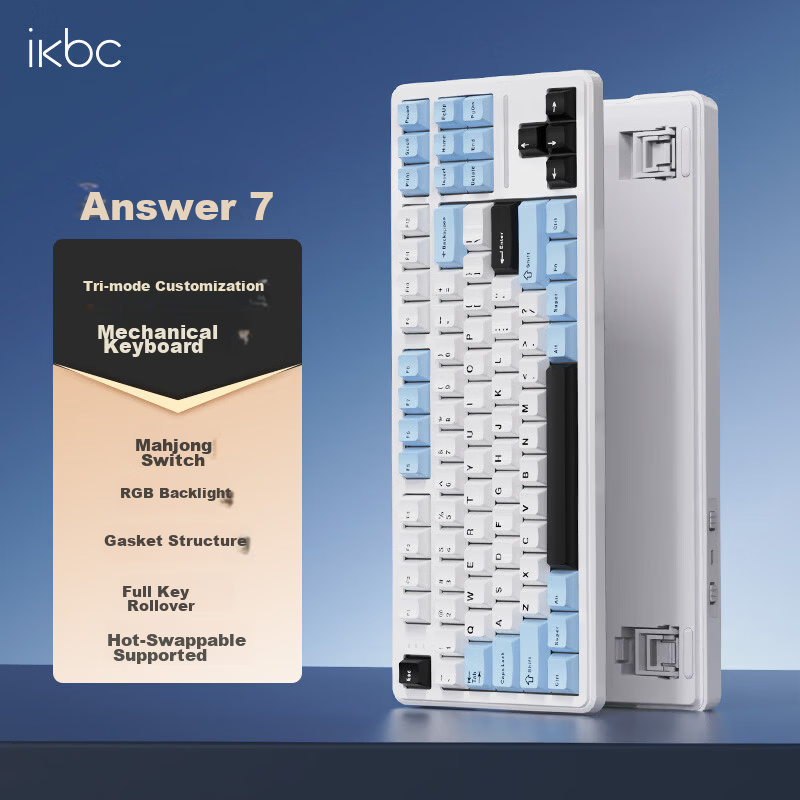
Ikbc Answer 87 Mechanical Keyboard 87 Keys Gaming Office Typing Comfortable Three-mode RGB Ice Blue Mahjong Switch 45g
Answer 87 Threemode Ice Sea Blue Mahjong Switch
CN¥194.75
In Stock
ikbcKeyboard
Ikbc Answer 87 Three-Mode Mechanical Keyboard 87 Keys Gaming Office Typing BlackBerry Pink Mahjong Switch 42g
Answer 87 Threemode Blackberry Powder Mahjong Shaft
CN¥238.45