
B.O.W Hangshi MD190mini Wireless Bluetooth Dual-Mode Office Mouse Ergonomic Vertical Mouse for Small to Medium Hands Compatible with Tablet Laptop Desktop Gray Black
CNÂ¥77.00
SKU: 100093596587
Status:In Stock (3)
ID: 100093596587
Weight: 180.00 g
Dims:132x108x66 mm
Specifications
Mouse type
Right-handed
Number of simultaneously connected devices
1 unit
Variants / Sale Attributes
Color: MD190mini Dual Mode Black Battery Version
Package Contents
Mouse*1 Receiver*1 Battery*1
Product Description
Product Specifications
Overview
Brand
B.O.W
Model
MD190mini
Product Name
Ergonomic Vertical Mouse MD190mini
Dimensions
102.31 mm x 75.89 mm
Weight
77.5 g ±5%
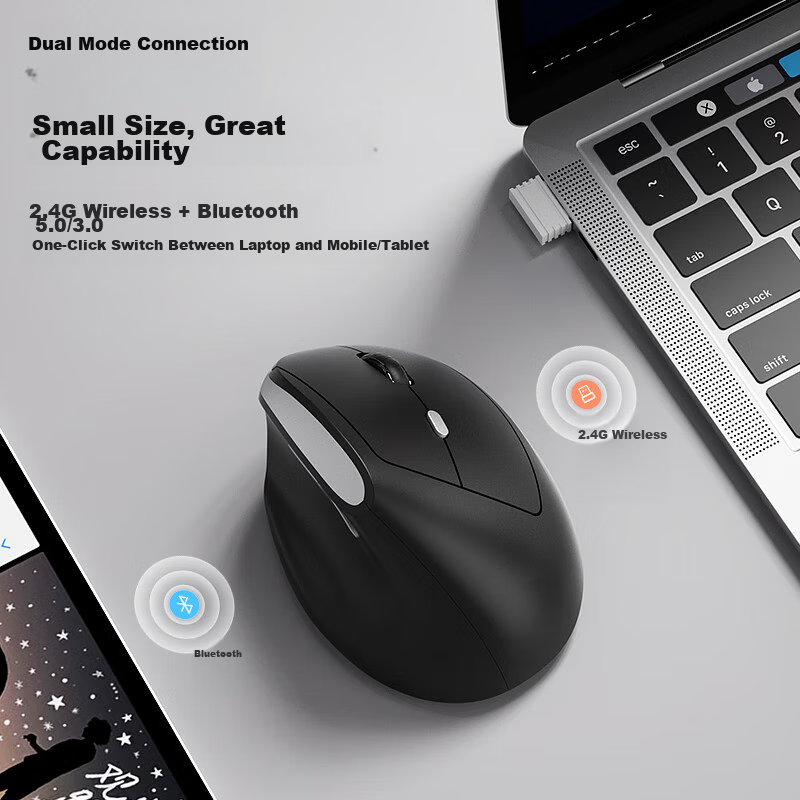
Connection Modes
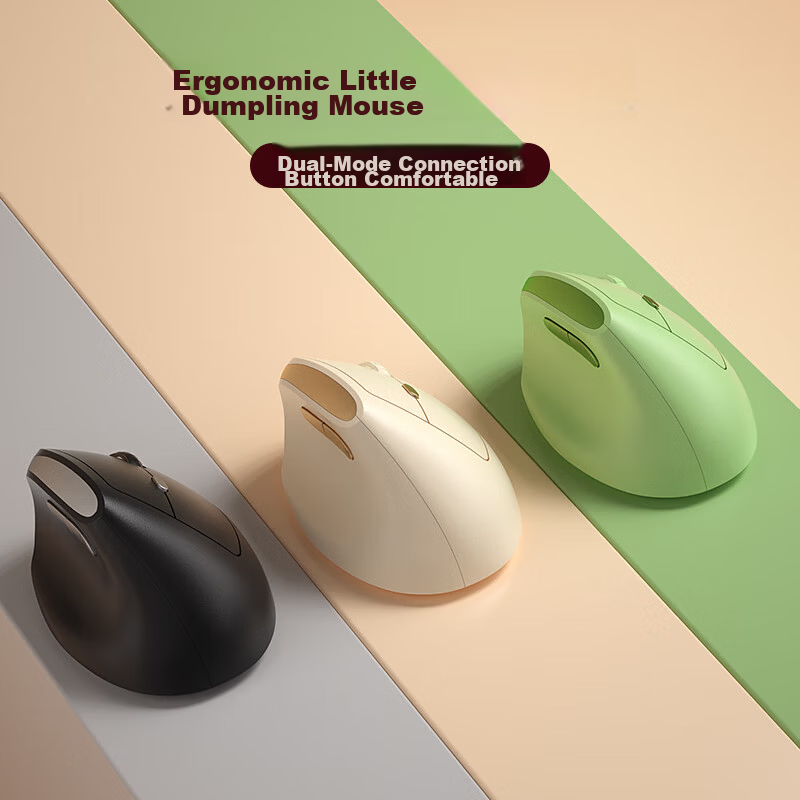
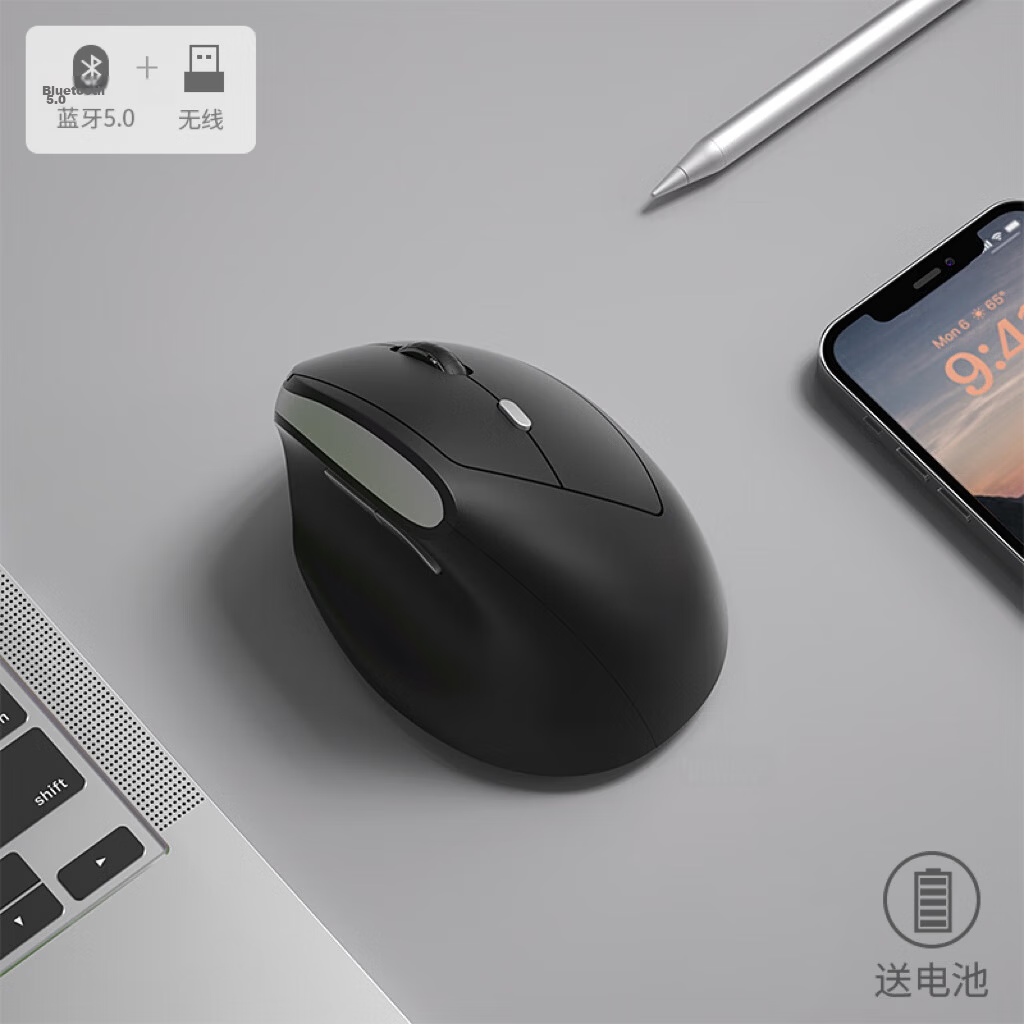
Dual-mode (2.4 G Wireless + Bluetooth)
Compatible Devices
Tablets, Laptops, Desktop Computers; supports Windows and Mac systems
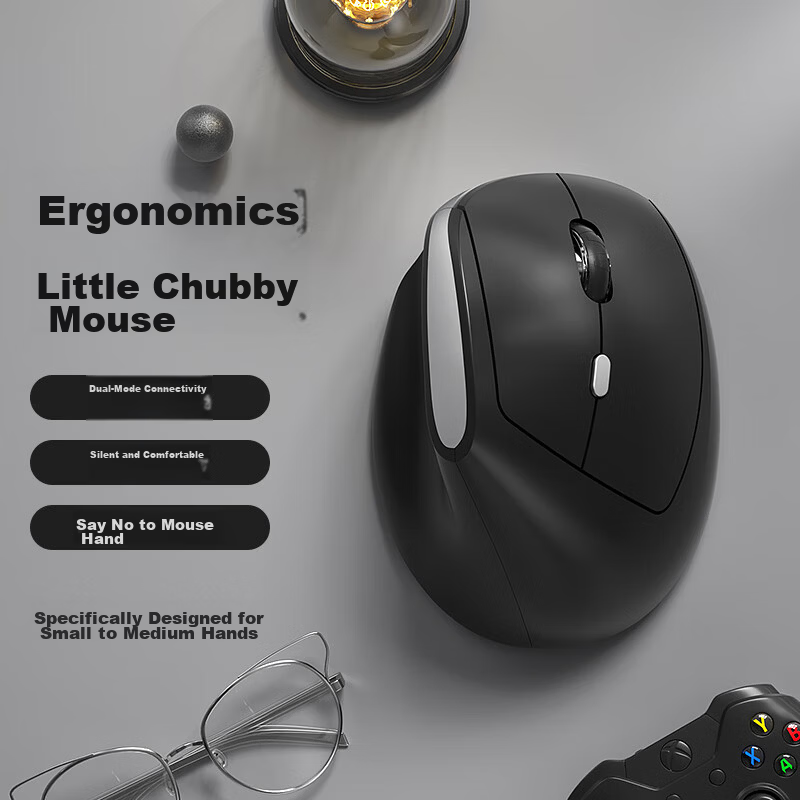
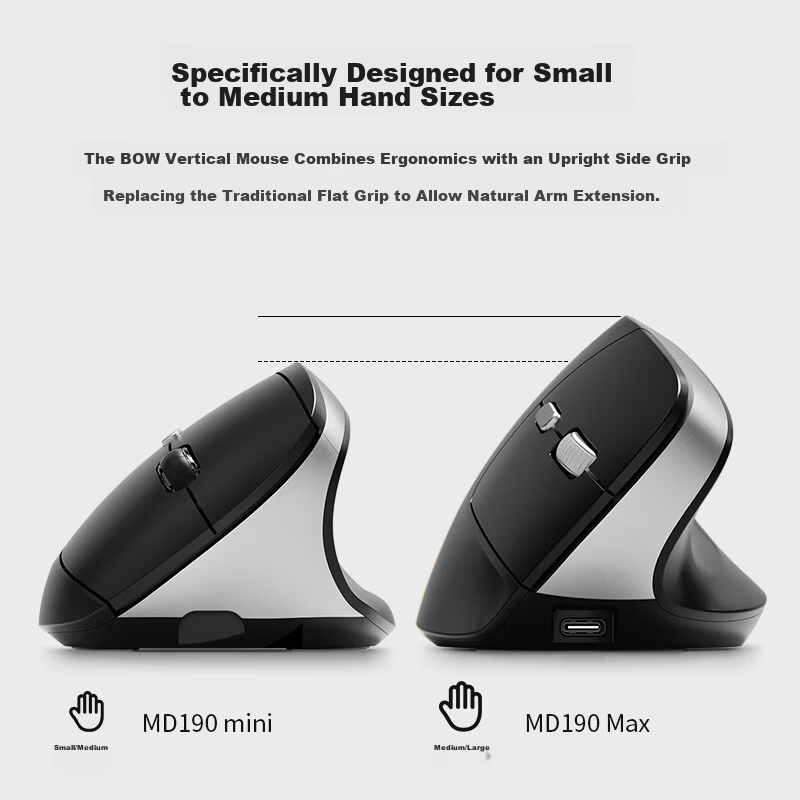
Designed specifically for small to medium hand sizes
Ergonomic Design
Vertical grip with 57° thumb rest angle to reduce wrist strain and promote natural arm extension; replaces traditional flat mouse grip to alleviate symptoms of "mouse hand" such as wrist swelling, pain, and joint weakness
DPI Settings
Adjustable 800 / 1200 / 1600 DPI for daily use, graphic design, and gaming
Noise Level
Low-noise buttons with average click sound around 30dB, suitable for quiet environments like libraries and dormitories
Battery Life
Up to 6 months of use with upgraded sleep mode; automatic sleep after 10 minutes of inactivity; any key press wakes the device; power switch ON/OFF to conserve battery
Materials & Finish
Skin-friendly matte texture with anti-slip and fingerprint-resistant surface
Tracking Performance
Smooth and precise tracking on various surfaces including fabric, wood, leather, and textured surfaces
Mode switch button for quick toggling between 2.4G and Bluetooth modes
Receiver storage compartment
Scroll wheel with anti-slip design
Indicator lights for mode, DPI level, and battery status
Bluetooth pairing mode activated by long press on pairing button (blue LED flashes for 2 minutes)
Low battery warning with red LED flashing at different rates depending on voltage level
Open mouse cover, remove USB receiver, close cover
Insert receiver into USB port
Power ON the mouse to auto-pair with receiver
Use mode switch button to toggle connection modes
Follow LED indicators for pairing and battery status