Back to Catalog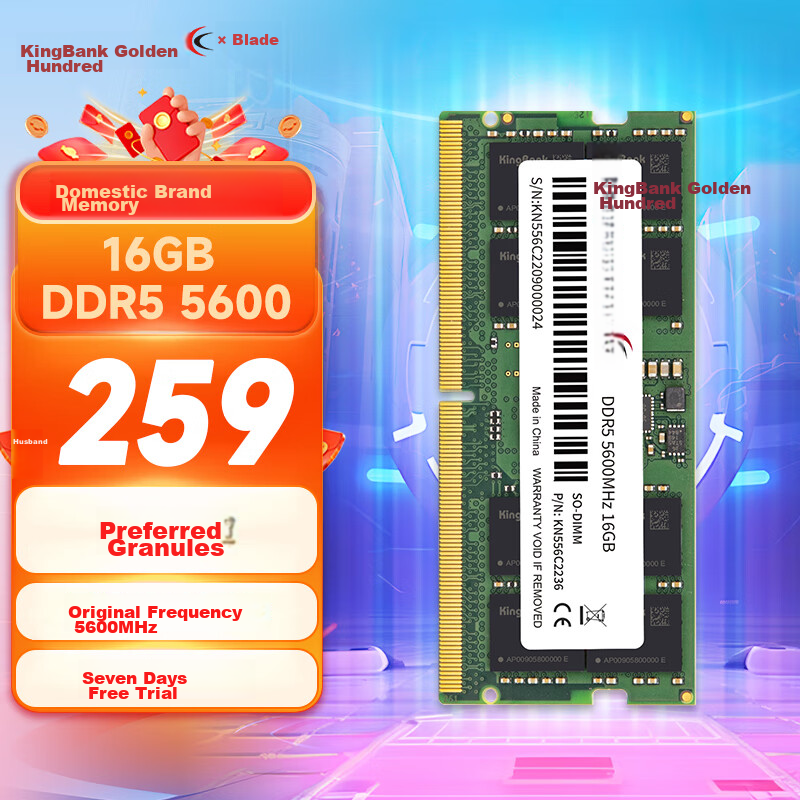

 View
View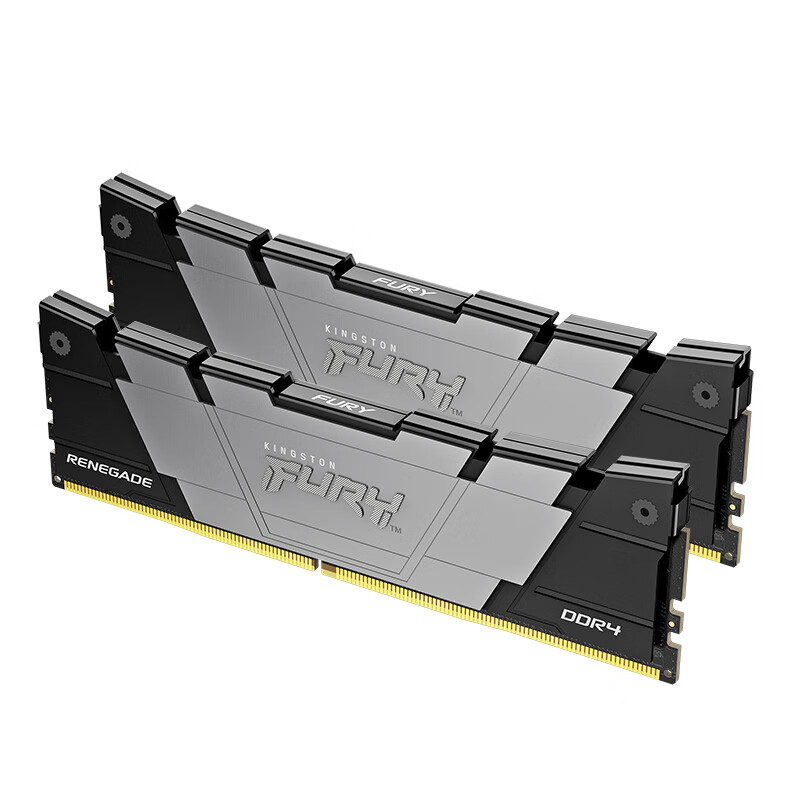 View
View
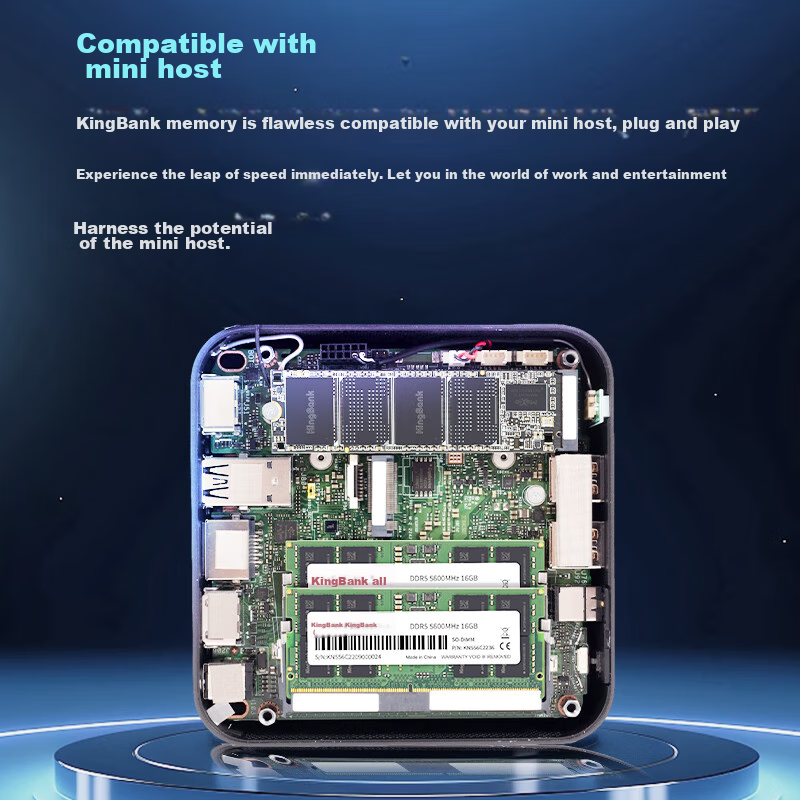
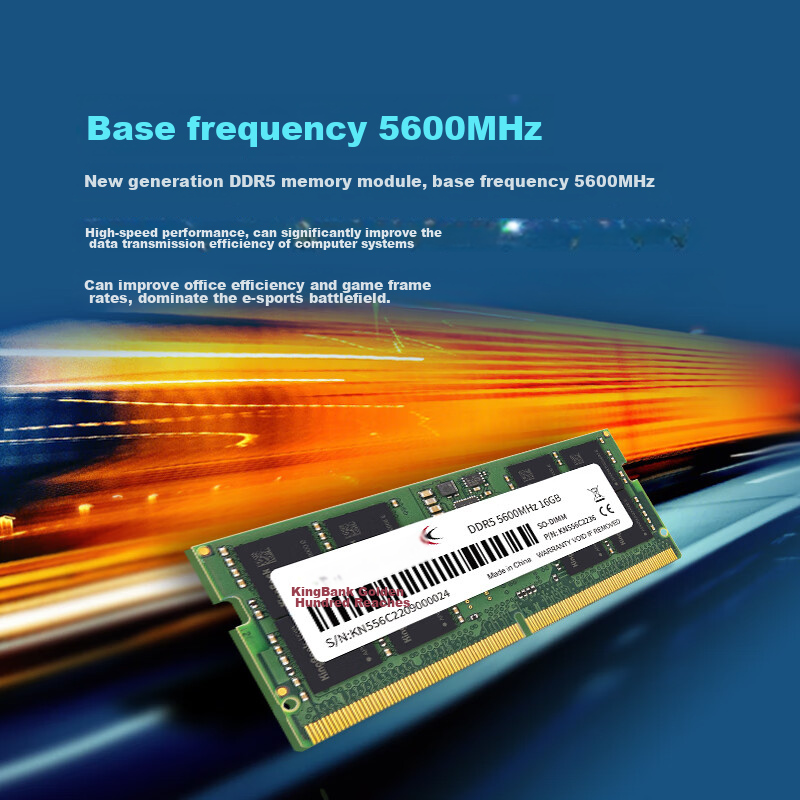
KINGBANK 16GB DDR5 5600 Laptop Memory Module, Compatible with Mini PC, Can Be Used in Dual Channel Configuratio
CN¥1,699.00
SKU: 100097719648
Status:In Stock (4)
ID: 100035834995
Weight: 25.00 g
Dims:167x54x18 mm
Specifications
- Appearance characteristics
- "PuTiao"
- DDR algebra
- DDR5
- Amount of memory
- 1 piece
- Platform
- laptop memory
- Total capacity
- 16GB
- Memory frequency
- 5600MHz
Variants / Sale Attributes
Memory frequency: Notebook [DDR5 5600]
Number of memory sticks and total capacity: 16GB 1 piece
Package Contents
DDR5 5600 16GB X1
Product Description
Overview
- Brand
- KINGBANK
- Model
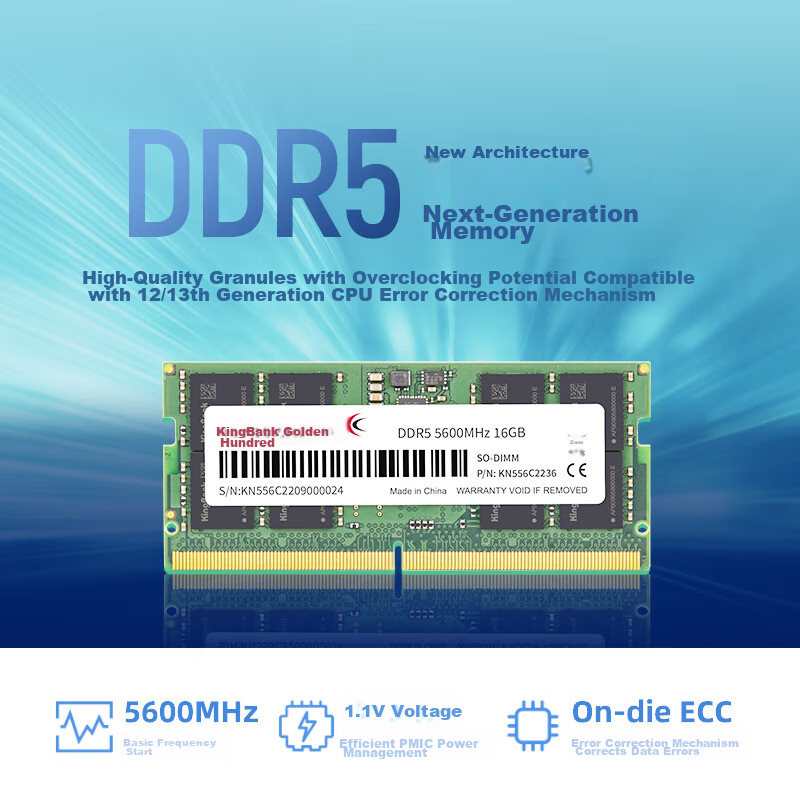
- DDR5 5600MHz 16GB SO-DIMM
- Part Number
- KN556C2236
- Serial Number
- KN556C2209000024
- Country of Origin
- Made in China
- Voltage
- 1.1V
- Error Correction Mechanism
- On-die ECC
- Compatibility
- Compatible with 12/13th generation CPUs
Similar Products
In Stock
KINGBANKmemory
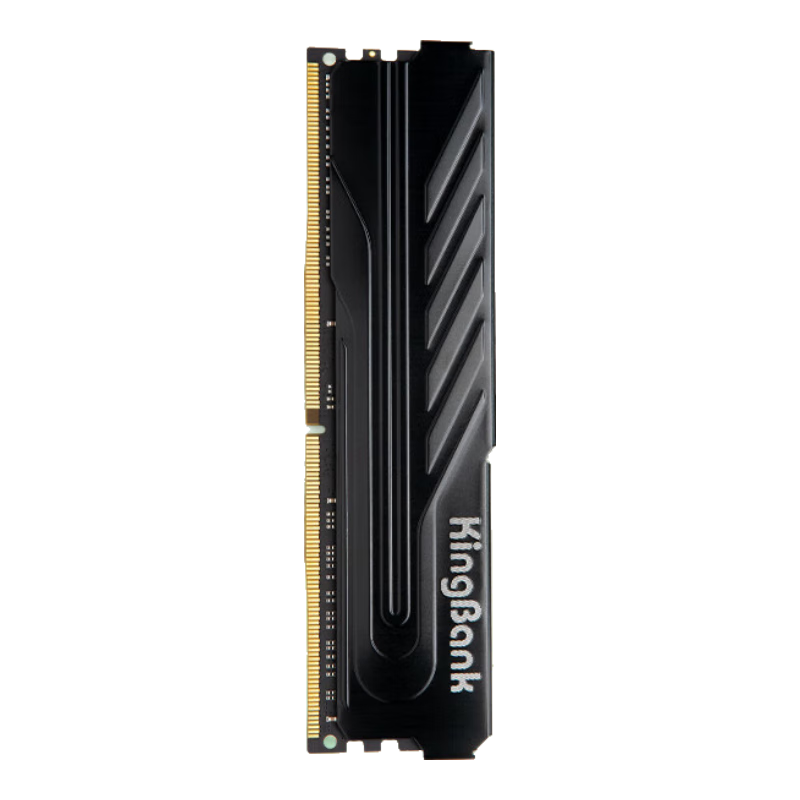
KINGBANK 16GB DDR4 3200 Desktop Memory Module, Intel-Specific RAM, Black Knight
[DDR4 3200] Black Knight Intel Dedicated
CN¥749.00
In Stock
Kingstonmemory
Kingston FURY 32GB (16GBx2) DDR4 4000 Desktop Memory Kit Renegade Series
D4 4000 Rebel Gamer Edition
CN¥3,365.00