Match temperature with film thickness to avoid jamming
Select correct laminating setting according to film thickness
Avoid overheating to prevent film deformation and jamming
Place small cards flush to the edge of the film for proper sealing
Leave space between multiple cards to prevent sticking
For irregular samples (e.g., leaves, flowers), place a sheet of paper at the sealing edge to avoid air pockets; trim after laminating
Insert the sealed edge of the film first into the laminator for best results
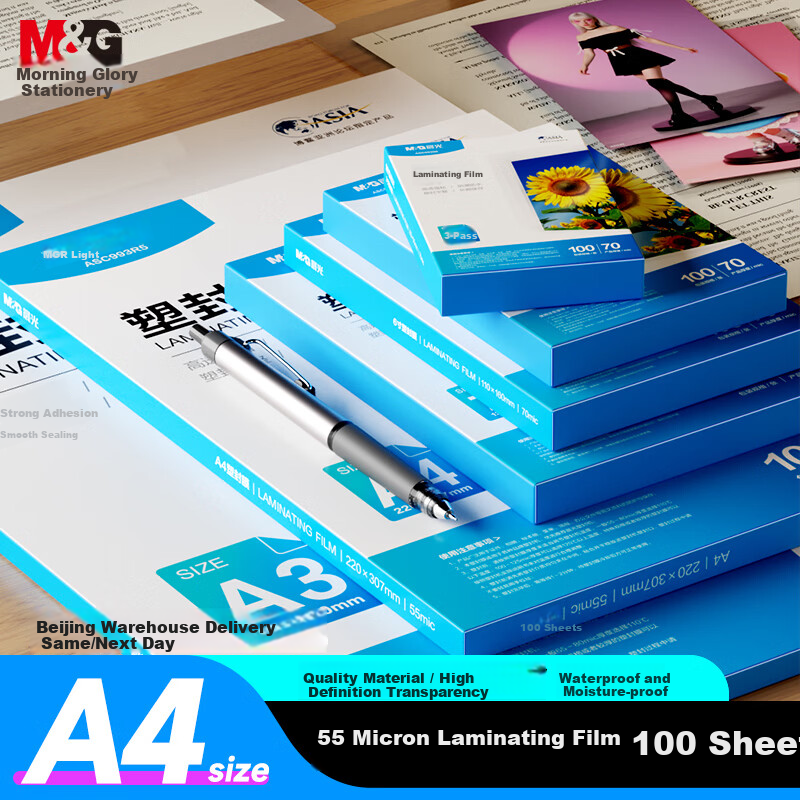
Use deli original laminating films to prevent jamming, poor lamination, or machine damage due to material differences
Additional details
Product Name
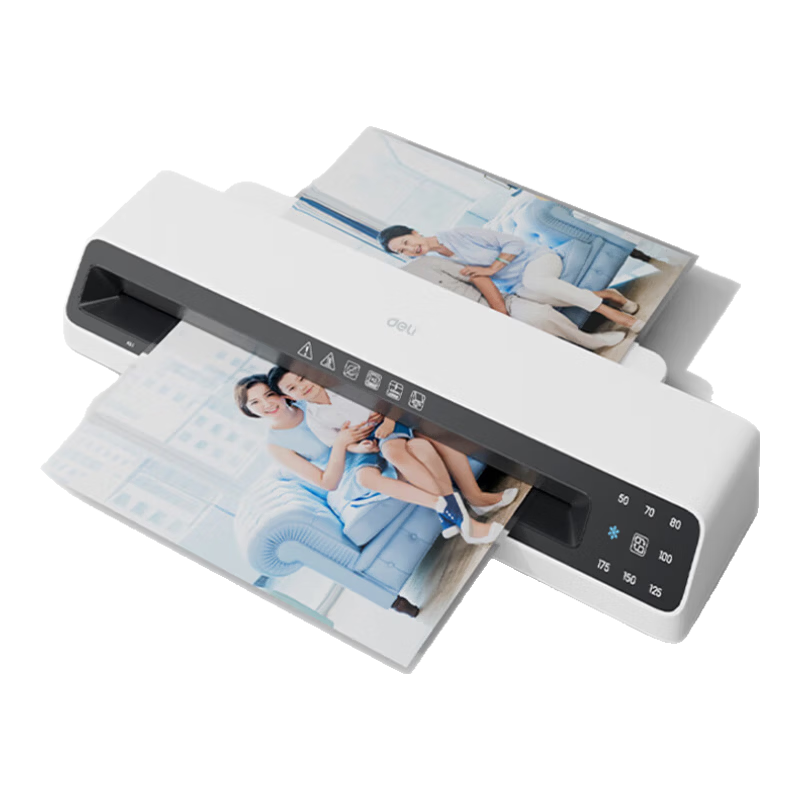
deli A3 Laminating Machine (Model: AA20E6)
Core Features
Supports A3 and smaller sizes
Automatic film feeding
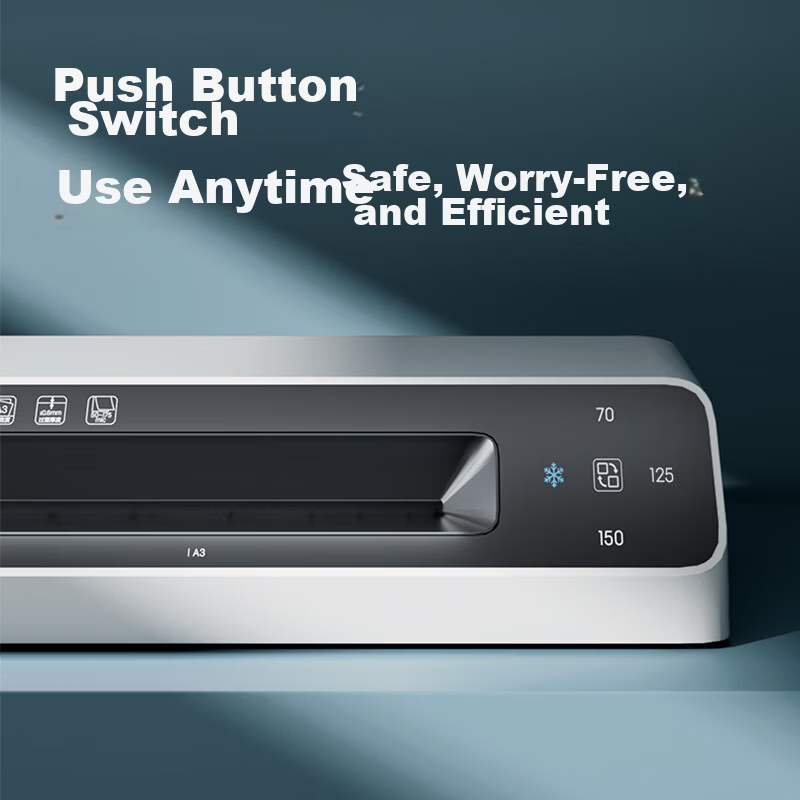
One-button film release
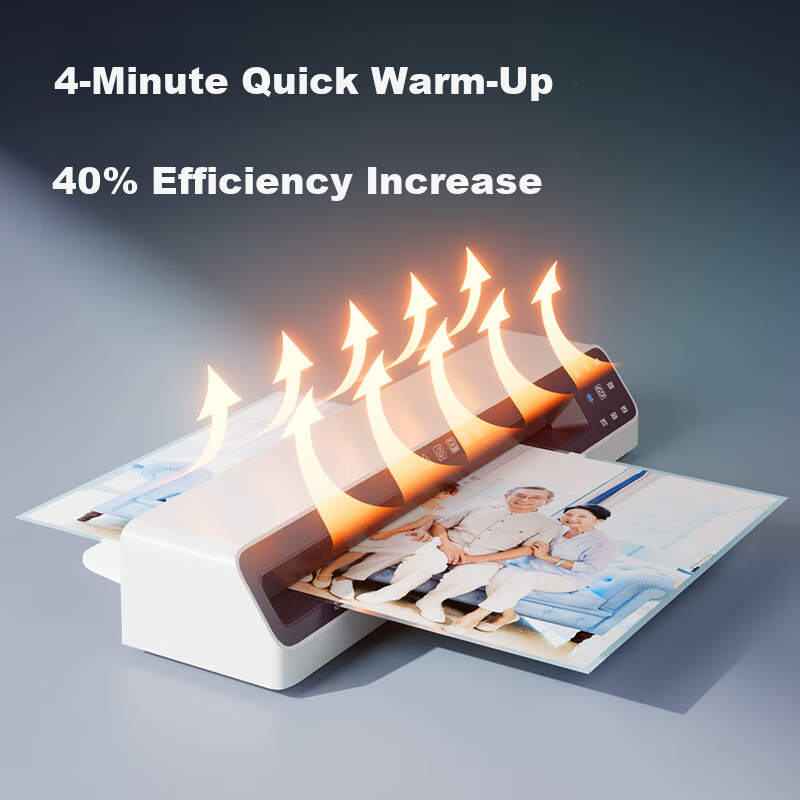
Fast preheating (~5 minutes)
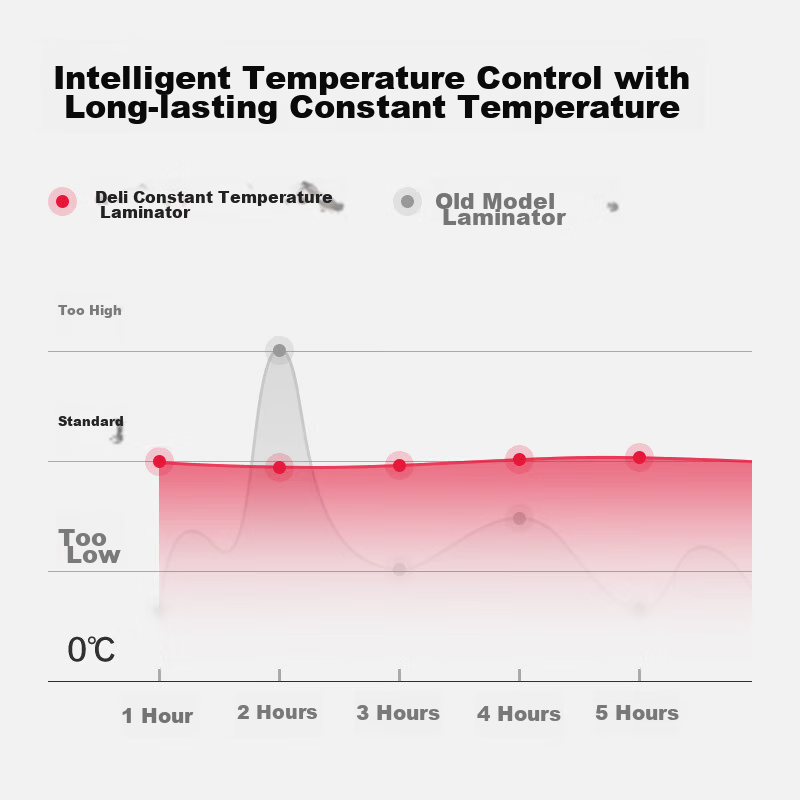
Stable temperature control for consistent lamination
Multi-hole heat dissipation for safety and durability
Additional details
Applications
Photos, certificates, study cards, menus, documents, home and office use
Performance
Item
Detail
40% efficiency improvement due to dual large heating plates
—
Maintains optimal laminating temperature automatically
—
Power
500W
Maximum laminating thickness
0.6 mm
Laminating film thickness range
50-175 MIC
Laminating speed
300 mm/min
Additional details
Dimensions
442 mm (L) x 120 mm (W) x 70 mm (H)
Maximum laminating width
A3 size
Safety and Convenience
Power switch with indicator light
One-button film release to recover misaligned or jammed documents
Recommended to use deli original consumables for best performance
Avoid improper laminating methods such as inserting film and document from the wrong side, slanting, using incompatible sizes, or laminating curled originals
Do not laminate protective card films smaller than 65mm in length
deli Protective Card Films
A4 sizes available in 70 MIC, 80 MIC, 125 MIC
deli model numbers: 3819, 3816, 3896, 3817
Additional details
Brand Slogan
deli – Capture beautiful moments, preserve cherished memories.

 View
View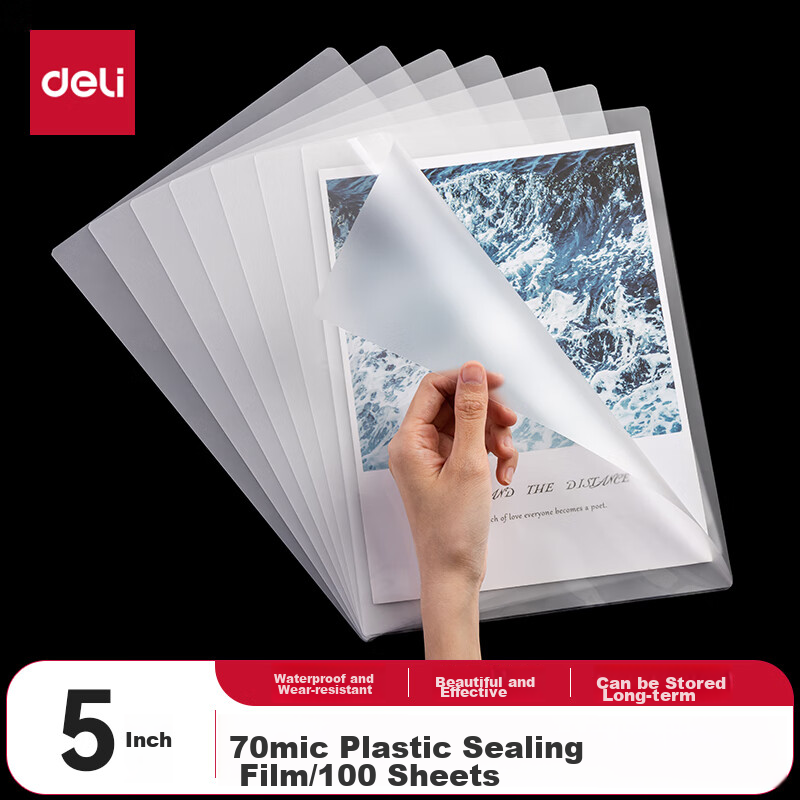 View
View