Back to Catalog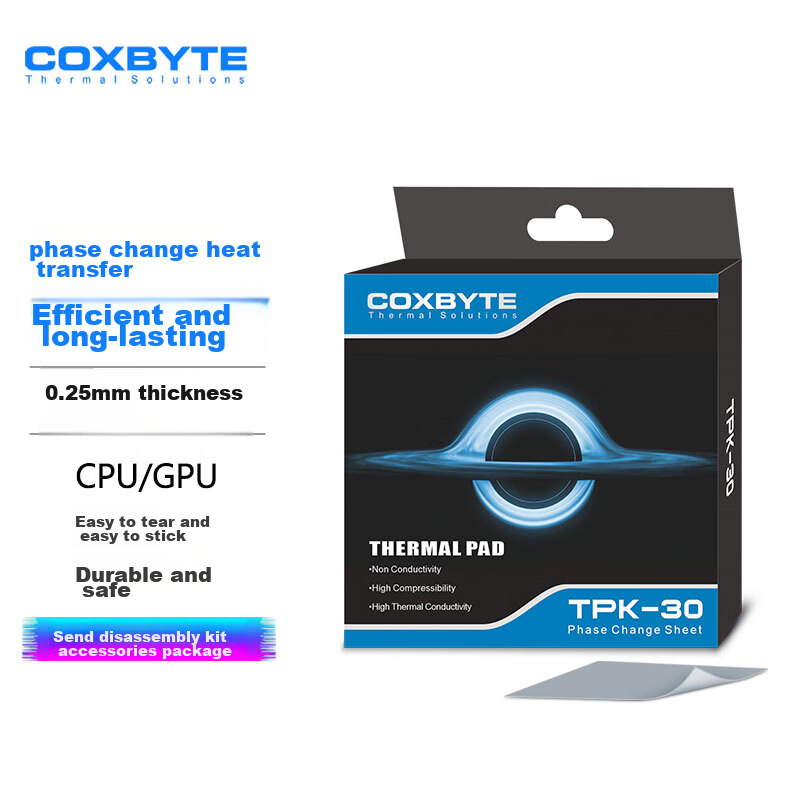

 View
View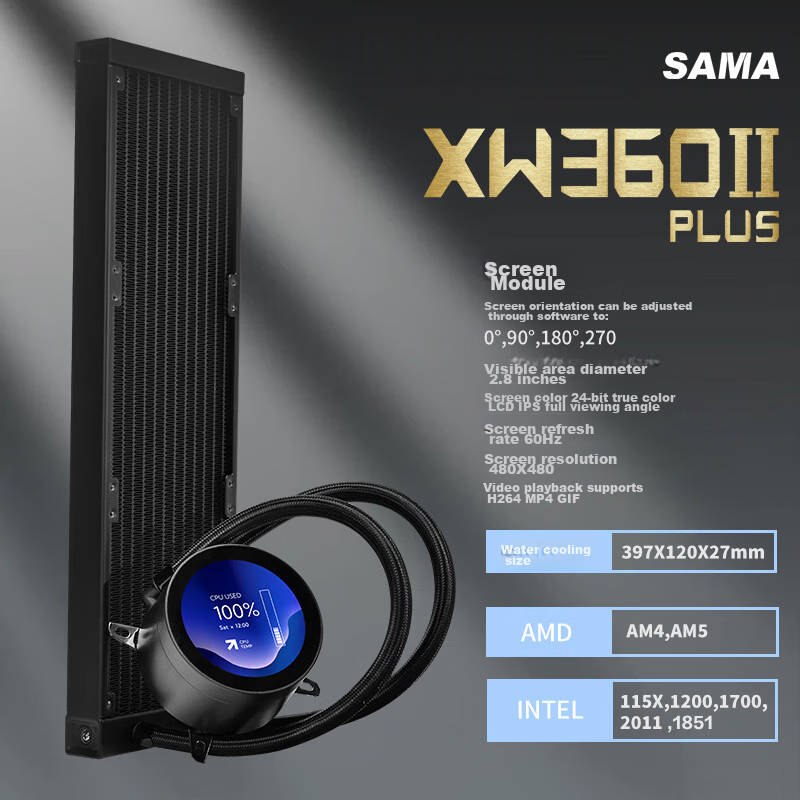 View
View
COXBYTE Phase Change Silicone Pad (CPU/GPU Cooling), TPK-30 Gaming Laptop Graphics Card Core Dedicated Cooling Thermal Patch, 31*50mm
CN¥29.90
SKU: 100119315201
Status:In Stock (10)
ID: 100119315201
Weight: 80.00 g
Dims:156x133x18 mm
Specifications
- Number of heat pipes
- No
- Type
- Thermal grease
- Lighting Effects
- No light
Variants / Sale Attributes
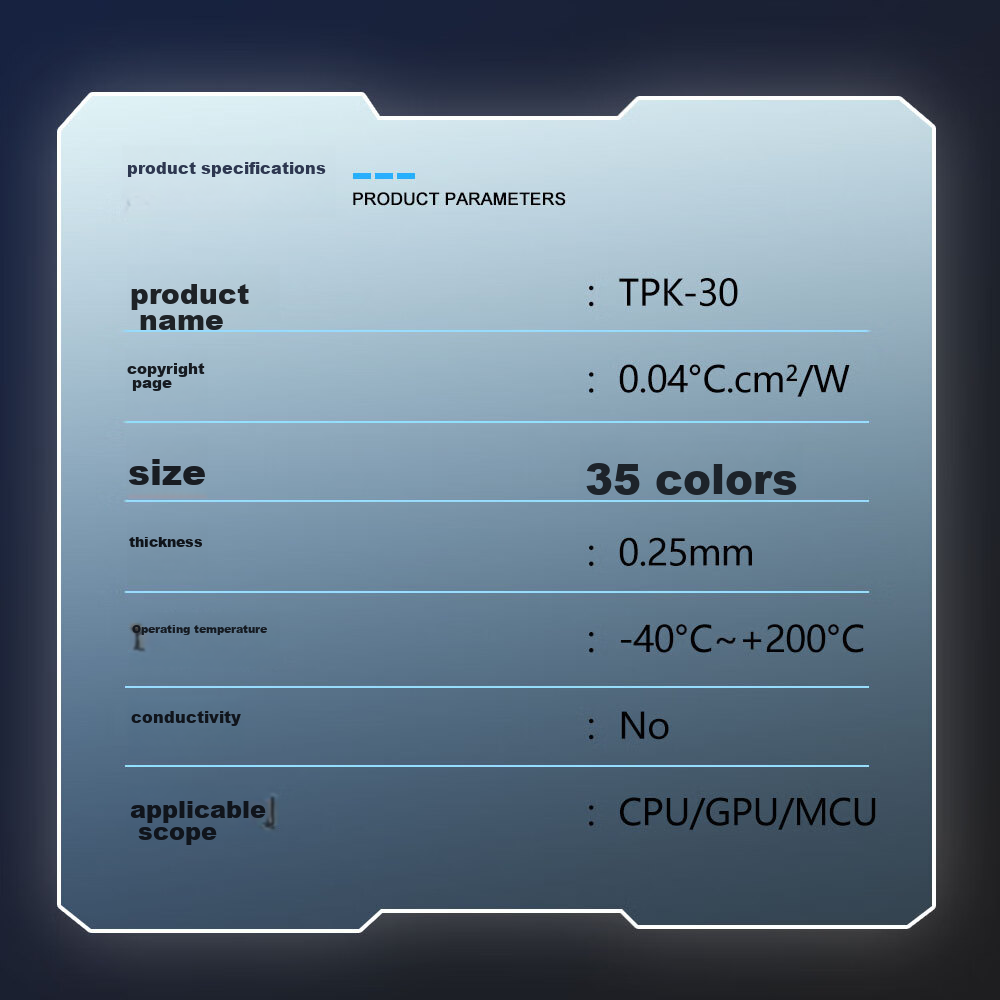
Color: 31*50*0.25mm [For Refrigeration Use]
Package Contents
Phase change pad *1 Disassembly tool kit *1 Instruction manual *1
Product Description
Overview
- Brand
- COXBYTE
- Model
- ThermalSolutions TPK-30
- Description
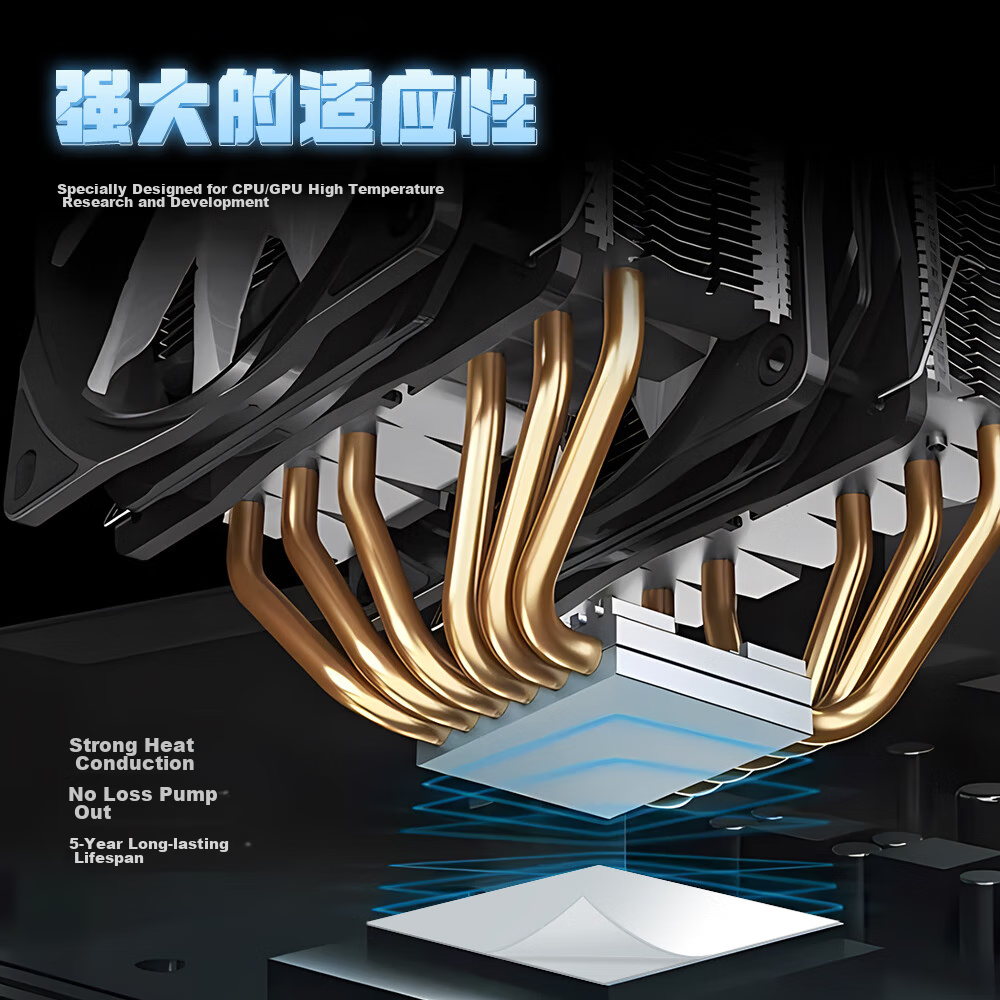
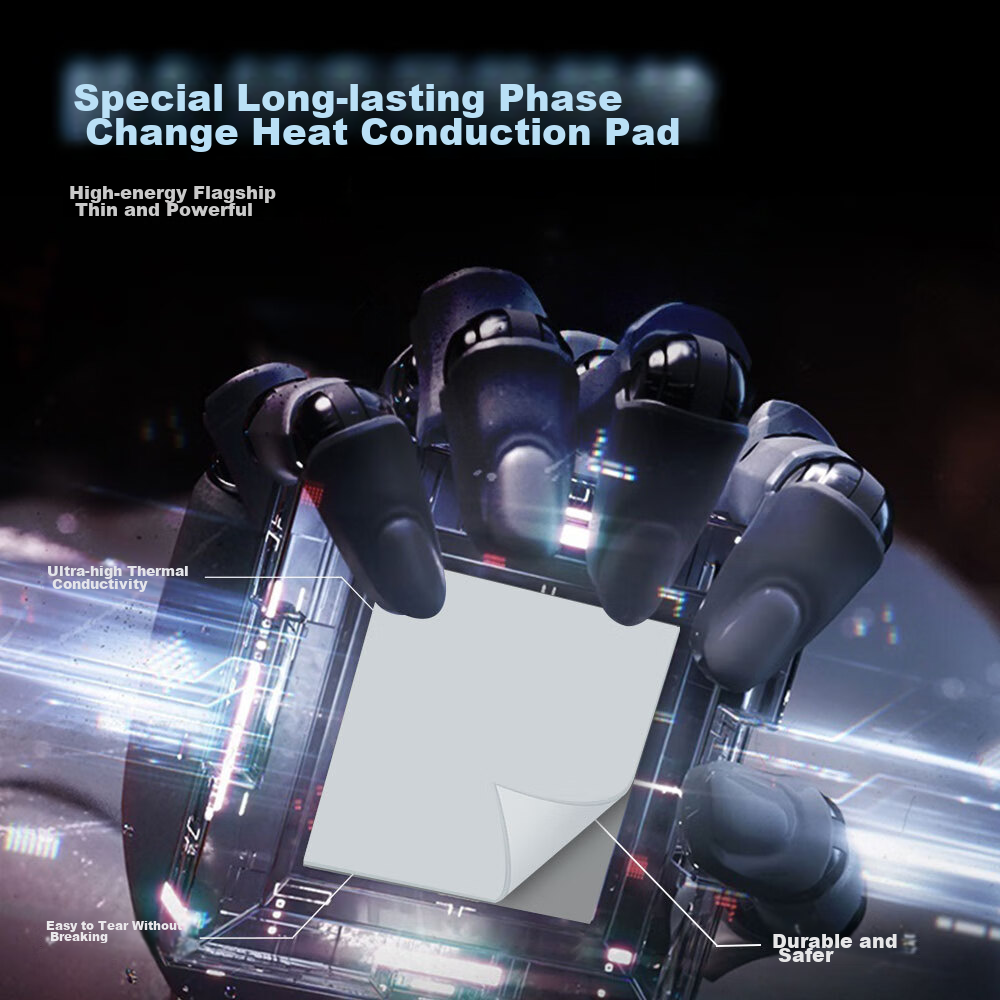
- High-energy flagship thermal paste for CPU/GPU, featuring phase-change silicon grease film that is easy to tear and apply, durable, and safe. With a 4-6 core advantage, enhanced with submicron alumina for 10x increased density and GLASSINE release paper for improved texture and tear resistance. The 0.25 mm gold thickness and new composite phase-change material provide superior performance compared to industry standards.
- 1. 2nd Channel
- At room temperature, the phase-change silicon grease film remains solid. The high thermal conductivity phase-change silicon grease film contains unique phase-change materials and submicron alumina spheres. As the temperature rises, the film becomes softer, better filling gaps to dissipate heat more effectively into the heat sink, achieving better heat dissipation and maintaining device performance. Upon cooling, it solidifies again, maintaining the integrity of the polymer matrix for long-term reliability.
Similar Products
Out of Stock
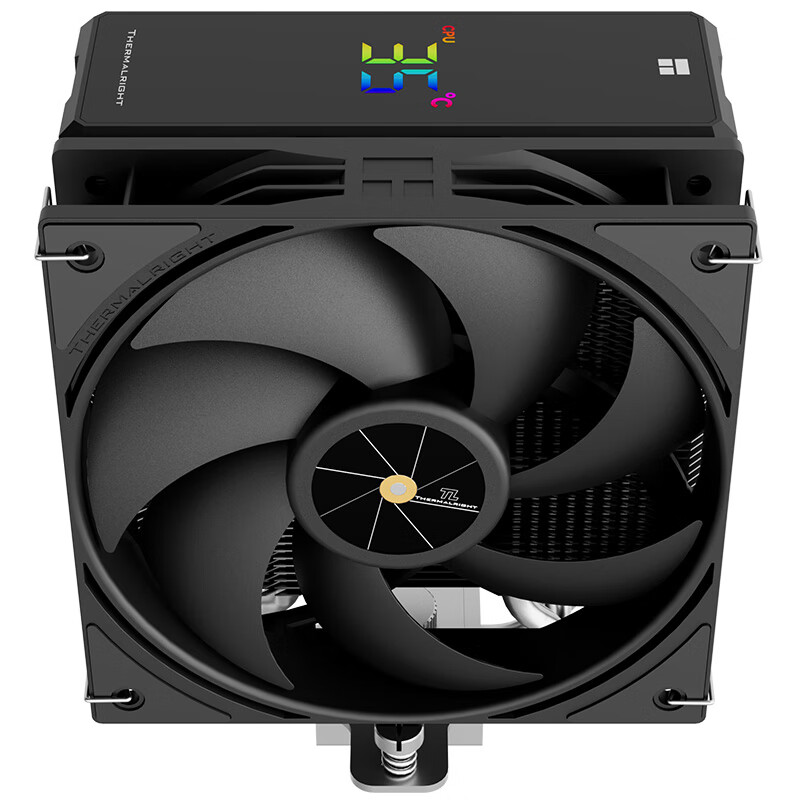
thermalrightradiator
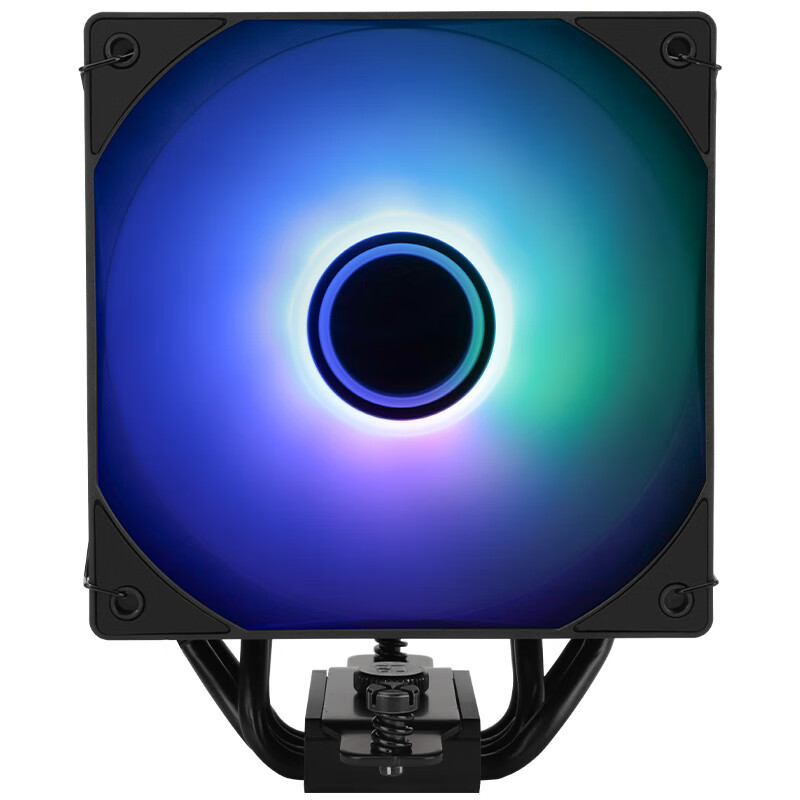
Thermalright Assassin Spirit 120 VISION ARGB BLACK CPU Air Cooler AS120 VISION ARGB BLACK
AS120 VISION ARGB Black
CN¥129.90
In Stock
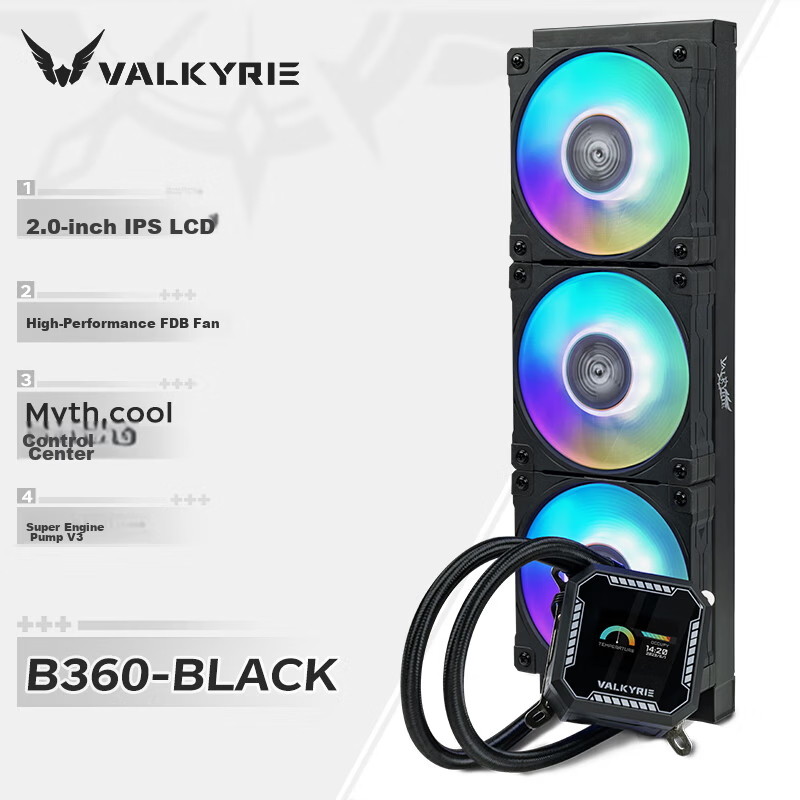
SAMAradiator
SAMA Second Generation XW360-PLUS Fanless Black All-In 360 Water Cooling CPU Cooler (2.8-Inch Large Round LCD Display)
2.8-Inch Screen, Second-Generation XW360-P Fanless, Black
CN¥529.00