Back to Catalog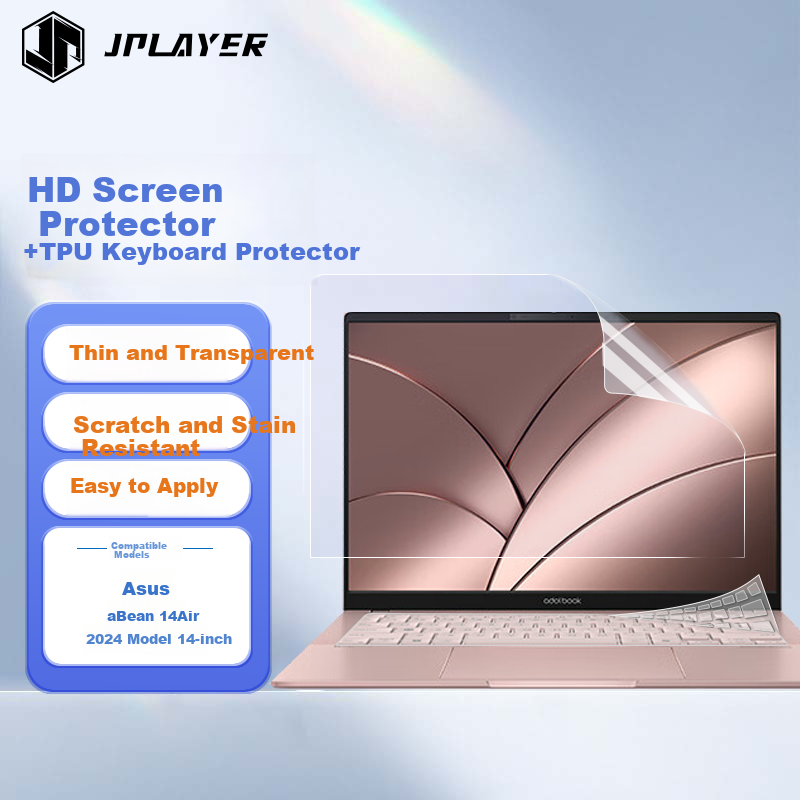
![Jiasu Honor Tablet GT Pro Case Film (ROD2-W69), 12.3-Inch Tablet Matte Case Protective Sticker, [Back Sticker + Side Sticker] Body Protective Film](https://img30.360buyimg.com/sku/jfs/t1/243997/36/34031/21505/68efe20cF518bbc89/59d91f9a8f37de1a.png) View
View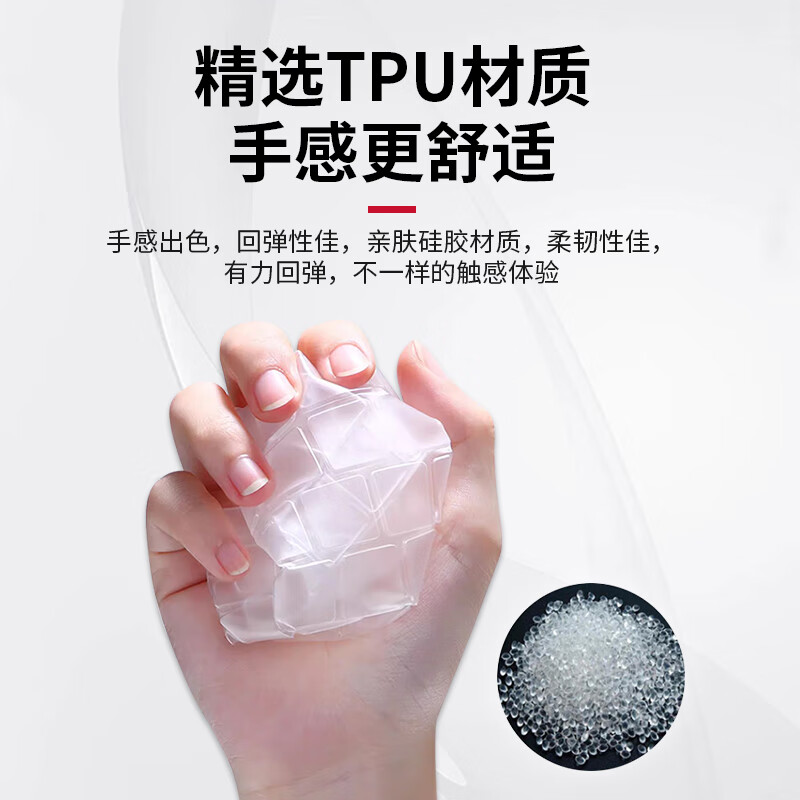 View
View
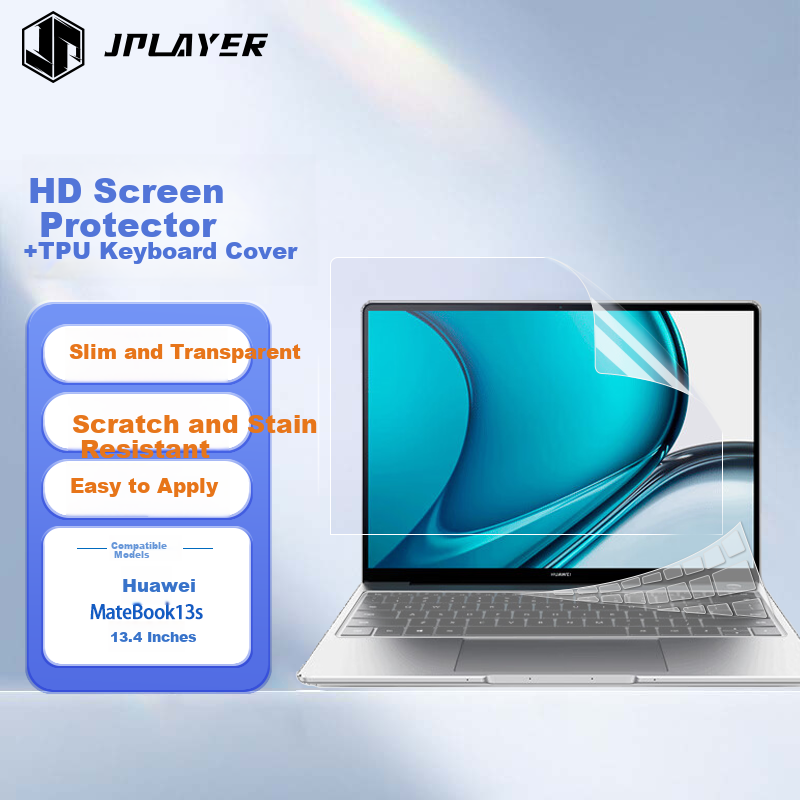
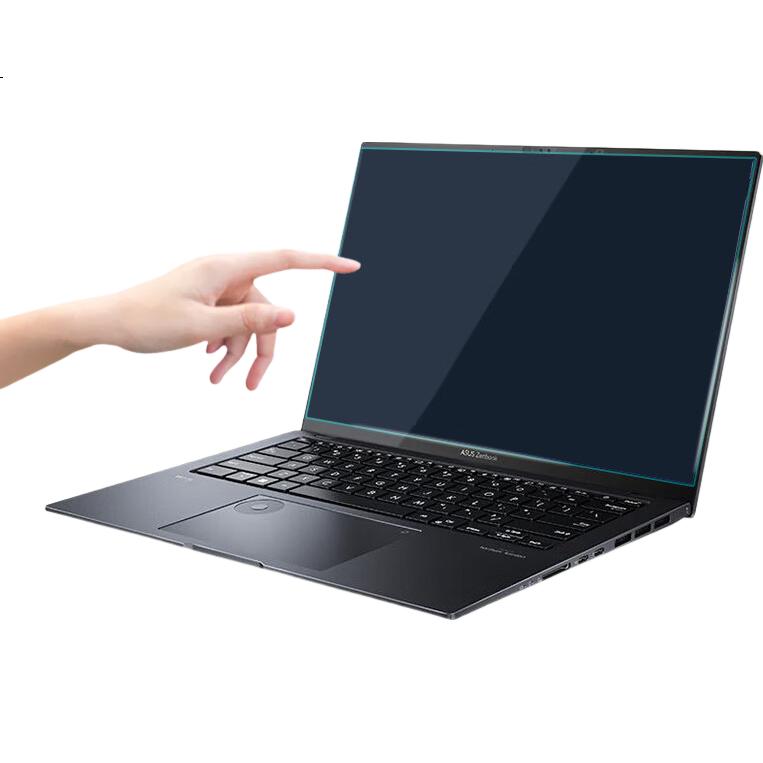
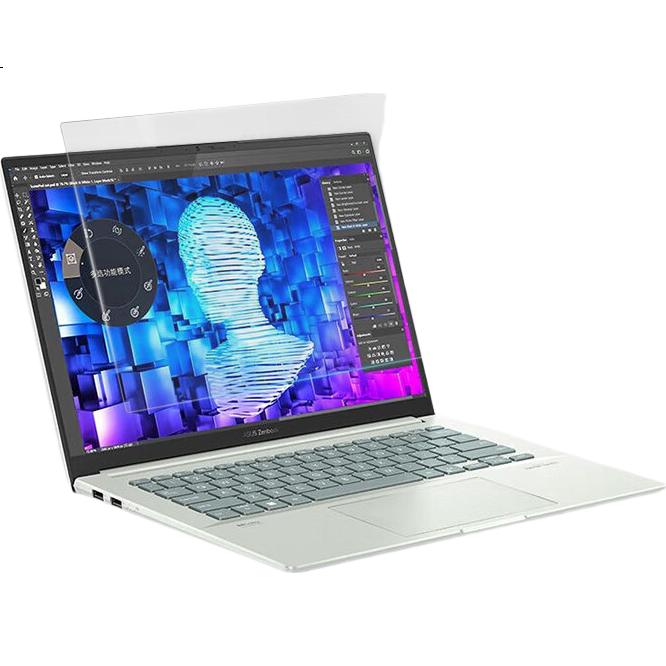
JPLAYER Keyboard And Screen Protector Set for ASUS ADO 14 Air 2024 Model, 14-Inch Laptop, High Transparency Easy to Apply Anti-Scratch Film
CN¥25.50
SKU: 100142503337
Status:Out of Stock
ID: 100102467559
Weight: 200.00 g
Dims:415x262x10 mm
Specifications
- Category
- Screen protector and keyboard cover set
- Compatible products
- Laptop
- Applicable brands
- ASUS
- Functions
- Fully compatible with high definition, keyboard protector
- Installation
- flat lay
- Material
- TPU
Variants / Sale Attributes
Color: High-definition screen protector + TPU high-transparency keyboard protector
Size: ASUS A14 Air 2024 Model
Package Contents
1 computer keyboard film + 1 high-definition screen film
Product Description
Overview
- Brand
- JPLAYER
Easy to apply, automatically absorbs without leaving bubbles
FIT technology for upgraded adhesion, easier to stick and naturally exhaust until fully adhered
Full screen protection, seamless fit without gaps
CLOSE FIT for ultra-thin texture closely adhered, smoother opening and closing of laptop
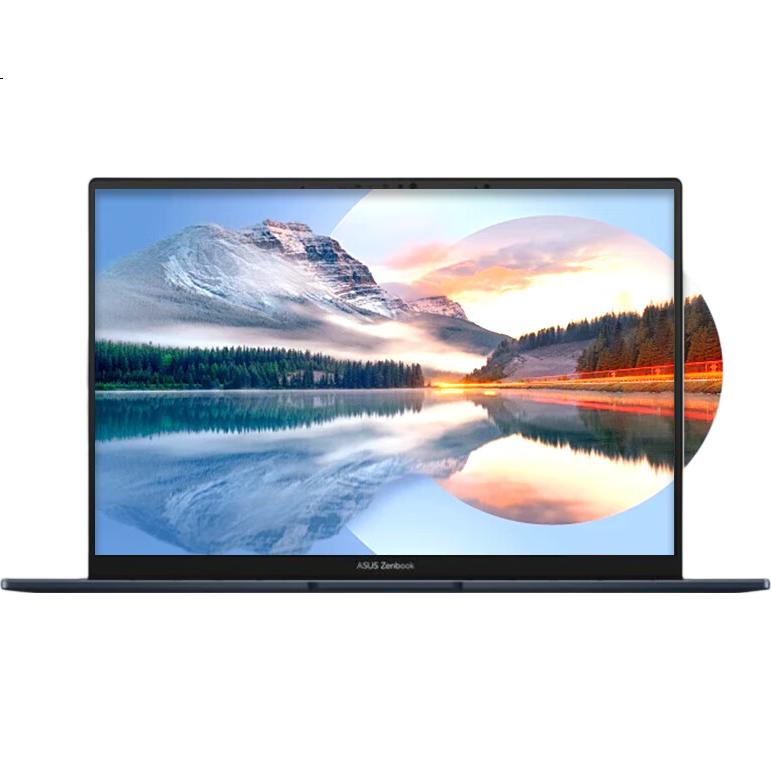
No loss of picture quality, enjoy natural visual experience
Additional details
- PICTUREQUALITY
- high-definition, transparent, no loss of picture quality, clearer and more beautiful, showcasing the original brilliance of the picture
1. Clean the screen with the alcohol wet cloth provided and wipe with the microfiber cleaning cloth
2. Find the bottom paper labeled with "①", remove dust and dirt from the screen, ensure it is clean, and tear off about 3-5cm
3. Align one side of the screen and attach it while peeling off the "①" protective film
4. After applying the film, use the scraper to remove air bubbles
5. To remove the screen film, push forward with a scraper or card from any corner to squeeze out bubbles, peel off the outer film labeled "②", and slowly lift to remove the film
Similar Products
In Stock
Computer film/screen film
Jiasu Honor Tablet GT Pro Case Film (ROD2-W69), 12.3-Inch Tablet Matte Case Protective Sticker, [Back Sticker + Side Sticker] Body Protective Film
Honor Tablet GT Pro 12.3-Inch
CN¥18.90
Out of Stock
JPLAYERComputer film/screen film
JPLAYER Keyboard Cover for Lenovo Xiaoxin Pro16 2023/22 AI Superbook 24 Models, High Transparency TPU Waterproof Dustproof Laptop Keyboard Film
Lenovo Xiaoxin 14 / Pro Air 14
CN¥12.10