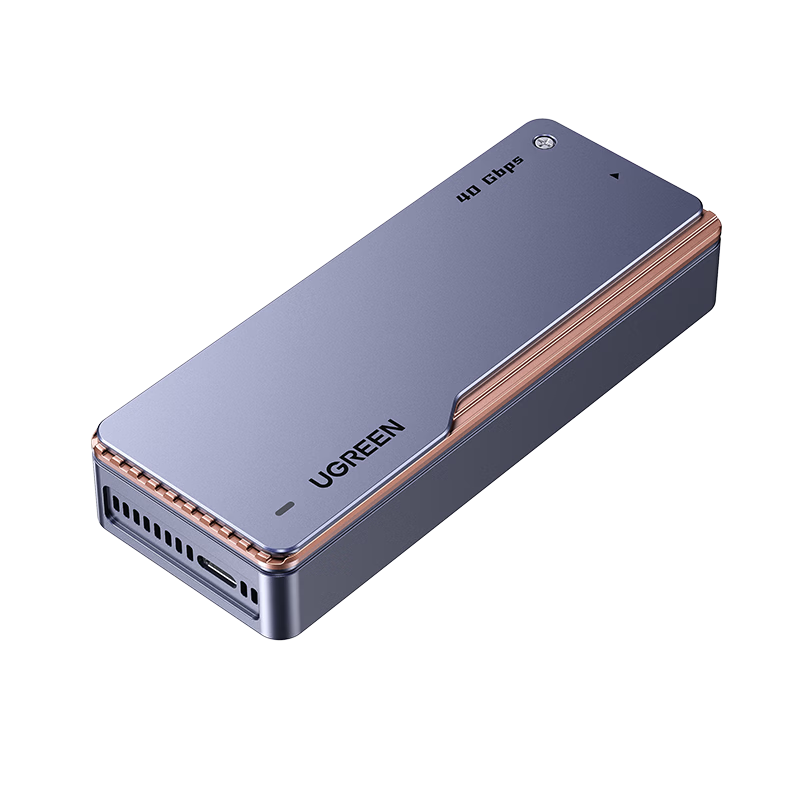
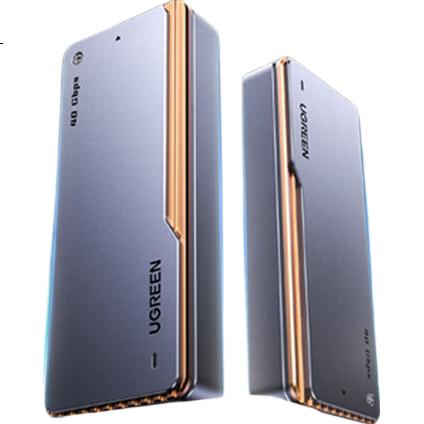
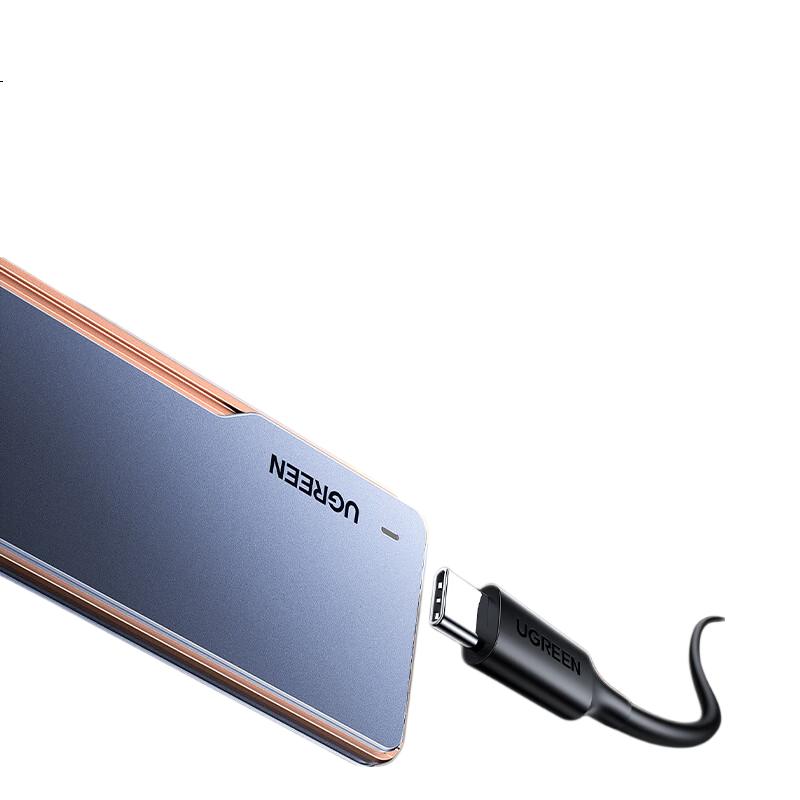
UGREEN 40Gbps Hard Drive Enclosure, Compatible with Thunderbolt 5/4/3/USB4, M.2 NVMe Portable Hard Drive Enclosure, Suitable for Apple Macmini Laptops to Connect SSD Solid State D703
Thunderbolt 5/4/3, USB4, backward compatible with USB 3.2/3.1/3.0/2.0
Compatible Operating Systems
Windows, macOS, Linux
Maximum Supported Capacity
8TB (based on UGREEN lab testing; actual capacity may vary depending on device power supply and SSD specifications)
Power Consumption
Approx. 4.8W (with Intel JHL7440 chip), up to 7.2W (other chips)
Dimensions
118 mm x 46 mm x 19 mm
Packaging Dimensions
100 mm x 150 mm x 31 mm
Warranty
1 year
1 x SSD Enclosure
1 x USB-C to USB-C Data Cable
1 x Screwdriver
1 x Silicone Protective Sleeve
2 x Thermal Conductive Silicone Pads (for main controller and SSD)
1 x User Manual
1 x Warranty Card
Additional details
Theoretical maximum data transfer rate
40Gbps
Supports USAP, TRIM, and S.M.A.R.T protocols
Tested read/write speeds with various SSDs (CrystalDiskMark 8.04)
Item
Detail
Samsung 990 Pro 2TB
Read ~3172 MB/s, Write ~2926 MB/s
Kingston SNV2S500G
Read ~3168 MB/s, Write ~2355 MB/s
Western Digital Black SN750 500GB
Read ~3156 MB/s, Write ~2421 MB/s
Other tested SSDs show similar high-speed performance
—
Compatible with Thunderbolt 5/4/3 and USB4 ports for optimal speed
Backward compatible with USB 3.2/3.1/3.0/2.0 ports (at lower speeds)
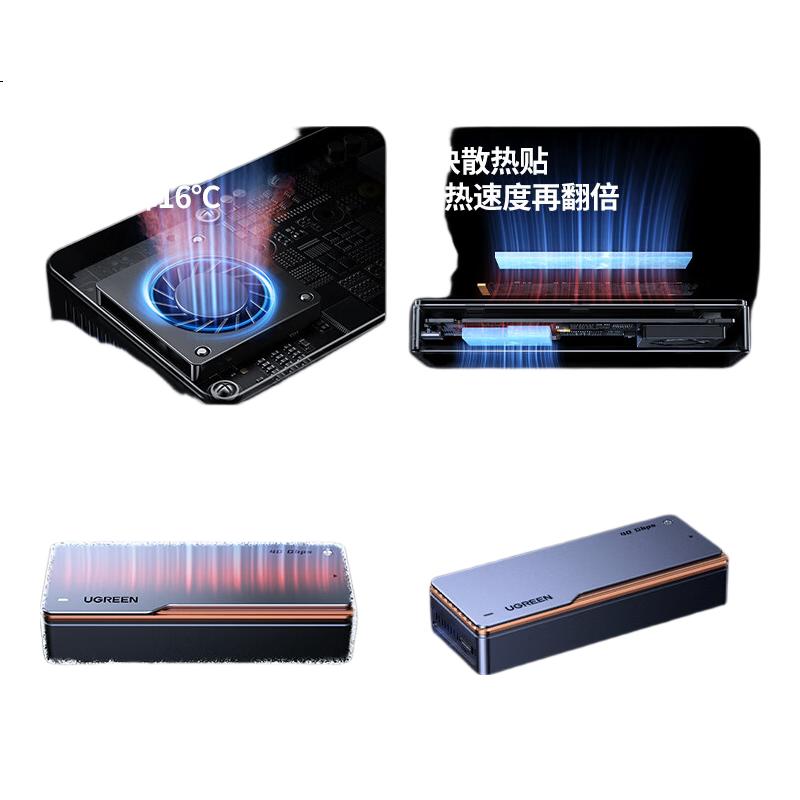
Aluminum alloy body with CNC machining for enhanced heat dissipation
Built-in silent turbine fan with temperature control, reducing temperature by up to 16°C compared to fanless models
Dual thermal conductive silicone pads for main controller and SSD heat dissipation
Hollowed sides for improved convection cooling
Overall heat dissipation area increased by 150% due to grooved design
Supports NVMe protocol SSDs with B&M key or M key (both left and right notch)
Compatible with 2280 size M.2 NVMe SSDs
Compatible devices include laptops, desktops, Mac mini, Mac Studio, PS5, Apple devices (MacBook, iPad, iPhone), Android phones (with OTG support), NAS, and TVs
Additional details
Recommended SSD formats for Apple devices
APFS or ExFAT
Supports plug-and-play without driver installation
Nickel-plated connectors for high-frequency insertion durability
Aluminum alloy shell is drop-resistant and wear-resistant, tested for over 5000 insertions
External silicone protective sleeve reduces scratches and enhances product protection
Additional details
LED indicator light
white blinking indicates data reading/writing status
Dual-chip design
Intel JHL7440 Thunderbolt chip + Realtek chip for stable and efficient performance
Power consumption reduced by approximately 33% compared to other chips
Supports large capacity expansion up to 8TB
Additional details
Supports fast data transfer
Approx. 3GB file transferred in about 1 second
Supports USAP, TRIM, and S.M.A.R.T for SSD health and performance optimization
Compatible with Thunderbolt and USB protocols, breaking protocol limitations
Actual transfer speeds depend on SSD model, host device, cable quality, and system environment
High-speed operation may cause the enclosure surface to become warm due to heat dissipation
For SSDs with metal heat sinks, it is recommended to remove the heat sink before installation for better fit and cooling
USB-A data cable is not included; USB-A port requires separate cable
Product appearance and data cable design may vary between batches without affecting functionality
Back up important data before use; UGREEN is not responsible for data loss
SSD lifespan depends on usage and environment; recommended replacement every 3-5 years
1. Insert SSD into enclosure at a 45° angle
2. Secure SSD with included screws using the screwdriver
3. Apply thermal conductive silicone pads on SSD and main controller
4. Attach enclosure cover and tighten screws
5. Slide on silicone protective sleeve
Test devices include Lenovo ThinkBook 16+, Razer Blade 18 with Thunderbolt 5, MacBook Pro M1 Max
Additional details
Testing software
CrystalDiskMark 8.04
Test results may vary due to hardware, software, and environmental differences
Stylish color box packaging
This product specification is based on UGREEN laboratory data and actual product may vary. Please refer to the actual product for precise details.
 View
View View
View View
View