Back to Catalog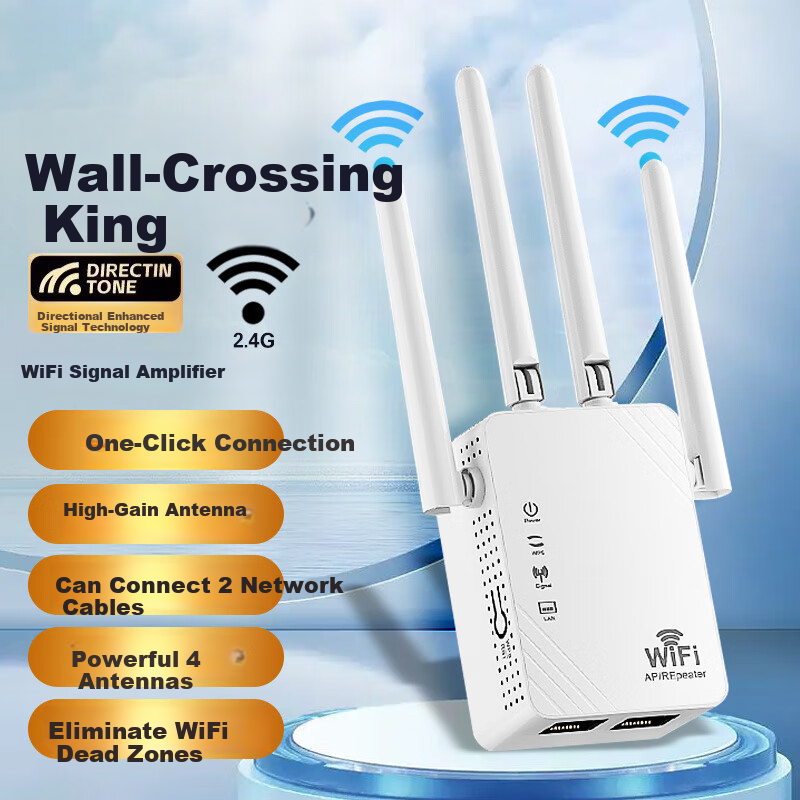
 View
View![Tenda Router [Gigabit WiFi 6 + Wall-Penetrating] Wireless AX3000 Signal Amplifier, Signal Booster for Home Use, Yunxiao White, Floor-Standing](https://img30.360buyimg.com/sku/jfs/t1/178176/34/50024/47712/671dd99bFfa58bc84/3062705cd8ee0b0b.png) View
View
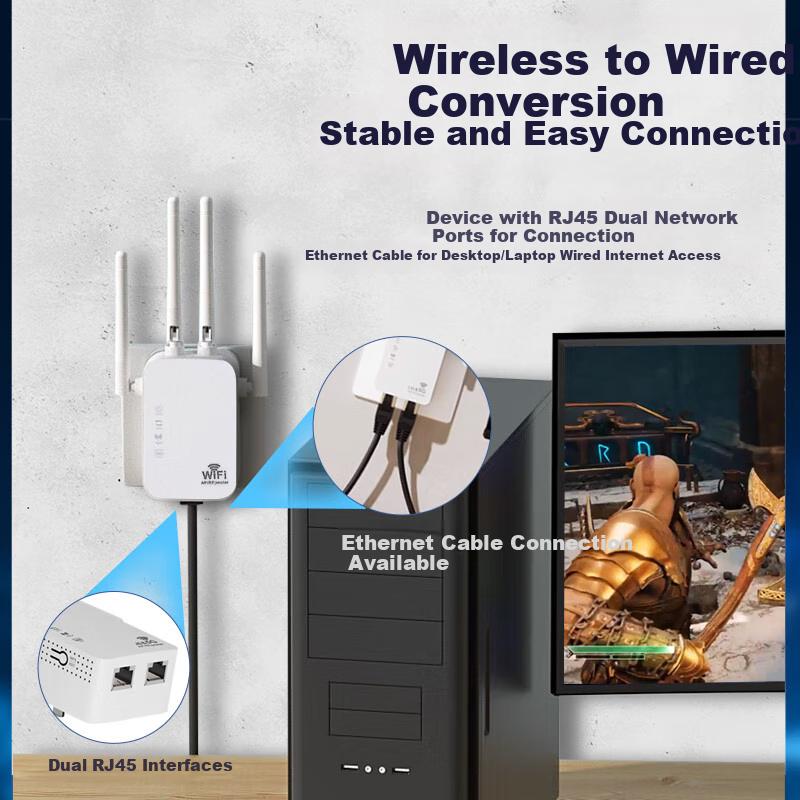
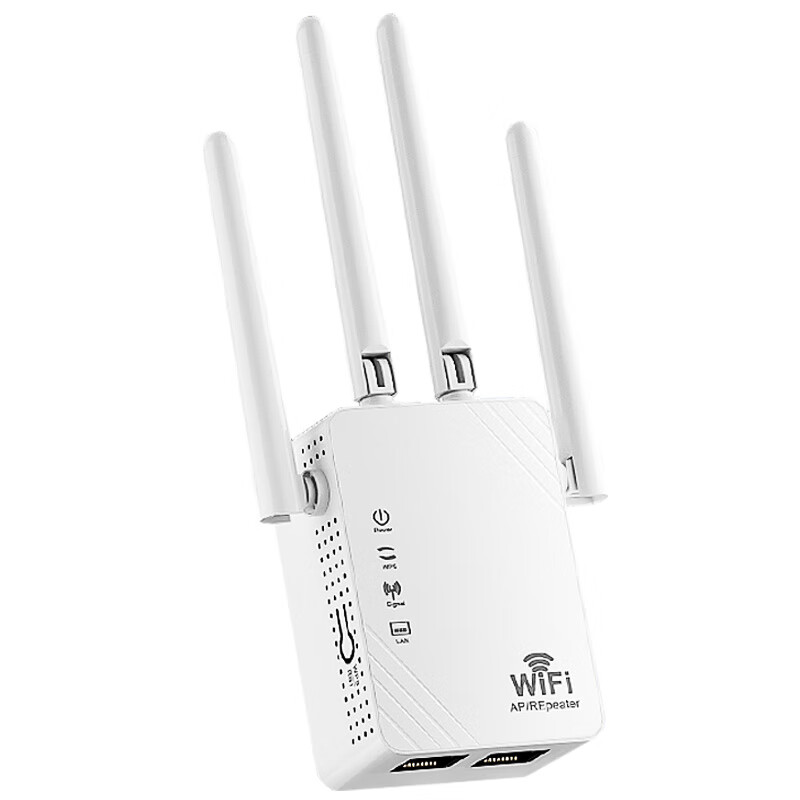
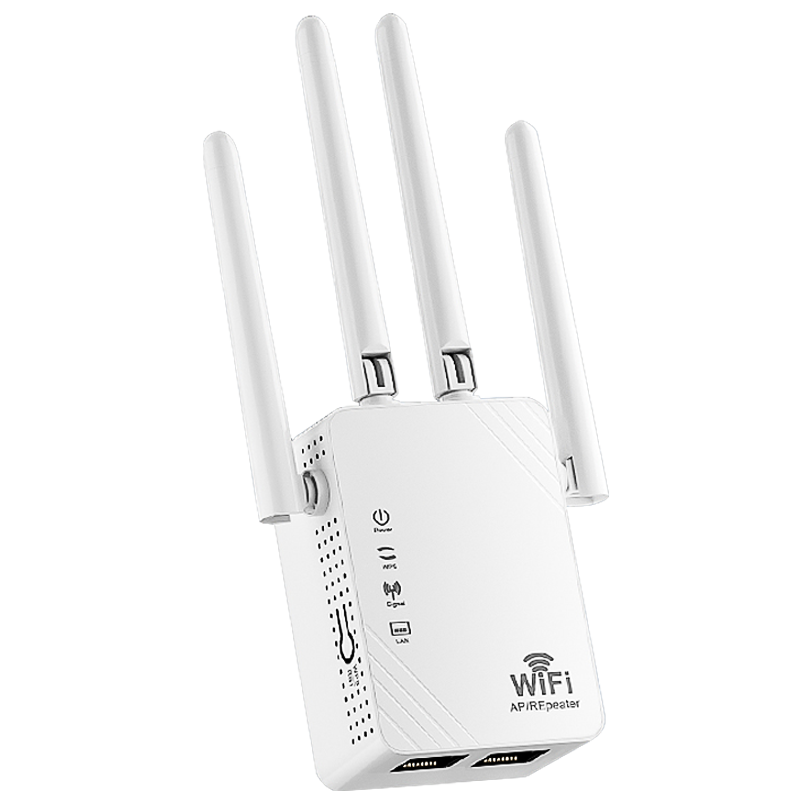
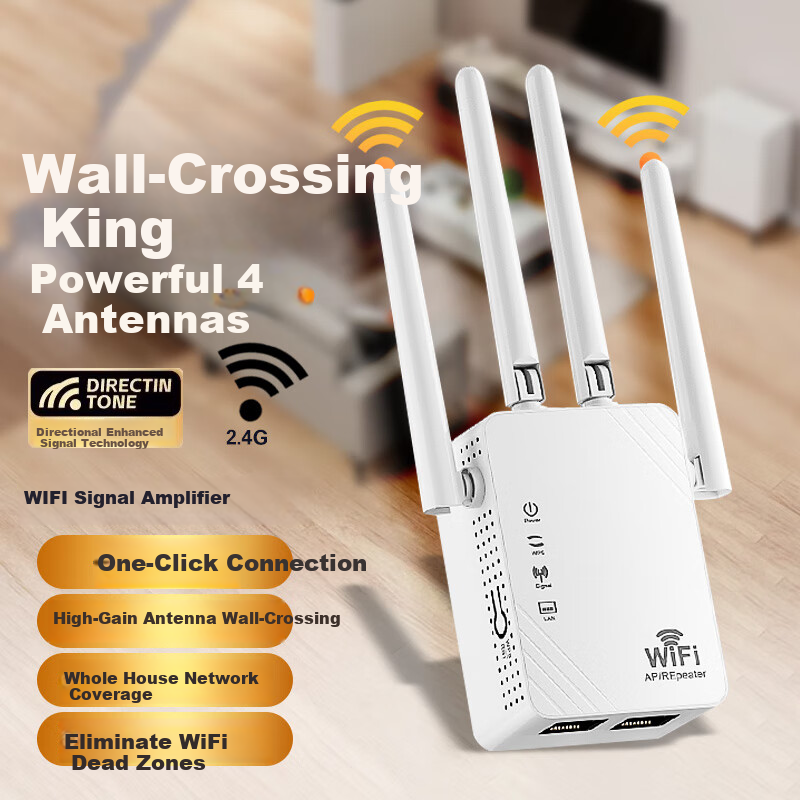
Tengfei WIFI Signal Amplifier with Four Antennas, Wall-Penetrating Network Wireless Router, Network Port Expansion, 100Mbps Relay, High-Speed 300M Stable Model
CN¥39.00
SKU: 100154671880
Status:Out of Stock
ID: 100154671880
Weight: 107.00 g
Dims:187x90x55 mm
Specifications
- Do you support gateway?
- Not supported
- Game Acceleration
- No
- APP Control
- Does not support APP control
- Wireless protocols
- No
- Wireless speed
- 300M
- Coverage
- 90-120㎡
- Frequency Band
- Single Frequency
- Body material
- Plastic
Variants / Sale Attributes
Color: Hundred-megabit barrier-free stable version
Package Contents
amplifier *1
Product Description
Overview
- Brand
- Tengfei
- Frequency
- Single band 2.4GHz
- Interfaces
- G, RJ45 dual interface, can connect 2 network cables
- Antennas
- 4 powerful antennas
Features
- WiFi
- API Repeater
Similar Products
Out of Stock
HUAWEIrouter
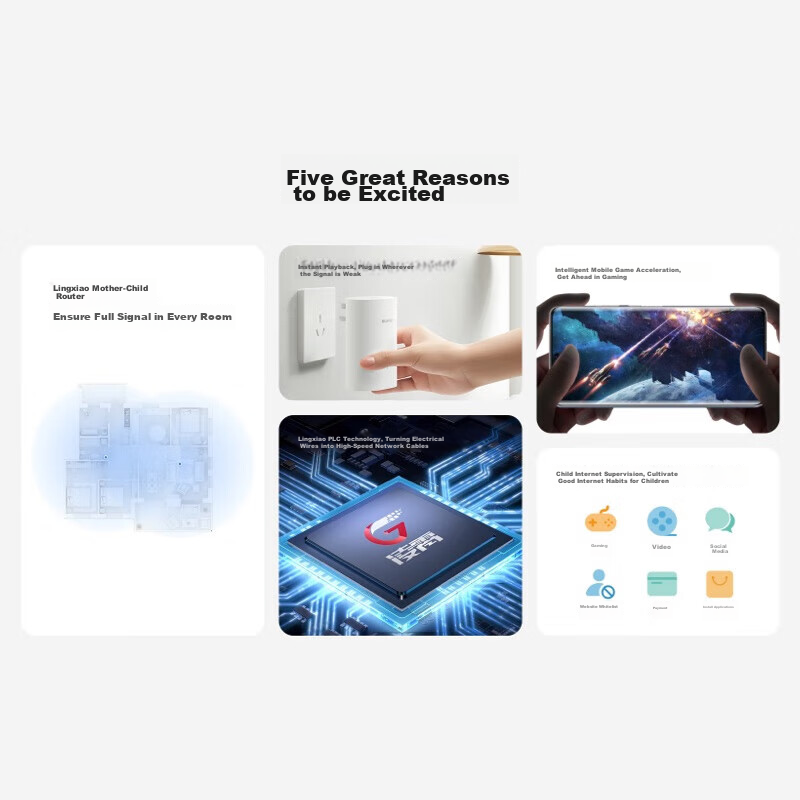
Huawei Lingxiao Parent-Child Router Q6E, Parent-Child Router Full Coverage, Whole-House WiFi without Dead Zones (1 Parent 1 Child Set), Gigabit Router, Wireless Wall-Penetrating King, Powerline Adapter
[Cost-Effective Power Grid Networking] 1+1 Lingxiao Set
CN¥579.00
In Stock
Tendarouter
Tenda Router [Gigabit WiFi 6 + Wall-Penetrating] Wireless AX3000 Signal Amplifier, Signal Booster for Home Use, Yunxiao White, Floor-Standing
Yunxiao Bai, WiFi 6+/3000M/5 FEM
CN¥138.90
![Tenda Router Yunxiao BE3600 [Raging WiFi 7 | JINGDONG Exclusive First Release] 2.5G Port Wireless Gigabit Wall-Penetrating Signal Booster Mesh Floor-Standing Desig](https://img30.360buyimg.com/sku/jfs/t1/298060/6/19262/57371/68704e5cFd45e5eed/6ffce52a526ace00.png)