MEPL JD
CatalogCategoriesBrandsAnalyticsNew

MEPL JD

JD catalog demo by MEPL

Navigation

  • All Products
  • Categories
  • Brands
  • Category Analytics 📊

Tools

  • Advanced Search
  • My Favorites

Admin

  • Dashboard

© 2026 MEPL JD. All rights reserved.

Back to Catalog
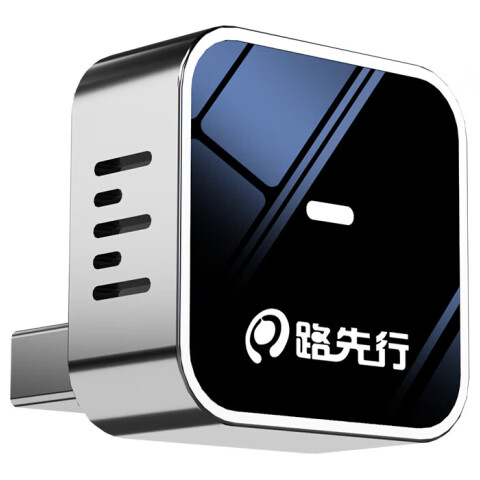
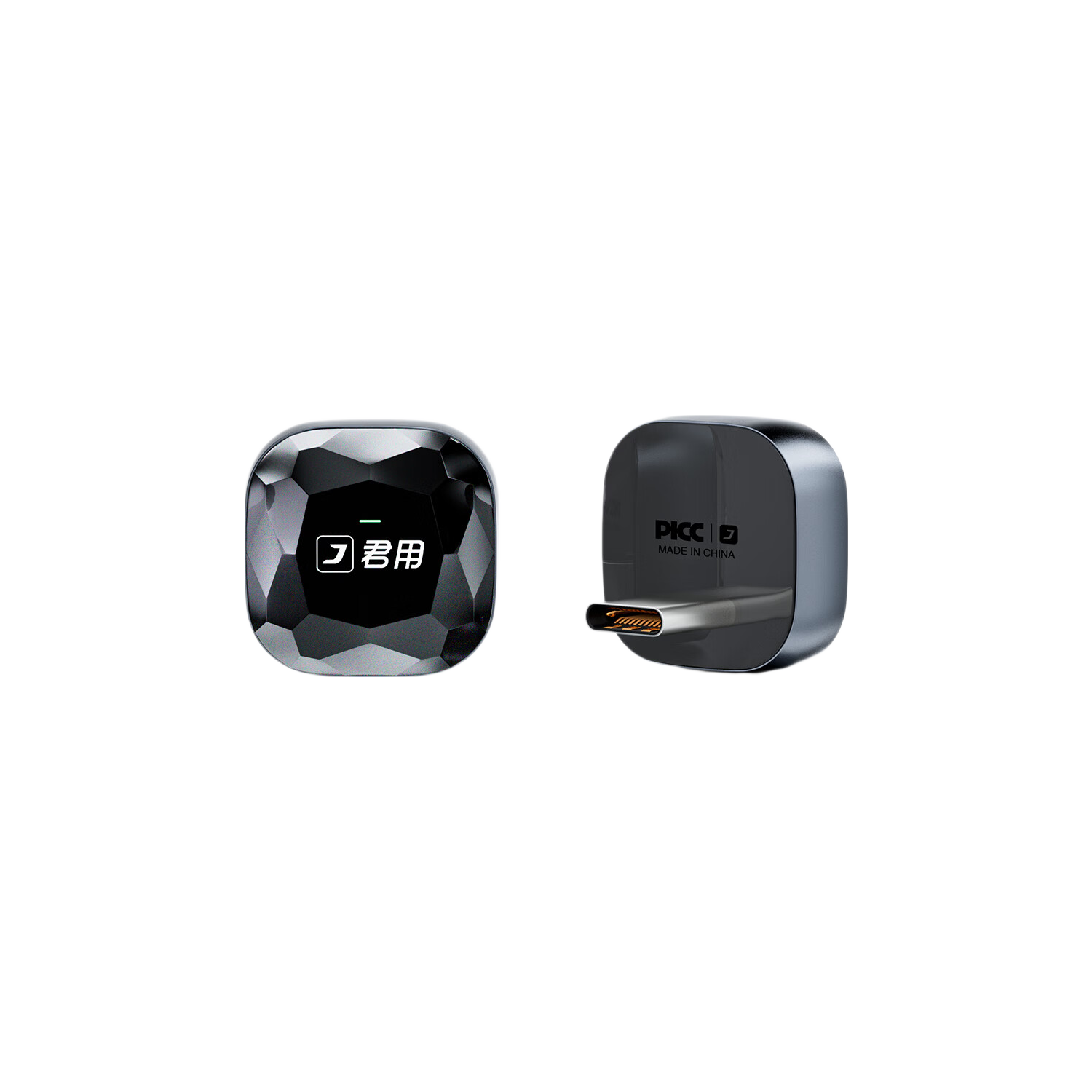
JunYong Apple Wireless CarPlay Connection Box Navigation Music Box Apple Wireless CarPlay [M2]
•In-vehicle intelligent interconnection box

JunYong Apple Wireless CarPlay Connection Box Navigation Music Box Apple Wireless CarPlay [M2]

CNÂ¥146.50
SKU: 100163324885
Status:In Stock (26)
ID: 100105672900
Weight: 80.00 g
Dims:122x110x36 mm

Specifications

System
CarPlay

Variants / Sale Attributes

Style: M2 [USB Mini Version]
Size: [Send car model + phone before shooting]

Package Contents

In-vehicle intelligent connectivity box *1

Product Description

Overview

Brand
Junyong

1. Must use the original car screen.

2. The original car central control screen menu must have the CarPlay icon and support Apple CarPlay.

1. Apple iPhone with iOS 13.5 or above.

Additional details

Wireless CarPlay
Dedicated 1:1 precise mold matching for original car models.
Ultra-thin Design
1 cm thickness, compact size comparable to a hard disk, redefining in-car device volume standards.
High Integration
Uses advanced electronic stacking technology to concentrate high-performance hardware in a compact body.

Stable and Smooth Operation

Similar Products

In Stock
Luxianxing Wireless Box for Baidu CarLife Compatible with OPPO Honor Vivo Xiaomi Samsung Android Phone Connectivity Box
LU XIAN XINGIn-vehicle intelligent interconnection box

Luxianxing Wireless Box for Baidu CarLife Compatible with OPPO Honor Vivo Xiaomi Samsung Android Phone Connectivity Box

Android Exclusive L6A [USB Interface]

CNÂ¥212.73

View
In Stock
JunYong Baidu CarLife to Apple Wireless CarPlay Box Compatible with Honda Toyota In-Car Connectivity Box M1
In-vehicle intelligent interconnection box

JunYong Baidu CarLife to Apple Wireless CarPlay Box Compatible with Honda Toyota In-Car Connectivity Box M1

M1 [CarLife to Apple]

CNÂ¥213.00

View
In Stock
JunYong Compatible Huawei HiCar Support BMW Mercedes Toyota Honda CarLife In-Car Connectivity Box MC3S Pro
In-vehicle intelligent interconnection box

JunYong Compatible Huawei HiCar Support BMW Mercedes Toyota Honda CarLife In-Car Connectivity Box MC3S Pro

MC3S Pro [TypeC Version]

CNÂ¥252.30

View
In Stock
Luxianxing Wireless CarPlay Huawei HiCar Box 2-in-1 Universal Low Latency Connection Box for Mercedes Audi etc.
LU XIAN XINGIn-vehicle intelligent interconnection box

Luxianxing Wireless CarPlay Huawei HiCar Box 2-in-1 Universal Low Latency Connection Box for Mercedes Audi etc.

S5C compatible with Apple + Huawei TypeC interface

CNÂ¥247.30

View
  • Intelligent dual-band Wi-Fi 6 transmission technology.
  • Wi-Fi 6 supports up to 9.6 Gbps speed.
  • Dual-band concurrent operation with smart switching between 5GHz and 2.4GHz.
  • Transmission speed increased by 150%.
  • Supports 2.4GHz at 359 Mbps and 5.8GHz at 867 Mbps.
  • Stability improved by 3 times compared to similar products.
  • Supports 12 hours of continuous driving without disconnection.
  • Maintains full signal in tunnels, elevated roads, and underground garages.
  • Fast Connection

    ItemDetail
    Dual-band Wi-Fi 6 vs. single 2.4GHz channel.—
    Connection speed15.6 seconds (Junyong) vs. 20.9 seconds (others).
    Channel bandwidth80 MHz * 2 (Junyong) vs. 80 MHz (others).

    Automatic Connection

    • Auto reconnects after first pairing.
    • No need for manual operation after getting in the car.

    Seamless Integration

    • Retains original car functions.
    • Supports touchscreen operation if the original screen supports touch.
    • Compatible with original car rotary knobs and buttons.
    • Supports steering wheel button controls for track switching and call handling.

    1. Insert the product into the car’s USB interface.

    2. Tap the CarPlay icon on the car screen.

    3. Turn on Bluetooth and Wi-Fi on the iPhone.

    4. Connect to the car’s Bluetooth name displayed on the phone.

    Voice and App Support

    • Supports mainstream phone apps.
    • Real-time navigation updates with traffic info.
    • Smooth music playlist switching.
    • Voice commands for music, navigation, calls, and weather.

    Troubleshooting Tips

    • Reset device by holding RESET button for 30 seconds if connection issues occur.
    • Re-plug device if screen flickers or resolution issues appear.
    • Adjust video bitrate to 20 in backend settings for video lag.
    • For audio lag, ignore original car Bluetooth and adjust media delay settings in backend.
    • For navigation sound issues, switch navigation audio channel in map app.
    • For GPS delay or offset, disable GPS in backend settings and re-plug device.

    Wi-Fi 6 (802.11ax) dual-band (2.4GHz & 5GHz)

    Additional details

    Maximum transmission rate
    up to 9.6 Gbps

    Intelligent frequency switching for stable connection

    Additional details

    Thickness
    1 cm

    Compact size comparable to a hard disk drive

    Supports up to 12 hours continuous driving without disconnection

    Original car screen with CarPlay icon

    Apple iPhone iOS 13.5 and above

    Wireless CarPlay adapter device

    User manual with installation and troubleshooting instructions

    null