MEPL JD
CatalogCategoriesBrandsAnalyticsNew

MEPL JD

JD catalog demo by MEPL

Navigation

  • All Products
  • Categories
  • Brands
  • Category Analytics 📊

Tools

  • Advanced Search
  • My Favorites

Admin

  • Dashboard

© 2026 MEPL JD. All rights reserved.

Back to Catalog
LINSTORAGE M.2 NVMe SSD Enclosure Dual-Bay Offline Copy Type-C 3.2 External SSD Hard Drive Case for Laptop and Mobile Phone
Thumbnail 1
Thumbnail 2
Thumbnail 3
Thumbnail 4
Thumbnail 5
LINSTORAGE•Hard drive enclosure

LINSTORAGE M.2 NVMe SSD Enclosure Dual-Bay Offline Copy Type-C 3.2 External SSD Hard Drive Case for Laptop and Mobile Phone

CN¥288.15
SKU: 100173721757
Status:In Stock (1)
ID: 100132146651
Weight: 290.00 g
Dims:140x130x45 mm

Specifications

Interface
Multiport
Category
Single Protocol Hard Drive Enclosure
Compatible size
M.2

Variants / Sale Attributes

Color: NVMe [Dual Slot Simultaneous Read] with HighPerformance Fan

Package Contents

1 hard drive enclosure, 1 data cable, 1 power adapter, 2 silicone heat dissipation pads, 4 hard drive fixing clips, 1 warranty card, 1 certificate of conformity

Product Description

Product Specifications

Overview

Brand
LINSTORAGE
Model
980006002
Product Type
M.2 NVMe Dual-Bay External Enclosure

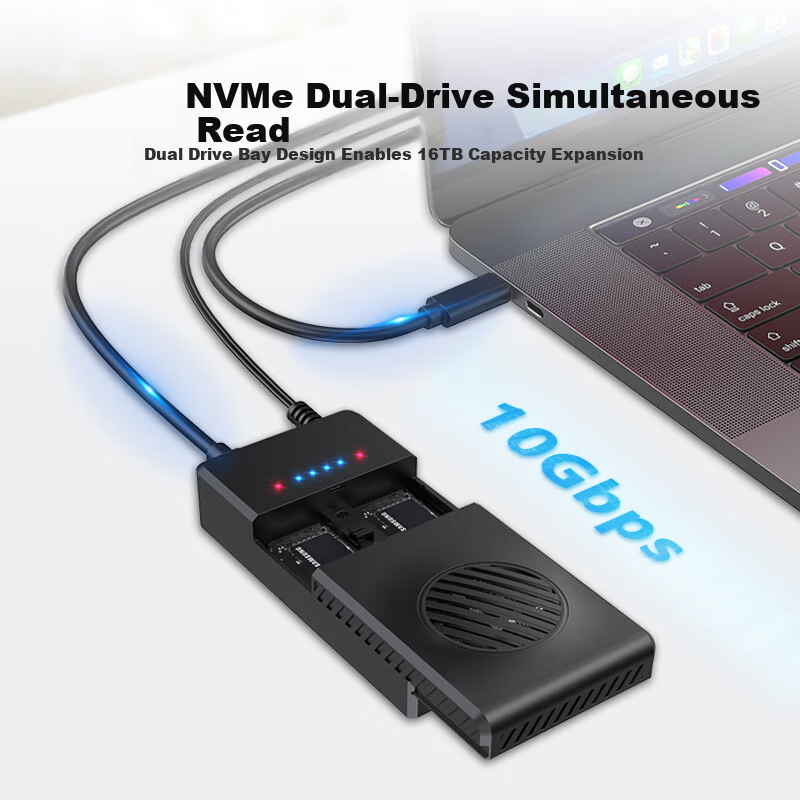
Dual M.2 NVMe SSD slots

Additional details

Supports sizes
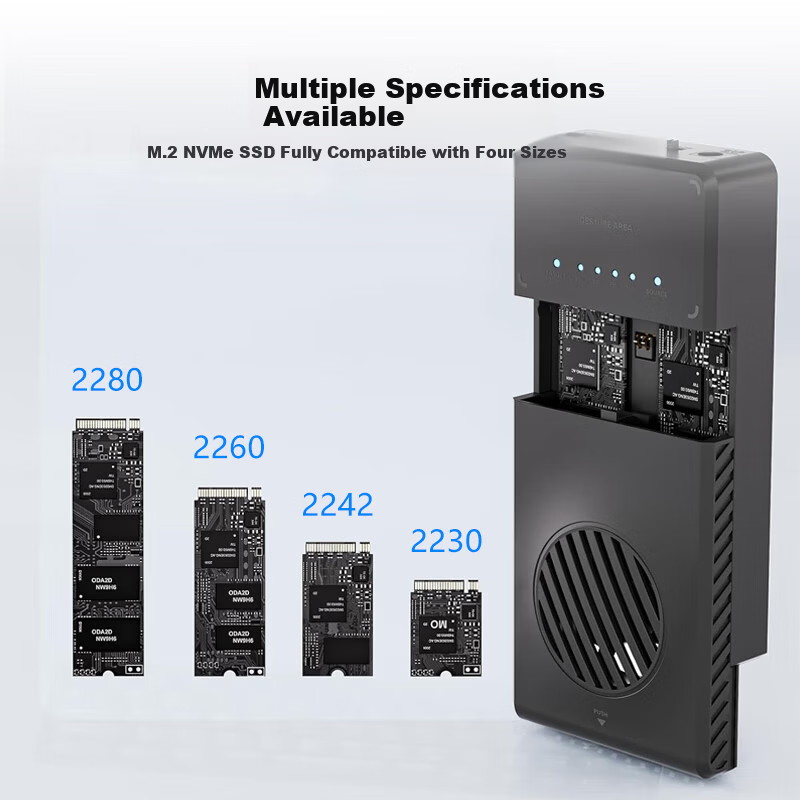
2280, 2260, 2242, 2230

Maximum capacity expansion up to 16TB

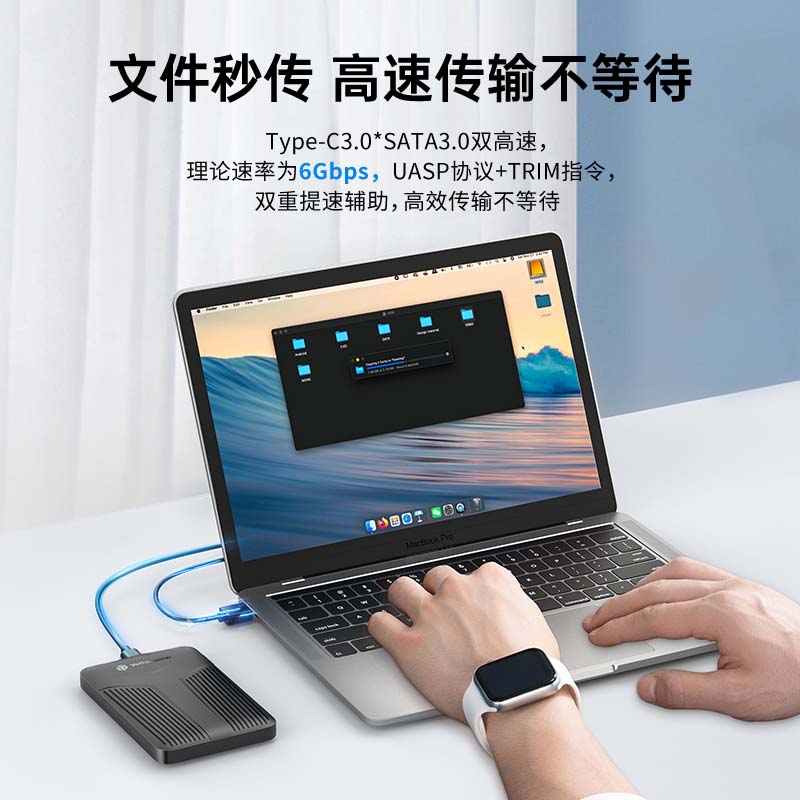
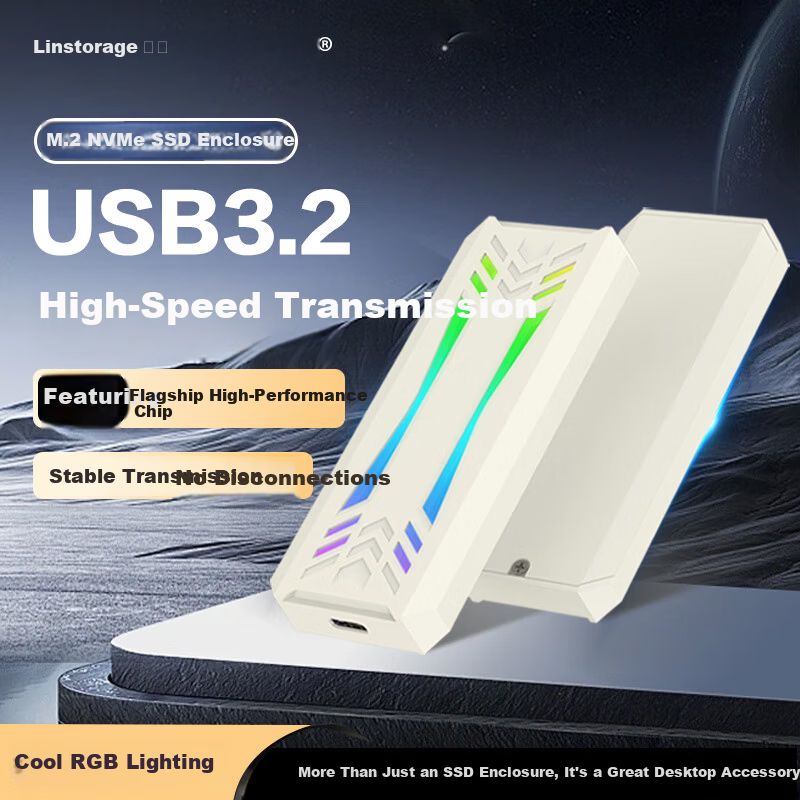
USB 3.2 Gen 2, 10Gbps transfer rate

Supports UASP acceleration protocol and TRIM command

Equipped with JMS581 advanced flagship controller chip

Dual NVMe solution for stable and reliable performance

Sequential read speed up to 7.2MB/s (per disk)

Sequential write speed up to 4.5MB/s (per disk)

Similar Products

In Stock
LINSTORAGE M.2 NVMe SSD Enclosure Type-C 3.2 Portable Hard Drive Case Aluminum Alloy RGB Cooling External SSD Case for Laptop and Mobile Phone
LINSTORAGEHard drive enclosure

LINSTORAGE M.2 NVMe SSD Enclosure Type-C 3.2 Portable Hard Drive Case Aluminum Alloy RGB Cooling External SSD Case for Laptop and Mobile Phone

NVMe RGB Model [9210 HighPerformance Chip]

CN¥59.00

View
In Stock
Yottamaster Hard Drive Enclosure, 10Gbps Hard Drive Bay, 150W High-Power Power Supply, Compatible with 2.5/3.5-Inch SATA Serial Mechanical And Solid State Drives, Suitable for Desktop Computers
YottamasterHard drive enclosure

Yottamaster Hard Drive Enclosure, 10Gbps Hard Drive Bay, 150W High-Power Power Supply, Compatible with 2.5/3.5-Inch SATA Serial Mechanical And Solid State Drives, Suitable for Desktop Computers

Wu Pan [10Gbps + Readable 110TB] Chrysanthemum Chain

CN¥1,179.00

View
In Stock
Yottamaster Type-C 2.5 Inch SATA External Hard Drive Enclosure for Laptop Mechanical and SSD Drives YNPW25-C3
YottamasterHard drive enclosure

Yottamaster Type-C 2.5 Inch SATA External Hard Drive Enclosure for Laptop Mechanical and SSD Drives YNPW25-C3

2.5inch External Hard Drive Enclosure [6Gbps]

CN¥55.95
View

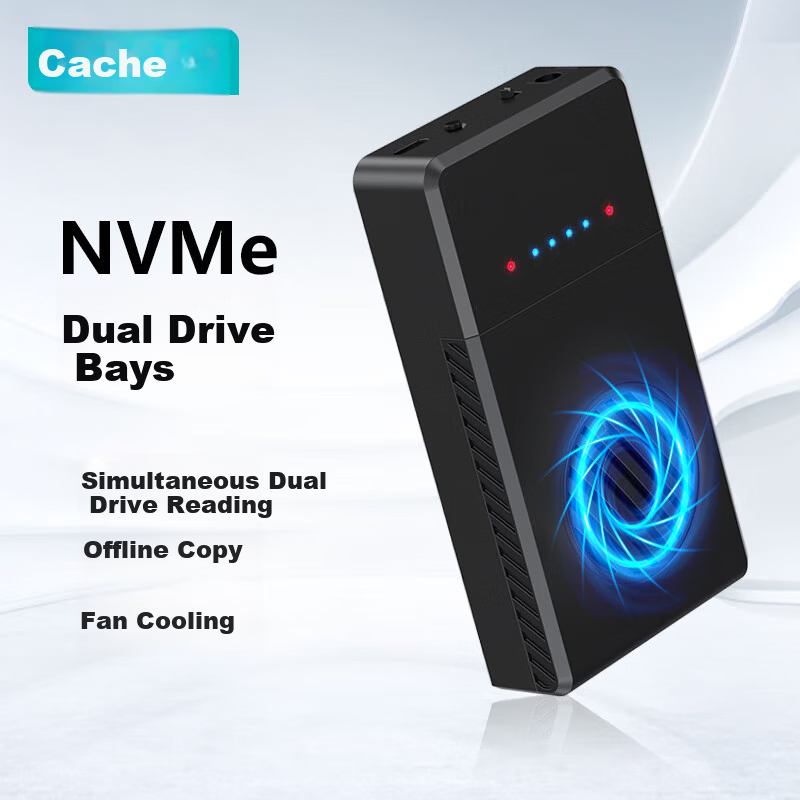
Dual-disk simultaneous read capability

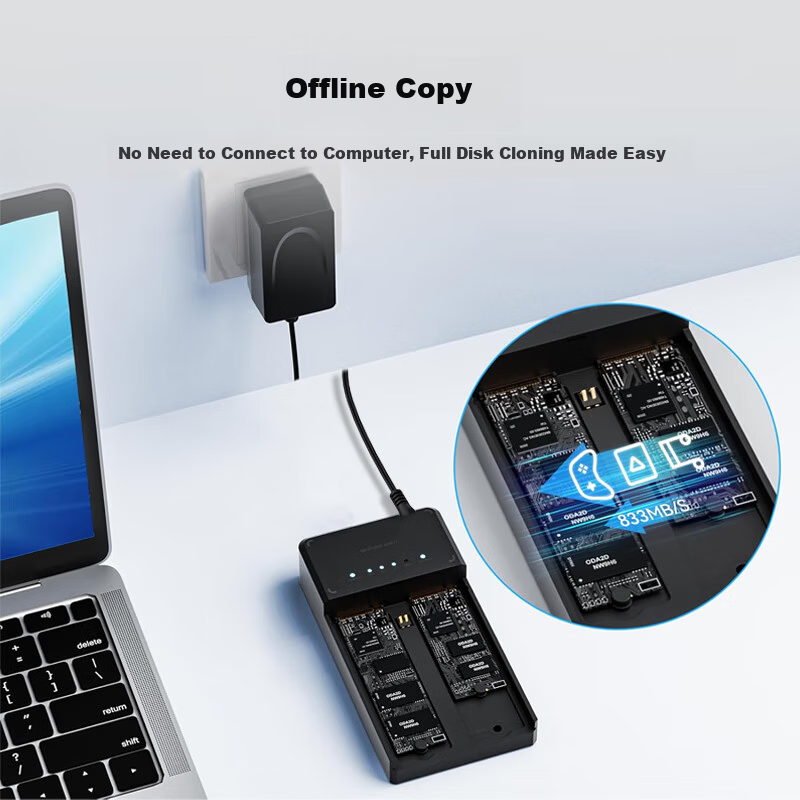
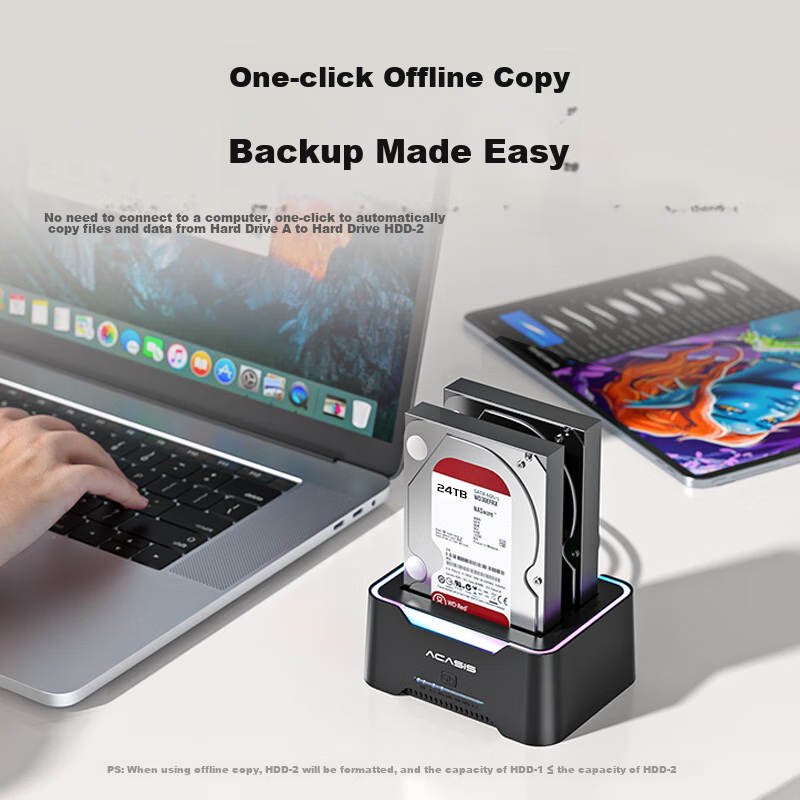
Offline clone function for disk-to-disk copying without PC connection

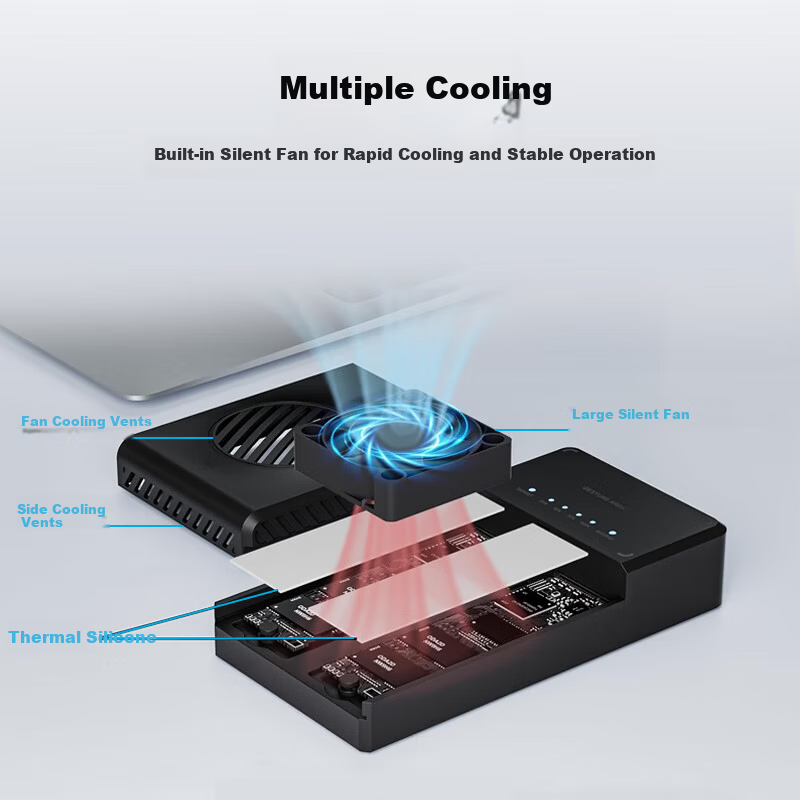
Multiple heat dissipation features including

  • Built-in large silent cooling fan
  • Multiple ventilation holes on sides and fan area
  • Thermal silicone pads for efficient heat transfer

Aluminum alloy bottom cover for enhanced heat dissipation and durability

Tool-free, screwless design for easy installation

Multiple fixed mounting holes to accommodate various M.2 SSD sizes (2230, 2242, 2260, 2280)

Additional details

Dimensions
125 mm x 65 mm x 27 mm
Operating Systems
Windows, macOS, Linux (PC)
Mobile OS
Android, iOS, HarmonyOS, Pengpai (OTG support required)
Compatible devices
Desktop PCs, laptops, smartphones, tablets, TVs, PS4/PS5, routers, and other smart devices

Dual-color LED indicators for disk status and offline clone status

  • Disk indicator: Red (no disk), Blue (disk detected), Red/Blue flashing (working)
  • Clone indicator: Blue flashing (cloning in progress), Blue steady (clone complete)

Independent toggle power switch

Offline clone button for one-touch disk cloning

DC power input port

Additional details

1. Normal Mode
Connect data cable and power to use
2. Clone Mode
Connect power only, no data cable needed for offline cloning

Target disk capacity must be equal or greater than source disk

1. Insert source and target disks, connect power, and turn on power switch

2. Disk indicators turn from red to blue indicating detection

3. Press and hold CLONE button for 3-5 seconds until beep, release, then press again within 1 second

4. Clone indicator flashes during cloning; all LEDs lit indicate completion

Offline cloning will format the target disk; back up important data beforehand

Supports multiple device scenarios for data portability and expanded storage

Silent fan operation with optimized cooling efficiency

Easy plug-and-play with no driver installation required

In Stock
Product Image
acasisHard drive enclosure

100069783078

5Gbps【SATA双盘底座】USB3.0

CN¥148.20

View