Back to Catalog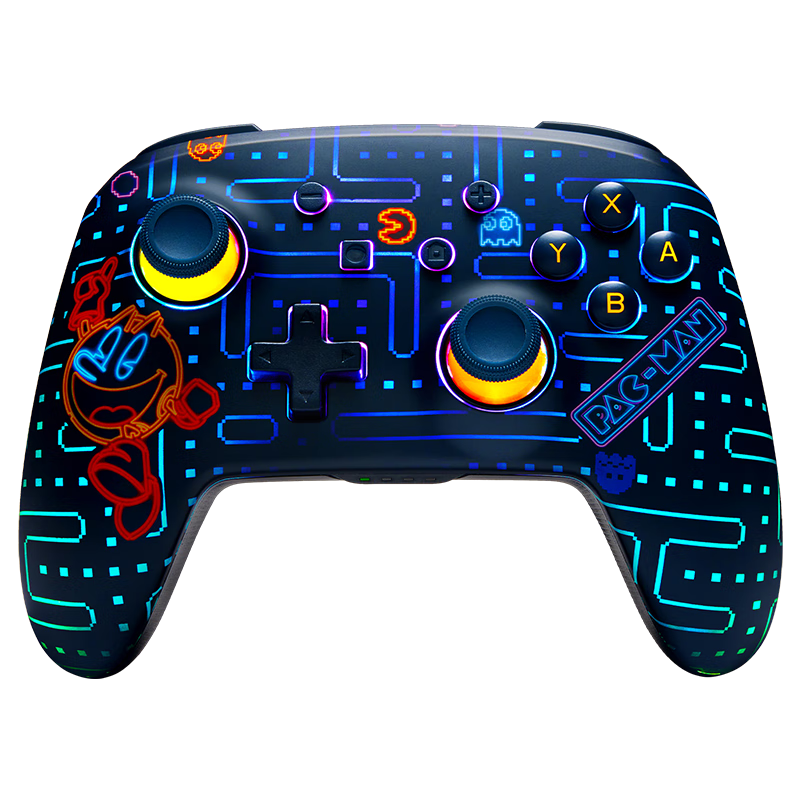
 View
View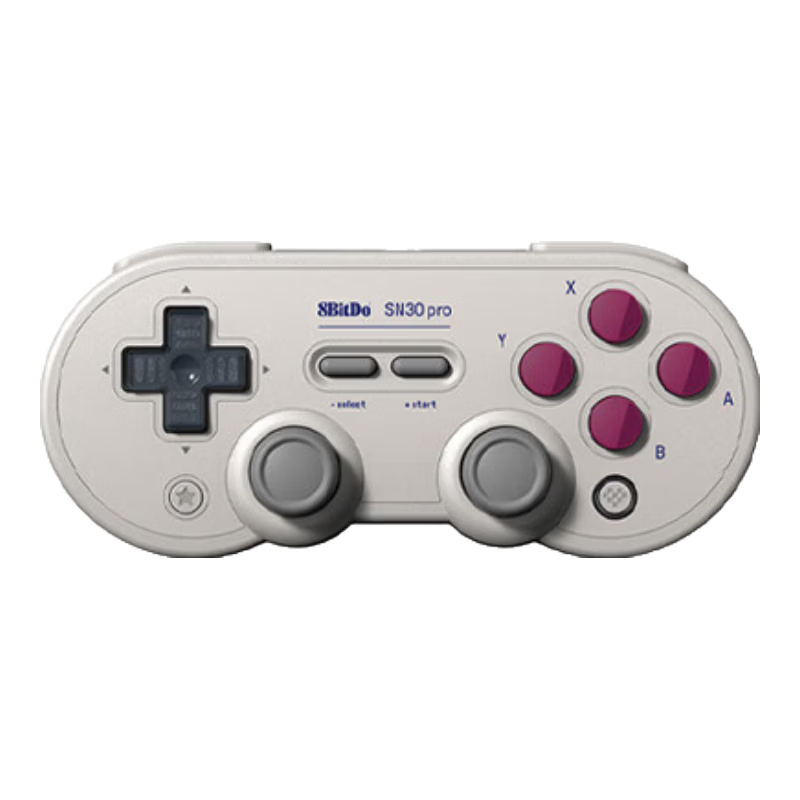 View
View
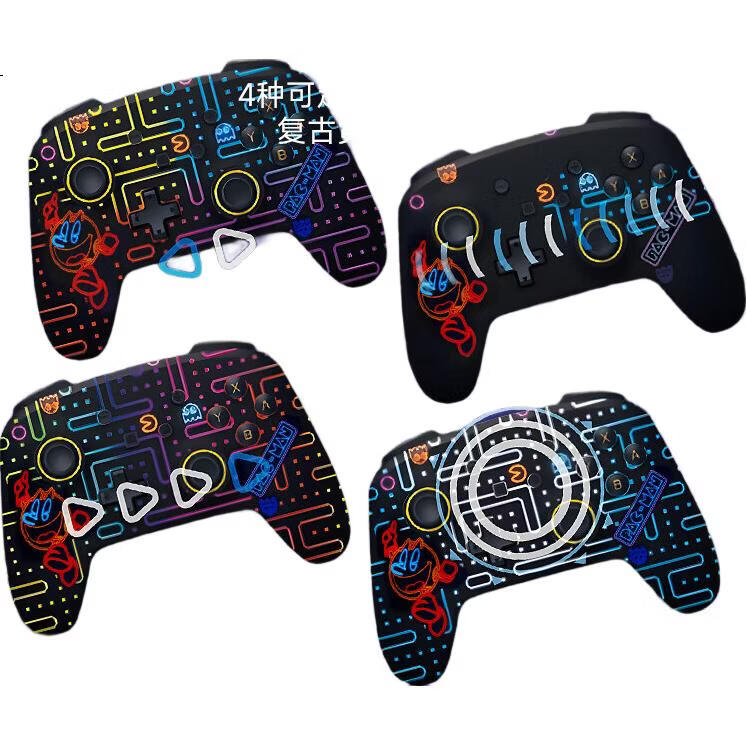
PowerA Officially Licensed Nintendo Switch Controller, Switch 2 Controller, NS2 Bluetooth Motion Sensor, Mario, Zelda, Pokemon, RGB Lighting Effects, Tetris Controller
CN¥385.47
SKU: 100174009277
Status:Out of Stock
ID: 100054957181
Weight: 410.00 g
Dims:162x138x66 mm
Specifications
- Connection method
- Bluetooth
- Lighting Effects
- Colorful
- Compatible platforms
- SWITCH
- Type
- Handle
Variants / Sale Attributes
Color: SWITCH Wireless Controller - Pac-Man Light Effects
Package Contents
1. Handle 2. English manual 3. 2 AA batteries
Product Description
Overview
- Brand
- PowerA
- Licensed Product
- Nintendo Switch PAC-MAN Enhanced Wireless Controller (Umectra Edition)
- Compatibility
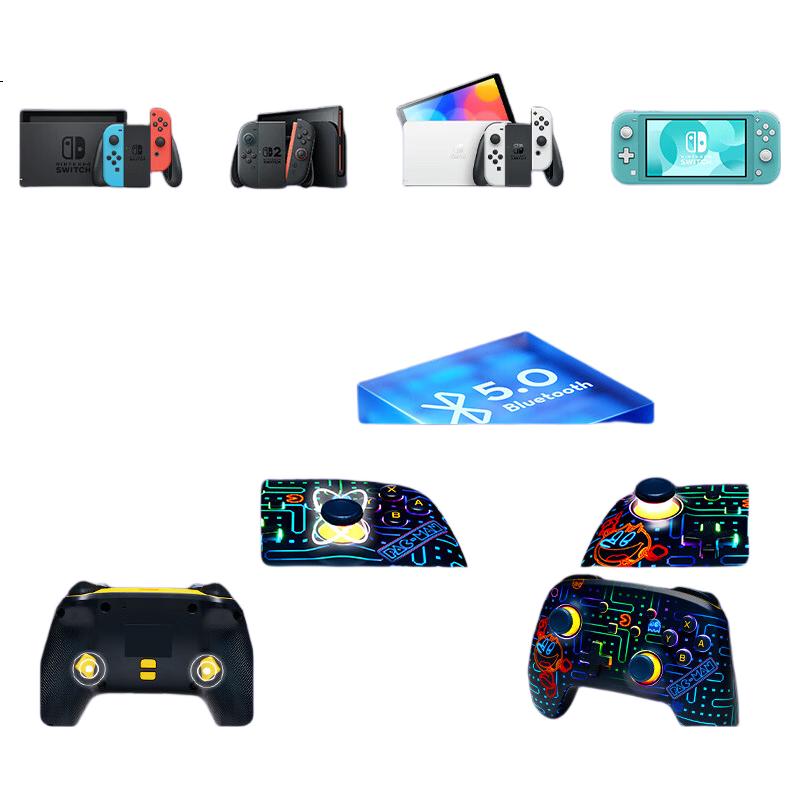
- Compatible with Nintendo Switch main console, featuring native integration for quick connection and support for Nintendo Switch, Nintendo Switch OLED Model, and Nintendo Switch Lite
- Bluetooth
- Bluetooth 5.0 for stable wireless connectivity
Features
- Officially licensed
Similar Products
In Stock
RazerController/Steering Wheel
Razer Youhou Full-Button Optical Arcade Controller with RGB Lighting Effects And Low-Profile Optical Switches, Compatible with Street Fighter, Standard Editio
Yao Hu
CN¥1,299.00
In Stock
8BitDoController/Steering Wheel
8BitDo SN30 Pro Wireless Game Controller for Switch 2 NS2 with Hall Joystick Bluetooth Multi-Platform PC Steam Nioh 3 Zelda Warriors Pokémon Legends
SN30 Pro Classic
CN¥209.00
![Nintendo Switch Joy-Con Controller [Japanese Version], First-Generation OLED Battery Life Game Controller, Left Red Right Blue, NS Accessories, Controller for Mainland China, Hong Kong Version, And Overseas Use](https://img30.360buyimg.com/sku/jfs/t1/259985/9/8901/361384/677c44f3Fdd64f275/af2ee7fa99d8bada.png)