Back to Catalog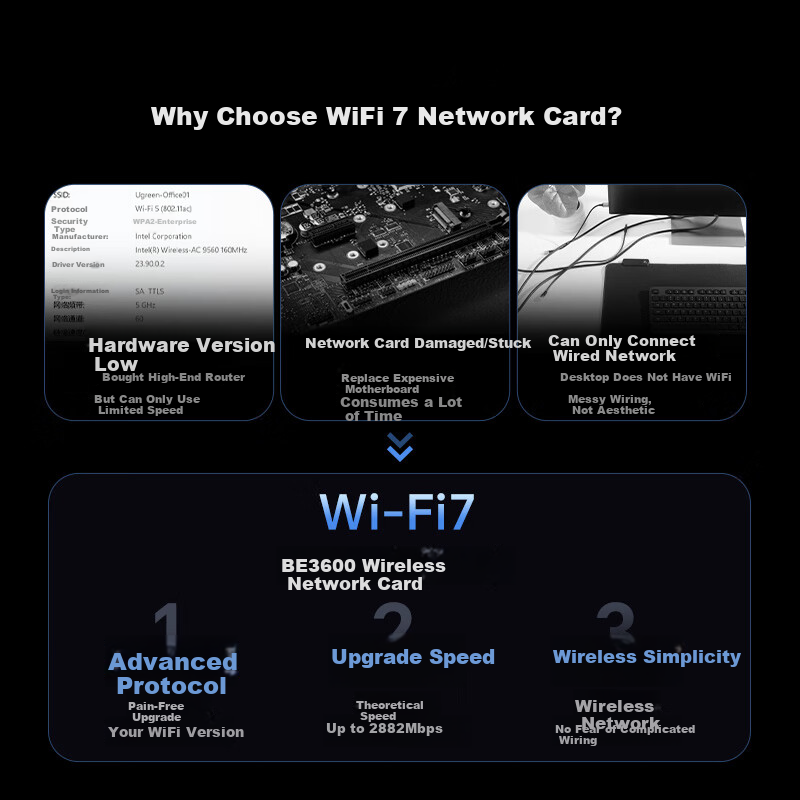
 View
View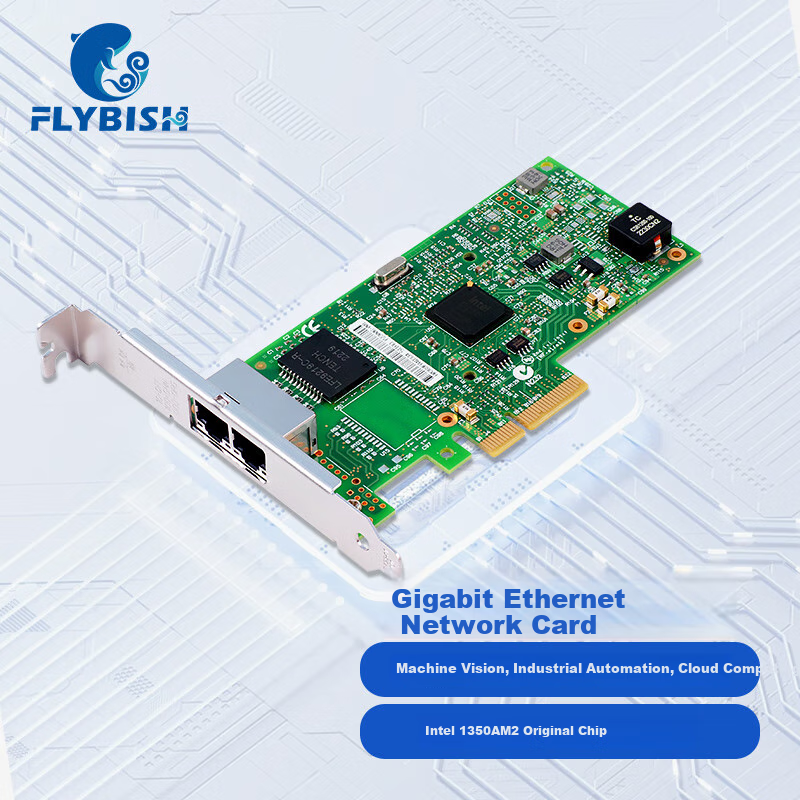 View
View
UGREEN PCIe Wireless Network Card, WiFi 7 Desktop Dedicated, BE3600 Computer WiFi Bluetooth Receiver, Gaming Built-In 5G Network Card, Ax200/ax210 Advanced Model MT7925
CN¥259.00
SKU: 100179260505
Status:In Stock (3)
ID: 100216041837
Weight: 500.00 g
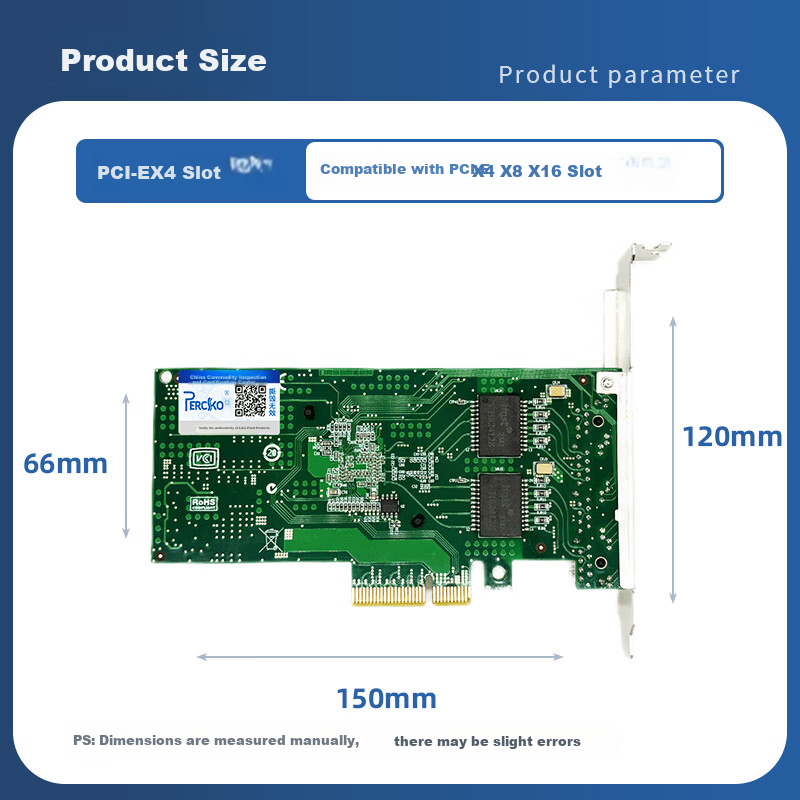
Dims:240x202x36 mm
Specifications
- Antenna
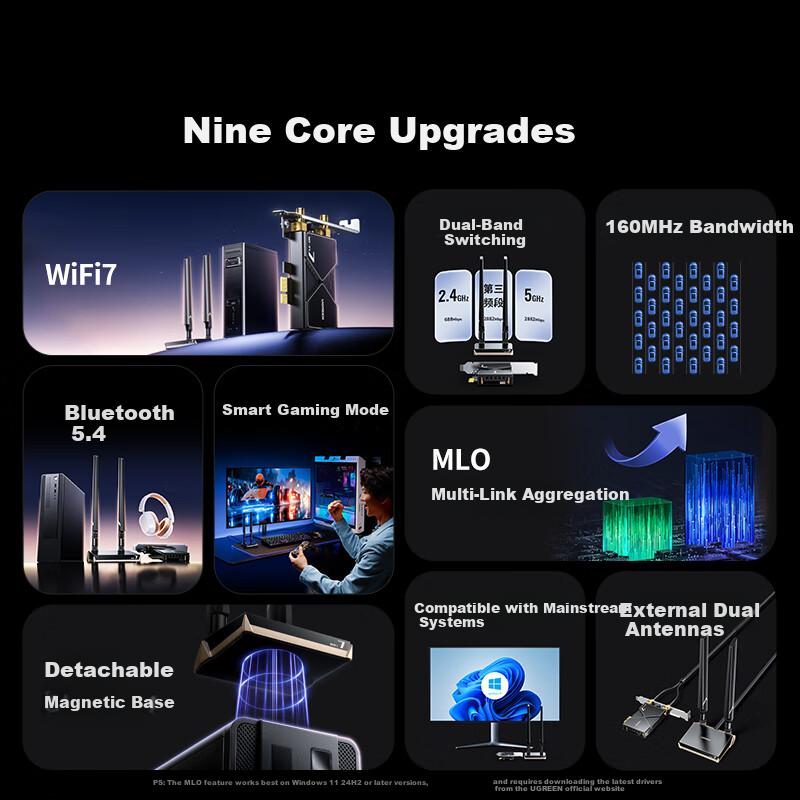
- External Antenna
- Interface
- PCI-E
- Connection method
- Wireless
- Rate
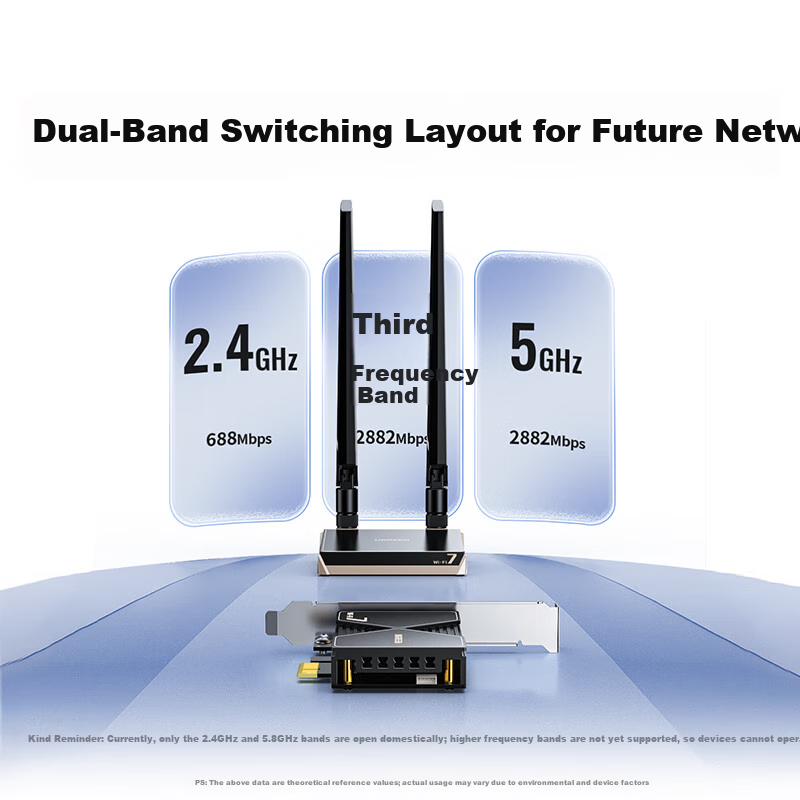
- 2882M + 688M
- Suitable Scenarios
- E-Sports
- Type
- PCIe network card
Variants / Sale Attributes
Color: [WiFi7+BE3600] Dual-Band Extended Antenna Model
Package Contents
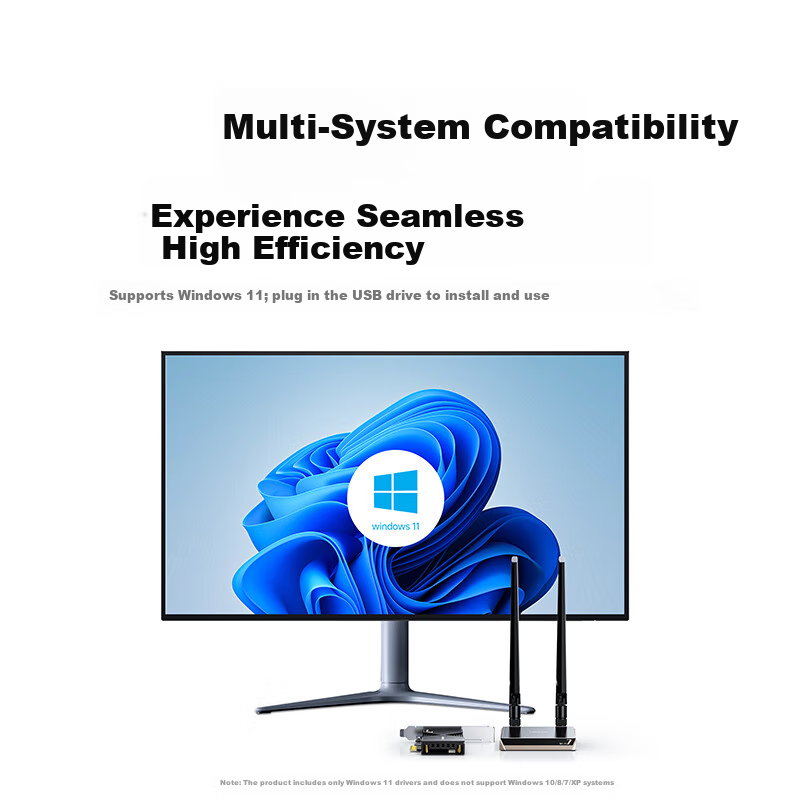
BE3600 Wi-Fi7 Bluetooth PCIe Wireless Network Card x1, Driver USB Drive x1, Bluetooth Cable x1, Metal Shielding Strip (8cm) x1, Magnetic Base Connection Cable x1, User Manual x1
Product Description
Overview
- Brand
- UGREEN
- Product Name
- WiFi7 PCI-E Wireless Bluetooth Network Card with Base
- Model Number
- CM822-65785
- Frequency Bands
- 2.4 GHz / 5 GHz
- Interface
- PCI-Express x1 (compatible with x1/x4/x8/x16 slots)
- Wi-Fi Standard
- Wi-Fi 7 (802.11ac backward compatible)
- Maximum Theoretical Speed
- Up to 2882 Mbps
Similar Products
In Stock
EDUPNetwork Card
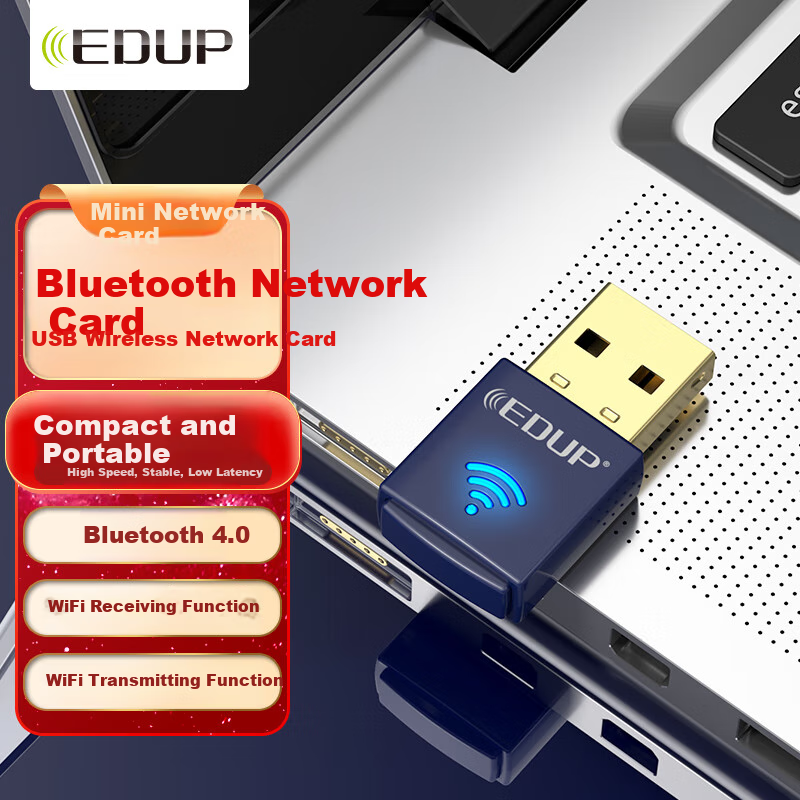
EDUP EP-N8568 USB Wireless Network Adapter Bluetooth Adapter Host WIFI Receiver Compatible with Desktop Computers And Laptops
[Mini Portable] WiFi + Bluetooth
CN¥17.80
In Stock
FLYBISHNetwork Card
FLYBISH PCIe X4 Dual-Port Gigabit Network Card with Intel I350AM2 Chip I350-T2V2 Server Port for Industrial Camera, Machine Vision, And Industrial Automatio
I350-T2V2 Dual Power Port [I350AM2 Chip]
CN¥215.00