Back to Catalog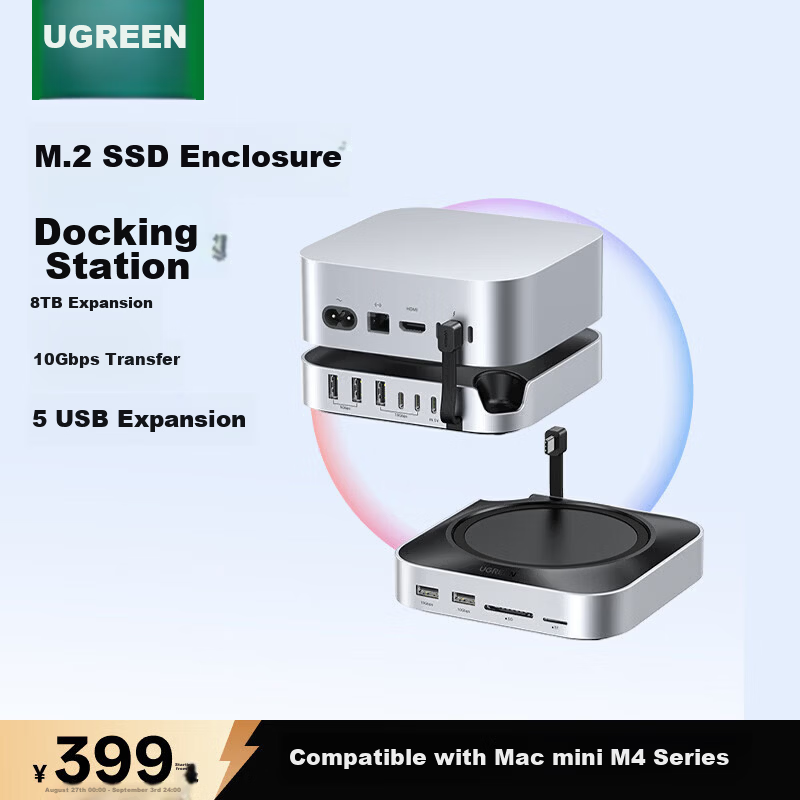
 View
View View
View
UGREEN Mac mini M6 Docking Station M.2 SSD Enclosure 8TB Expansion 10Gbps Transmission Compatible with M5Pro/M4 Series Apple Thunderbolt 4/5 Desktop
CN¥379.05
SKU: 100183465536
Status:In Stock (45)
ID: 100183465536
Weight: 380.00 g
Dims:238x209x75 mm
Specifications
- Number of interfaces
- 10 or more
- Form
- Base bracket type, Mac mini dedicated docking station, desktop
- Category
- Docking station
- Interface
- USB 2.0 Gbps, Type-C3.2, USB2.0, SD/TF
- PD Charging Power
- Under 100W
Variants / Sale Attributes
Color: Mac mini [M.2 NVMe Basic Model]
Package Contents
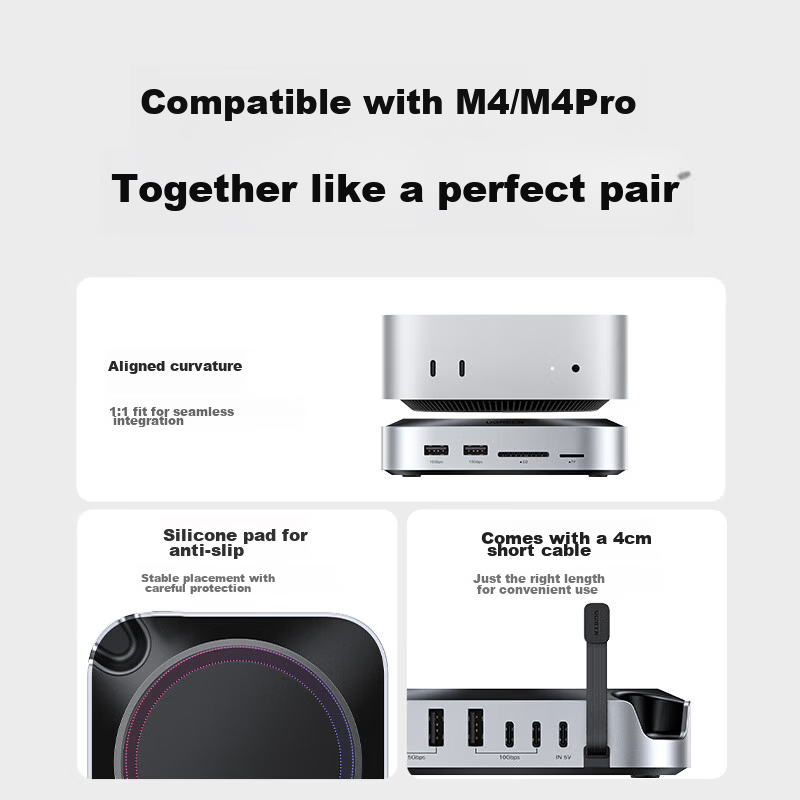
Mac mini M4/M4Pro M.2 SSD Enclosure Docking Station Base *1 + Installation Screwdriver *1
Product Description
Product Specifications
Overview
- Brand
- UGREEN
- Product Name
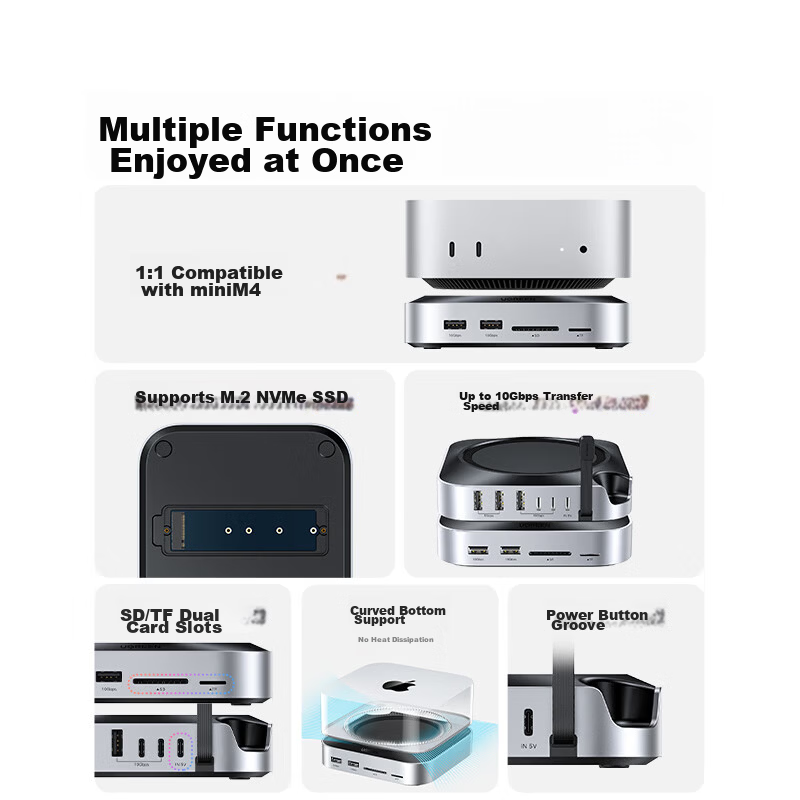
- Mac mini Compatible M.2 NVMe SSD Expansion Dock Base
- Model Number
- CM841-65487
- Certifications
- BCTC, CE (EU), FCC (USA), UKCA, EMC, RoHS
- Supported Storage
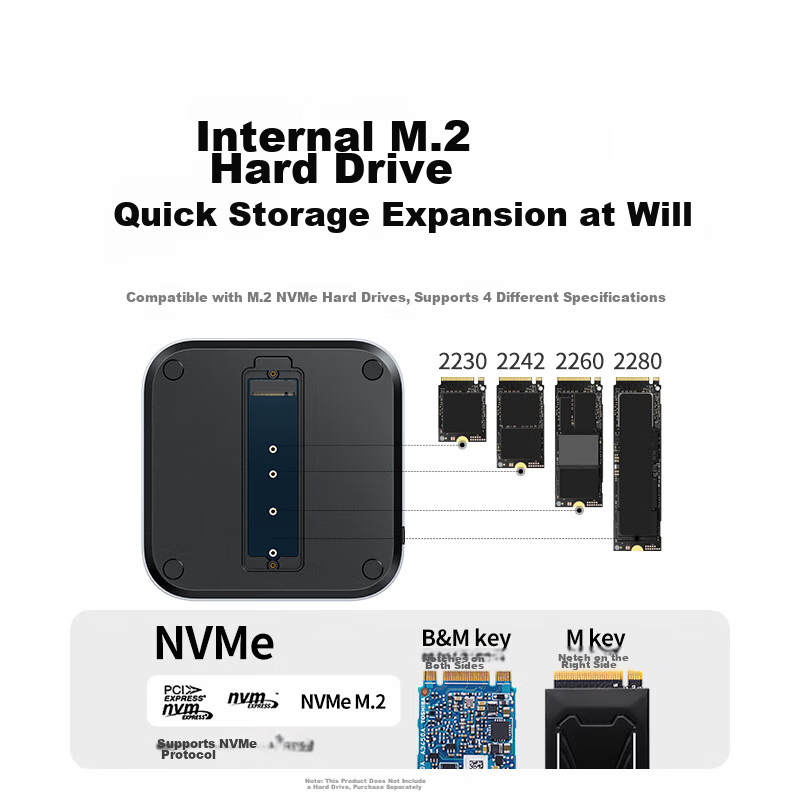
- M.2 NVMe Solid State Drives (Supports 2230, 2242, 2260, 2280 sizes; B&M key, M key; NVMe protocol)
- Maximum Capacity
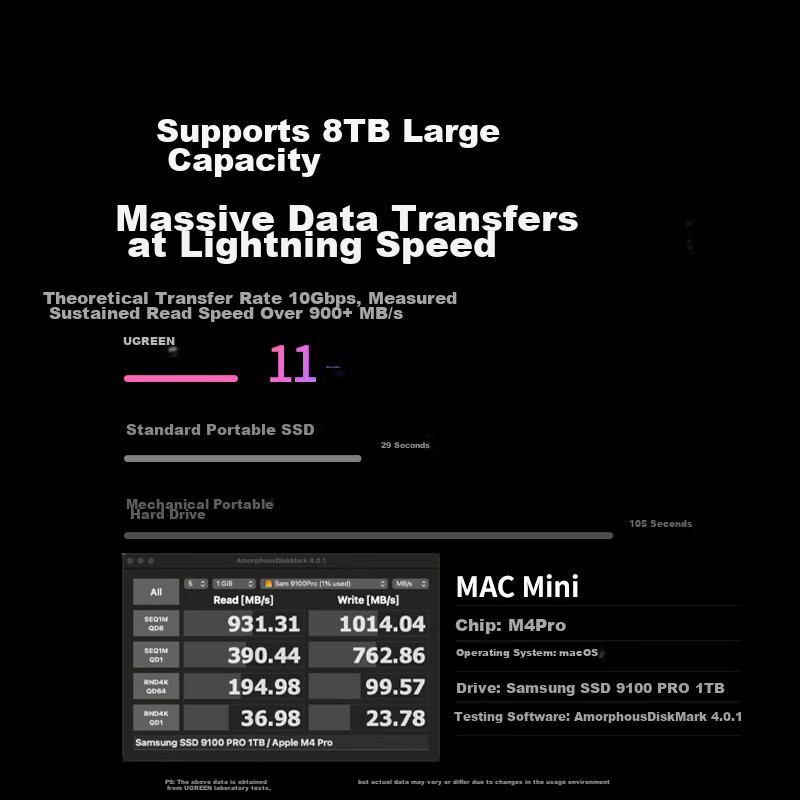
- Up to 8TB
- Data Transfer Rate
Similar Products
In Stock
LemoreleDocking station
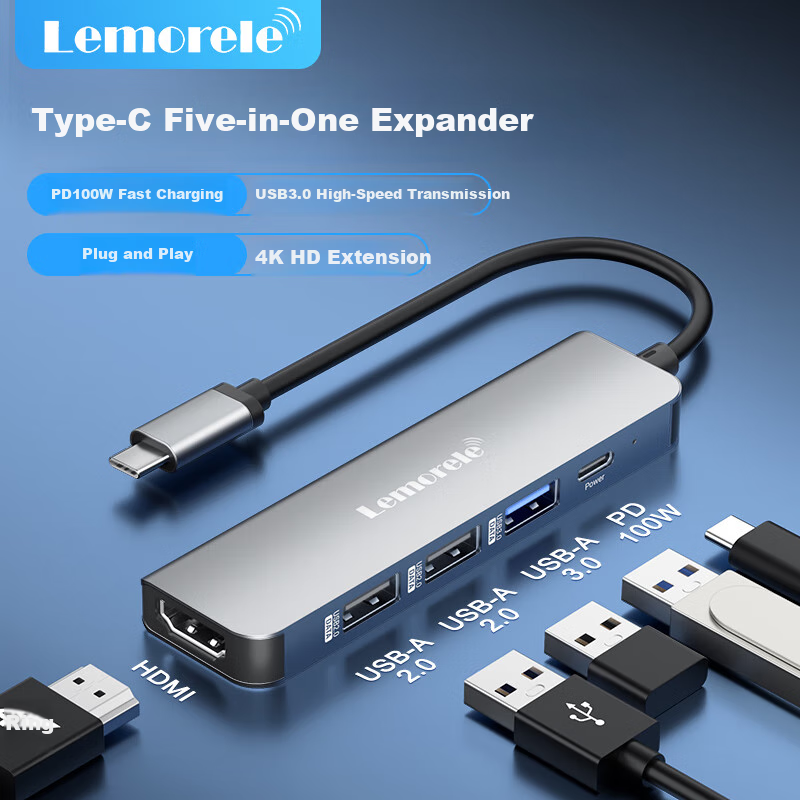
Lemorele Type-C Expansion Dock 5-In Mac Hub HDMI/USB/PD100W Compatible Thunderbolt 4 Laptop Adapter TC101
5-In [TypeC Version] HDMI + USB + PD
CN¥59.00
In Stock
YottamasterDocking station
Yottamaster USB 3.0 Hub Docking Station High-Speed 4-Port Hub Expansion Dock Laptop Multi-Port Adapter Extension Cable 0.15m
USB 3.0 splitter
CN¥26.51