Back to Catalog
 View
View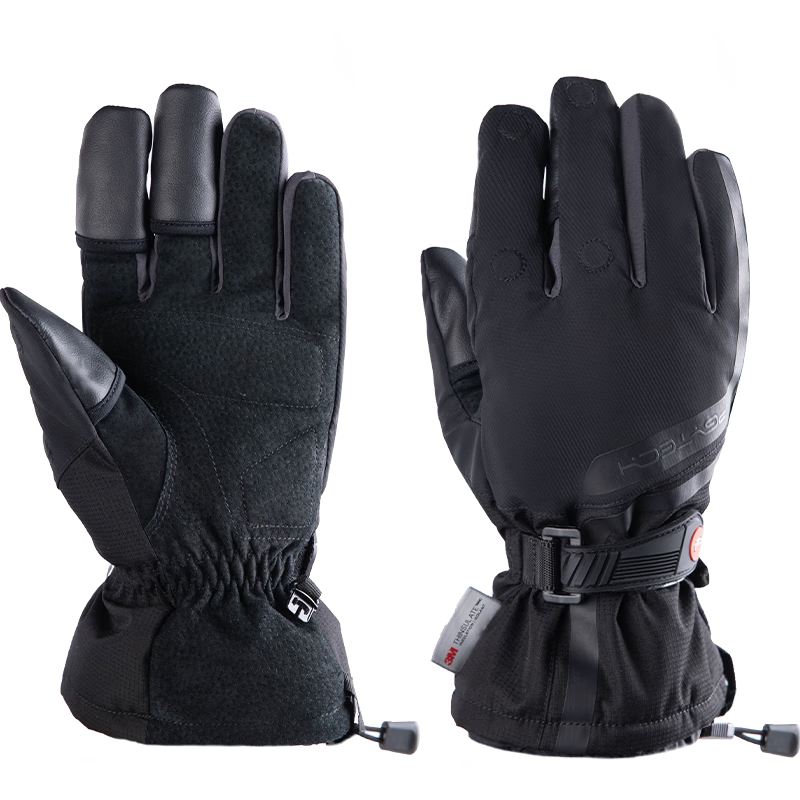 View
View
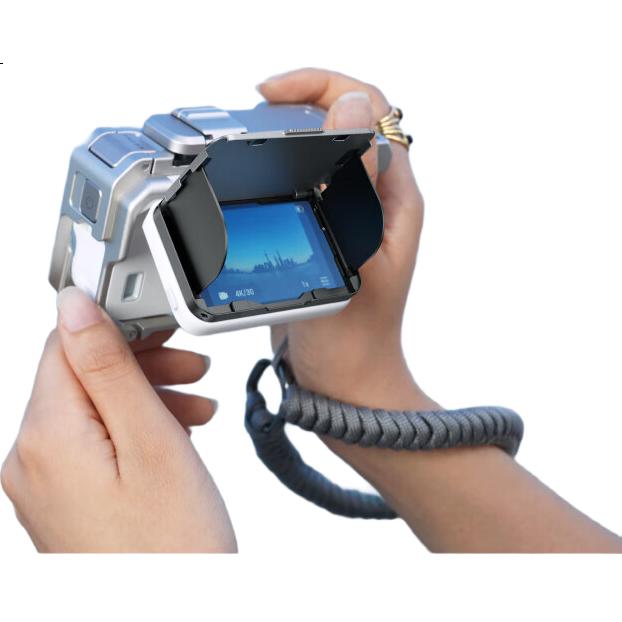
Insta360 Ace Pro 2/Ace Pro Screen Shade Hood
CN¥189.00
SKU: 100208787857
Status:In Stock (89)
ID: 100298621890
Weight: 60.00 g
Dims:134x80x30 mm
Specifications
- Type
- Other
- For Use With
- Insta360
Variants / Sale Attributes
颜色: AP2屏幕遮光罩
Package Contents
"Widescreen movie lens *1 Silicone protective case *1 Lens cleaning cloth *1 User manual *1 Lens wrench *1 Cleaning brush *1"
Product Description
Product Specifications
Overview
- Brand
- Insta360
- Model
- Insta360 Ace Pro 2 / Insta360 Ace Pro
- Accessory
- Screen Shade Hood
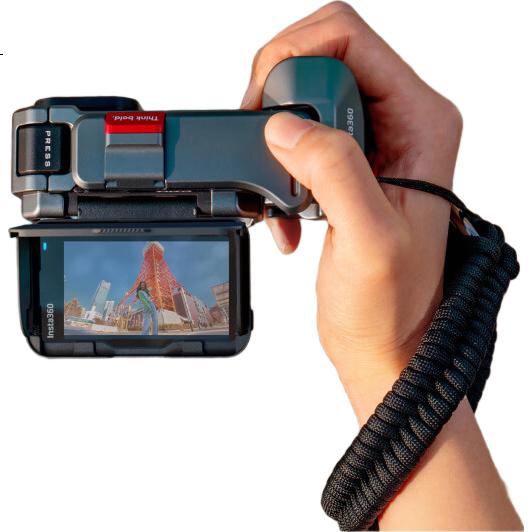
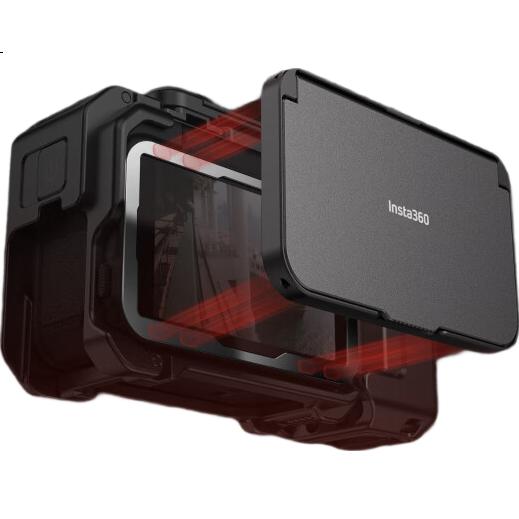
Unlocks a vintage camera style with waist-level framing and immersive composition when used with the flip screen, enhancing the shooting ritual experience.
Effectively blocks sunlight to improve screen visibility outdoors and reduce glare interference.
Easy one-touch open design for convenient use.
1× Screen Shade Hood
1× Removal Pry Tool
1× Positioning Aid
1× Tool Kit (includes 2× Cleaning Cloths, 2× Dust Removal Stickers, 2× Screen Cleaning Wipes)
1× Magnetic Adhesive Sheet
Additional details
Similar Products
In Stock
SUREWObody accessories
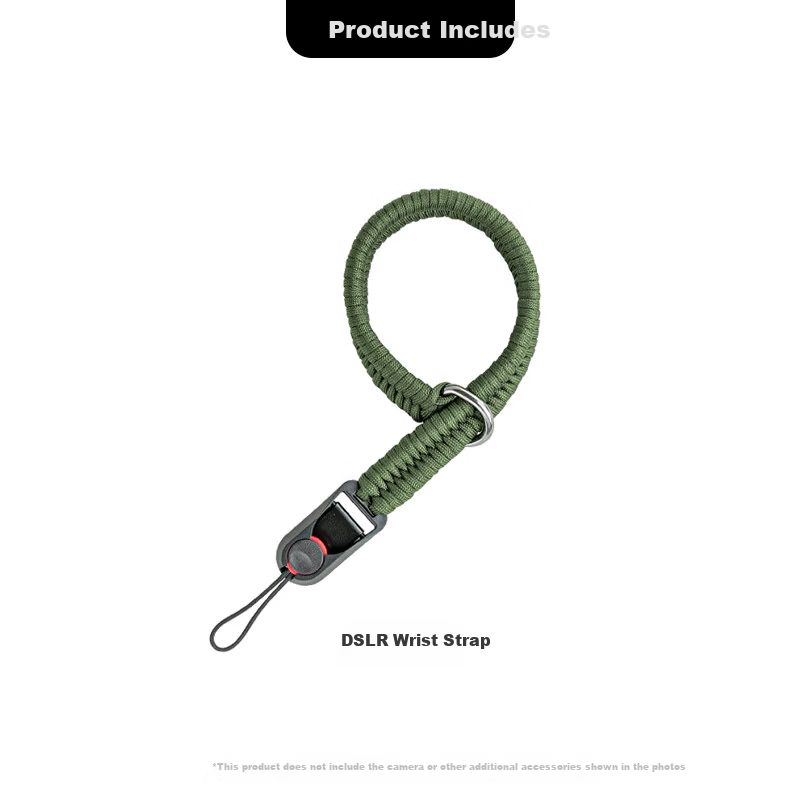
SUREWO Camera Quick Release Wrist Strap Compatible with Canon Sony Nikon Fuji DSLR Handwoven Vintage Anti-Lost Safety Wristband for Mirrorless Cameras
H2 QuickRelease Wristband Deep Green
CN¥49.00
In Stock
PGYTECHbody accessories
PGYTECH Photography Gloves Fleece Lined Warm Gloves Cold Resistant Cycling Skiing Camera Photography Gloves Fingerless Touchscreen Waterproof Winter Outdoor Professional Gloves Size M
Professional Edition M
CN¥269.10