Back to Catalog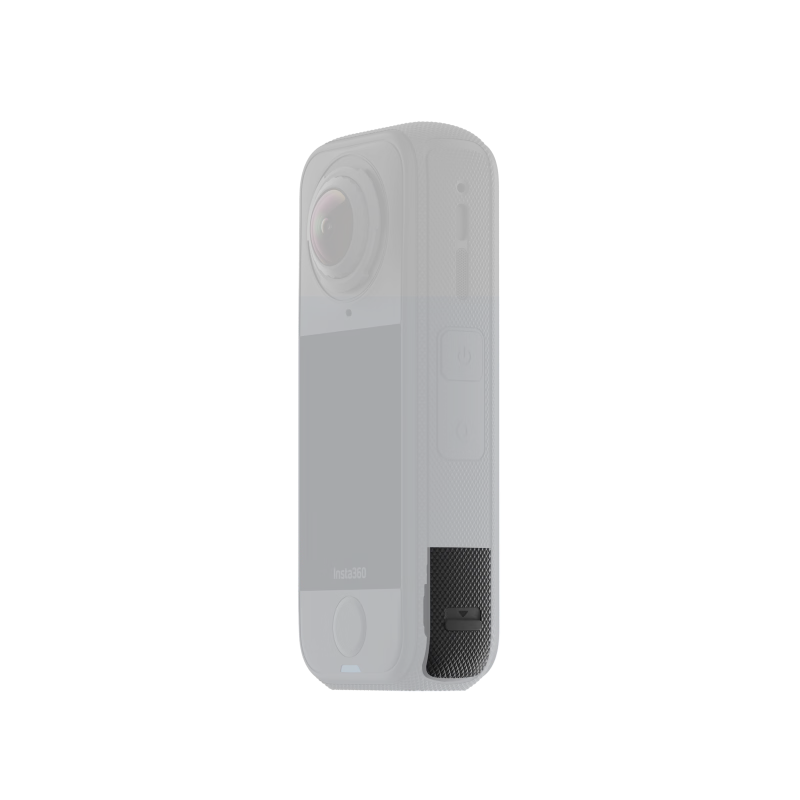
 View
View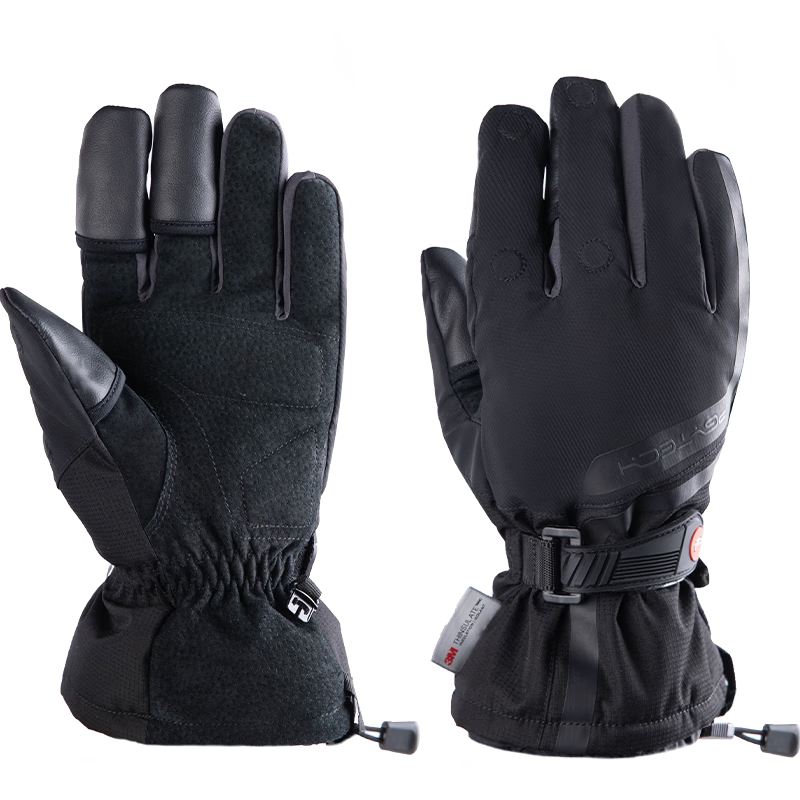 View
View
Insta360 X4 Air USB Protective Cover
CN¥27.90
SKU: 100209634643
Status:In Stock (90)
ID: 100209634619
Weight: 20.00 g
Dims:95x74x22 mm
Specifications
- Type
- Other
- For Use With
- Insta360
Variants / Sale Attributes
颜色: X4 Air USB 保护盖
Package Contents
X4 Air Standard Protective Lens *1
Product Description
Product Specifications
Overview
- Brand
- Insta360
- Model
- Insta360 X4 Air USB Protective Cap
1 x USB Protective Cap
Additional details
- Weight
- 1.07 g
- Dimensions
- 25.9 x 14.2 x 5.1 mm
- Material
- Plastic, Silicone
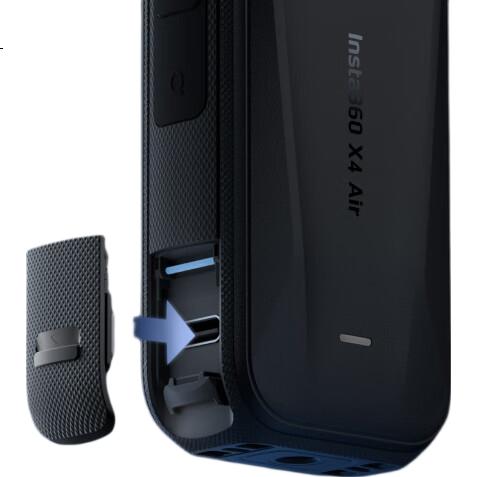
1. Push the slider inside the USB protective cap upward as shown in the illustration, then insert the USB protective cap into the slot on the metal rod.
2. To remove, push the USB protective cap downward, lift it up, and then pull it out.
1. Before closing the USB protective cap, ensure the camera is dry and clean. If there is water on the camera’s USB-C port, wipe it off and let it dry before use.
Similar Products
In Stock
SUREWObody accessories
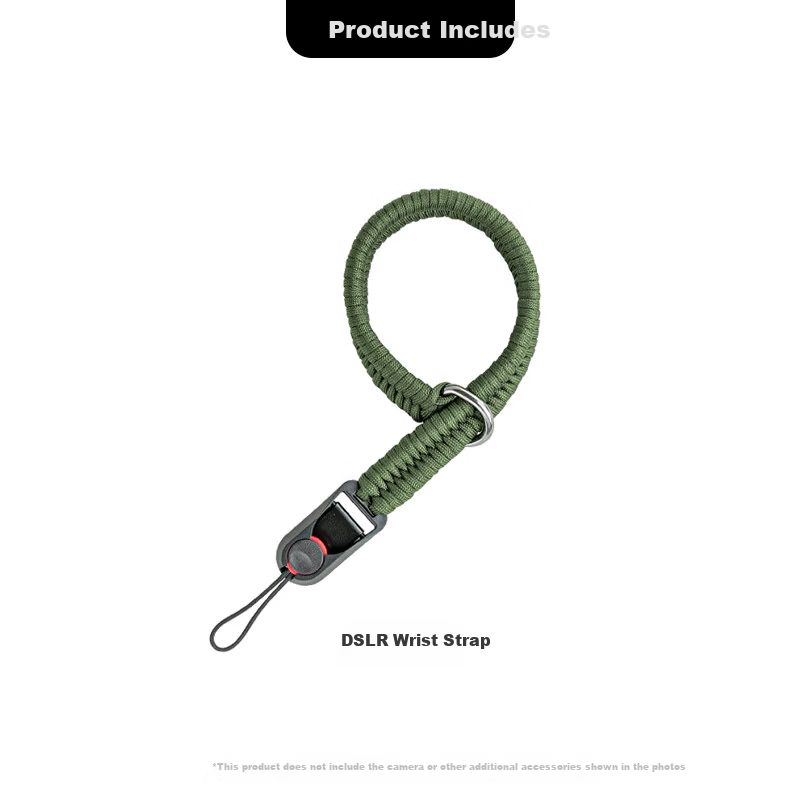
SUREWO Camera Quick Release Wrist Strap Compatible with Canon Sony Nikon Fuji DSLR Handwoven Vintage Anti-Lost Safety Wristband for Mirrorless Cameras
H2 QuickRelease Wristband Deep Green
CN¥49.00
In Stock
PGYTECHbody accessories
PGYTECH Photography Gloves Fleece Lined Warm Gloves Cold Resistant Cycling Skiing Camera Photography Gloves Fingerless Touchscreen Waterproof Winter Outdoor Professional Gloves Size M
Professional Edition M
CN¥269.10