Back to Catalog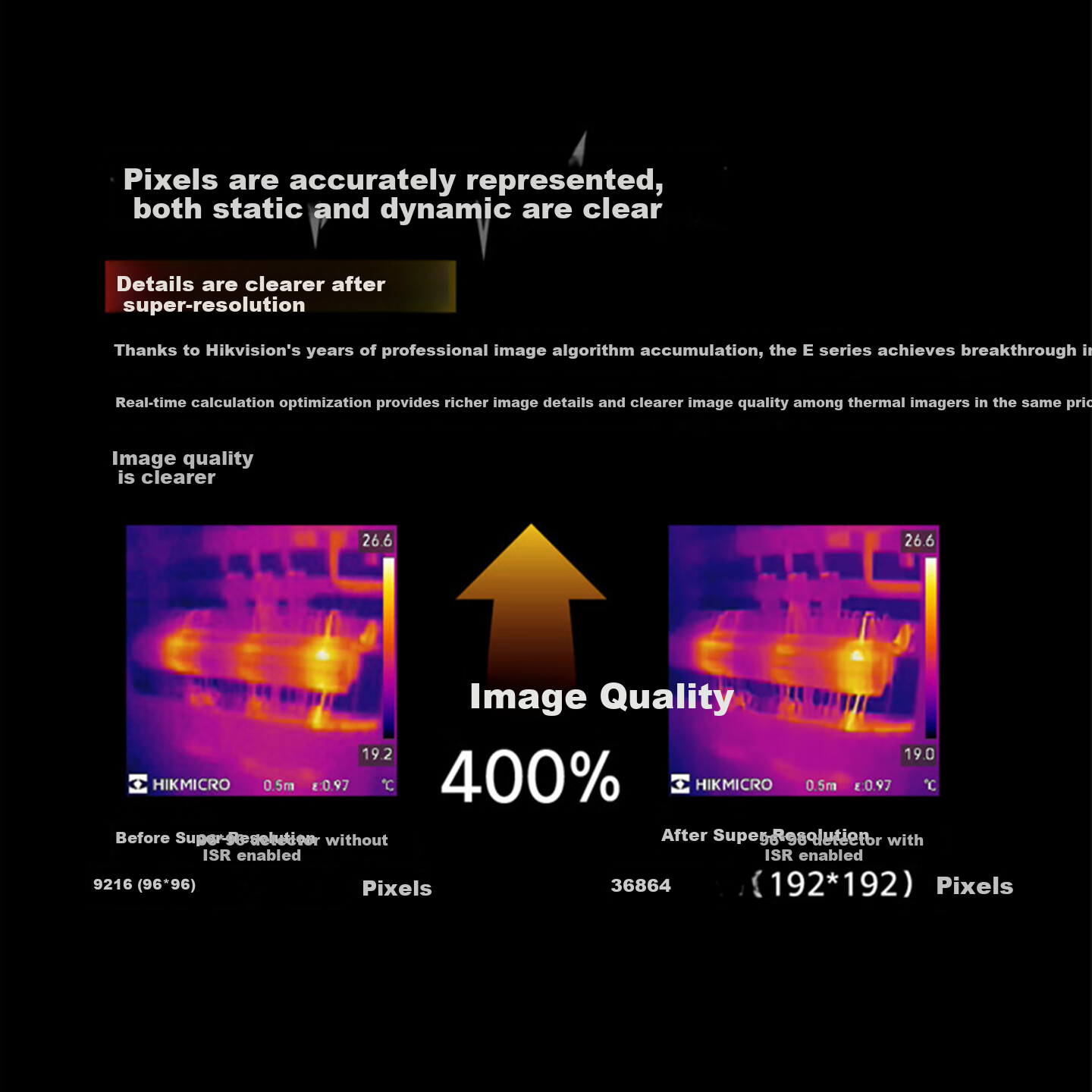
 View
View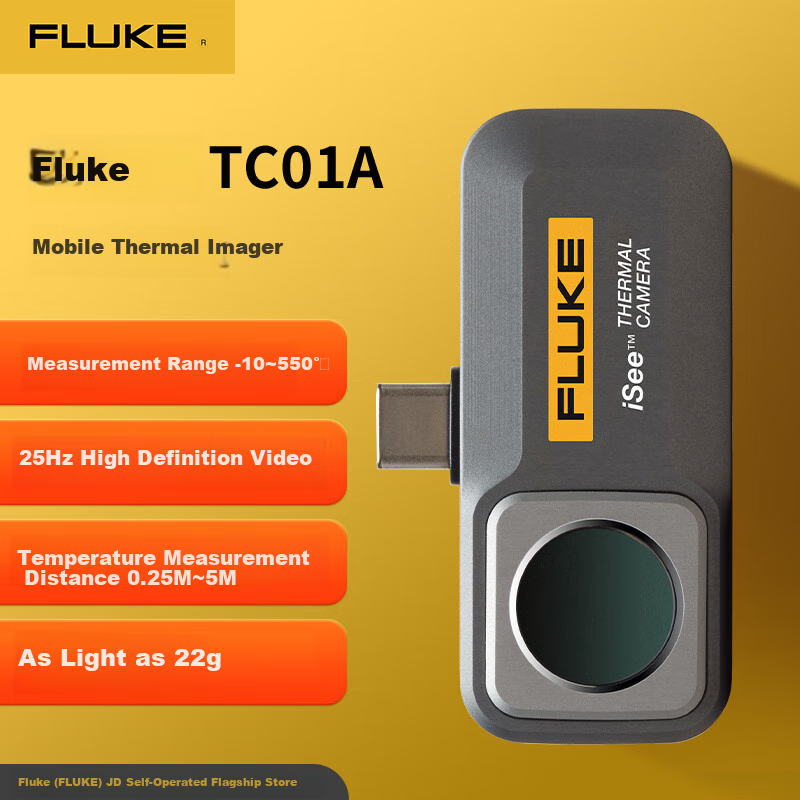 View
View
HIKMICRO E09SE Thermal Imaging Camera High-Definition Infrared Thermal Imager Night Vision Industrial Temperature Measurement Floor Heating Leak Detector
CN¥749.00
SKU: 100212889387
Status:In Stock (8)
ID: 100189143943
Weight: 710.00 g
Dims:250x204x80 mm
Specifications
- work shift
- Long wave
- Category
- Handheld
- Suitable Scenarios
- Power inspection, leak test, firefighting, scientific research, Industry, repair, Outdoor
Variants / Sale Attributes
Model: [Hot Selling Economical New Model] E09Se (192*192)
Package Contents
thermal imager x1
Product Description
Product Specifications
Overview
- Brand
- HIKMICRO
- Model
- E09Se
- Product Type
- Thermal Imaging Temperature Measurement Device
- Thermal Resolution
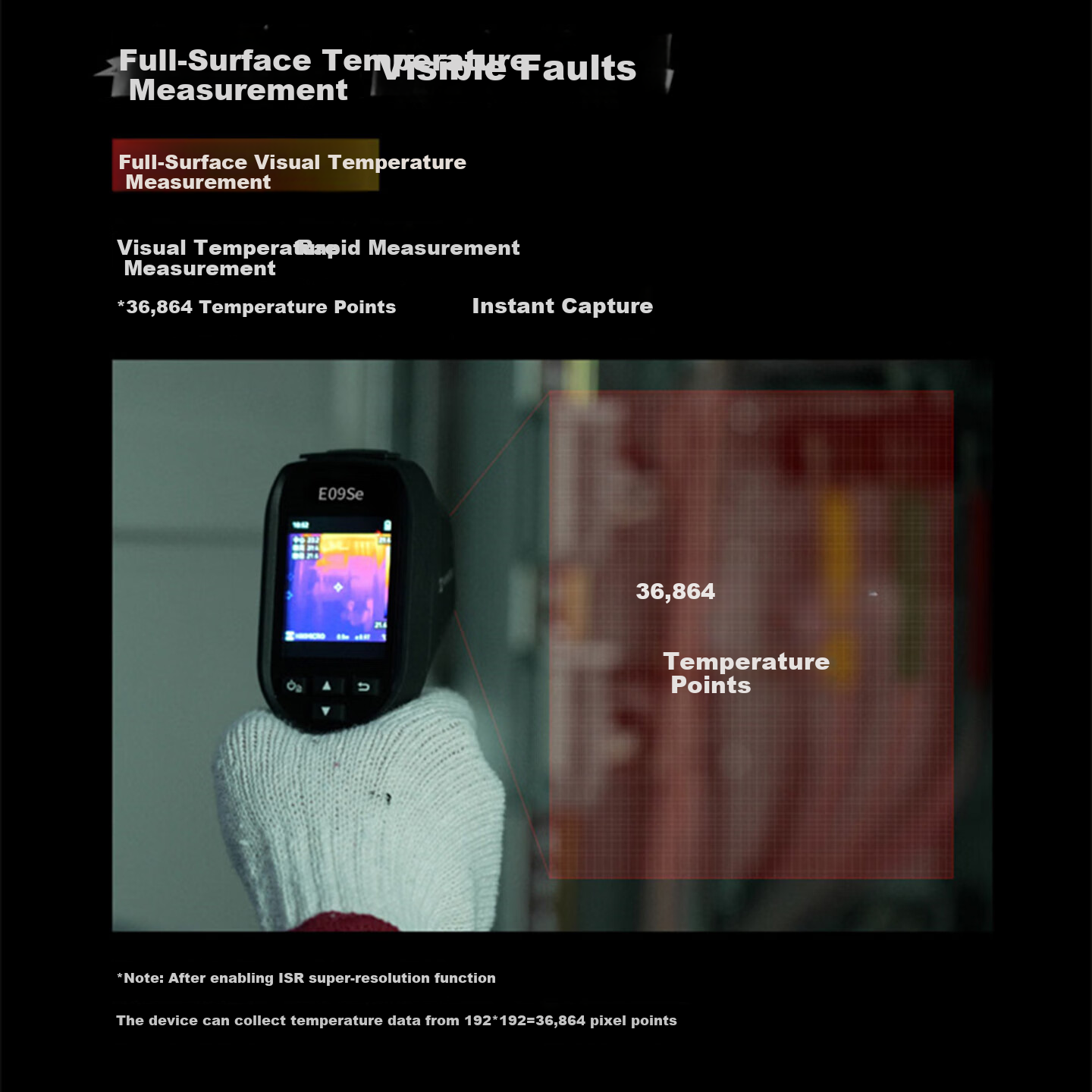
- 192 x 192 pixels (ISR Super Resolution)
- Detector Resolution
- 96 x 96 pixels native, enhanced to 192 x 192 via ISR technology
- Refresh Rate
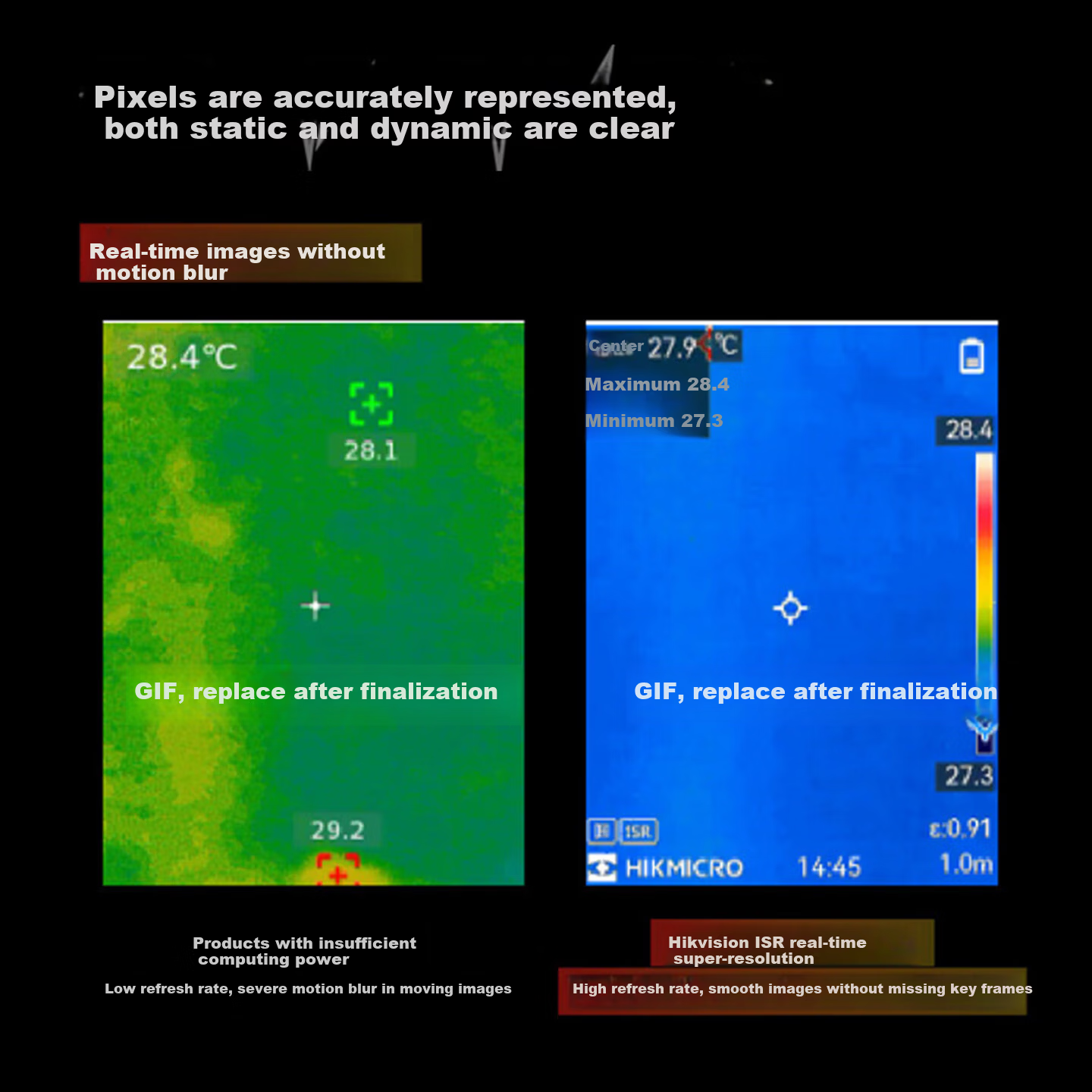
- High refresh rate for smooth, blur-free real-time imaging
- Display
- 2.4-inch LCD large screen with wide 50° x 50° field of view
Similar Products
In Stock
HIKMICROInfrared thermal imager
HIKMICRO Thermal Imaging Camera, High-Definition Infrared Thermal Imager, Industrial Temperature Measurement, Power Inspection, Underfloor Heating Leak Detection Device H13PRO
[Touchscreen Model] H13Pro (Pixel 192*144/digital Zoom/photography And Video Recording)
CN¥4,699.00
In Stock
FLUKEInfrared thermal imager
FLUKE TC01A Smartphone Thermal Imager, Thermal Imaging Night Vision Device, Infrared Thermometer, High-Definition Thermal Imager
TC01A - Supports Android System
CN¥2,536.00