Back to Catalog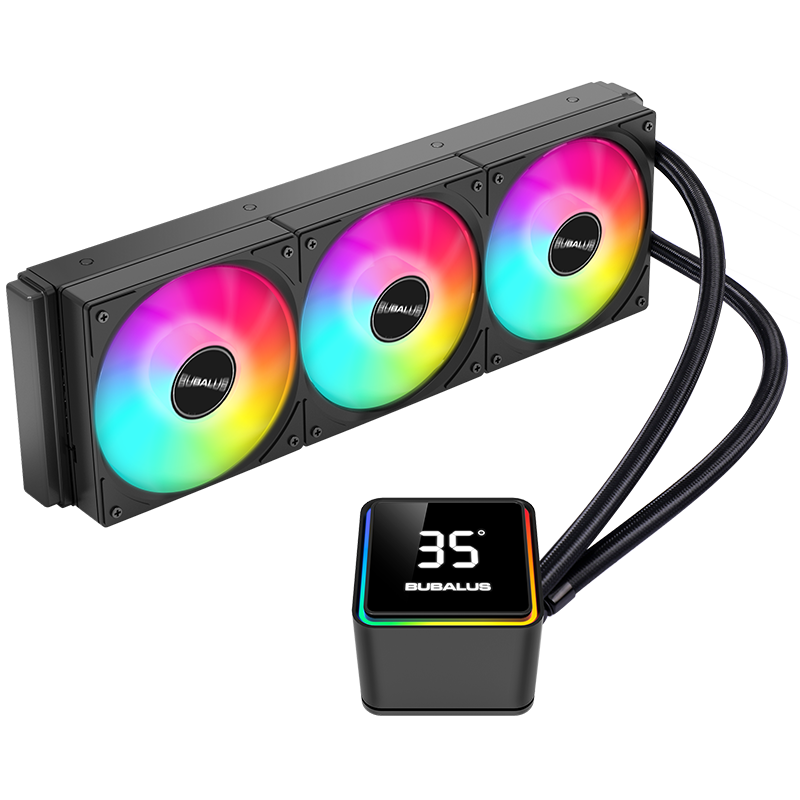
 View
View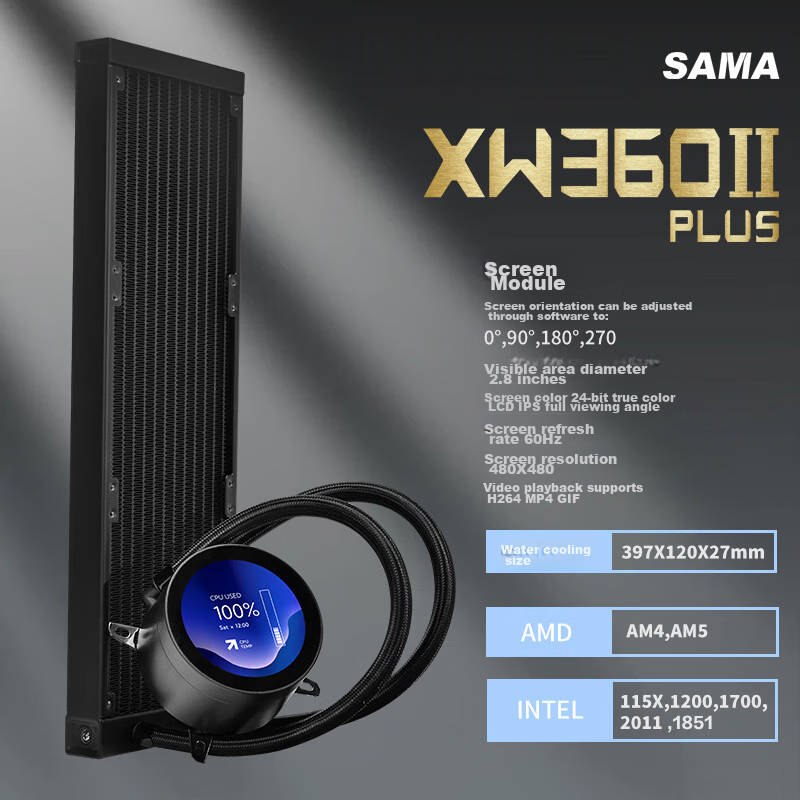 View
View
BUBALUS Zhileng 360 All-In CPU Water Cooler (Smart Digital Display/ARGB Synchronized Lighting/supports INTELLGA1700/AM5/Multi-Platform/PWM Temperature-Controlled Fan)
CN¥249.00
SKU: 100222331798
Status:Out of Stock
ID: 100036570471
Weight: 2145.00 g
Dims:455x219x136 mm
Specifications
- Cold heading type
- Intelligent Digital Display
- Type
- All-in-one liquid cooler
- Fan connection method
- Wired connection
- Compatible interface
- INTEL1151 (9th generation), INTEL LGA1700, AMD FM2+, AMD AM5
- Water cooling type
- 360 radiator
- Number of heat pipes
- No
- Lighting Effects
- ARGB
Variants / Sale Attributes
Color: Zhileng 360 Smart Digital Display Water Cooling
Package Contents
Water cooling radiator, 2 fans, fan temperature control Y-splitter cable, screw pack, 1 syringe of thermal paste, AMD mounting bracket, Intel backplate + mounting bracket, user manual
Product Description
Overview
- Brand
- BUBALUS
- Model
- Addressable MSI RGB 5V BUBALUS RGB SGHT ARGB Digital Temperature Display Smart Future Cooling 360° CPU Liquid Cooler IALLIS HBALUS 35 BUBALUS
Features
- 5V Mystic Light Sync
- Visual Digital Display Screen
- Ceramic Core
Similar Products
Out of Stock
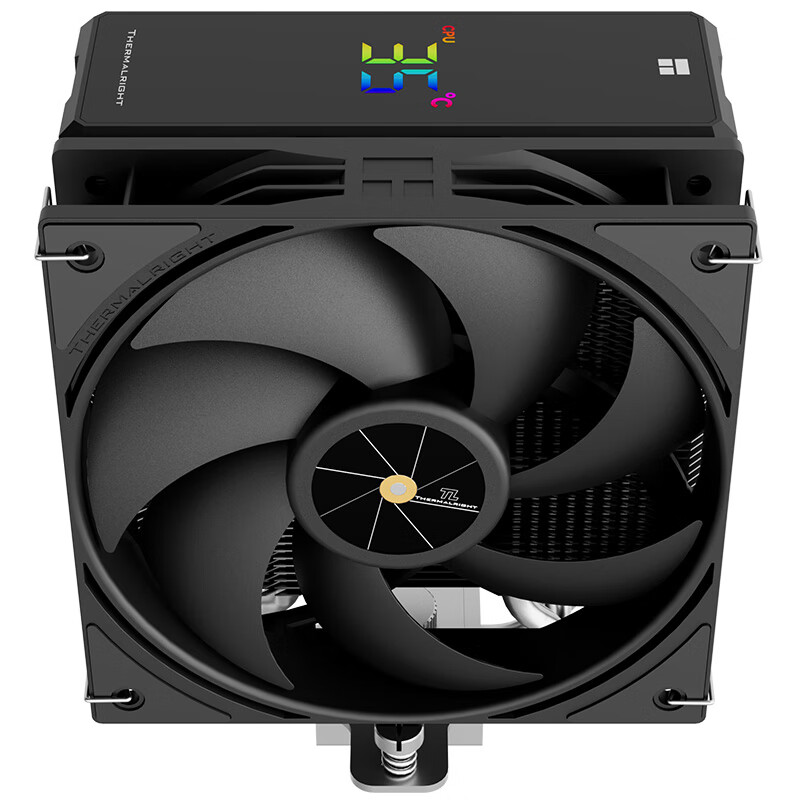
thermalrightradiator
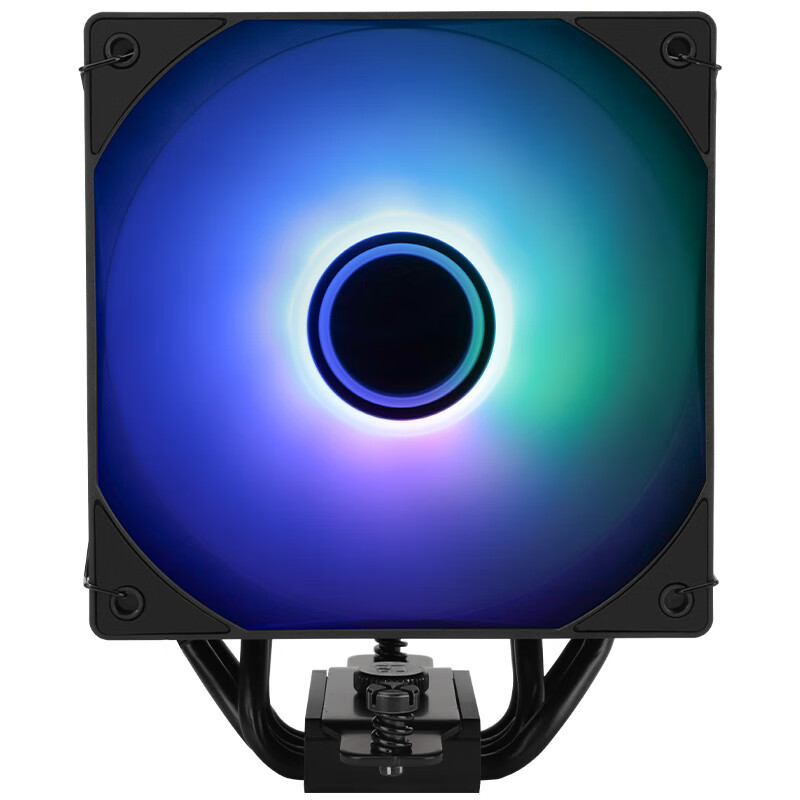
Thermalright Assassin Spirit 120 VISION ARGB BLACK CPU Air Cooler AS120 VISION ARGB BLACK
AS120 VISION ARGB Black
CN¥129.90
In Stock
SAMAradiator
SAMA Second Generation XW360-PLUS Fanless Black All-In 360 Water Cooling CPU Cooler (2.8-Inch Large Round LCD Display)
2.8-Inch Screen, Second-Generation XW360-P Fanless, Black
CN¥529.00