G.SKILL VIP Recruitment! VIP, multiple gifts waiting for you to draw!
G.SKILL DDR4 vs DDR5 distinguishing tips: Distinguishing method 1: Memory slot grid position, the memory slot grid position that supports DDR5 motherboards is closer to the middle, while the grid position of DDR4 is closer to the side. Distinguishing method 2: Motherboard labeled type, some motherboards will label the applicable type next to the memory slot.
Memory installation method: 1. Before installing the memory, make sure to install it under completely powered off conditions. 2. Find the memory installation location (it is recommended to take anti-static measures). 3. Open the memory card lock (as shown in the circle in the picture). 4. Align with the anti-insertion notch and press down. When you hear a "click" sound, confirm that the card lock has been reset, and check that the gold fingers are not exposed, indicating that the installation is complete. 5. Open the card locks on both sides of the memory, and the memory will pop out. 6. Remove the old memory. 7. Check if there is any dust in the slot. 8. Align the memory notch with the slot anti-insertion slot. 9. Press with both hands, keep them parallel, and do not expose the gold fingers. The installation is complete.
Innovation, Continuous Breakthroughs, With about 30 years of R&D experience in the computer technology industry, G.SKILL firmly believes that only relentless innovation and breakthroughs can establish sustainable brand value.
G.SKILL often leads the industry in developing high-specification products, with multiple series of overclocking memory not only breaking performance world records repeatedly but also becoming dreamy products for high-end players worldwide, pushing the overall R&D momentum of the computer technology industry.
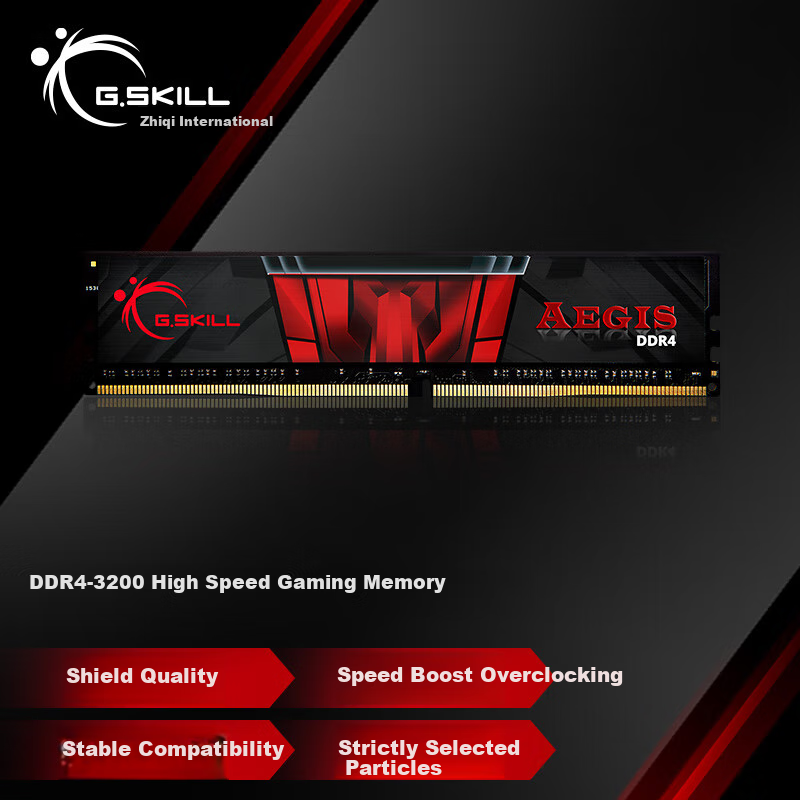
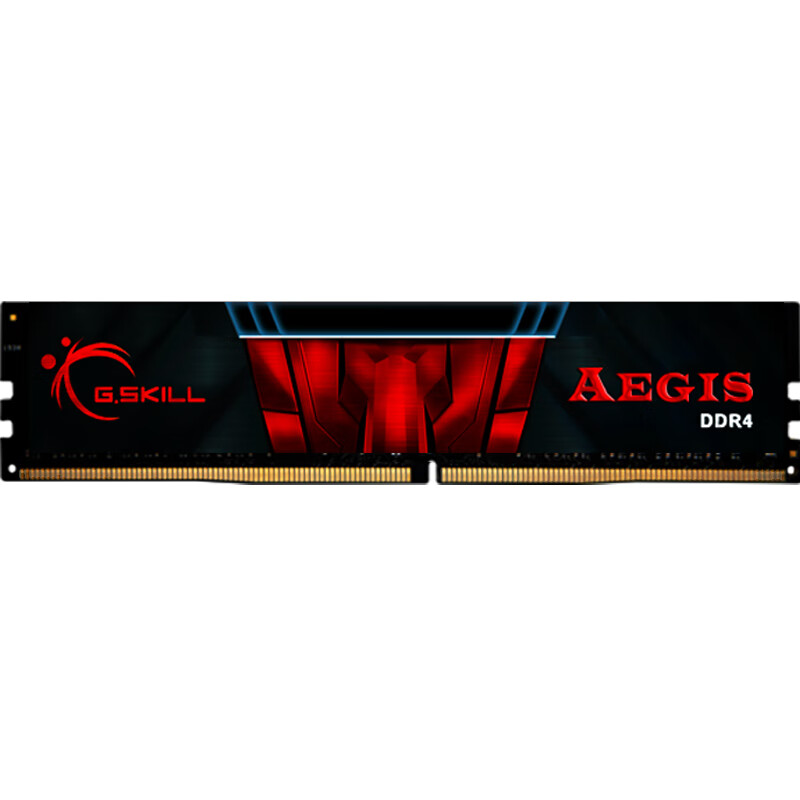
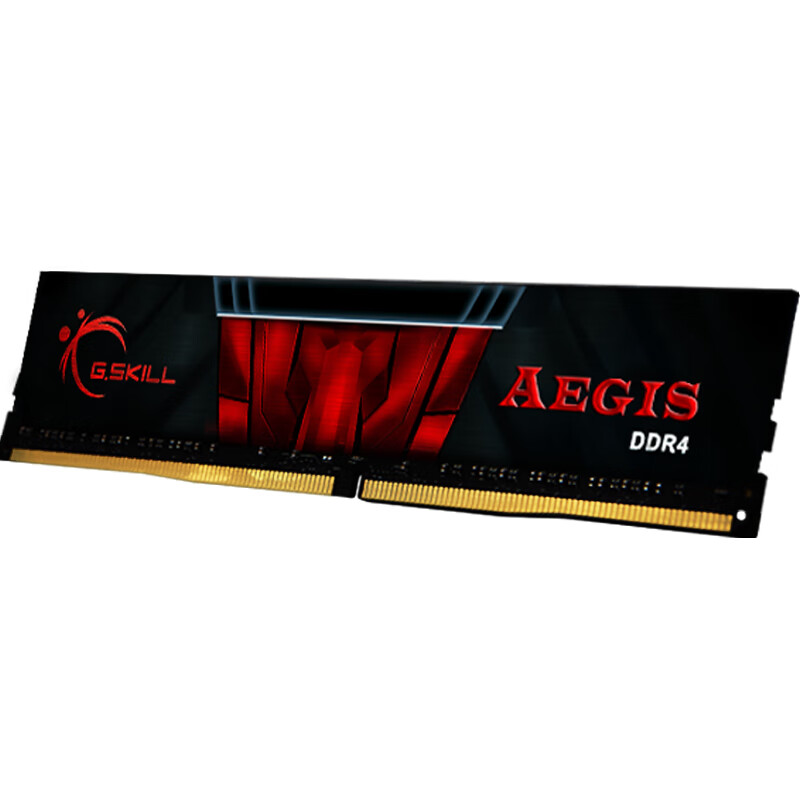
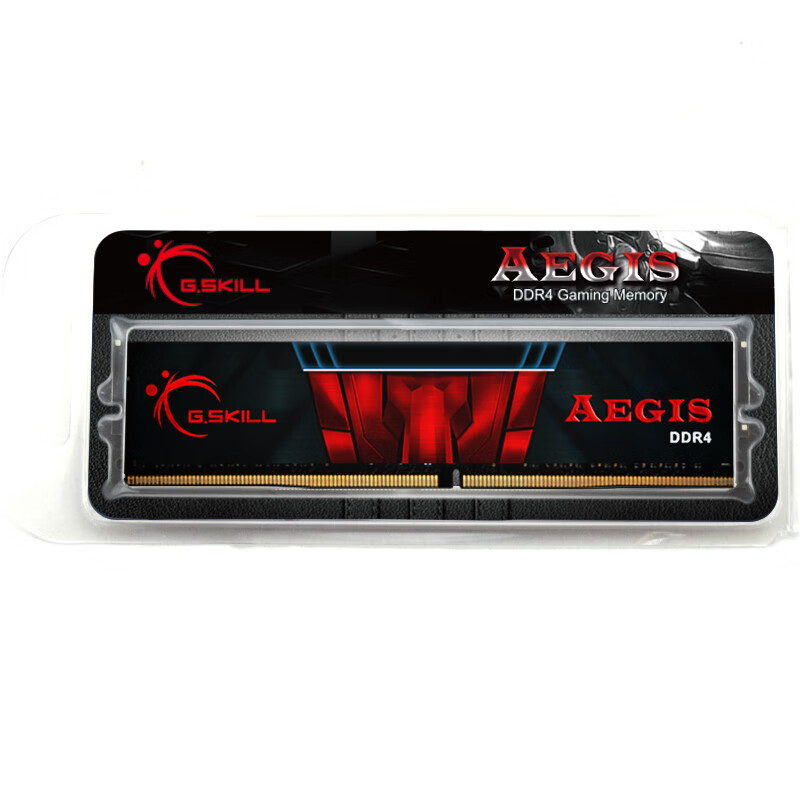
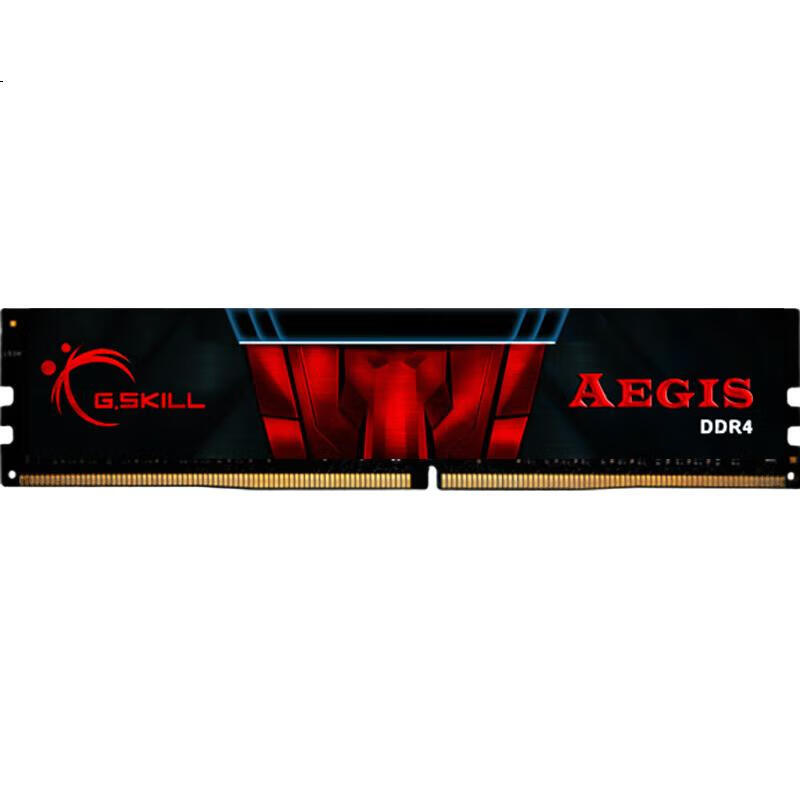
High-end gaming equipment with outstanding performance for players' optimal selection.
 View
View View
View