Back to Catalog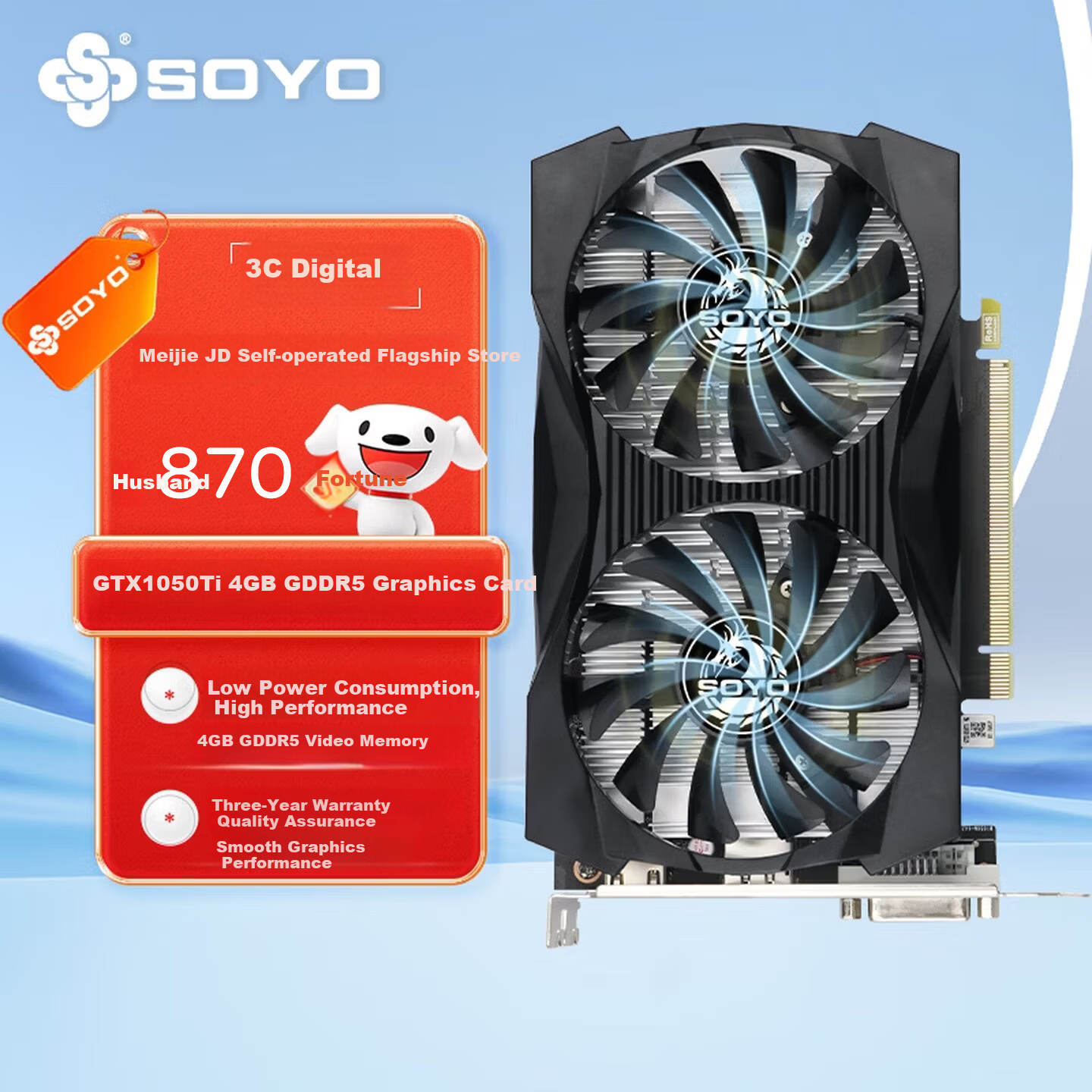

 View
View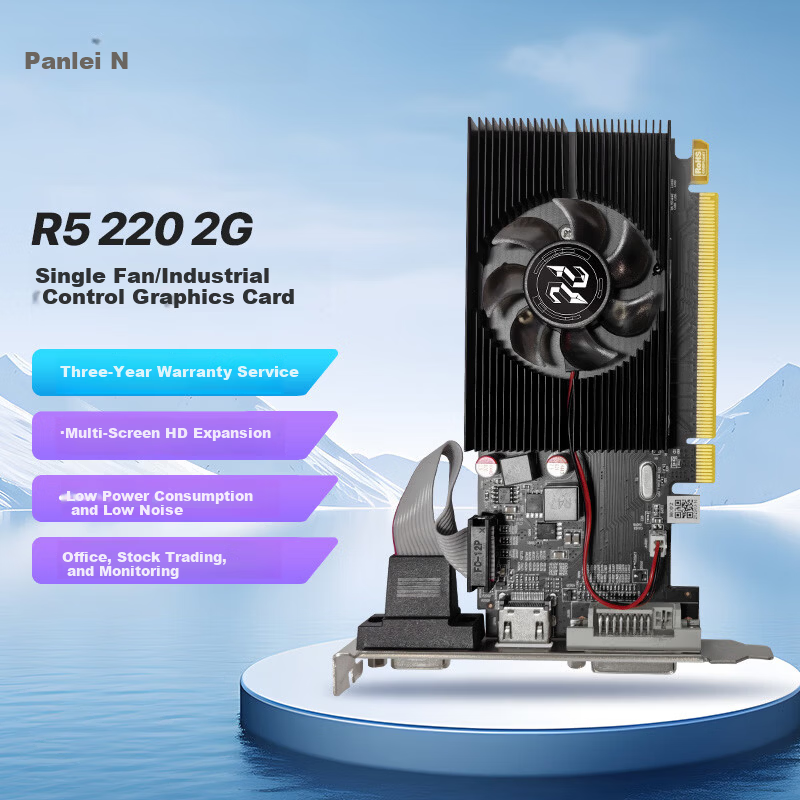 View
View
Meijie SY-GTX1050Ti Yanlong 4GB GDDR5 Dedicated Graphics Card Gaming PUBG HD Video Upgraded Office Live Streaming Editing Design Low Power Independent GPU
CN¥859.00
SKU: 100230828735
Status:Out of Stock
ID: 100230828735
Weight: 635.00 g
Dims:302x188x89 mm
Specifications
- Lighting Effects
- No light
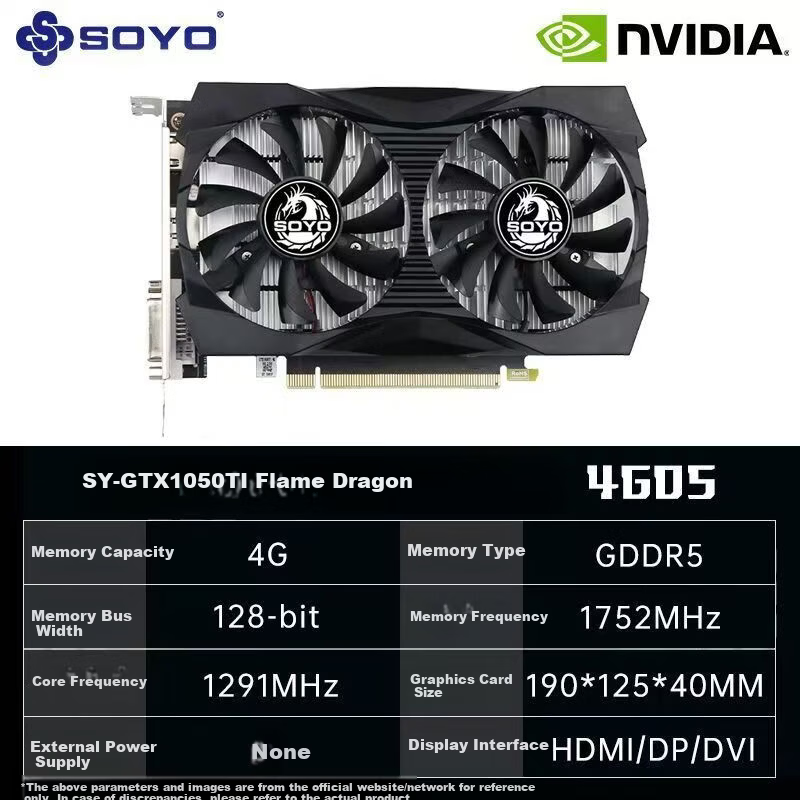
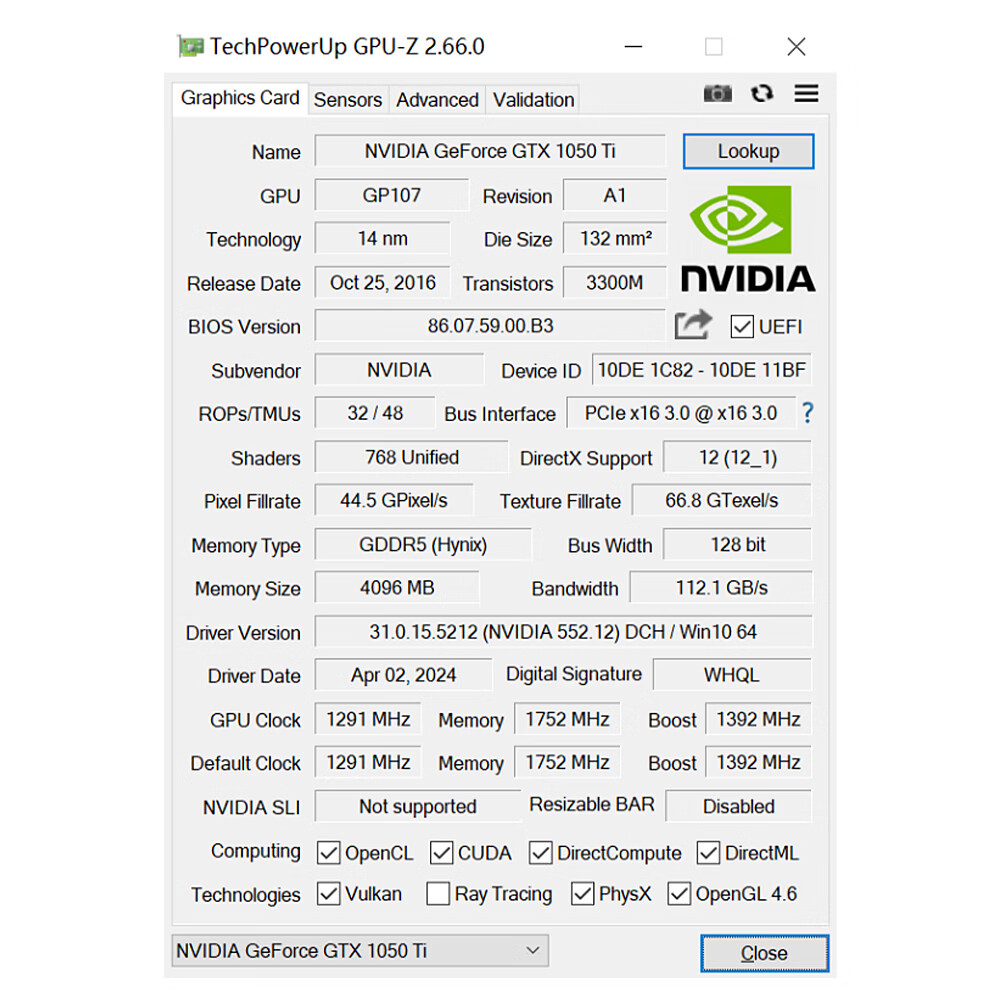
- Video memory bus width
- 128bit
- Chipset
- NVIDIA
- Graphics memory type
- GDDR5
- Interface
- DP, HDMI, DVI
- Video memory capacity
- 4GB
- Graphics card model
- Other
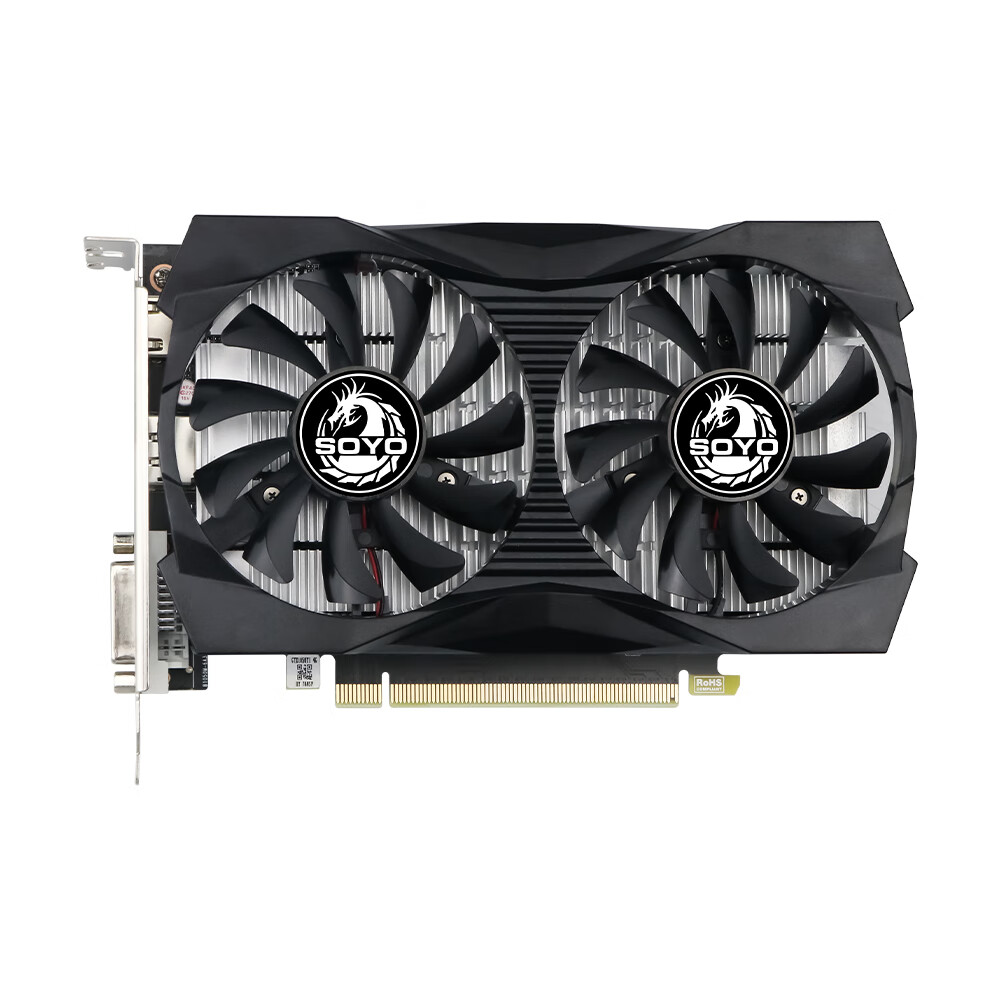
- Cooling fan
- Dual fans
Variants / Sale Attributes
Model: [GTX1050TI] Yanlong (Dual Fan) 4G
Package Contents
Graphics card x1, warranty card x1
Product Description
Overview
- Brand
- SOYO ()
- Model
- SY-GTX1050TI 4GD5
Energy Efficiency Leader with Stable Frame Performance
Designed for mainstream gaming with high-resolution smooth gameplay of popular online games
Modular cooling system with dual 77mm fans for stable, durable, and quiet operation
High air pressure, low noise cooling fans ensuring no lag during gameplay
4GB GDDR5 high-speed video memory
768 stream processors delivering reliable and efficient performance for HD entertainment, office work, and image processing
Additional details
- Multiple high-definition display interfaces
- DisplayPort (DP), HDMI, and DVI supporting triple-screen output for seamless entertainment and productivity
Dual 77mm fans with high static pressure and quiet operation
Efficient heat dissipation for sustained high performance
Similar Products
In Stock
graphics card
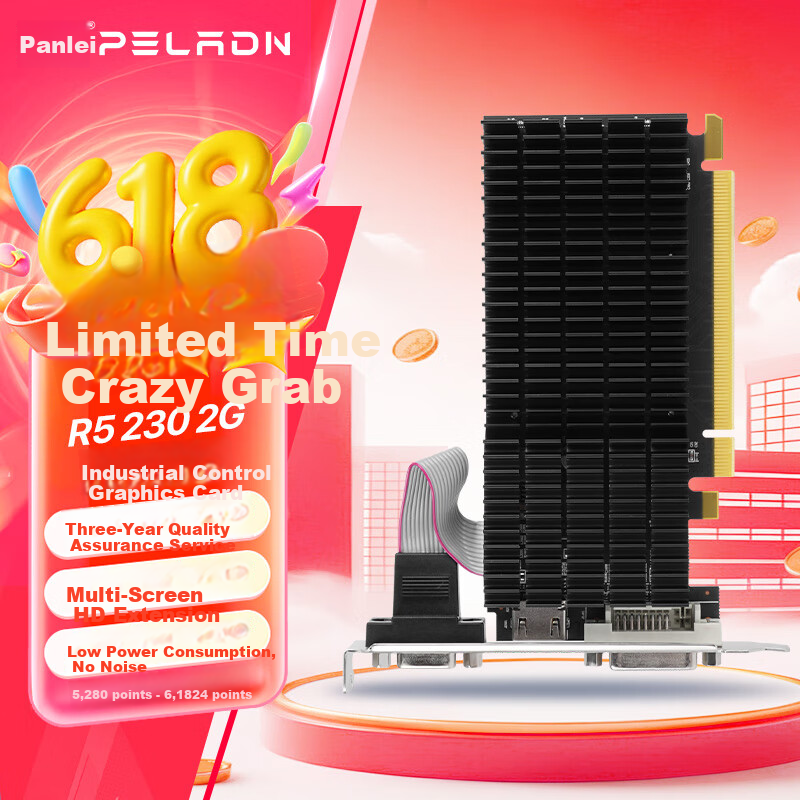
Panlei (PELADN) Kaitian R5 230 2G D3 Desktop Computer for Home Office Entertainment, High-Definition Multi-Screen PC with Dedicated Graphics Card
R5 230-2G Heat Sink
CN¥179.00
In Stock
graphics card
PELADN Kaitan R5 220 2G DDR3 Fan Edition Dedicated Graphics Card for Home Office Multi-Screen Stock Trading PC
[R5 2202G] with fan model
CN¥169.00