Back to Catalog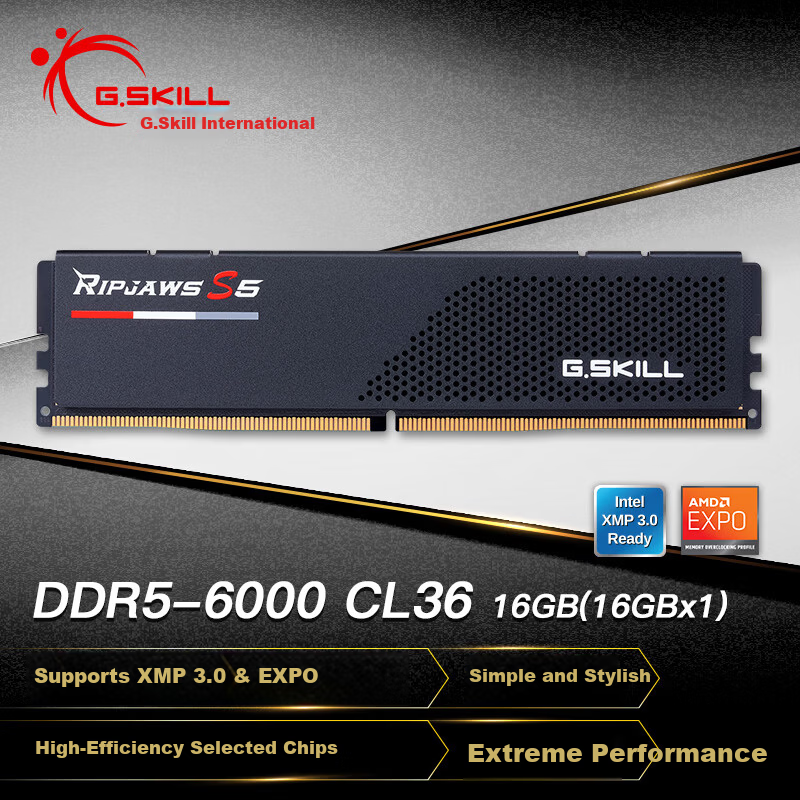
 View
View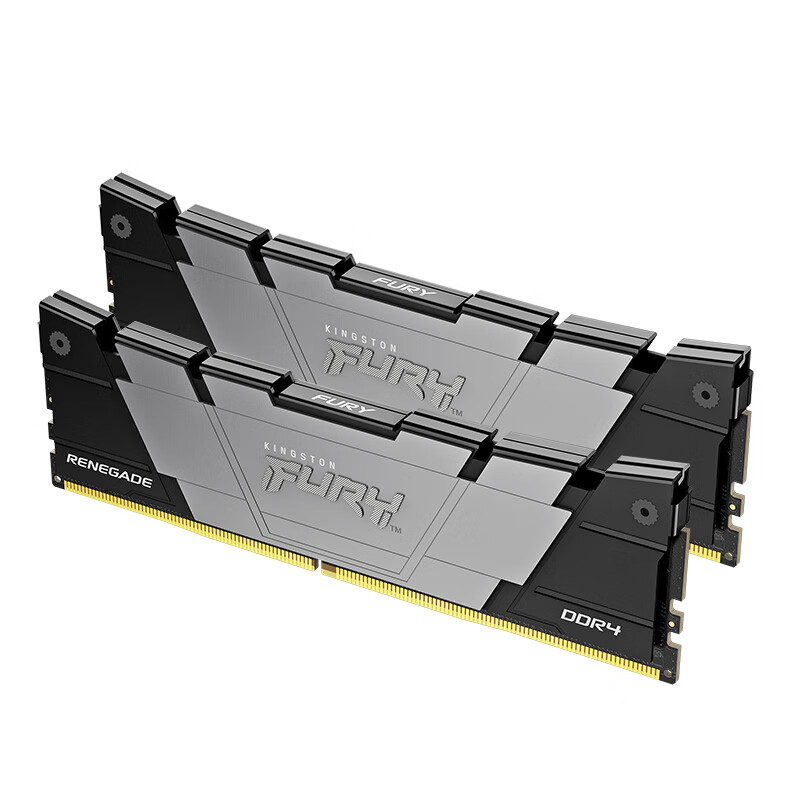 View
View
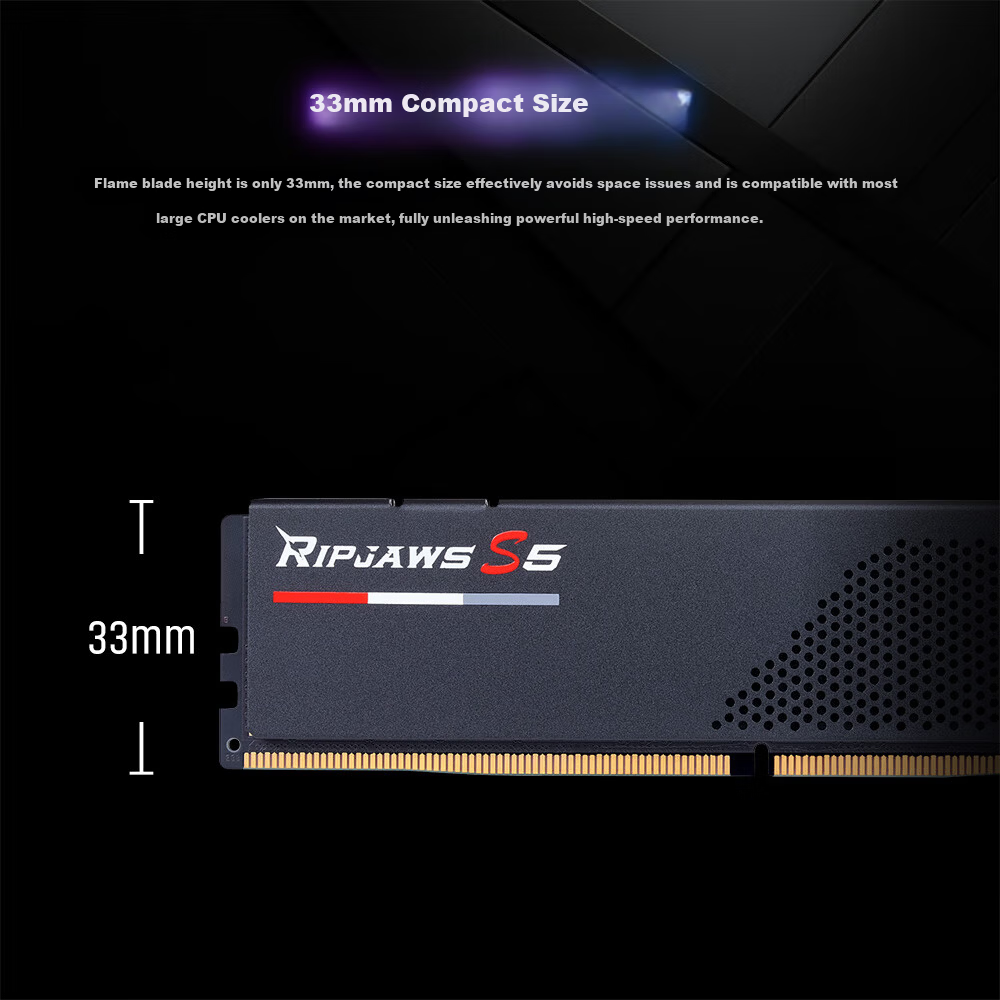
G.SKILL Trident Z5 DDR5 16GB (1x16GB) 6000MHz Desktop Memory - Flame Blade (Dark Night Black) / C36
CN¥1,959.00
SKU: 100247383255
Status:Out of Stock
ID: 100247383255
Weight: 80.00 g
Dims:218x142x8 mm
Specifications
- Platform
- desktop computer memory
- Amount of memory
- 1 piece
- Appearance characteristics
- vest strap
- Memory frequency
- 6000MHz
- Total capacity
- 16GB
- DDR algebra
- DDR5
Variants / Sale Attributes
内存频率: 6000MHz
内存条数及总容量: 16GB 1条
Package Contents
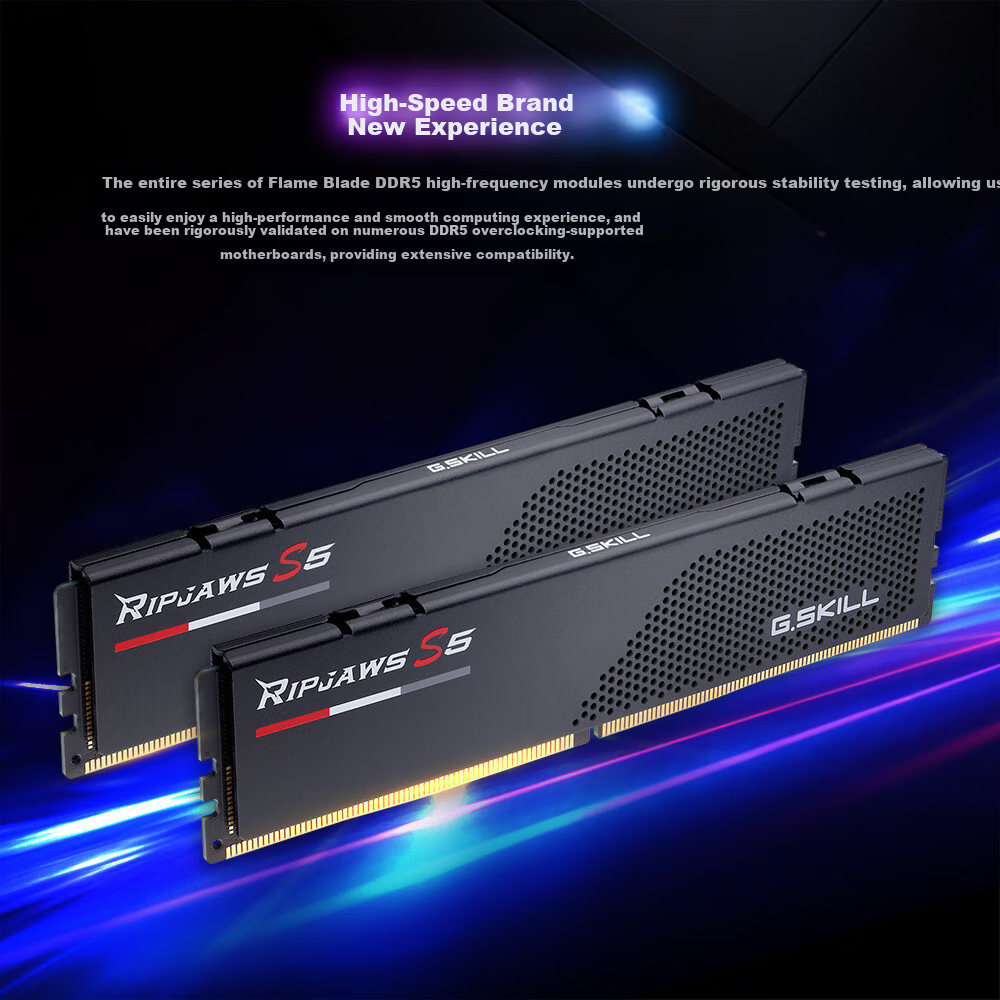
Ripjaws S5 Flame DDR5 6000MHz 16GB Memory (16GBx1)
Product Description
Overview
- Brand
- G.SKILL
- Memory Types
- DDR4 and DDR5
DDR5 memory slots on motherboards have the notch positioned closer to the center, while DDR4 slots have the notch closer to the edge.
Some motherboards label the supported memory type next to the memory slots for easy identification.
1. Ensure the system is completely powered off before installation.
2. Locate the memory slot (anti-static precautions recommended).
3. Open the memory slot clips.
4. Align the memory module notch with the slot key and press down firmly until a click is heard, confirming the clips have locked and the gold contacts are not exposed.
5. To remove memory, open both clips, gently remove the module, clean the slot if necessary, and install the new module following the alignment and pressing steps.
High-speed performance
Robust stability
Reliable durability
High-performance overclocking capabilities
Trusted international brand with strict compatibility and quality control
Selected original memory chips with manual screening technology
Similar Products
In Stock
KINGBANKmemory
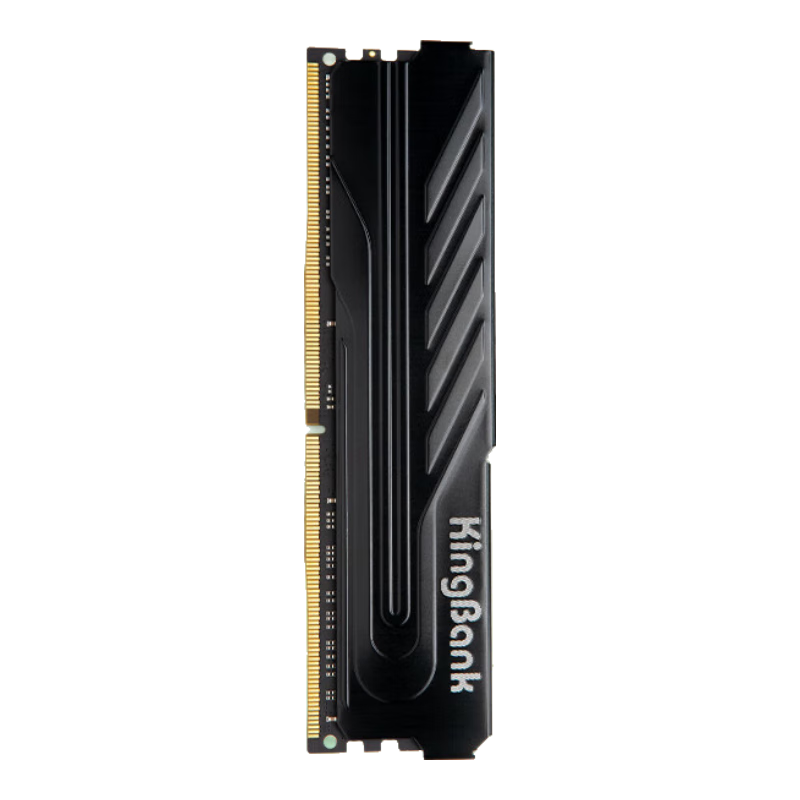
KINGBANK 16GB DDR4 3200 Desktop Memory Module, Intel-Specific RAM, Black Knight
[DDR4 3200] Black Knight Intel Dedicated
CN¥749.00
In Stock
Kingstonmemory
Kingston FURY 32GB (16GBx2) DDR4 4000 Desktop Memory Kit Renegade Series
D4 4000 Rebel Gamer Edition
CN¥3,365.00