Back to Catalog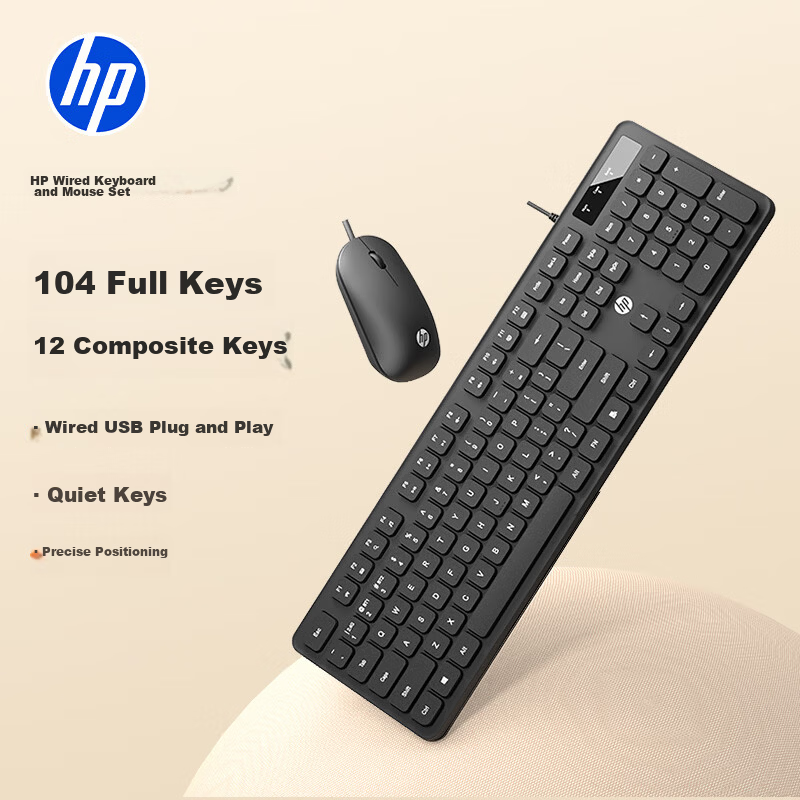
 View
View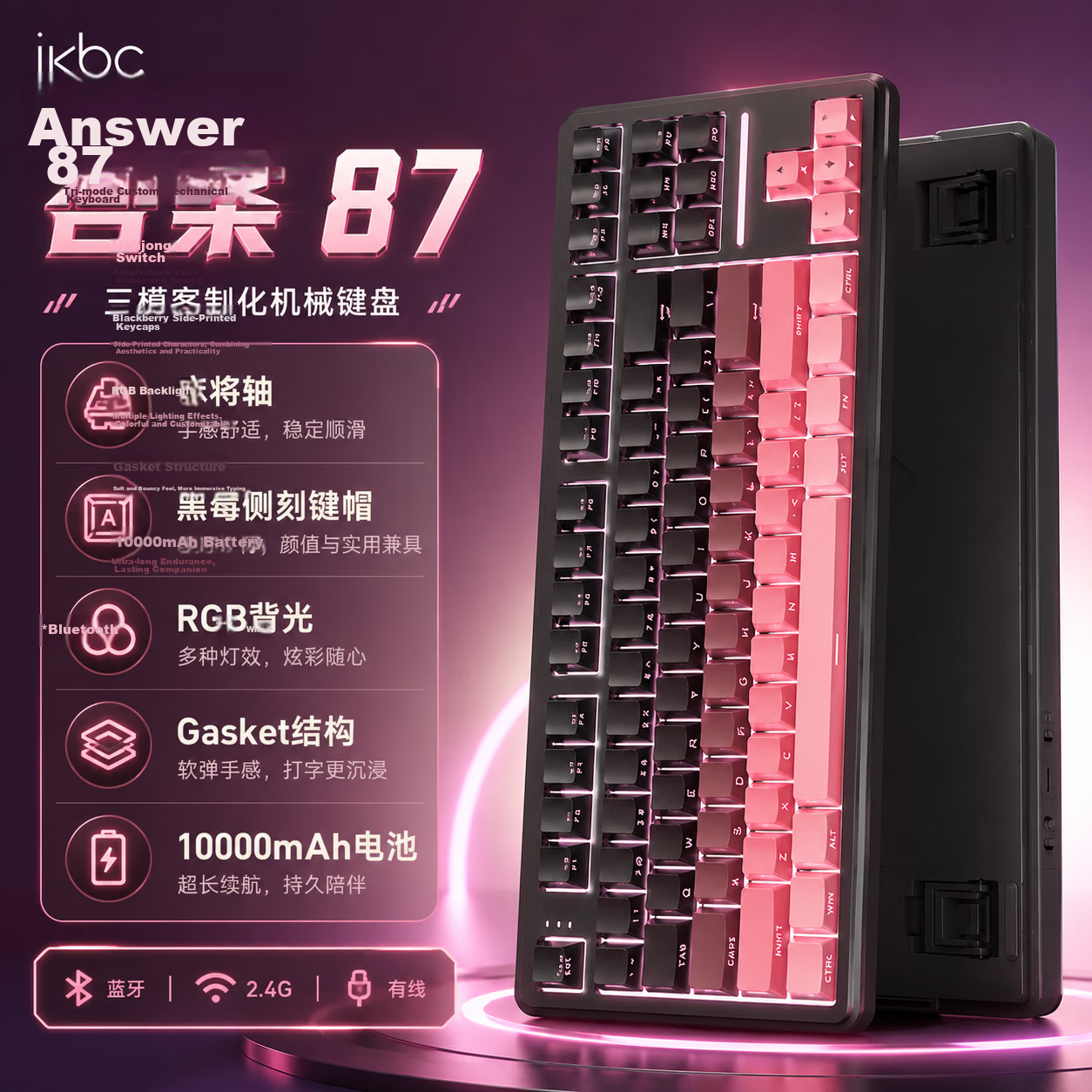 View
View
HP KM20 Wired Keyboard and Mouse Combo High-Quality Slim Portable Full-Size 104-Key Ergonomic Quiet Keyboard and Mouse Set for Laptop and Office Use
CN¥79.00
SKU: 100283708571
Status:In Stock (73)
ID: 100283708571
Weight: 680.00 g
Dims:518x156x42 mm
Specifications
- Connection method
- Wired
- Outdoor backpack
- >100 keys
- Compatible system
- Multi-system compatible
- Simultaneous connection of devices
- 2 units
- Type
- Keyboard and mouse combo
- Backlight effect
- No light
Variants / Sale Attributes
Color & Backlight Effects: KM20A Keyboard and Mouse Set [Wired Version]
Package Contents
Keyboard and mouse set *1
Product Description
Overview
- Brand
- HP
- Model
- KM20 Series Keyboard and Mouse Combo
- Layout
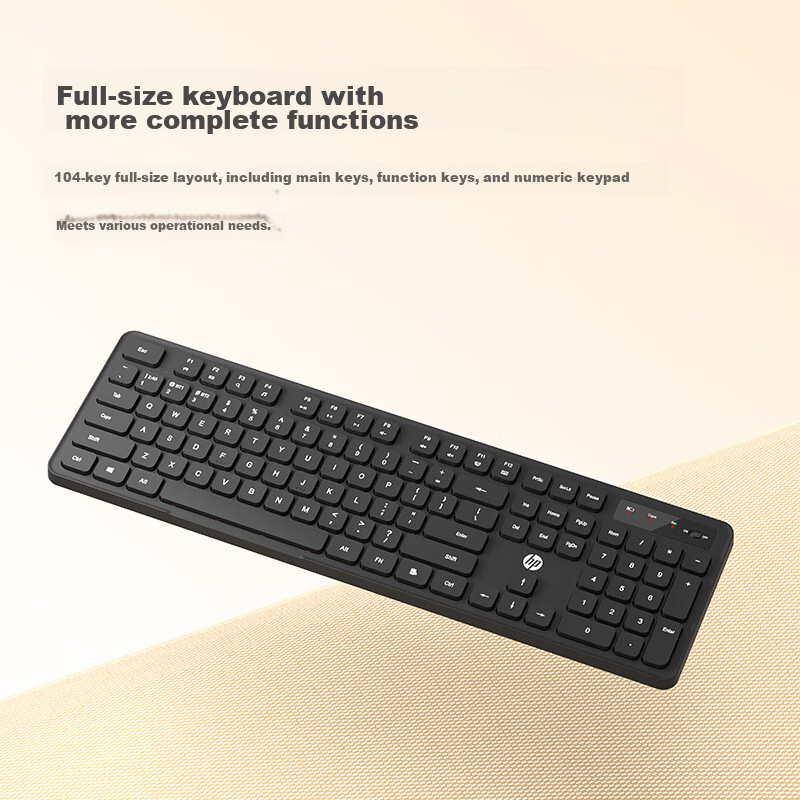
- Full-size 104 keys including main keys, function keys (F1-F12), and numeric keypad
- Design
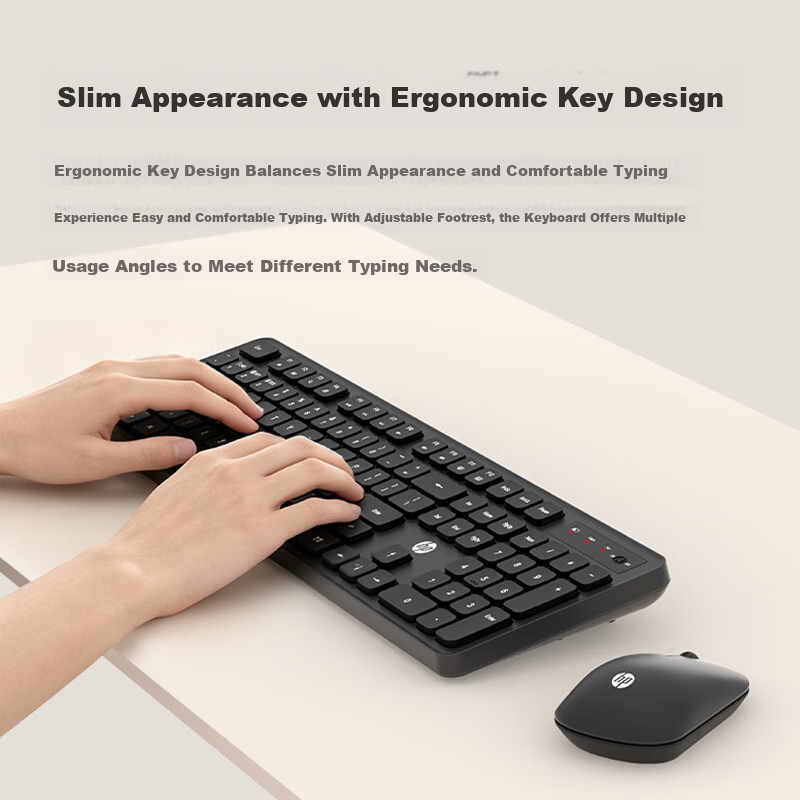
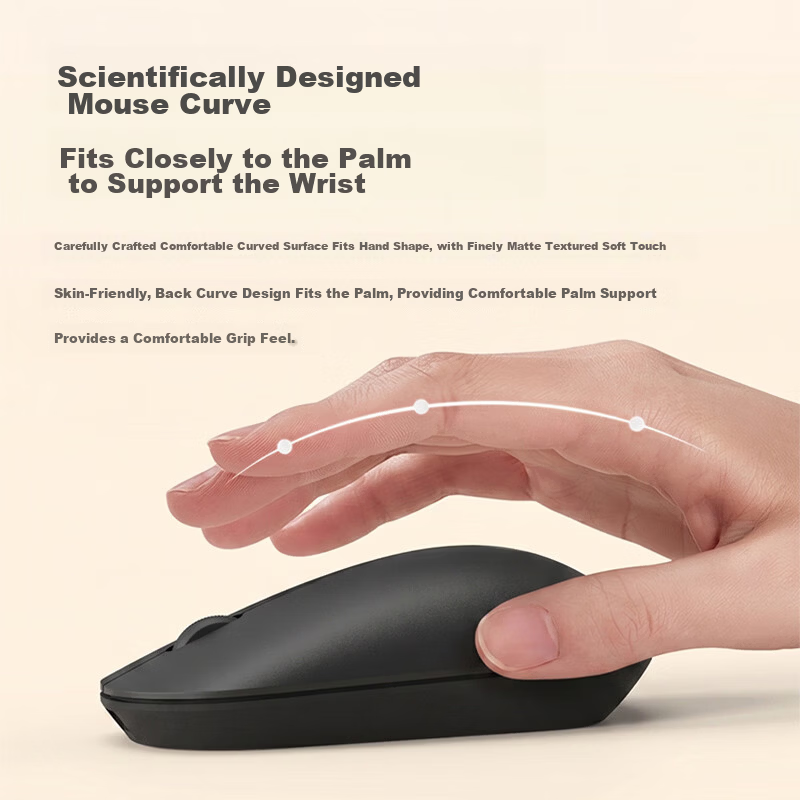
- Slim profile with ergonomic key design for comfortable and effortless typing
- Adjustable feet
- Multiple tilt angles to suit different typing preferences
- Multi-function keys
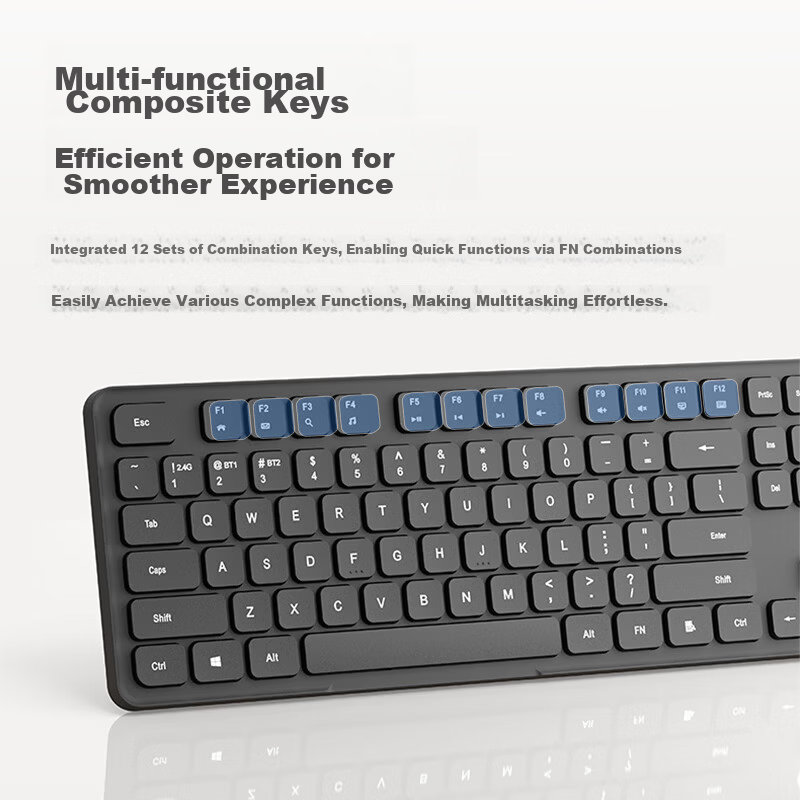
- 12 sets of FN combination keys for quick access to complex functions
- Indicators
Similar Products
In Stock
ikbcKeyboard
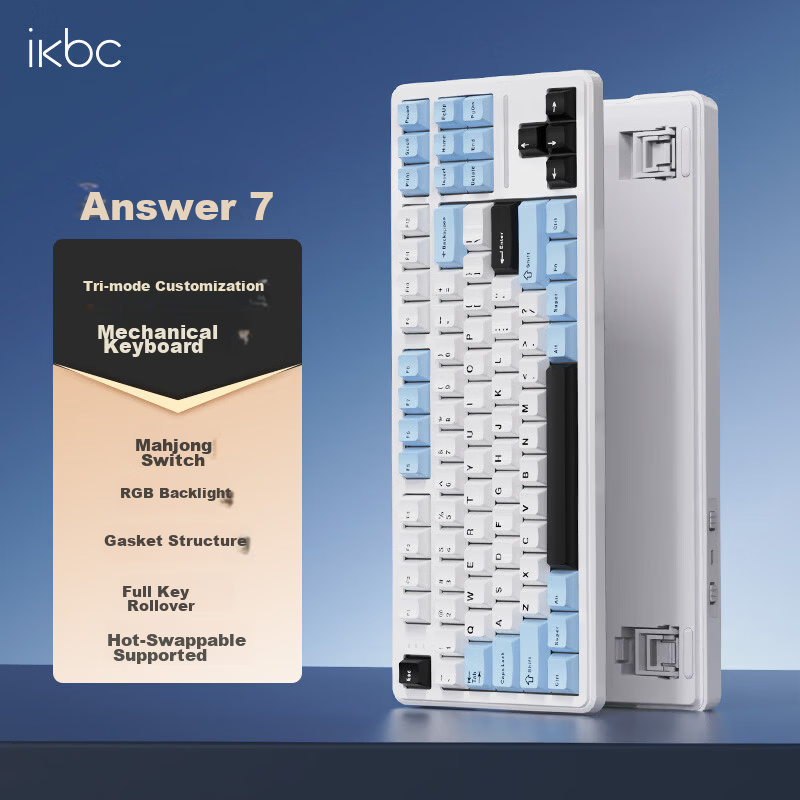
Ikbc Answer 87 Mechanical Keyboard 87 Keys Gaming Office Typing Comfortable Three-mode RGB Ice Blue Mahjong Switch 45g
Answer 87 Threemode Ice Sea Blue Mahjong Switch
CN¥194.75
In Stock
ikbcKeyboard
Ikbc Answer 87 Three-Mode Mechanical Keyboard 87 Keys Gaming Office Typing BlackBerry Pink Mahjong Switch 42g
Answer 87 Threemode Blackberry Powder Mahjong Shaft
CN¥238.45