MEPL JD
CatalogCategoriesBrandsAnalyticsNew

MEPL JD

JD catalog demo by MEPL

Navigation

  • All Products
  • Categories
  • Brands
  • Category Analytics ๐Ÿ“Š

Tools

  • Advanced Search
  • My Favorites

Admin

  • Dashboard

ยฉ 2026 MEPL JD. All rights reserved.

Back to Catalog
H3C S1300-24P2S Full Gigabit POE Enterprise-Level Unmanaged Switch 24 Gigabit Ethernet + 2 Gigabit SFP Optical Ports Replacement for S1226F-PWR POE: 225W | Aggregation Uplink
Thumbnail 1
Thumbnail 2
H3Cโ€ขSwitch

H3C S1300-24P2S Full Gigabit POE Enterprise-Level Unmanaged Switch 24 Gigabit Ethernet + 2 Gigabit SFP Optical Ports Replacement for S1226F-PWR POE: 225W | Aggregation Uplink

CNยฅ969.00
SKU: 100308537630
Status:In Stock (6)
ID: 100308537630
Weight: 3380.00 g
Dims:544x332x92 mm

Specifications

Cooling method
Fan cooling
Suitable Scenarios
core switch
Uplink port rate
Gigabit
Power over Ethernet (PoE)
POE power supply
Set
Single product
Number of Ports
26 ports
Port Type
Electrical and optical ports
Cloud-managed switch
Cloud management not supported

Variants / Sale Attributes

้ขœ่‰ฒ: POE|้ž็ฎก็†|24ๅƒๅ…†็”ต+2ๅƒๅ…†ๅ…‰

Package Contents

Host*1, power cord*1, installation accessory pack*1 ("Quick Start Guide," adhesive pads, chassis grounding wire, dust plugs, warranty card, two hanging ears, screws). (Note: Packaging may vary depending on the batch; please refer to the actual received goods!)

Product Description

Product Specifications

Overview

Brand
H3C

1. Product Models and Panel Overview

1.1 S1300-24T2S Switch

Additional details

(1) Indicators
Ethernet ports 1โ€“22, Uplink ports 23โ€“24, SFP ports

(2) 10/100/1000Base-T Ethernet ports (ports 1โ€“22)

(3) 10/100/1000Base-T Uplink Ethernet ports (ports 23โ€“24)

(4) 1Gbps SFP optical ports (Uplink ports)

(5) Function key

(6) Working mode indicator

(7) Power status indicator

(1) AC power interface

(2) Grounding screw

1.2 S1300-24P2S Switch

Additional details

Similar Products

In Stock
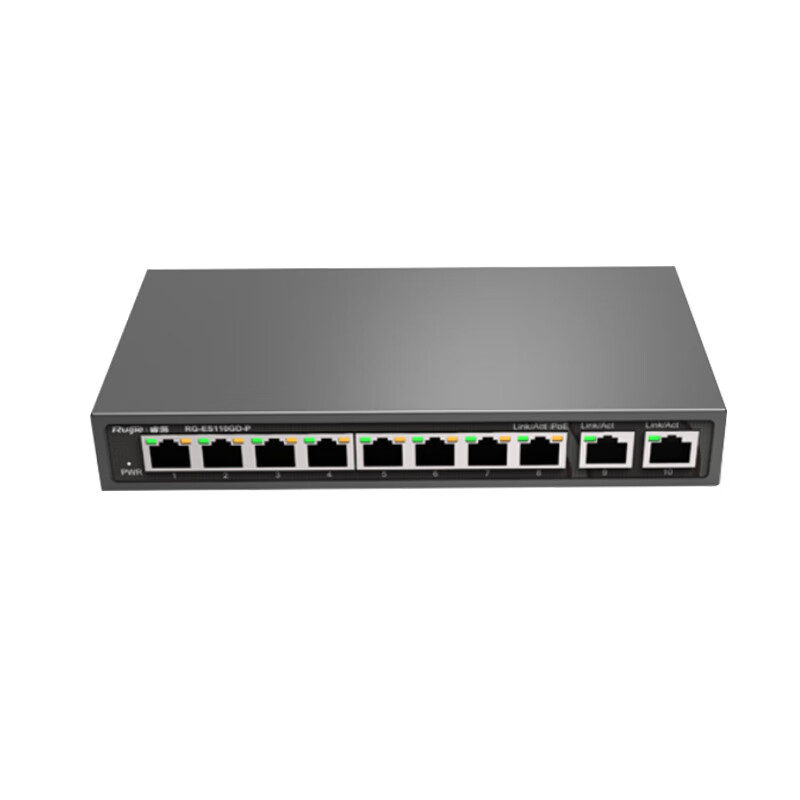
Ruijie 8-Port Gigabit PoE Switch RG-ES110GD V2, 110W POE Power, Unmanaged Access, Metal Shell, Enterprise Office Monitoring Project Switch
Switch

Ruijie 8-Port Gigabit PoE Switch RG-ES110GD V2, 110W POE Power, Unmanaged Access, Metal Shell, Enterprise Office Monitoring Project Switch

ES110GD-P V2|8-Port Gigabit|POE 110W

CNยฅ580.50

View
In Stock
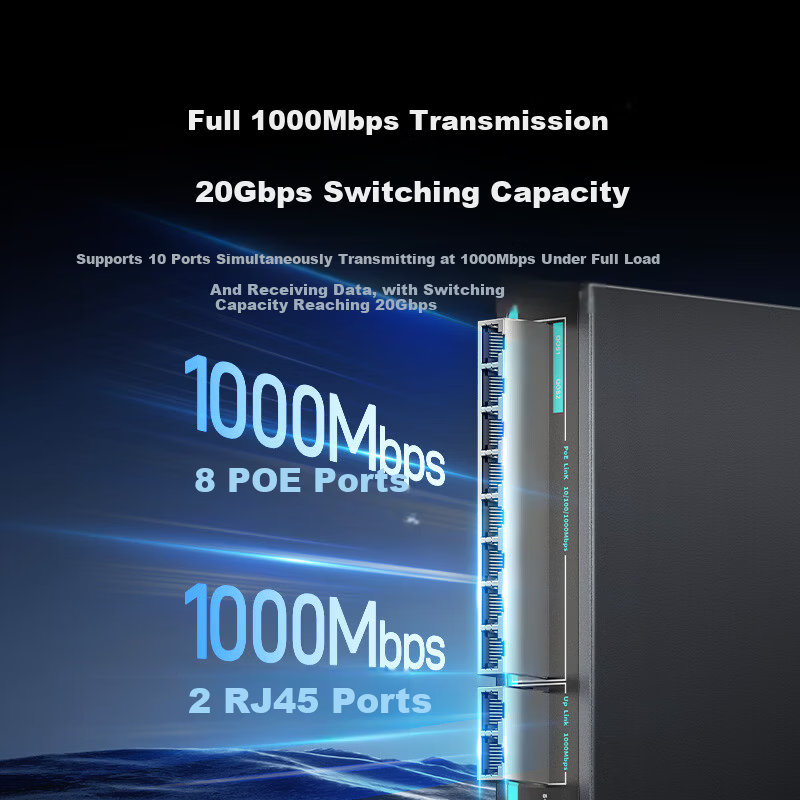
Sanze 8-Port PoE Switch 10-Port Gigabit Ethernet Splitter Dual Uplink Industrial Monitoring Power Supply Network Hub Enterprise Switch POE-HJQ10
SAMZHESwitch

Sanze 8-Port PoE Switch 10-Port Gigabit Ethernet Splitter Dual Uplink Industrial Monitoring Power Supply Network Hub Enterprise Switch POE-HJQ10

[8Port PoE] 10Port Gigabit, Total Power 120W

CNยฅ179.00

View
Downlink Interface Type
Ethernet Switch
Network Management Type
Non-managed
Downlink Port Rate
Gigabit
(1) Indicators
Ethernet ports 1โ€“22, Uplink ports 23โ€“24, SFP ports

(2) 10/100/1000Base-T Ethernet ports (ports 1โ€“22)

(3) 10/100/1000Base-T Uplink Ethernet ports (ports 23โ€“24)

(4) 1Gbps SFP optical ports (Uplink ports)

(5) Function key

(6) Working mode indicator

(7) PoE overload indicator

(8) Power status indicator

(1) AC power interface

(2) Grounding screw

1.3 S1300-24FP2S Switch

Additional details

(1) Indicators
Ethernet ports 1โ€“22, Uplink ports 23โ€“24, SFP ports

(2) 10/100/1000Base-T Ethernet ports (ports 1โ€“22)

(3) 10/100/1000Base-T Uplink Ethernet ports (ports 23โ€“24)

(4) 1Gbps SFP optical ports (Uplink ports)

(5) Function key

(6) Working mode indicator

(7) PoE overload indicator

(8) Power status indicator

(1) AC power interface

(2) Grounding screw

2. Ports and Indicators Description

2.1 Ports

2.1.1 Function Key

Additional details

Purpose
Allows selection of device working modes. Default mode is "Standard Switching."

Supported Modes

  • Non-PoE models: Standard Switching, Port Isolation, Link Aggregation, Anti-Unauthorized Access
  • PoE models: Standard Switching, Port Isolation, Link Aggregation, Long Distance Connection

Operation

ItemDetail
UnlockPress and hold function key for 3 seconds; working mode indicator flashes.
Mode SwitchAfter unlocking, press function key once to cycle through modes; corresponding mode indicator lights up.
Confirm ModeStay on a mode for 5 seconds; indicator remains steady, mode activated.
Lock and Factory ResetPress and hold function key for more than 10 seconds until all four mode indicators light up once; device resets to factory settings and restarts.

2.1.2 Working Modes Description

| Mode | Description | Application Scenario |

|--------------------|----------------------------------------------------------------------------------------------|-------------------------------------------------------------------------------------------------------|

| Standard Switching | Enables flow control and port negotiation; acts as a full gigabit switch with layer 2 isolation between downlink ports; reduces broadcast storms and DHCP broadcasts. | Suitable for environments requiring high privacy between downlink ports. |

| Port Isolation | Enables flow control, port negotiation, and isolates downlink ports from each other. | Suitable for environments like internet cafes where hosts need to be isolated. |

| Link Aggregation | Enables flow control, port negotiation, and static aggregation of two uplink optical ports (based on source/destination MAC, IP, or port number). | Suitable for bandwidth expansion without replacing devices; requires peer device support. |

| Anti-Unauthorized Access / Long Distance Connection | Provides protection against unauthorized connections or supports long-distance connections (PoE models). | Specific to PoE models for enhanced security or extended reach. |

2.2 Supported 1G SFP Optical Modules

| Module Model | Wavelength | Connector | Max Distance | Fiber Type | Notes |

|------------------------|------------|-----------|--------------|----------------|--------------------------------|

| SFP-GE-LX10-SM1310 | 1310 nm | LC | 10 km | Single-mode | |

| SFP-GE-LH40-SM1310 | 1310 nm | LC | 40 km | Single-mode | |

| SFP-GE-LX-SM1310-BI | 1310 nm | LC | 10 km | Single-mode | Transmitter side |

| SFP-GE-LX-SM1490-BI | 1490 nm | LC | 10 km | Single-mode | Receiver side; modules used in pairs |

| SFP-GE-SX-MM850-A | 850 nm | LC | 200โ€“275 m | Multi-mode | 50/125 ยตm or 62.5/125 ยตm fiber |

It is recommended to use H3C optical modules and cables. For the latest supported modules, consult H3C sales or technical support.

3. Indicator Lights Description

3.1 Power Status Indicator (Power)

| Indicator Status | Meaning |

|------------------|------------------------------------------|

| Green steady | Switch is powered on and power module is functioning normally |

| Off | Switch is not powered or power module failure |

3.2 Working Mode Indicator

| Indicator Status | Meaning |

|------------------|--------------------------------|

| Green steady | Mode is active |

| Green blinking | Mode is being selected |

| Off | Mode is inactive |

3.3 10/100/1000Base-T Ethernet Port Status Indicator (Link/Act)

| Indicator Status | Meaning |

|------------------|-------------------------------------------------------|

| Green steady | Port connected at 1000 Mbps, link established |

| Green blinking | Port connected at 1000 Mbps, transmitting/receiving data |

| Yellow steady | Port connected at 10/100 Mbps, link established |

| Yellow blinking | Port connected at 10/100 Mbps, transmitting/receiving data |

| Off | No link or connection failure |

3.4 SFP Optical Port Status Indicator

| Indicator Status | Meaning |

|------------------|-------------------------------------------------------|

| Green steady | Port connected at 1 Gbps, link established |

| Green blinking | Port connected at 1 Gbps, transmitting/receiving data |

| Off | No link or connection failure |

3.5 PoE Overload Indicator (PoE Models Only)

| Model | Indicator Status | Meaning | PoE Power Protection Range |

|-----------------|------------------|----------------------------------------------|-----------------------------|

| S1300-24P2S | Green steady | PoE power within protection range | 205Wโ€“225W |

| S1300-24FP2S | Green steady | PoE power within protection range | 350Wโ€“370W |

| Both Models | Off | PoE power below minimum protection threshold | |

4. Cooling System

The S1300 series switches use an efficient cooling system to dissipate heat and ensure stable operation.

Installation should consider environmental ventilation for optimal heat dissipation.

Only the S1300-24FP2S model uses a fixed fan; airflow direction is from the right side (intake) to the left side (exhaust) when facing the device front panel.

Other models rely on natural convection cooling.

"Left" and "Right" are defined from the perspective of the user facing the device's front panel.
[End of Specifications]

Out of Stock
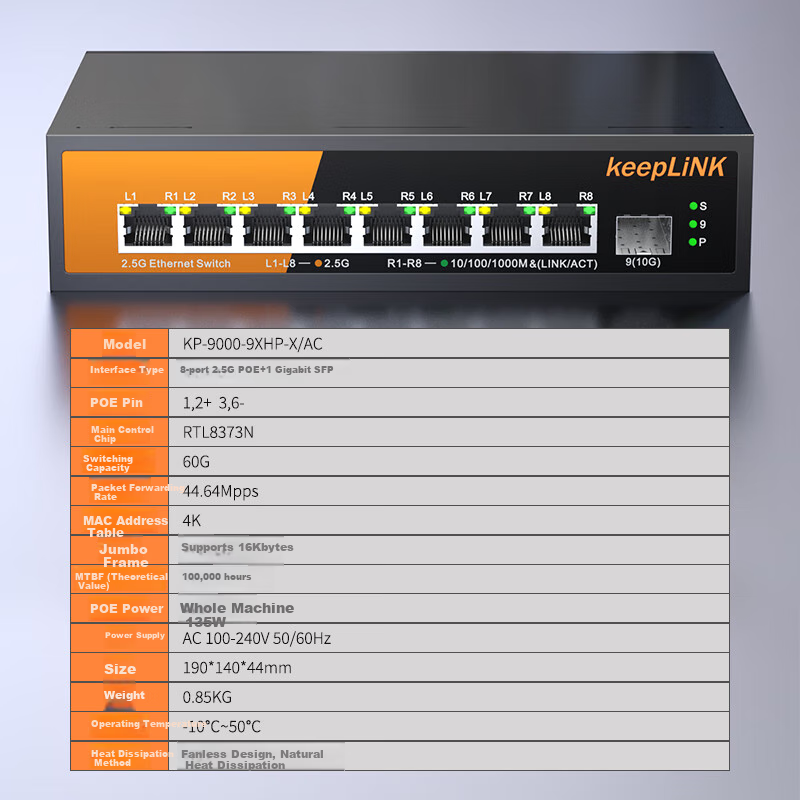
KeepLINK KP-9000 8-Port Enterprise-Grade POE 2.5G Switch + 1 Gigabit Cascading Port, Security Monitoring Network Networking Splitter, 135W/unit
keepLINKSwitch

KeepLINK KP-9000 8-Port Enterprise-Grade POE 2.5G Switch + 1 Gigabit Cascading Port, Security Monitoring Network Networking Splitter, 135W/unit

8-Port 2.5G PoE Network Port + 1 Gigabit SFP Port

CNยฅ399.00

View
Out of Stock
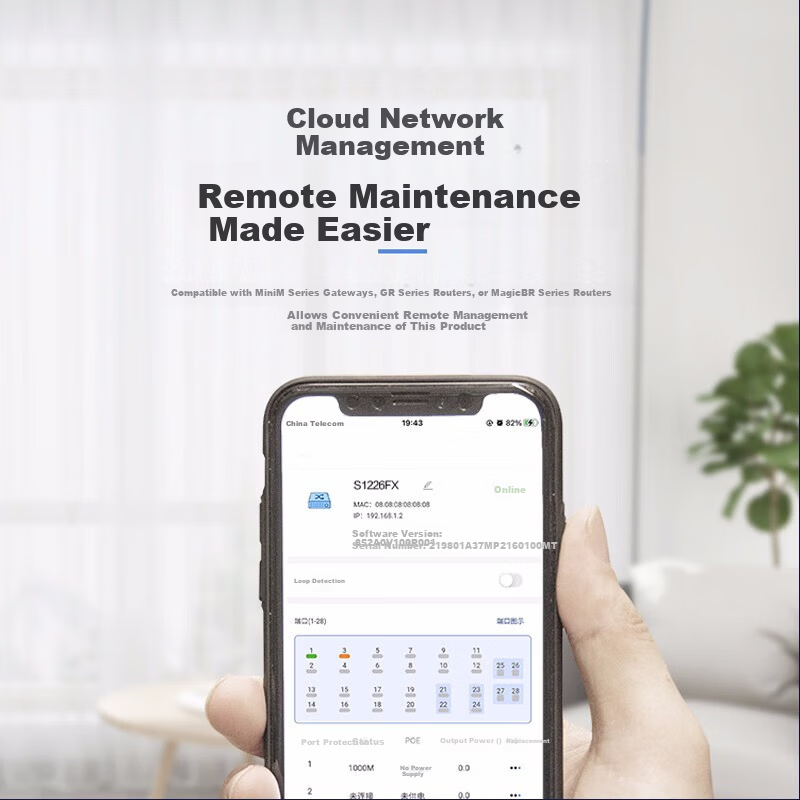
H3C 24-Port Gigabit Switch with 1m Ethernet Cable Enterprise Rack-Mount Network Switch 24-Port Gigabit Ethernet + 2 10-Gigabit SFP+ Ports
H3CSwitch

H3C 24-Port Gigabit Switch with 1m Ethernet Cable Enterprise Rack-Mount Network Switch 24-Port Gigabit Ethernet + 2 10-Gigabit SFP+ Ports

S1226FX 24port Gigabit + 2 10Gigabit optical ports

CNยฅ709.00

View