Back to Catalog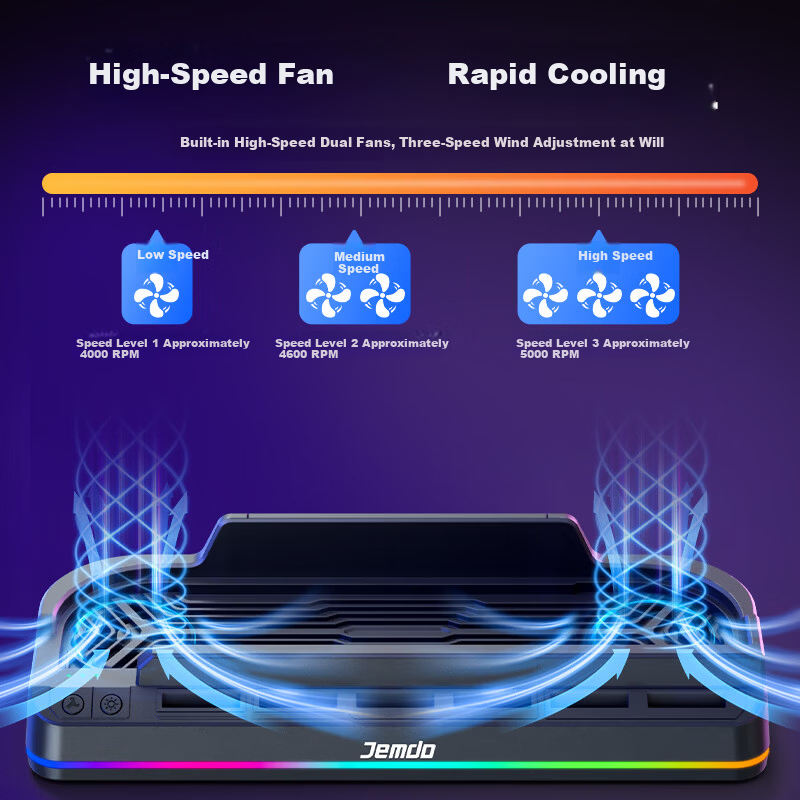


 View
View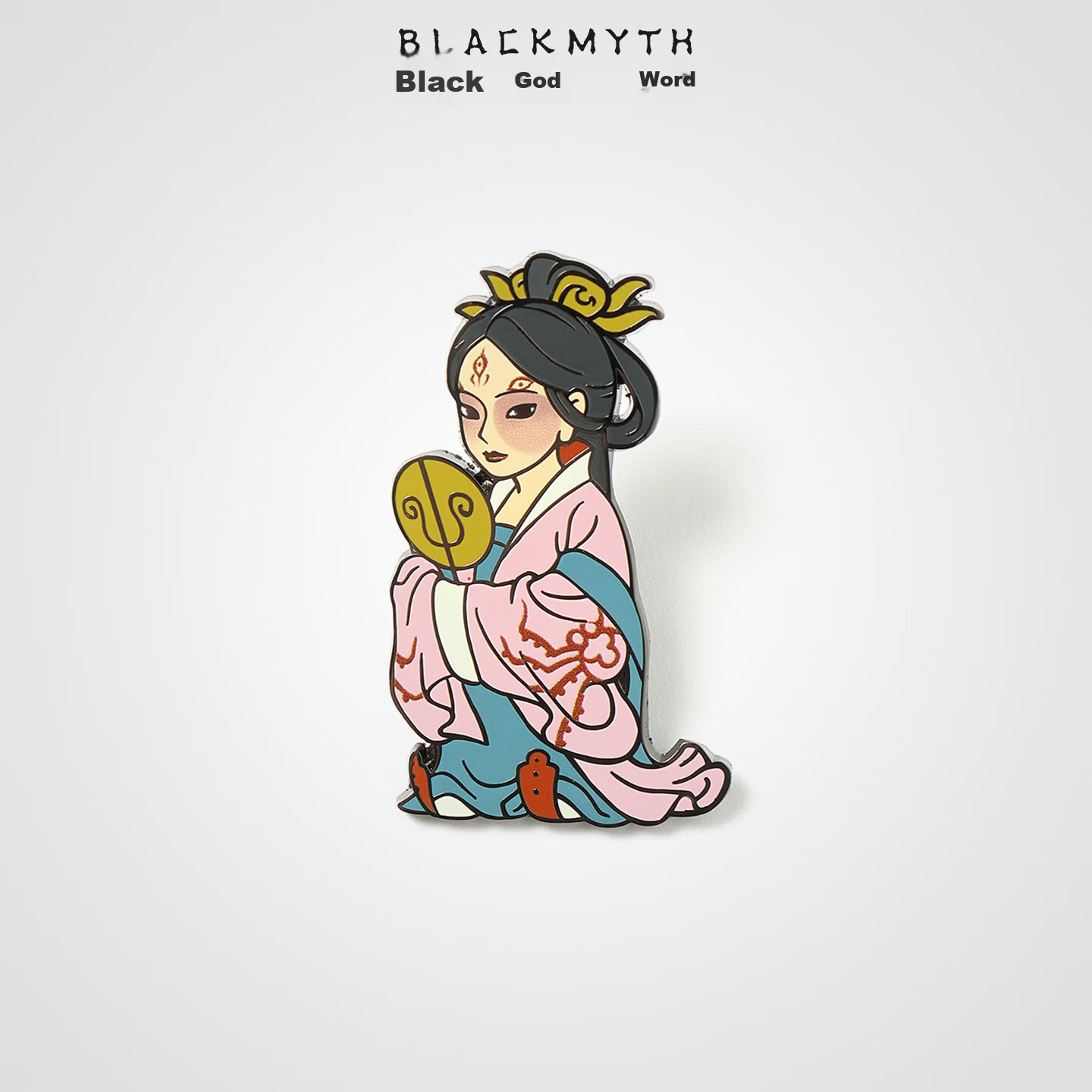 View
View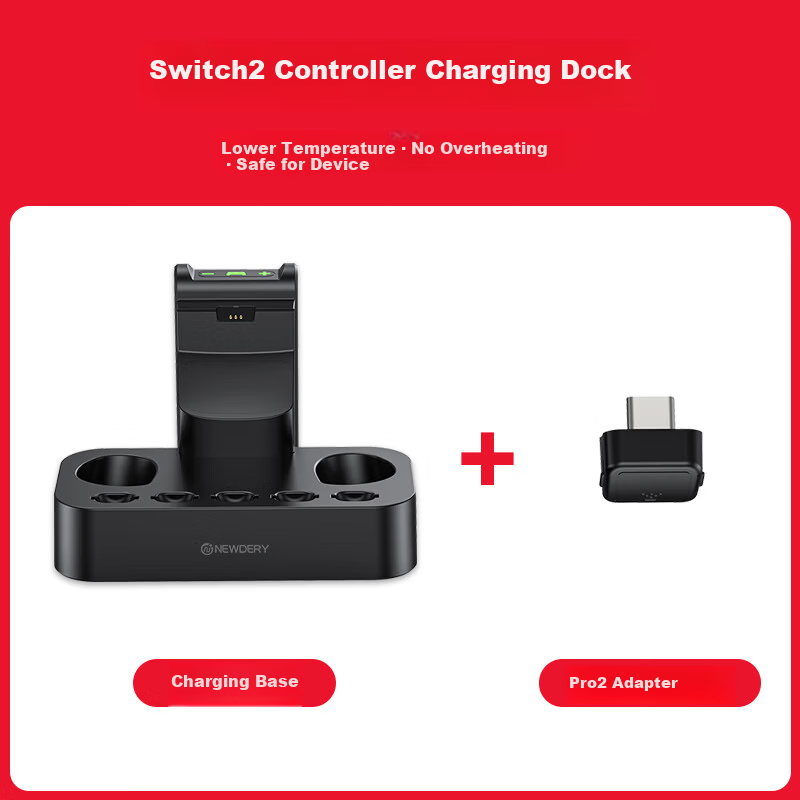 View
View
Jemdo Cooling Base Fan for Nintendo Switch 2 OLED Storage Stand Cooling Device NS Auto Start-Stop Game Card TV Mode Accessory
CN¥53.82
SKU: 100311108390
Status:Out of Stock
ID: 100255339392
Weight: 240.00 g
Dims:224x92x52 mm
Specifications
- Category
- 底座/充电器
Variants / Sale Attributes
Color: 2nd Generation Cooling Base | Automatic Start/Stop · Adjustable Fan Speed
Package Contents
Compatible with Switch 2 cooling base *1, data cable *1
Product Description
Product Specifications
Overview
- Brand
- Jemdo
- Product Name
- Multifunctional Cooling Dock for Switch 2
- Material
- ABS
- Input Voltage
- 5V, 800mA
- Output Voltage
- 5V, 400mA
- Powerful Dual Fans
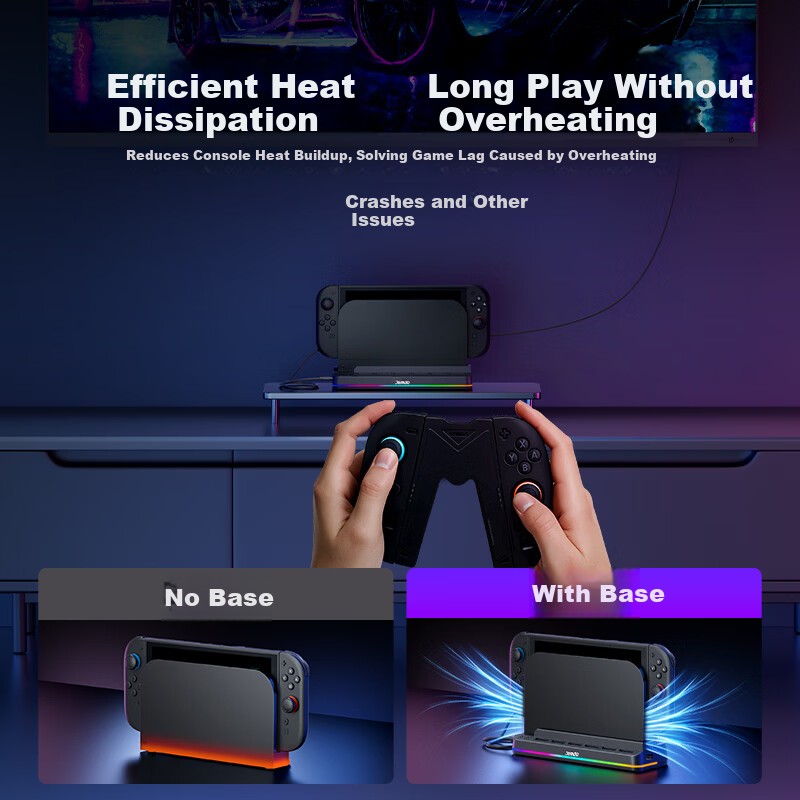
- Rapid cooling to prevent overheating
- Three-Speed Fan Adjustment
- One-button switch among three fan speeds (approx. 4000, 4600, 5000 RPM) to suit different cooling needs
Similar Products
In Stock
Online Game Merchandise
Liangzhi Switch 2 Charger Dock Power Adapter Type-C 65W PD Fast Charging NS2 Accessory Blue Black L1193
Second Generation Switch 65W Charger Blue and Black
CN¥64.60
In Stock
黑神话Online Game Merchandise
Black Myth Wukong Shadow God Tu Sanjie Badge Mid-Autumn Metal Magnetic Brooch Pin Refrigerator Magnet Accessory Gift
Third Sister
CN¥18.00
In Stock
Online Game Merchandise
NEWDERY Nintendo Switch 2 Pro Controller Charging Dock Joycon 2 Charging Base NS2 Split Controller Charger Cartridge Storage Stand Gaming Controller Accessories
Switch2pro charging dock
CN¥93.95