MEPL JD
CatalogCategoriesBrandsAnalyticsNew

MEPL JD

JD catalog demo by MEPL

Navigation

  • All Products
  • Categories
  • Brands
  • Category Analytics 📊

Tools

  • Advanced Search
  • My Favorites

Admin

  • Dashboard

© 2026 MEPL JD. All rights reserved.

Back to Catalog
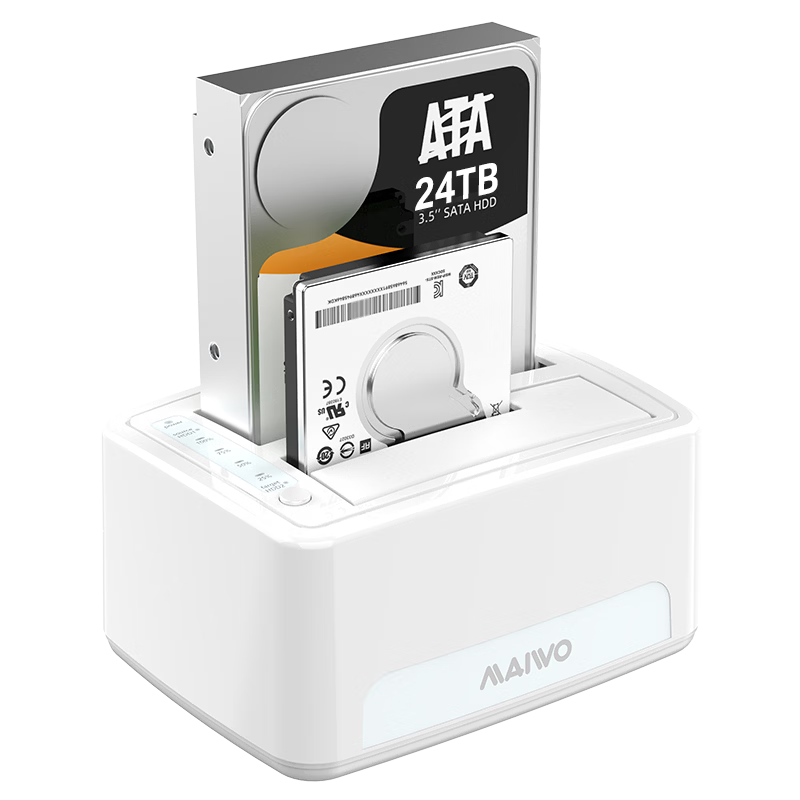
MAIWO Dual-Bay Hard Drive Enclosure, 2.5/3.5 Inch, Compatible with Laptops And Desktops, SATA Interface, SSD And Mechanical Hard Drives, External Hard Drive Case, Cloning Machine K3072
MAIWO•Hard drive enclosure

MAIWO Dual-Bay Hard Drive Enclosure, 2.5/3.5 Inch, Compatible with Laptops And Desktops, SATA Interface, SSD And Mechanical Hard Drives, External Hard Drive Case, Cloning Machine K3072

CN¥99.00
SKU: 100329529344
Status:In Stock (3)
ID: 100002309470
Weight: 630.00 g
Dims:222x166x84 mm

Specifications

Interface
SATA interface
Category
Hard disk duplicator
Compatible size
3.5 inches

Variants / Sale Attributes

Color: Dual-Disk Copying Base [Read-Write + Copying]

Package Contents

Type-C four-bay hard drive dock x1, USB3.0 data cable x1 (800mm), Type-C data cable x1 (800mm), 12V7A power adapter x1, power cord x1, user manual x1

Product Description

Product Specifications

Overview

Brand
MAIWO
Model
K3072
Material
ABS Plastic
Color
White
Interface
USB 3.0

2.5-inch SATA SSD/HDD

3.5-inch SATA HDD

Additional details

Maximum Capacity
Up to 24TB per disk, total support for dual disks

Similar Products

In Stock
LINSTORAGE M.2 NVMe SSD Enclosure Type-C 3.2 Portable Hard Drive Case Aluminum Alloy RGB Cooling External SSD Case for Laptop and Mobile Phone
LINSTORAGEHard drive enclosure

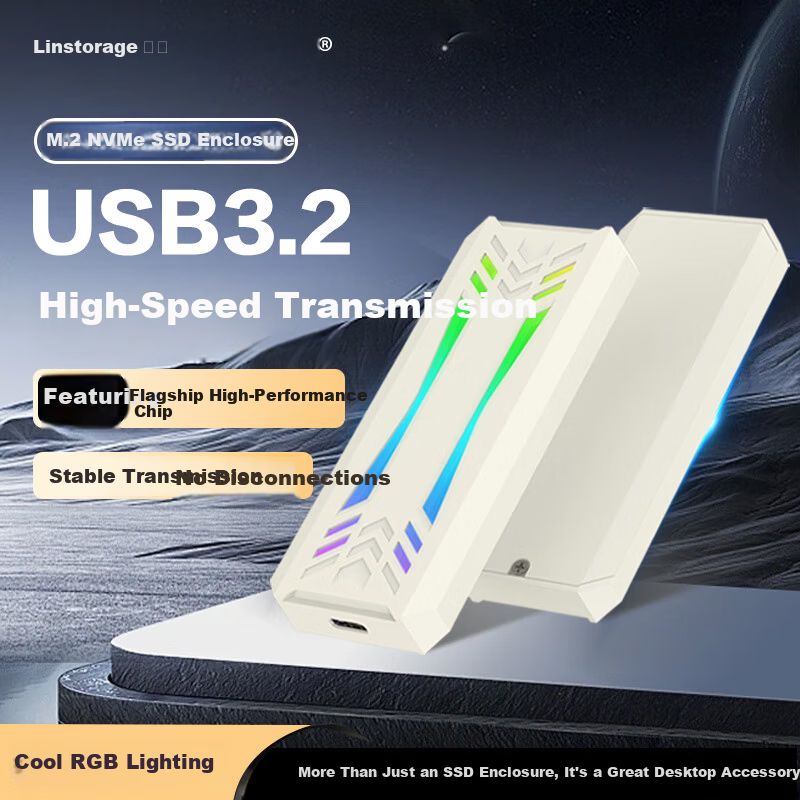
LINSTORAGE M.2 NVMe SSD Enclosure Type-C 3.2 Portable Hard Drive Case Aluminum Alloy RGB Cooling External SSD Case for Laptop and Mobile Phone

NVMe RGB Model [9210 HighPerformance Chip]

CN¥59.00

View
In Stock
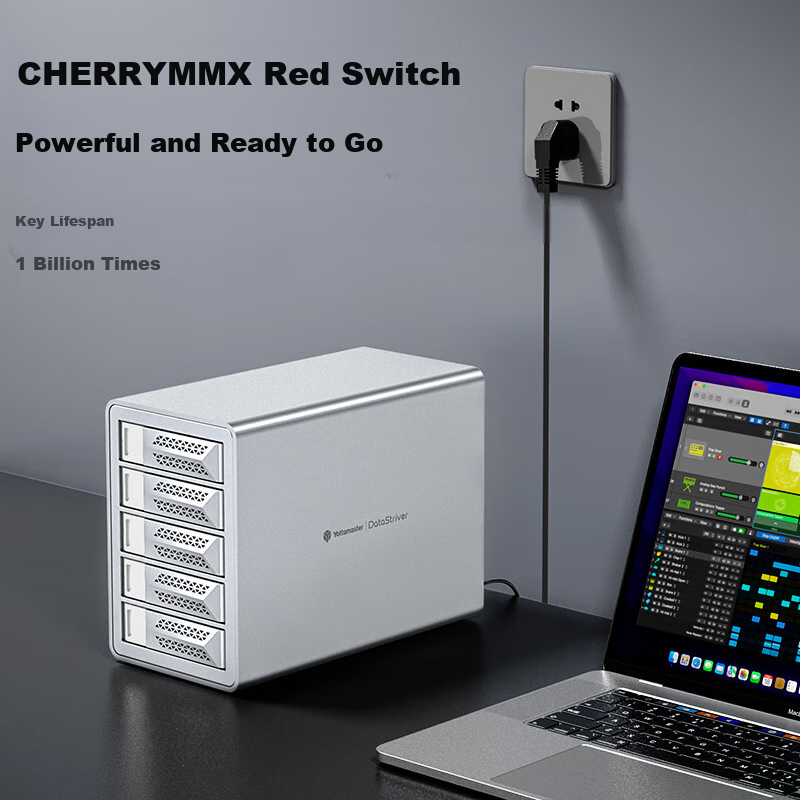
Yottamaster Hard Drive Enclosure, 10Gbps Hard Drive Bay, 150W High-Power Power Supply, Compatible with 2.5/3.5-Inch SATA Serial Mechanical And Solid State Drives, Suitable for Desktop Computers
YottamasterHard drive enclosure

Yottamaster Hard Drive Enclosure, 10Gbps Hard Drive Bay, 150W High-Power Power Supply, Compatible with 2.5/3.5-Inch SATA Serial Mechanical And Solid State Drives, Suitable for Desktop Computers

Wu Pan [10Gbps + Readable 110TB] Chrysanthemum Chain

CN¥1,179.00

View
In Stock
Yottamaster Type-C 2.5 Inch SATA External Hard Drive Enclosure for Laptop Mechanical and SSD Drives YNPW25-C3
YottamasterHard drive enclosure

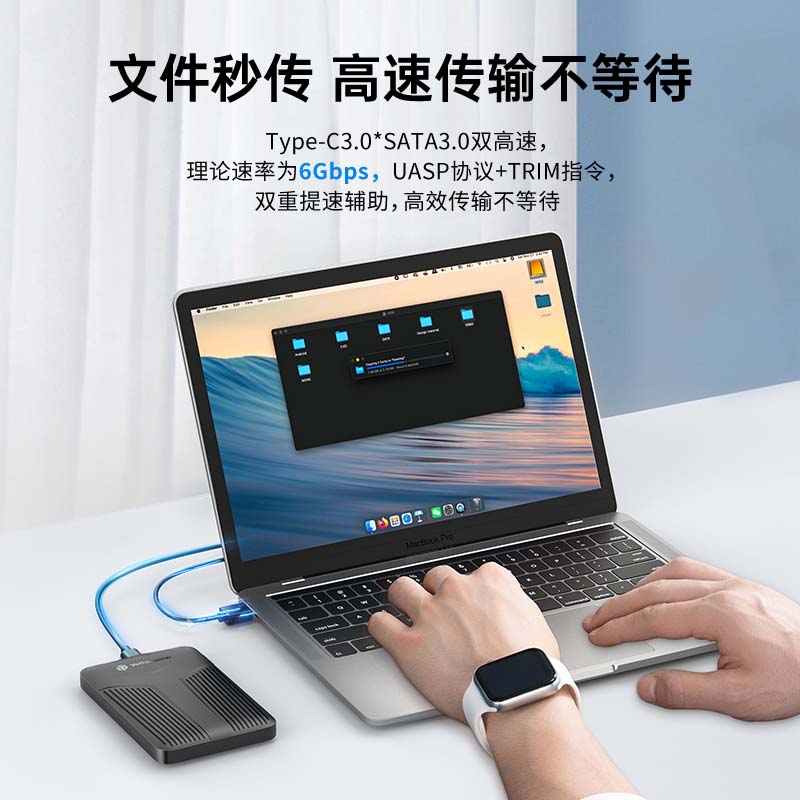
Yottamaster Type-C 2.5 Inch SATA External Hard Drive Enclosure for Laptop Mechanical and SSD Drives YNPW25-C3

2.5inch External Hard Drive Enclosure [6Gbps]

CN¥55.95
View
Power Supply
12V/3A adapter, 36W power, 3C certified for stable power delivery
Data Transfer Speed
Up to 440 MB/s (USB 3.0 with UASP support)
Supported Operating Systems
Windows 8 and above, MacOS, Linux

Dual-bay SATA hard drive docking station supporting simultaneous read/write on two disks to save time and improve work efficiency

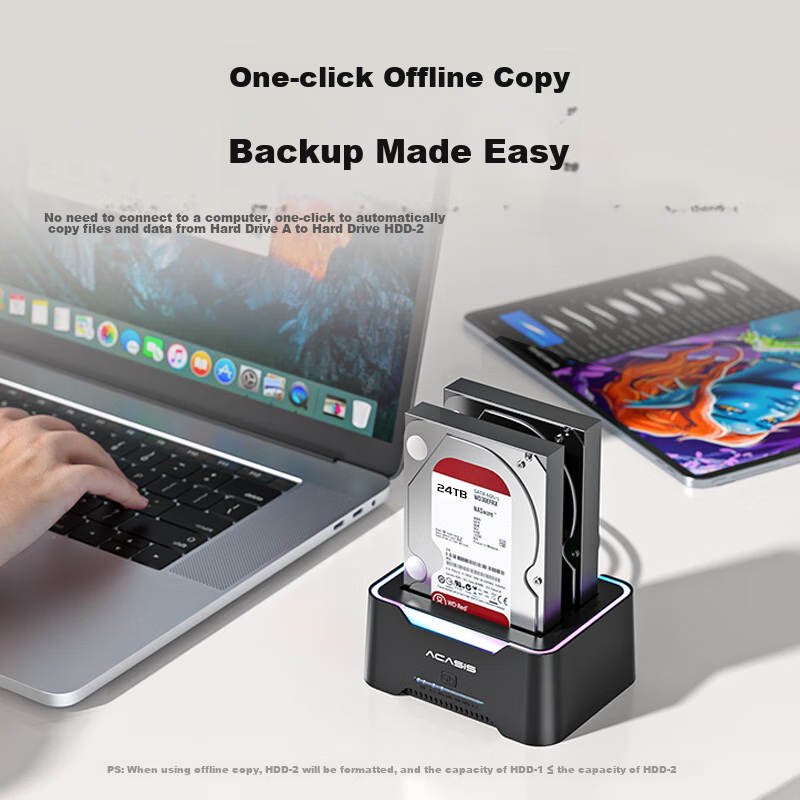
Offline one-key cloning function (source disk to target disk; target disk capacity must be equal or larger)

Plug and play, no driver installation required

Supports 2.5-inch SATA SSD and mechanical drives, and 3.5-inch SATA mechanical drives

Vertical design for space saving and enhanced heat dissipation to prolong hard drive lifespan

Tool-free installation

Compatible with SATA interface only; IDE (parallel port) not supported

Suitable for multiple scenarios including mobile office, network storage, gaming storage, media libraries, education, and home use

Additional details

Multi-system compatibility
Windows, MacOS, Linux
Dimensions
151 mm (L) x 116 mm (W) x 77 mm (H) (manual measurement, may vary slightly)

USB 3.0 A-B data cable (80 cm length)

Power adapter (12V/3A)

1. Insert hard drive(s) into the docking station.

2. Connect power and USB data cable to the computer.

3. Turn on the power switch to ON.

4. The computer will detect new hardware and install drivers automatically.

5. For new hard drives, initialize via Disk Management by creating a new simple volume before use.

1. Connect power only (no data cable needed).

2. Insert source hard drive into HDD1 slot and target hard drive into HDD2 slot (target disk capacity must be equal or larger).

3. Turn on power switch to ON.

4. When HDD2 indicator light is on, press and hold the white clone button for 5 seconds until the blue light flashes.

5. Cloning progress is indicated by four LEDs lighting up sequentially (25%, 50%, 75%, 100%).

6. When all four LEDs are lit, cloning is complete.

7. Backup data before cloning to prevent data loss.

Always backup important data before use to avoid data loss due to improper operation or product malfunction.

In Stock
Product Image
acasisHard drive enclosure

100069783078

5Gbps【SATA双盘底座】USB3.0

CN¥148.20

View