Back to Catalog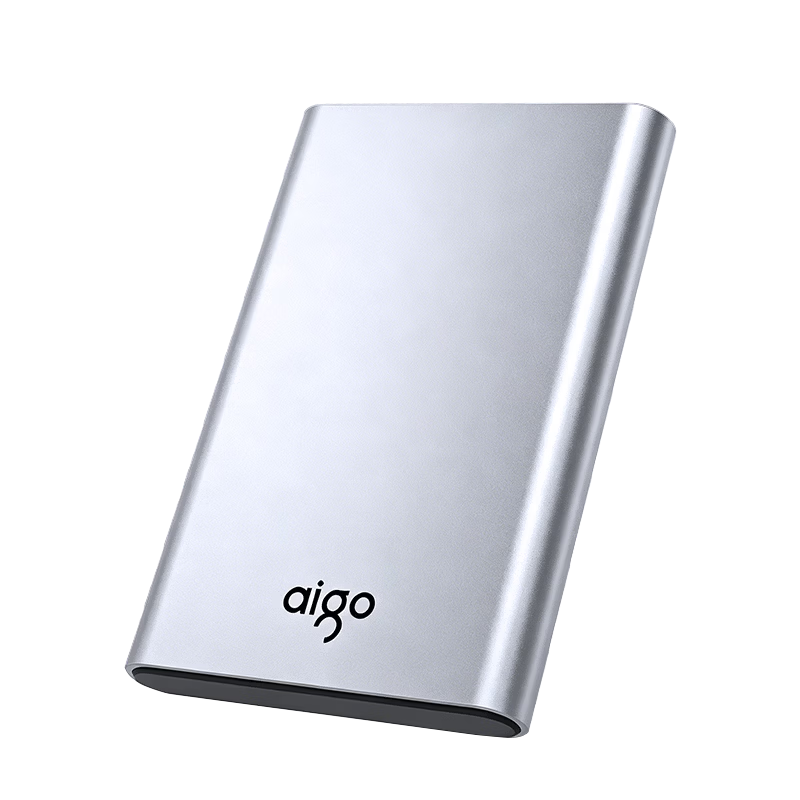

 View
View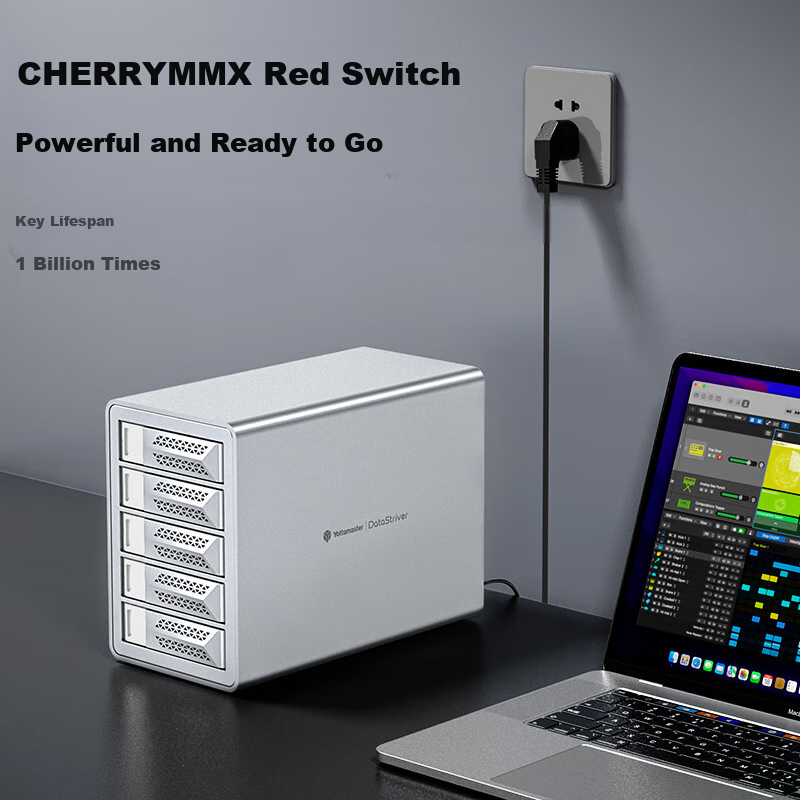 View
View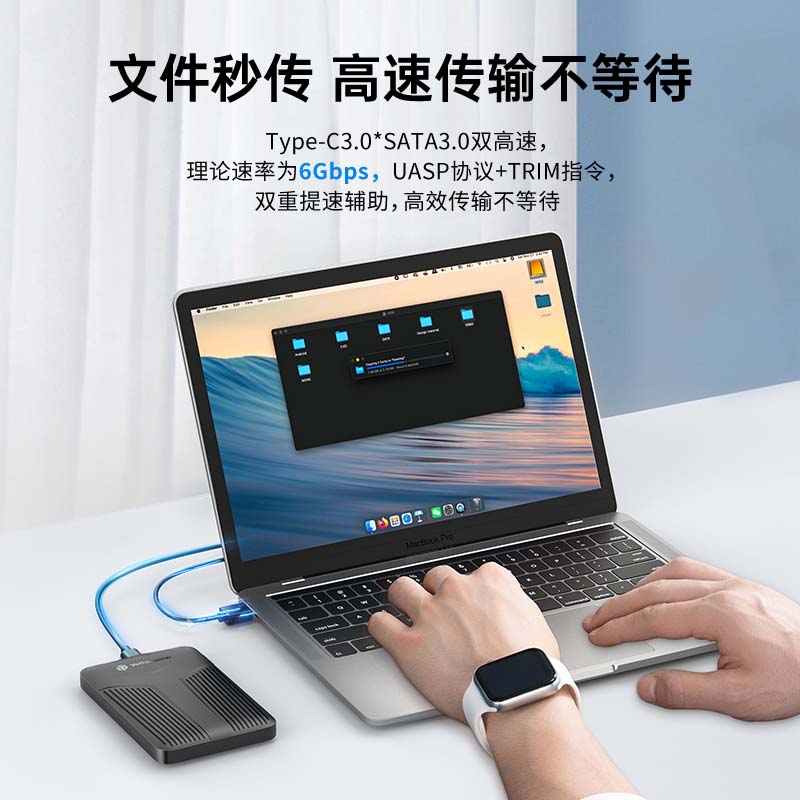 View
View
Aigo 2.5 Inch Metal Hard Drive Enclosure Type-C 3.1 High-Speed External SATA SSD HDD Case USB Universal Reader for Laptop Desktop
CN¥39.80
SKU: 100347961310
Status:In Stock (37)
ID: 100347961310
Weight: 170.00 g
Dims:152x100x36 mm
Specifications
- Interface
- SATA interface
- Place of Origin
- Dongguan City Guangdong Province
- Category
- 2.5-Inch Mechanical Hard Drive Enclosure
- Compatible devices
- Laptop, Desktop computer, MacBook
- Compatible size
- 2.5 inches
Variants / Sale Attributes
Color: TypeC 3.1 [6Gbps] Alloy Version
Package Contents
USB-C data cable *1, screwdriver *1, manual *1, screws *4
Product Description
Overview
- Brand
- aigo
Supports 2.5-inch SATA hard drives and SSDs
Compatible with 7mm and 9.5mm thickness 2.5-inch SATA mechanical hard drives and solid-state drives
SATA interface (serial ATA) supported
IDE interface (parallel ATA) not supported
Please confirm the interface type before purchase
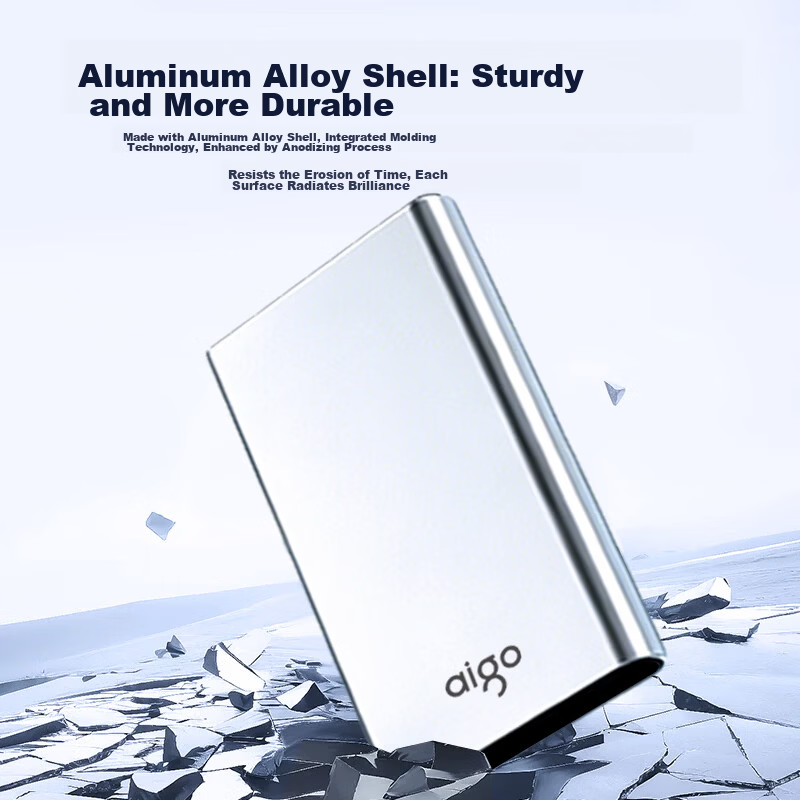
High-quality aluminum alloy body for excellent heat dissipation and stable performance
Complies with USB 3.2 Gen 1 standard
Theoretical maximum transfer rate up to 6 Gbps
Supports UASP protocol and TRIM command for accelerated large file read/write speeds
Approximately 2 seconds to transfer 1GB file (tested in aigo laboratory; actual speed may vary depending on hard drive and environment)
Converts quickly into a portable external hard drive
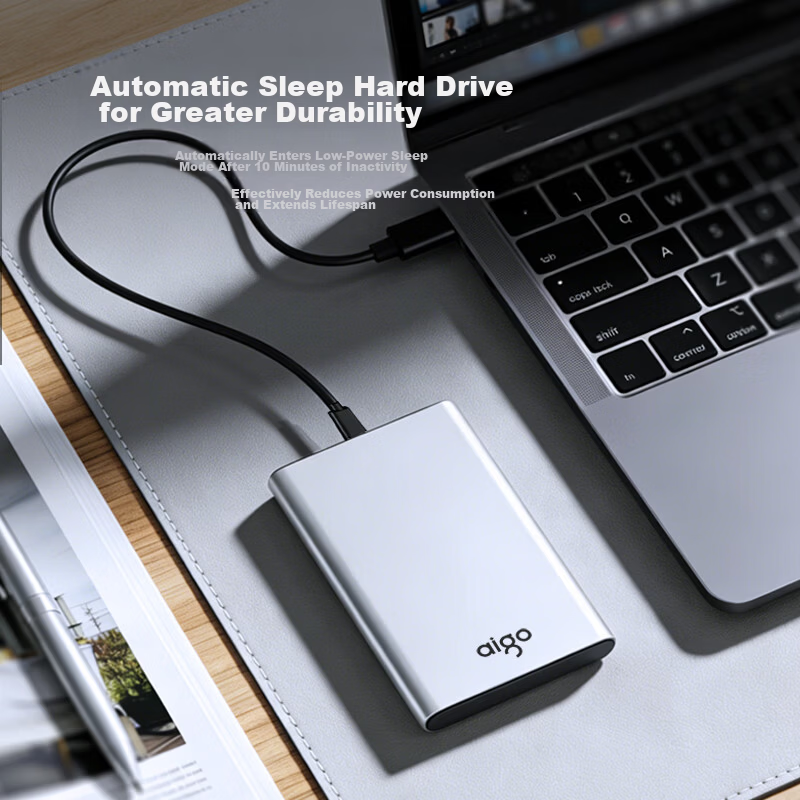
Automatic sleep mode activates after 10 minutes of inactivity to reduce power consumption and extend hard drive lifespan
Efficient heat dissipation due to metal casing
1. Open the hard drive enclosure latch in the direction indicated by the red arrow
2. Insert the hard drive at a 45° angle aligning with the enclosure interface
3. Remove the tray and ensure the gold connector is fully inserted
Similar Products
In Stock
LINSTORAGEHard drive enclosure
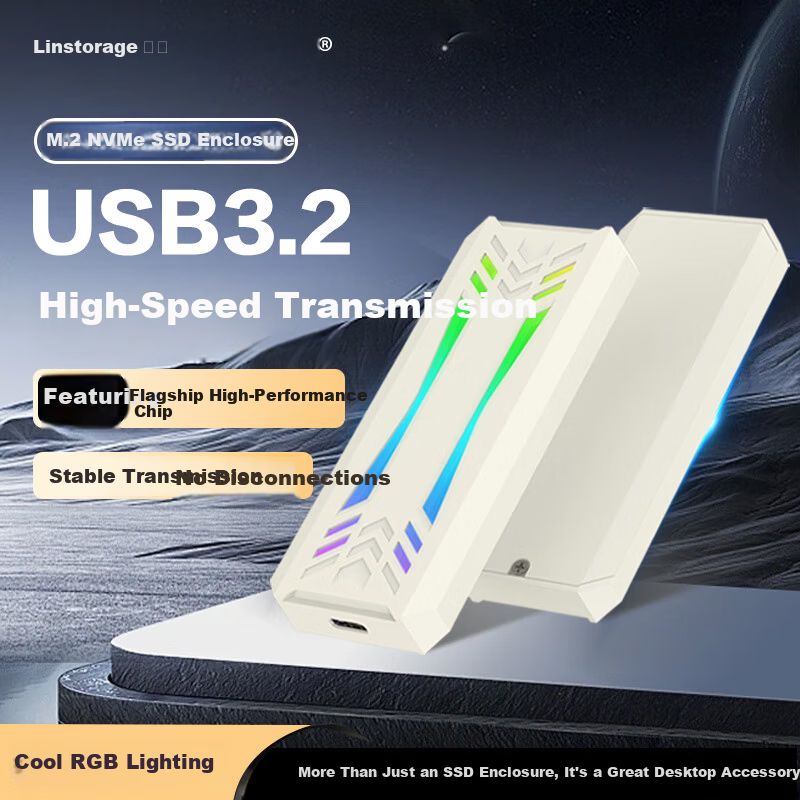
LINSTORAGE M.2 NVMe SSD Enclosure Type-C 3.2 Portable Hard Drive Case Aluminum Alloy RGB Cooling External SSD Case for Laptop and Mobile Phone
NVMe RGB Model [9210 HighPerformance Chip]
CN¥59.00
In Stock
YottamasterHard drive enclosure
Yottamaster Hard Drive Enclosure, 10Gbps Hard Drive Bay, 150W High-Power Power Supply, Compatible with 2.5/3.5-Inch SATA Serial Mechanical And Solid State Drives, Suitable for Desktop Computers
Wu Pan [10Gbps + Readable 110TB] Chrysanthemum Chain
CN¥1,179.00
In Stock
YottamasterHard drive enclosure
Yottamaster Type-C 2.5 Inch SATA External Hard Drive Enclosure for Laptop Mechanical and SSD Drives YNPW25-C3
2.5inch External Hard Drive Enclosure [6Gbps]
CN¥55.95