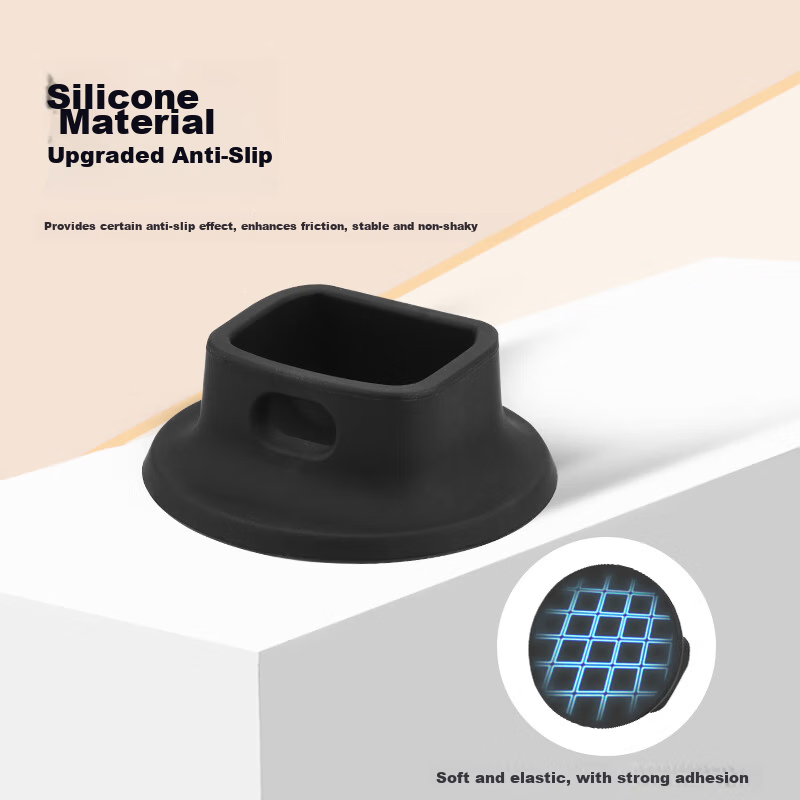
Back to Catalog
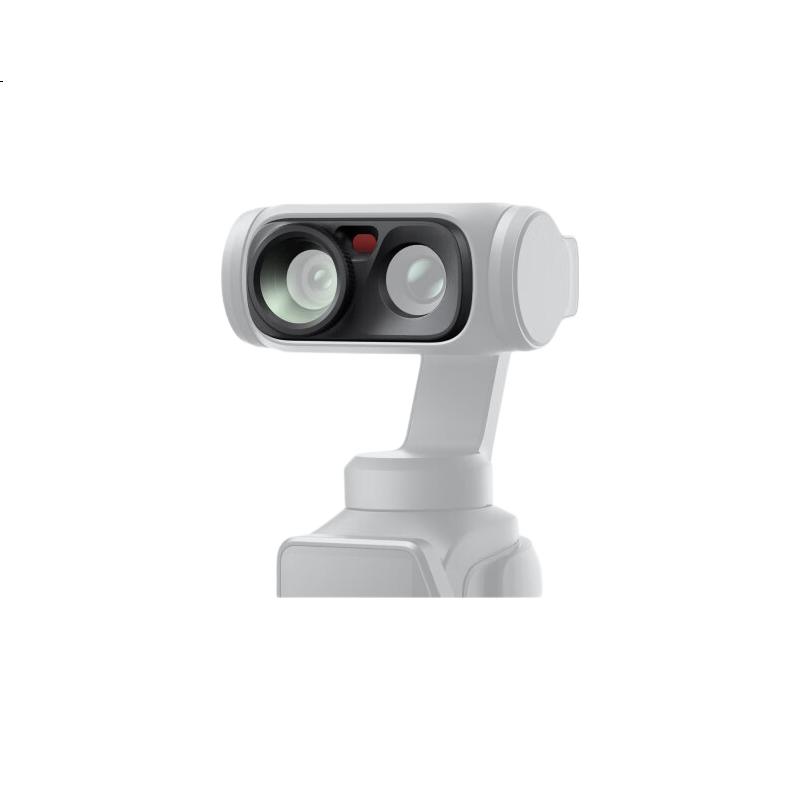
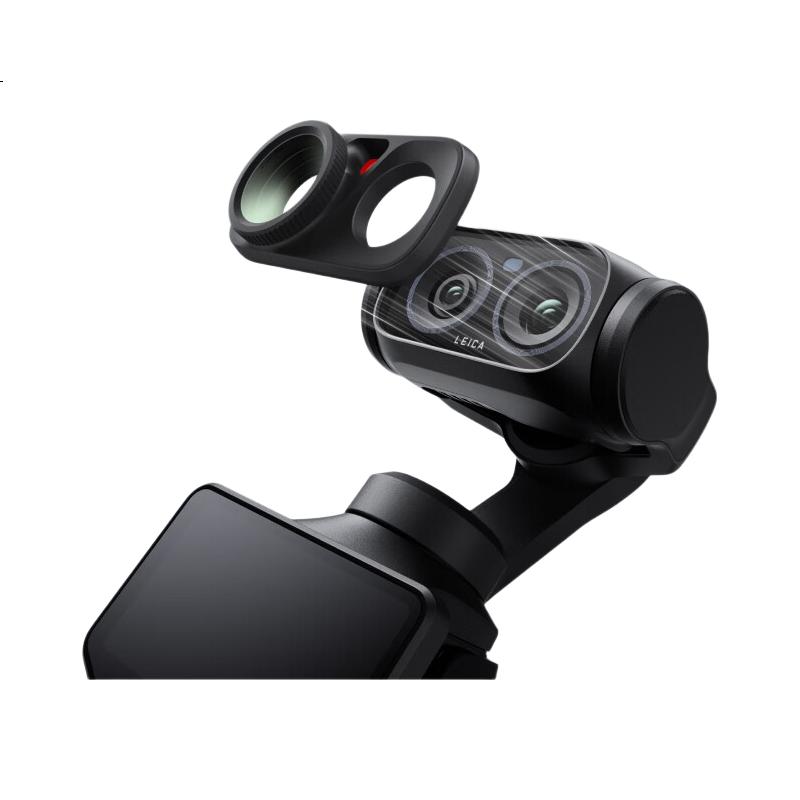

 View
View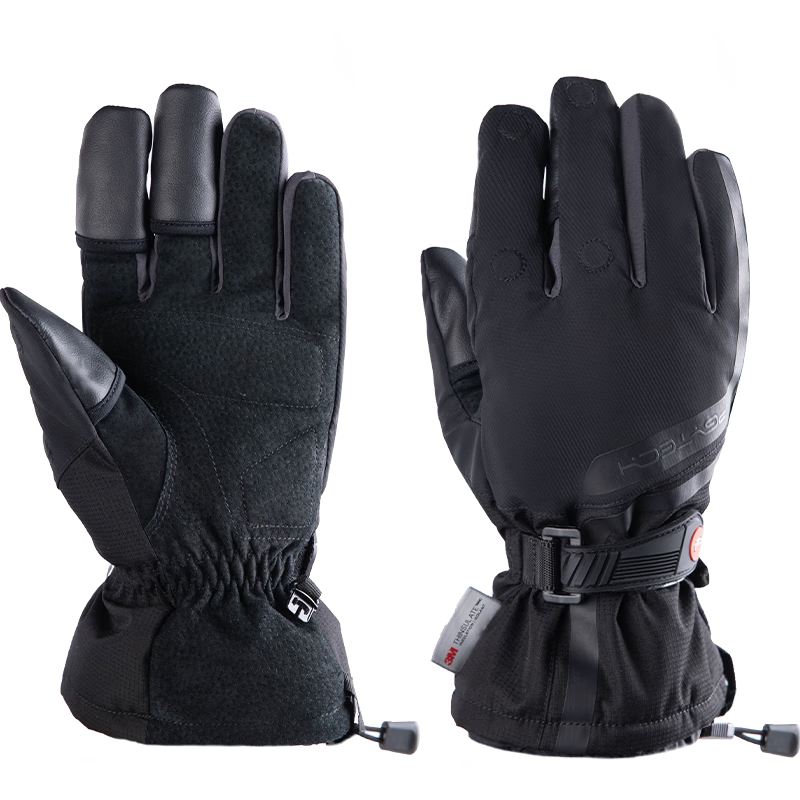 View
View
Insta360 Luna Ultra Augmented Lens
CN¥199.00
SKU: 100370916530
Status:In Stock (137)
ID: 100370916886
Weight: 18.00 g
Dims:82x62x20 mm
Specifications
- For Use With
- Insta360
- Type
- Other
Variants / Sale Attributes
Color: Luna Ultra Magnifier
Package Contents
Luna Series Magnetic Expansion Stand *1
Product Description
Product Specifications
Overview
- Brand
- Insta360
- Model
- Insta360 Luna Ultra
- Co-engineered with
- Leica
- Product Name
- Wide-Angle Auxiliary Lens ()
Easy magnetic attachment for quick installation and removal
Expands main camera field of view to 108° wide-angle (optical design maximum; actual angle may vary depending on settings)
Provides a broader creative perspective for shooting
Stable and secure fit via magnetic suction design
1× Wide-Angle Auxiliary Lens
Additional details
- Weight
Similar Products
In Stock
SUREWObody accessories
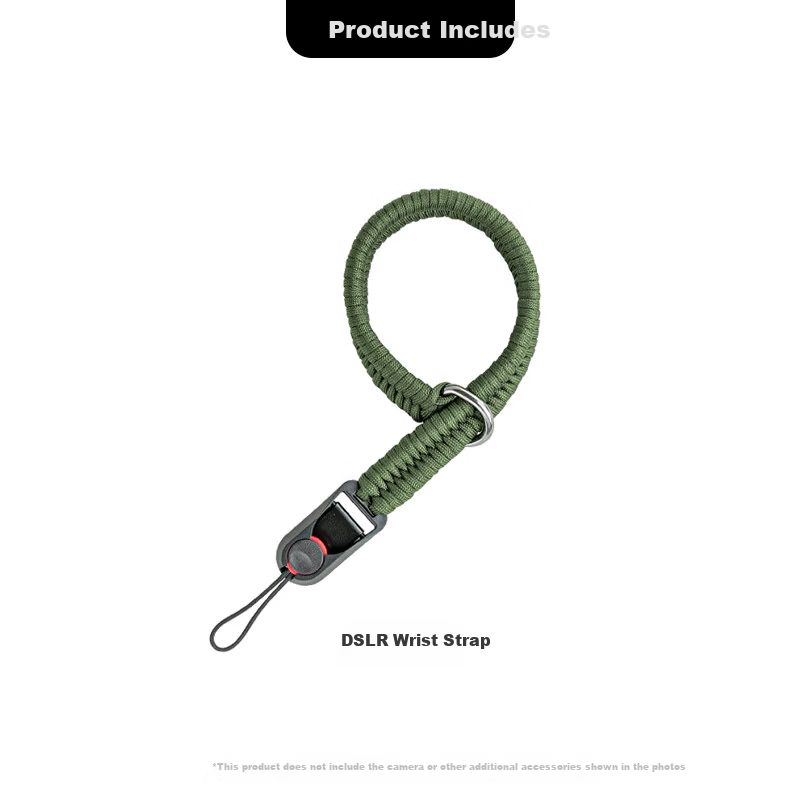
SUREWO Camera Quick Release Wrist Strap Compatible with Canon Sony Nikon Fuji DSLR Handwoven Vintage Anti-Lost Safety Wristband for Mirrorless Cameras
H2 QuickRelease Wristband Deep Green
CN¥49.00
In Stock
PGYTECHbody accessories
PGYTECH Photography Gloves Fleece Lined Warm Gloves Cold Resistant Cycling Skiing Camera Photography Gloves Fingerless Touchscreen Waterproof Winter Outdoor Professional Gloves Size M
Professional Edition M
CN¥269.10