

MEPL JD
CatalogCategoriesBrandsAnalyticsNew

MEPL JD

JD catalog demo by MEPL

Navigation

  • All Products
  • Categories
  • Brands
  • Category Analytics 📊

Tools

  • Advanced Search
  • My Favorites

Admin

  • Dashboard

© 2026 MEPL JD. All rights reserved.

Back to Catalog
Insta360 Luna Series Magnetic Expansion Mount
Thumbnail 1
Thumbnail 2
Thumbnail 3
Thumbnail 4
Thumbnail 5
•body accessories

Insta360 Luna Series Magnetic Expansion Mount

CNÂ¥179.00
SKU: 100370916886
Status:In Stock (47)
ID: 100370916886
Weight: 22.00 g
Dims:80x64x22 mm

Specifications

For Use With
Insta360
Type
Other

Variants / Sale Attributes

Color: Luna Ultra Black Soft Mirror

Package Contents

Luna Series Magnetic Expansion Stand *1

Product Description

Overview

Brand
Insta360
Model
Insta360 Luna Ultra
Co-engineered with
Leica
Product Name
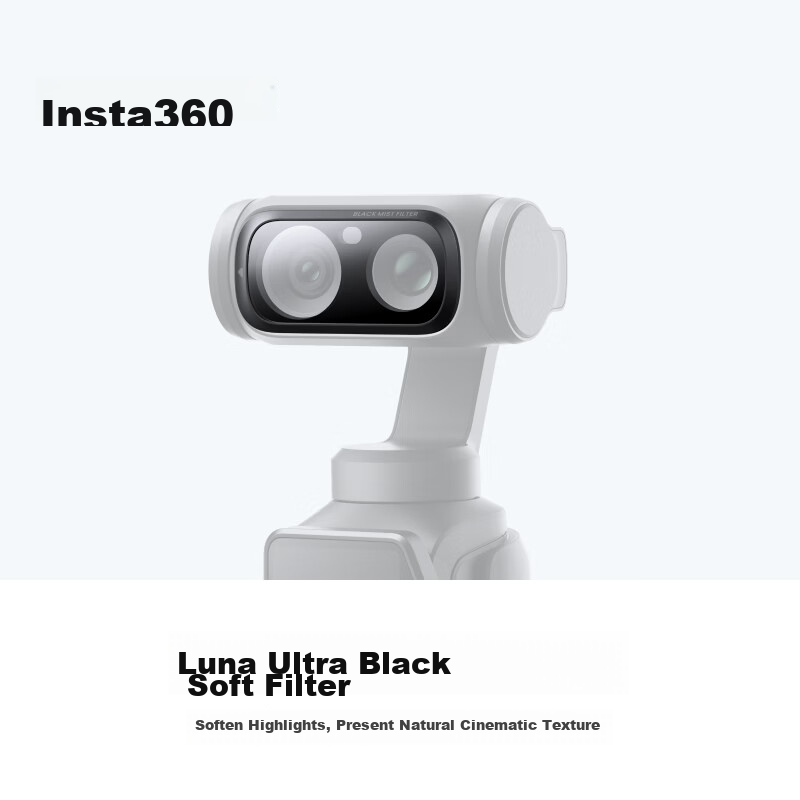
Black Soft Filter (Black Diffusion Filter)

Softens highlights to present a natural cinematic texture

Delivers delicate highlight performance and atmospheric, natural rendering

Reduces image sharpness and highlight intensity for a more cinematic feel

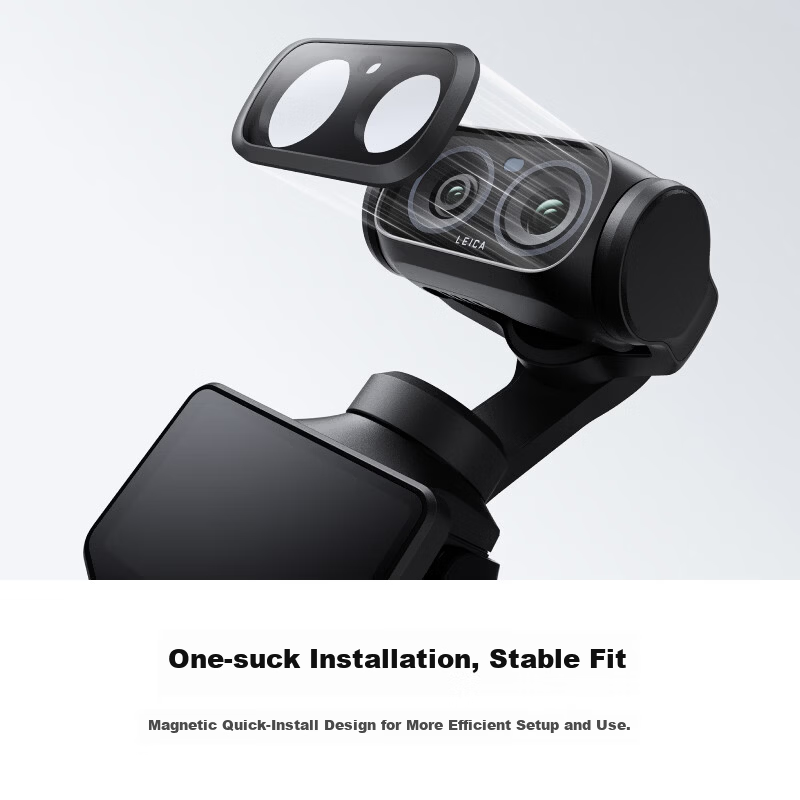
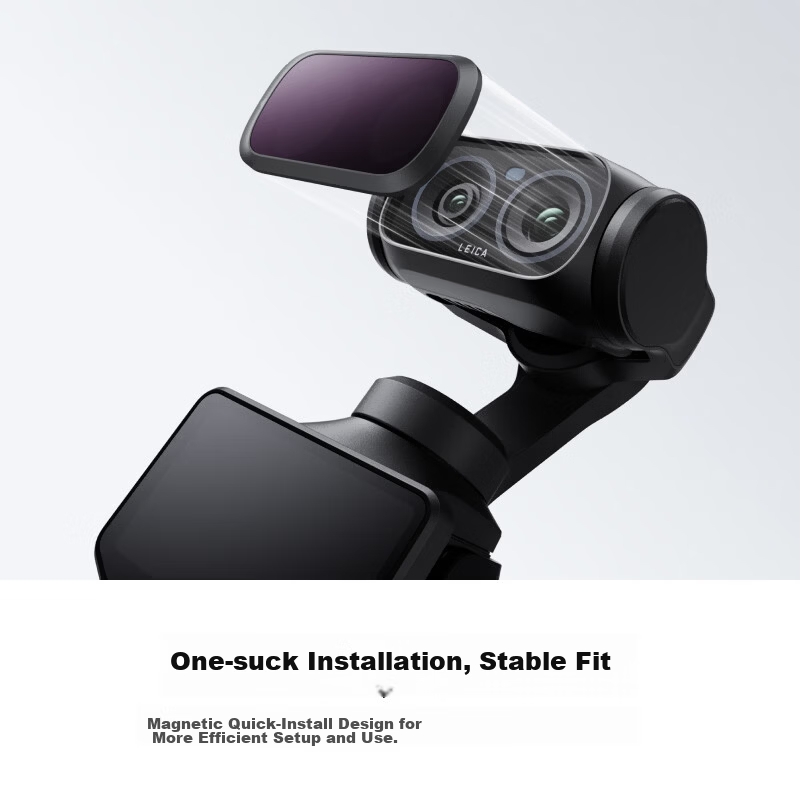
Magnetic quick-install design for efficient and secure attachment

Easy one-step installation and removal

1 × Black Soft Filter

Additional details

Weight

Similar Products

In Stock
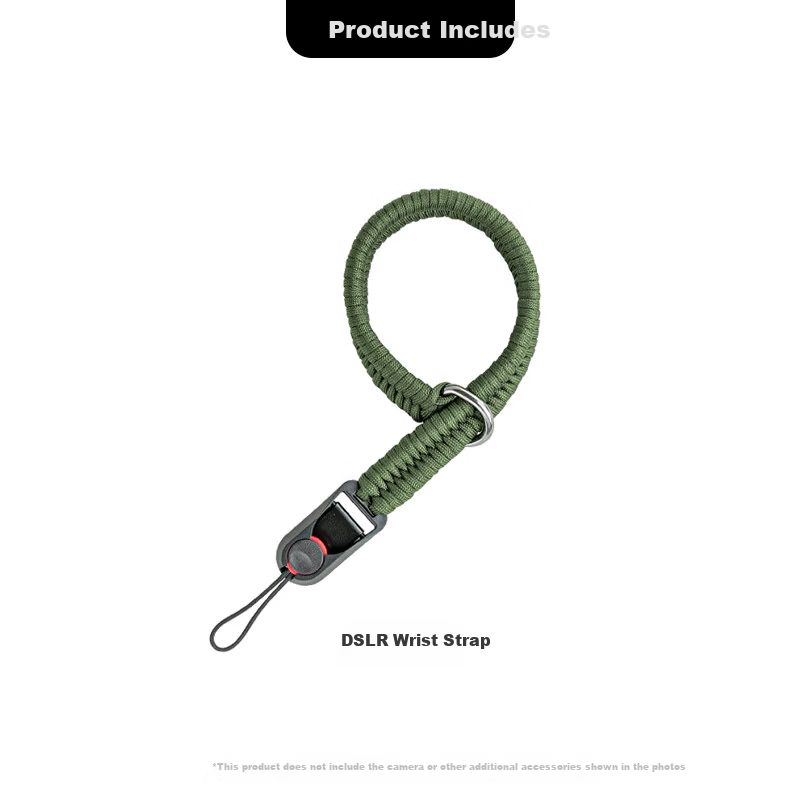
SUREWO Camera Quick Release Wrist Strap Compatible with Canon Sony Nikon Fuji DSLR Handwoven Vintage Anti-Lost Safety Wristband for Mirrorless Cameras
SUREWObody accessories

SUREWO Camera Quick Release Wrist Strap Compatible with Canon Sony Nikon Fuji DSLR Handwoven Vintage Anti-Lost Safety Wristband for Mirrorless Cameras

H2 QuickRelease Wristband Deep Green

CNÂ¥49.00

View
In Stock
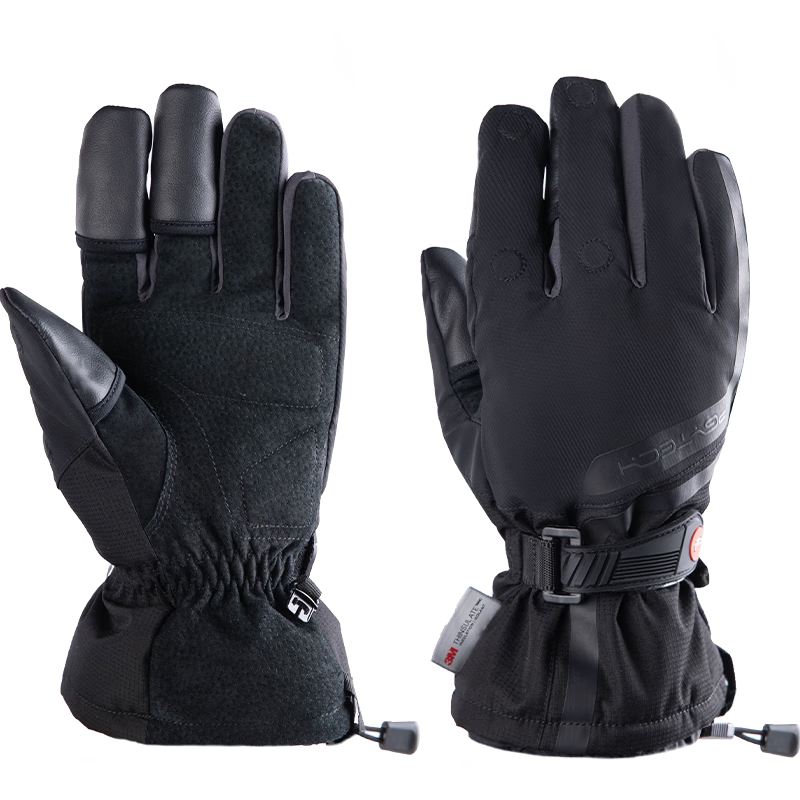
PGYTECH Photography Gloves Fleece Lined Warm Gloves Cold Resistant Cycling Skiing Camera Photography Gloves Fingerless Touchscreen Waterproof Winter Outdoor Professional Gloves Size M
PGYTECHbody accessories

PGYTECH Photography Gloves Fleece Lined Warm Gloves Cold Resistant Cycling Skiing Camera Photography Gloves Fingerless Touchscreen Waterproof Winter Outdoor Professional Gloves Size M

Professional Edition M

CNÂ¥269.10

View
3.62 g
Dimensions
20.7 × 41 × 2.7 mm
Materials
Glass, Metal, Magnet, Plastic

1. Installing the Filter

  • Power on the camera, attach the filter magnetically to the camera lens.

Do not install the filter upside down (marking "x" should face upward).

  • Swipe down from the top of the camera touchscreen to access the menu.
  • Select "Accessories" > "Lens Manager" > "Black Soft Filter".

2. Removing the Filter

  • Use your fingernail to gently lift the left groove of the filter and slowly remove it.
  • Be careful to avoid dropping and damaging the filter.
  • Swipe down from the top of the camera touchscreen to access the menu.
  • Select "Accessories" > "Lens Manager" > "None".

1. Install the filter in a clean, dry environment.

2. Before installation, ensure the filter, camera lens, and surrounding surfaces are clean and dry without dust or debris. Use a lens cloth or brush to clean if necessary, handling carefully to avoid scratches.

3. Contains magnets; keep away from pacemakers and other sensitive electronic devices.

4. Small parts; keep out of reach of children to prevent choking hazards.

5. Avoid dropping the filter or subjecting it to strong impacts or abrasion to prevent damage.

6. When not in use, store the filter in its protective case properly.

1

null

Product Specifications:

Brand: Insta360

Model: Insta360 Luna Ultra

Co-engineered with: Leica

Product Name: Black Soft Filter (Black Diffusion Filter)

Features:

Softens highlights to present a natural cinematic texture

Delivers delicate highlight performance and atmospheric, natural rendering

Reduces image sharpness and highlight intensity for a more cinematic feel

Magnetic quick-install design for efficient and secure attachment

Easy one-step installation and removal

Package Contents:

1 × Black Soft Filter

Specifications:

Weight: 3.62 g

Dimensions: 20.7 × 41 × 2.7 mm

Materials: Glass, Metal, Magnet, Plastic

Usage Instructions:

1. Installing the Filter:

- Power on the camera, attach the filter magnetically to the camera lens.

- Note: Do not install the filter upside down (marking "x" should face upward).

- Swipe down from the top of the camera touchscreen to access the menu.

- Select "Accessories" > "Lens Manager" > "Black Soft Filter".

2. Removing the Filter:

- Use your fingernail to gently lift the left groove of the filter and slowly remove it.

- Be careful to avoid dropping and damaging the filter.

- Swipe down from the top of the camera touchscreen to access the menu.

- Select "Accessories" > "Lens Manager" > "None".

Precautions:

1. Install the filter in a clean, dry environment.

2. Before installation, ensure the filter, camera lens, and surrounding surfaces are clean and dry without dust or debris. Use a lens cloth or brush to clean if necessary, handling carefully to avoid scratches.

3. Contains magnets; keep away from pacemakers and other sensitive electronic devices.

4. Small parts; keep out of reach of children to prevent choking hazards.

5. Avoid dropping the filter or subjecting it to strong impacts or abrasion to prevent damage.

6. When not in use, store the filter in its protective case properly.

1

null
In Stock
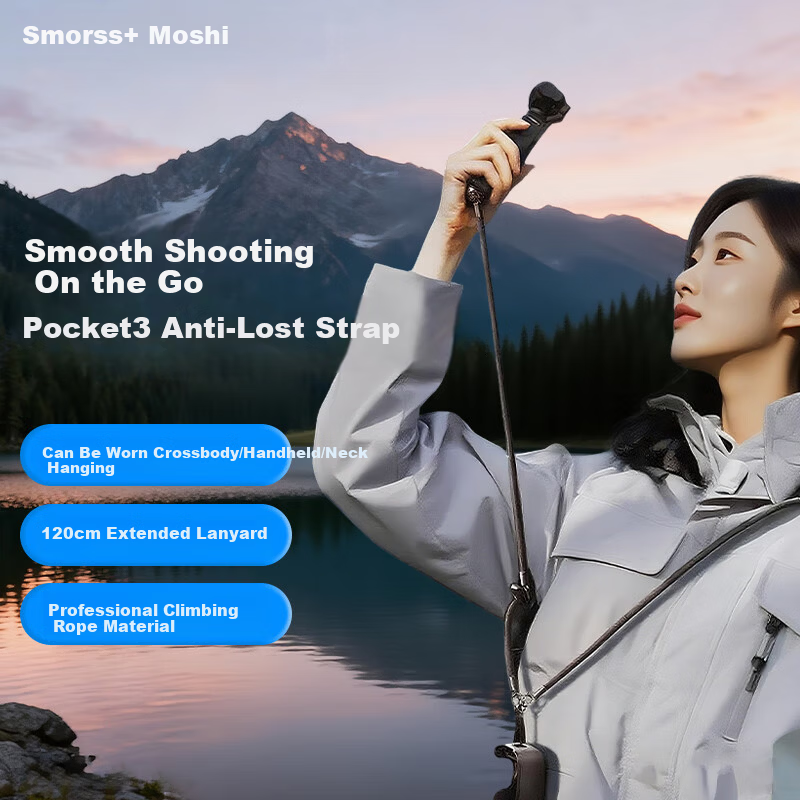
Smorss Lanyard Strap for DJI Pocket 4/3, Crossbody and Wrist Strap, Anti-Drop Retractable Safety Rope for Osmo Pocket 3 Camera Accessories
Smorssbody accessories

Smorss Lanyard Strap for DJI Pocket 4/3, Crossbody and Wrist Strap, Anti-Drop Retractable Safety Rope for Osmo Pocket 3 Camera Accessories

pocket4/3 [Camera Body Strap] Black

CNÂ¥37.40

View
In Stock
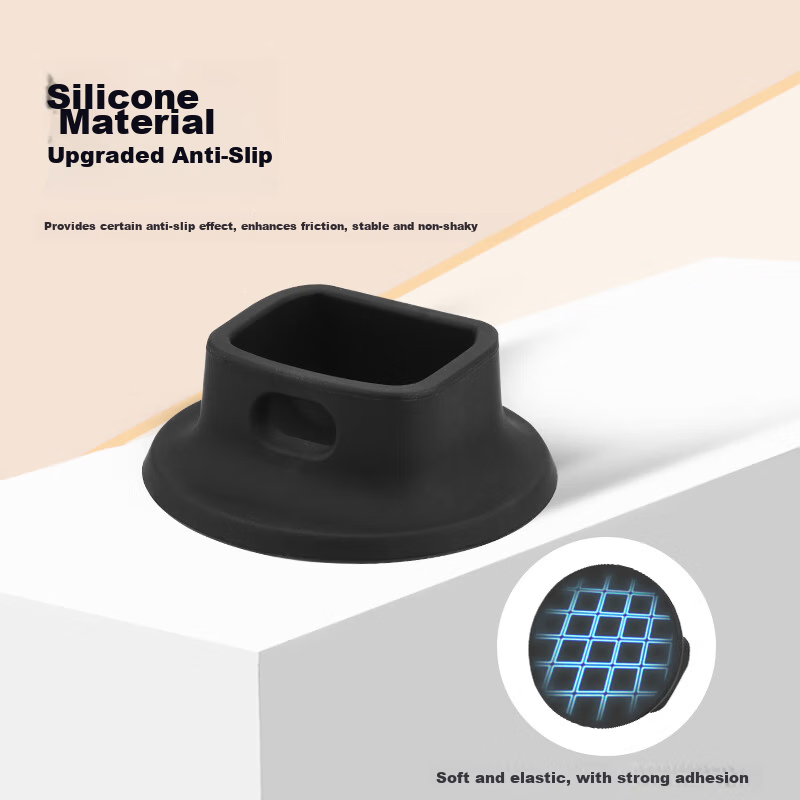
Smorss Telescopic Backpack Lanyard for DJI Pocket 4P/4/3, Sports Pocket Camera Strap, Feiyu Luna Clip Anti-Lost Lanyard, Vlog Convenient Shooting Protective Expansion Accessory
Smorssbody accessories

Smorss Telescopic Backpack Lanyard for DJI Pocket 4P/4/3, Sports Pocket Camera Strap, Feiyu Luna Clip Anti-Lost Lanyard, Vlog Convenient Shooting Protective Expansion Accessory

Pocket 4/3 [Nonslip Silicone Base]

CNÂ¥16.90

View