Back to Catalog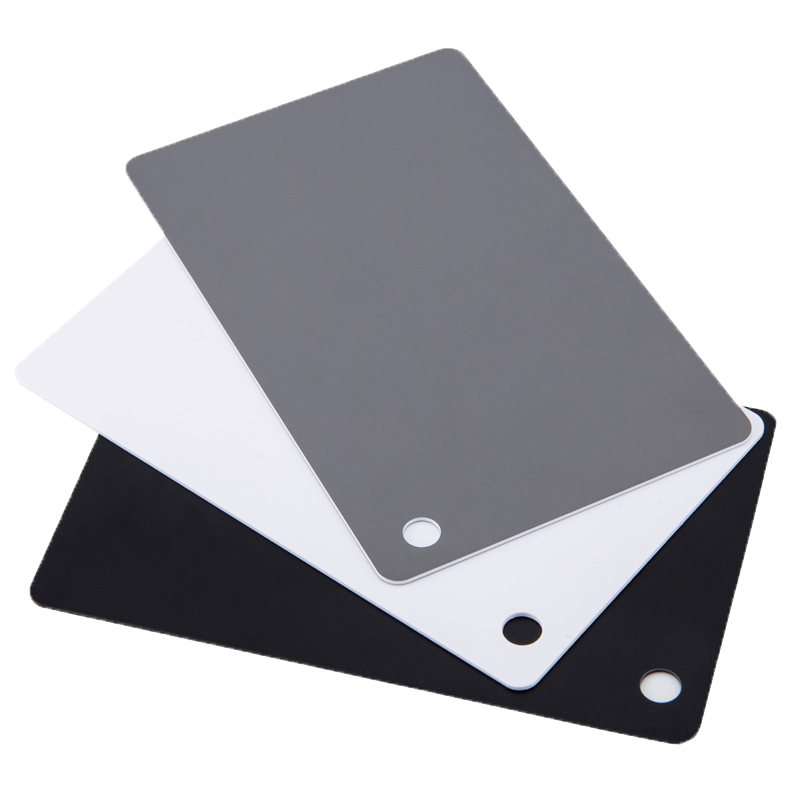
 View
View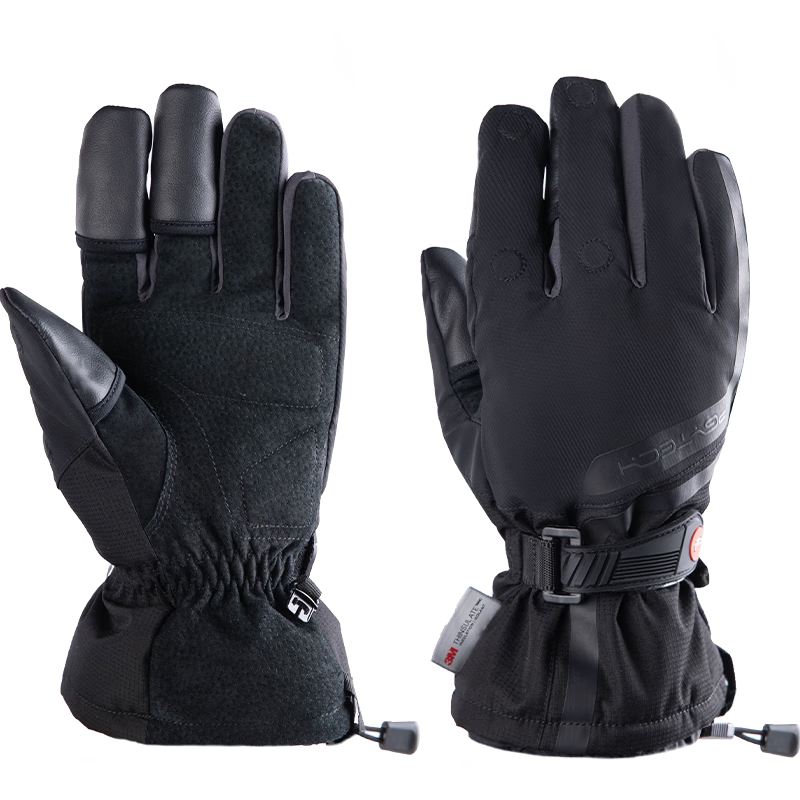 View
View
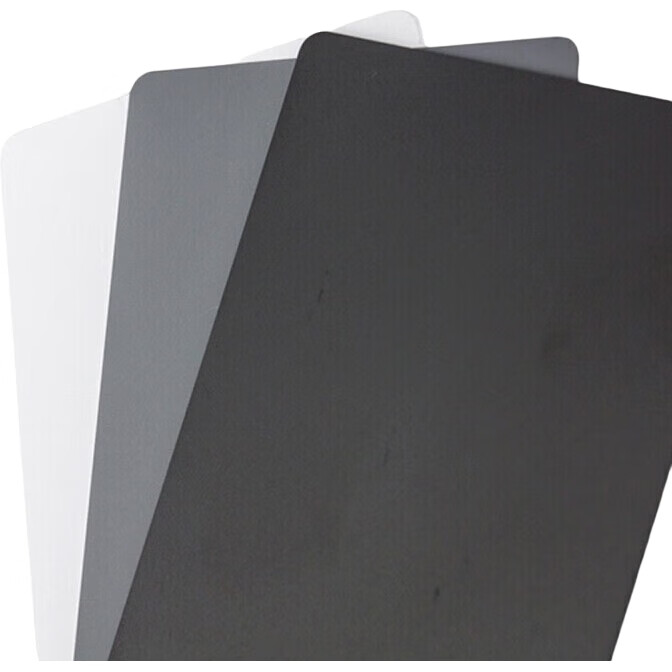
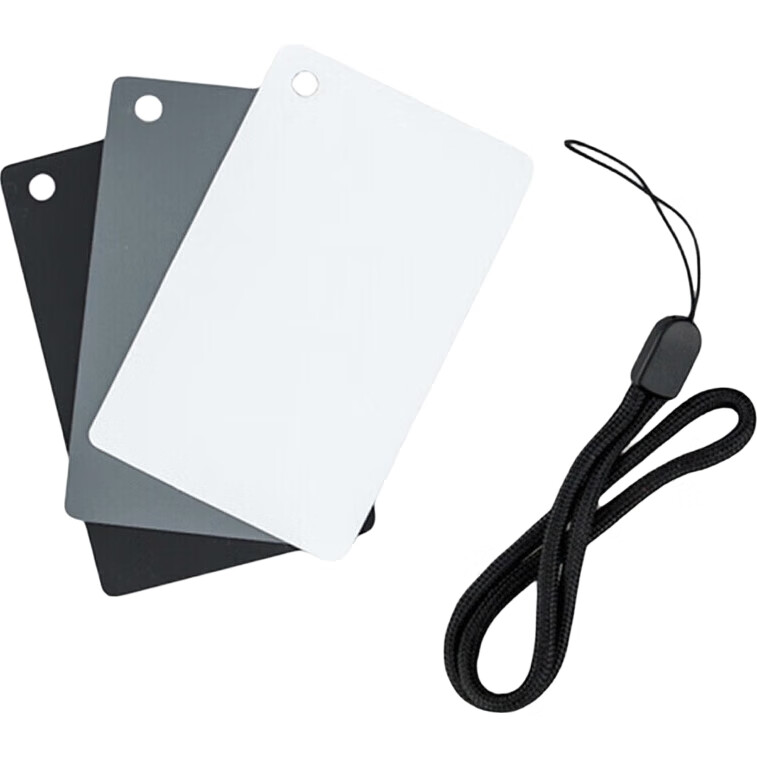
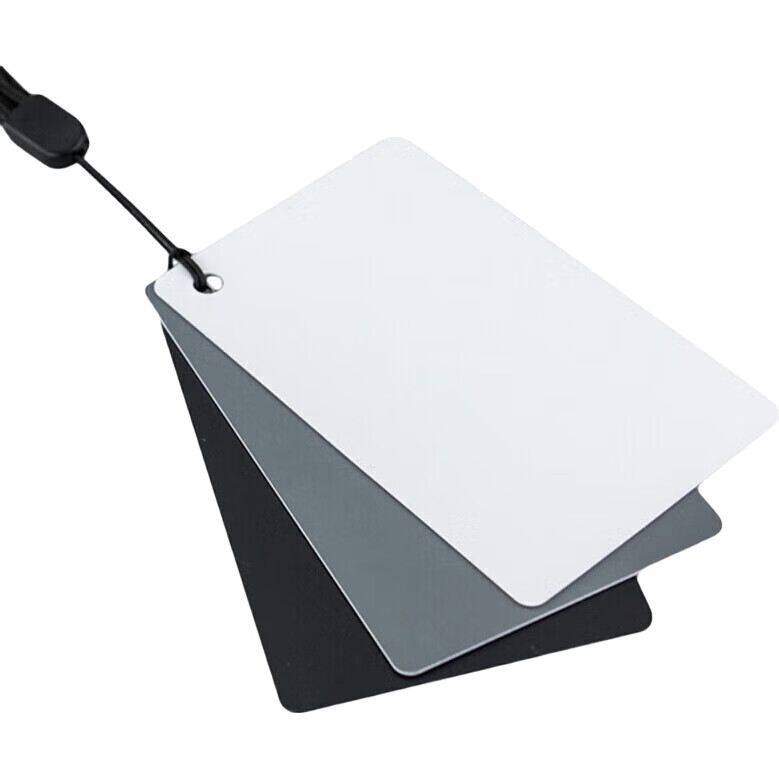
JJC 18% Gray Card, White Balance Card, Photography Gray Card, Black White Gray Tri-Color Neutral Gray Card, Portable Lighting Metering And Color Calibration Card, Small Size 8.5cm×5.4cm
CN¥22.80
SKU: 1038003
Status:In Stock (14)
ID: 1062372
Weight: 40.00 g
Dims:136x89x10 mm
Specifications
- For Use With
- Universal
- Type
- Other
Variants / Sale Attributes
Color: GC-2 Small Size (85x54mm)
Package Contents
JJC GC-3 Grey Card × 1, Portable Neck Strap × 1
Product Description
Product Specifications
Overview
- Brand
- JJC
- Product Name
- Tricolor Portable Card
- Model
- GC-2
- Material
- Eco-friendly PVC
- Size
- 8.5 × 5.4 cm (Hand measurements may have slight errors, please refer to the actual product)
- Configuration
- Includes one gray, one white, and one black card, with a portable strap
Features
Similar Products
In Stock
SUREWObody accessories
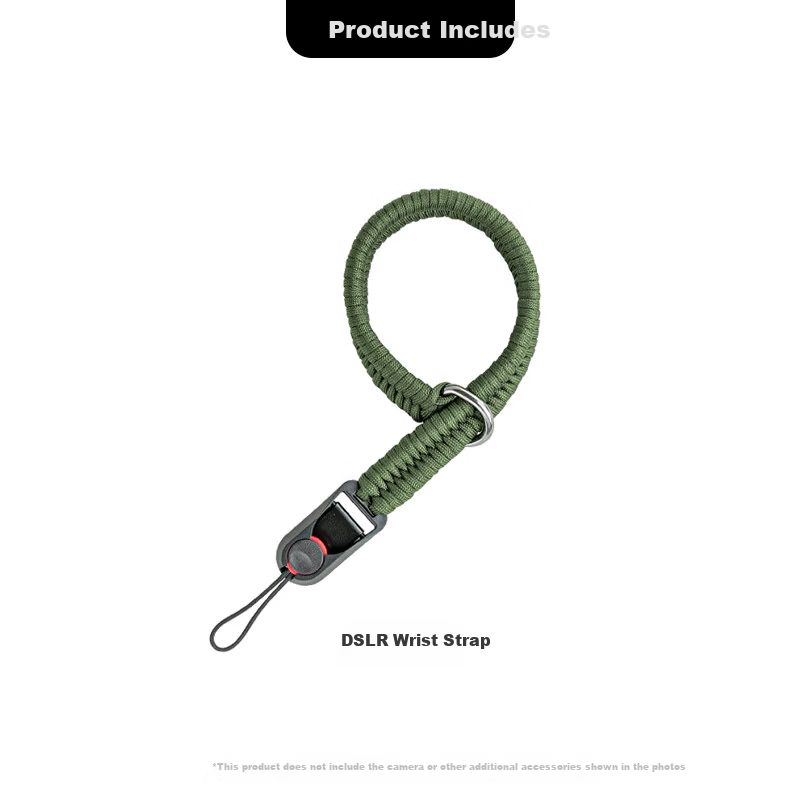
SUREWO Camera Quick Release Wrist Strap Compatible with Canon Sony Nikon Fuji DSLR Handwoven Vintage Anti-Lost Safety Wristband for Mirrorless Cameras
H2 QuickRelease Wristband Deep Green
CN¥49.00
In Stock
PGYTECHbody accessories
PGYTECH Photography Gloves Fleece Lined Warm Gloves Cold Resistant Cycling Skiing Camera Photography Gloves Fingerless Touchscreen Waterproof Winter Outdoor Professional Gloves Size M
Professional Edition M
CN¥269.10