Back to Catalog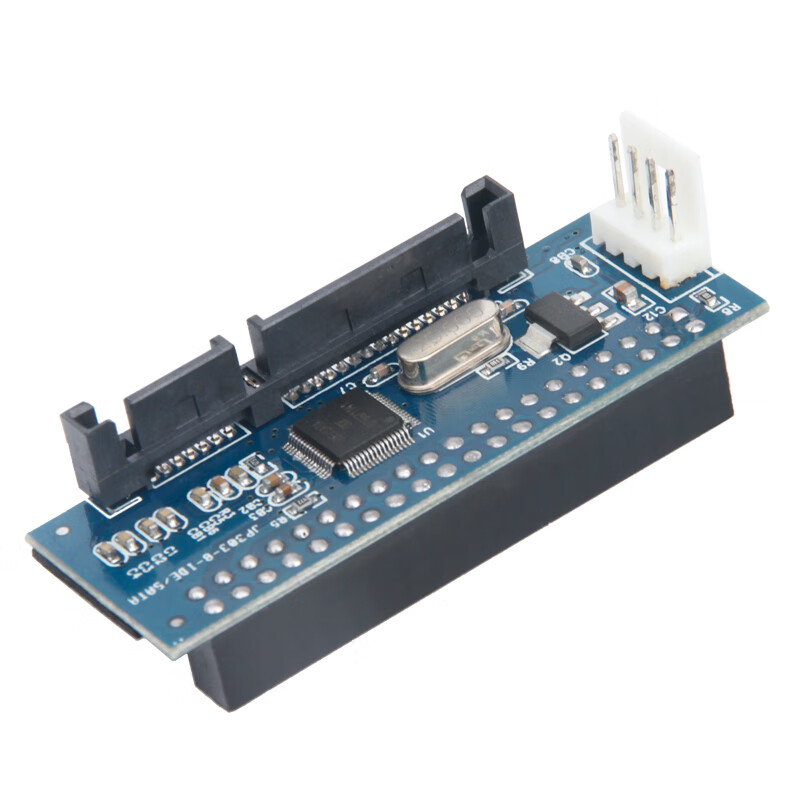
 View
View View
View
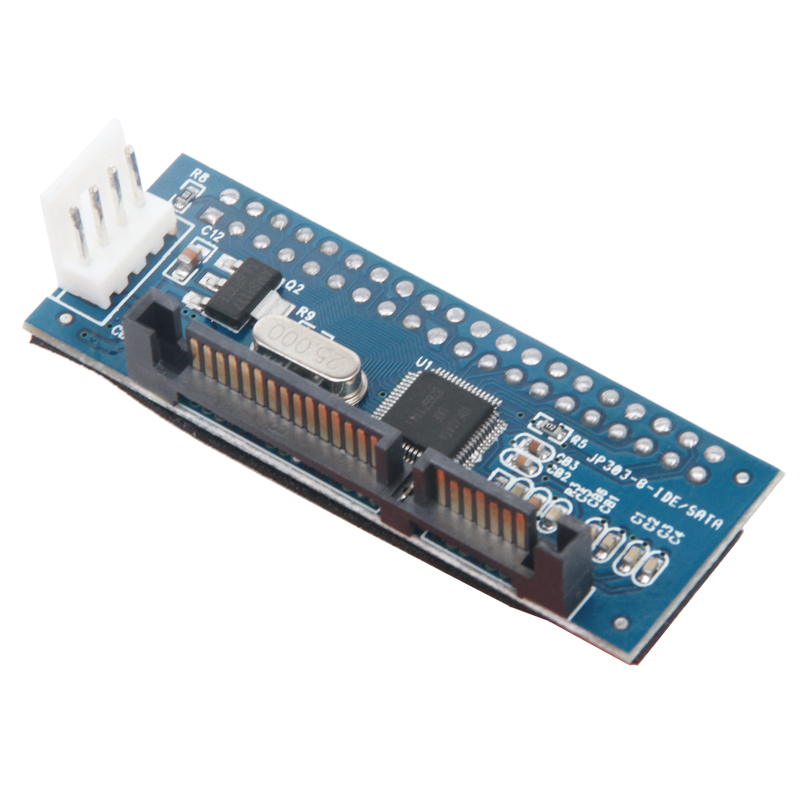
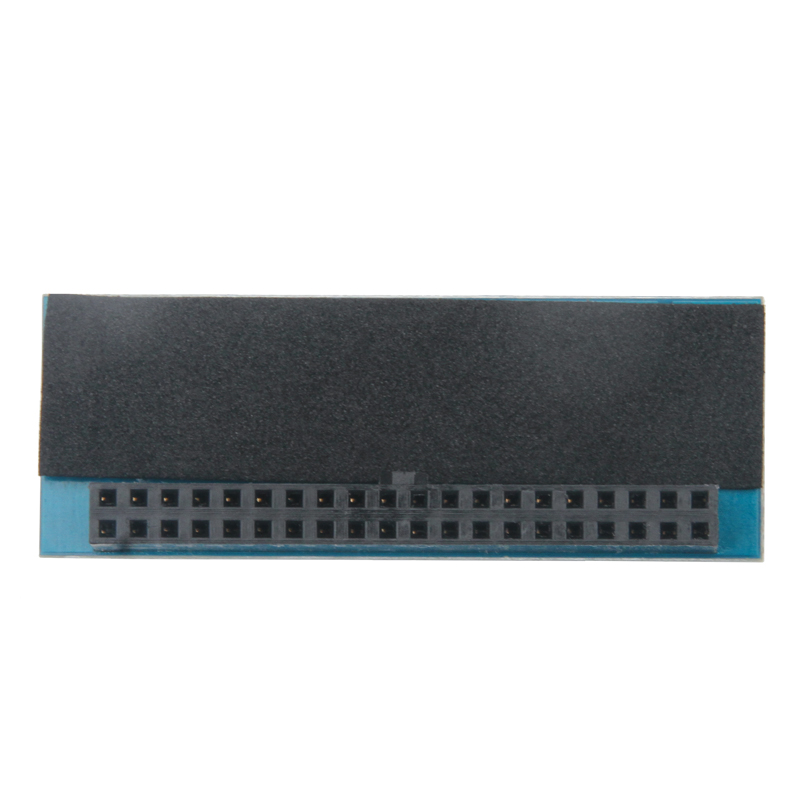
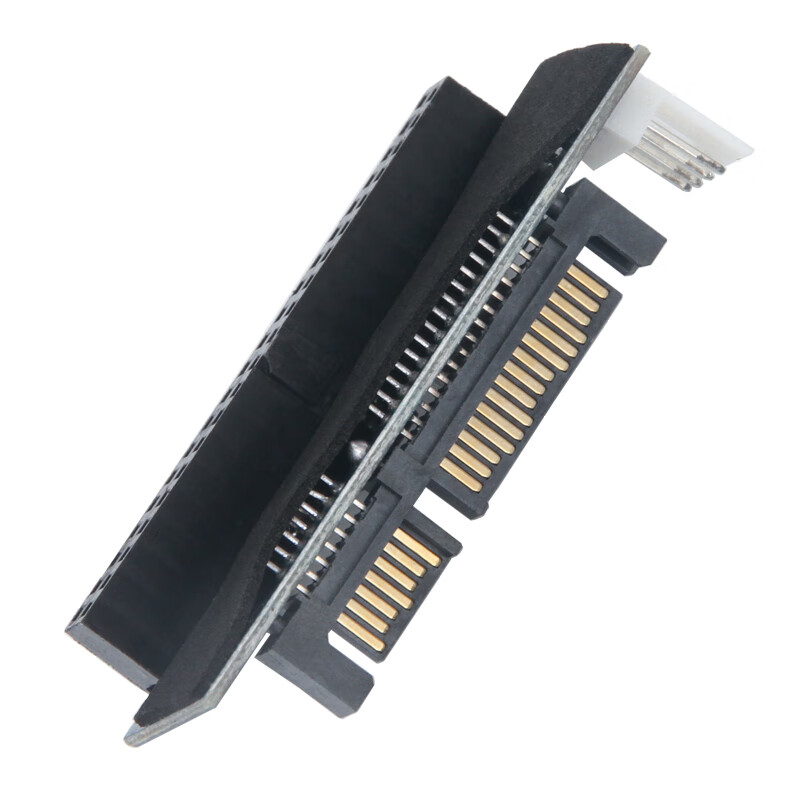
MOGE IDE to SATA 2.0 Adapter Card, MC3150, 3.5 IDE to SATA One-Way Expansion Card
CN¥29.00
SKU: 1113599
Status:In Stock (4)
ID: 1113599
Weight: 60.00 g
Dims:147x128x26 mm
Specifications
- Category
- Expansion card
- Expansion card output
- SATA
- Type
- Built-in
- Interface
- SDI, Express Card, PCI
Variants / Sale Attributes
Type: IDE to SATA One-Way Conversion
Package Contents
MC3150 IDE to SATA expansion card x1, installation manual x1, 4-pin adapter cable x1
Product Description
Overview
- Brand
- MOGE
- Product Name
- IDE to SATA Converter Card
- Compatibility
- Supports desktop IDE interface hard drives and optical drives (or burners)
- Chipset
- M Series
- Compatibility
- IDE optical drives, burners, 3.5-inch hard drives, DVR hard drives
- Interface Compatibility
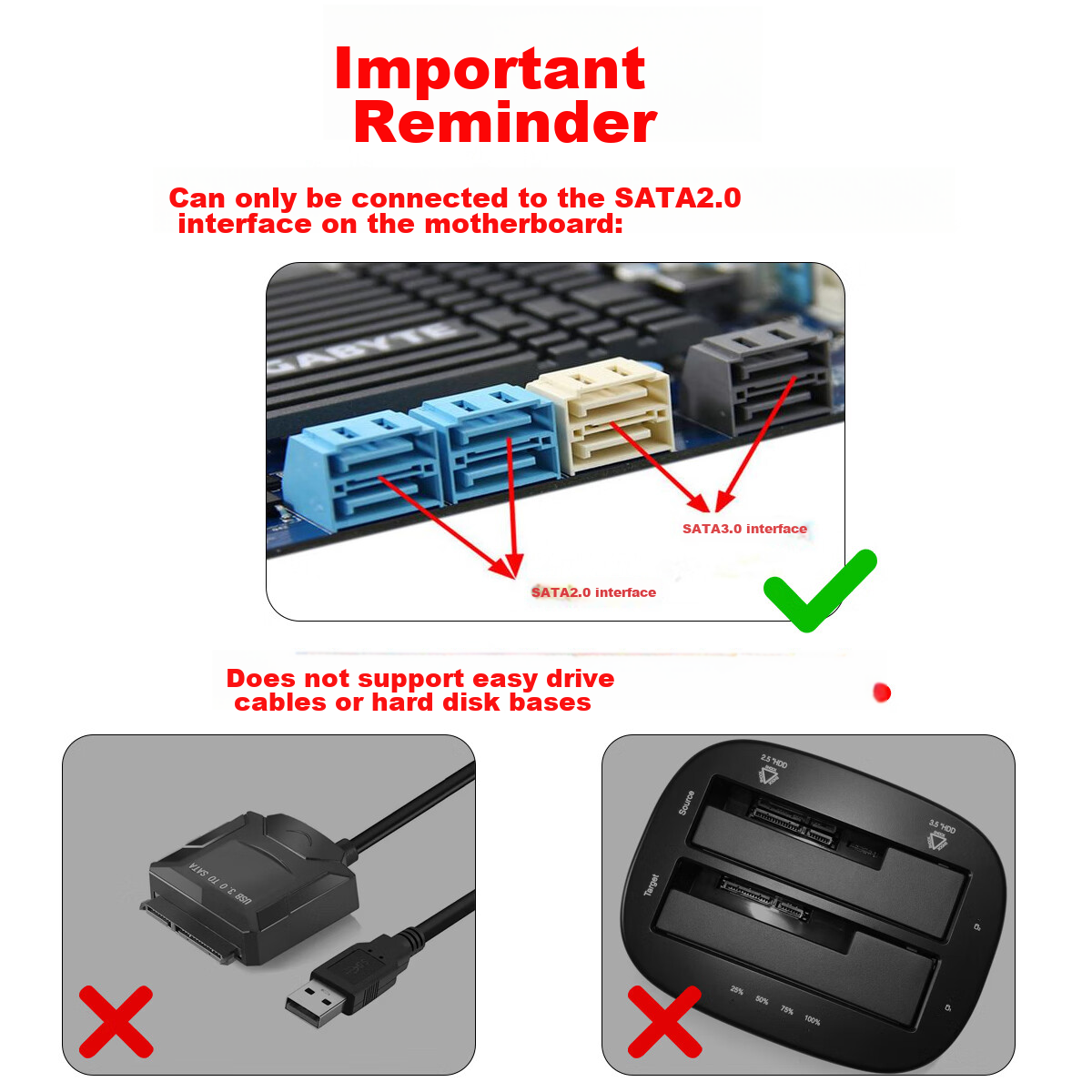
- SATA 1.0, SATA 2.0
- System Compatibility
- Windows XP, Win7, Win8 32-bit, 64-bit
Features
Similar Products
In Stock
MOGESound card / expansion card
MOGE Desktop PCIE to 4-Port SATA 3.0 Hard Drive Expansion Card NAS Synology Hard Drive Card Windows/Linux Plug-And System Boot MC2662
2-Kou ASM Plan
CN¥89.00
In Stock
MOGESound card / expansion card
MOGE Desktop PCIE to 4-Port SATA 3.0 Hard Drive Expansion Card, Marvell 9215 Chip, Supports System Boot MC2692
4-Port SATA 3.0 Optimized Version
CN¥139.00